
Seedance Testimonial Video Generator 2026: Turn Reviews into Customer Story Clips
A testimonial video is one of the most useful marketing assets because it does not begin with a brand claim. It begins with proof. A customer had a problem, tried a product, noticed a useful change, and gave the next buyer a reason to pay attention. The hard part is that most teams collect written reviews, sales notes, support wins, and short customer quotes, but they rarely turn that proof into video. Hiring a customer, filming a formal interview, editing b-roll, clearing the final cut, and adapting the result into ad sizes can take longer than the campaign itself.
Seedance changes that workflow. Instead of waiting for a full production day, marketers can use Seedance as a testimonial video generator for approved customer quotes, product screenshots, case study notes, review snippets, and founder-led proof. The goal is not to fake customers or invent results. The goal is to turn evidence the business already has into short, clear customer story clips that can live on landing pages, pricing pages, product launch posts, paid social tests, and sales enablement decks.
This guide shows how to create testimonial videos with Seedance in 2026 while keeping the workflow credible, repeatable, and safe. You will learn how to choose the right proof, structure a customer story, write prompts that avoid exaggerated claims, build scenes with <a href="/text-to-video">text-to-video</a> and <a href="/image-to-video">image-to-video</a>, and verify the clip before it goes live. If you are comparing Seedance workflows, you can also route the final concept through <a href="/seedance-2-0">Seedance 2.0</a> for stronger motion continuity and cleaner product-focused shots.
What a testimonial video generator should actually do
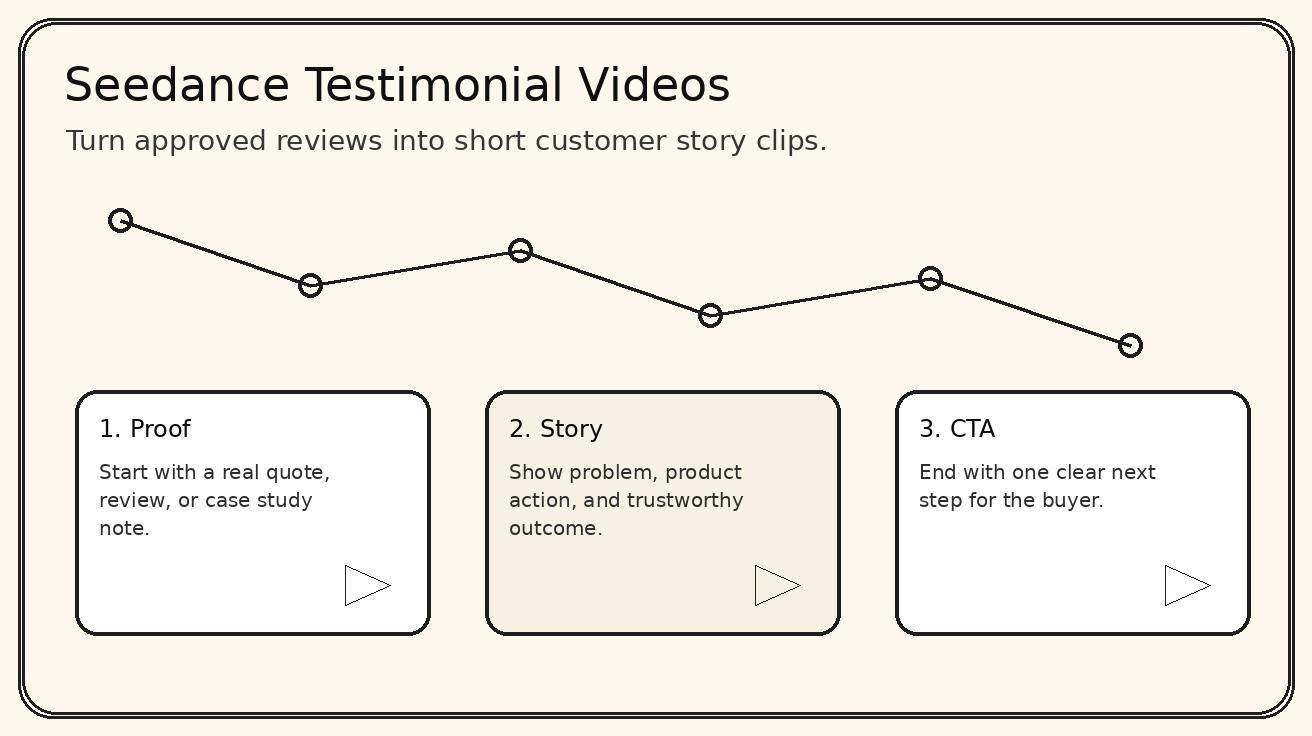
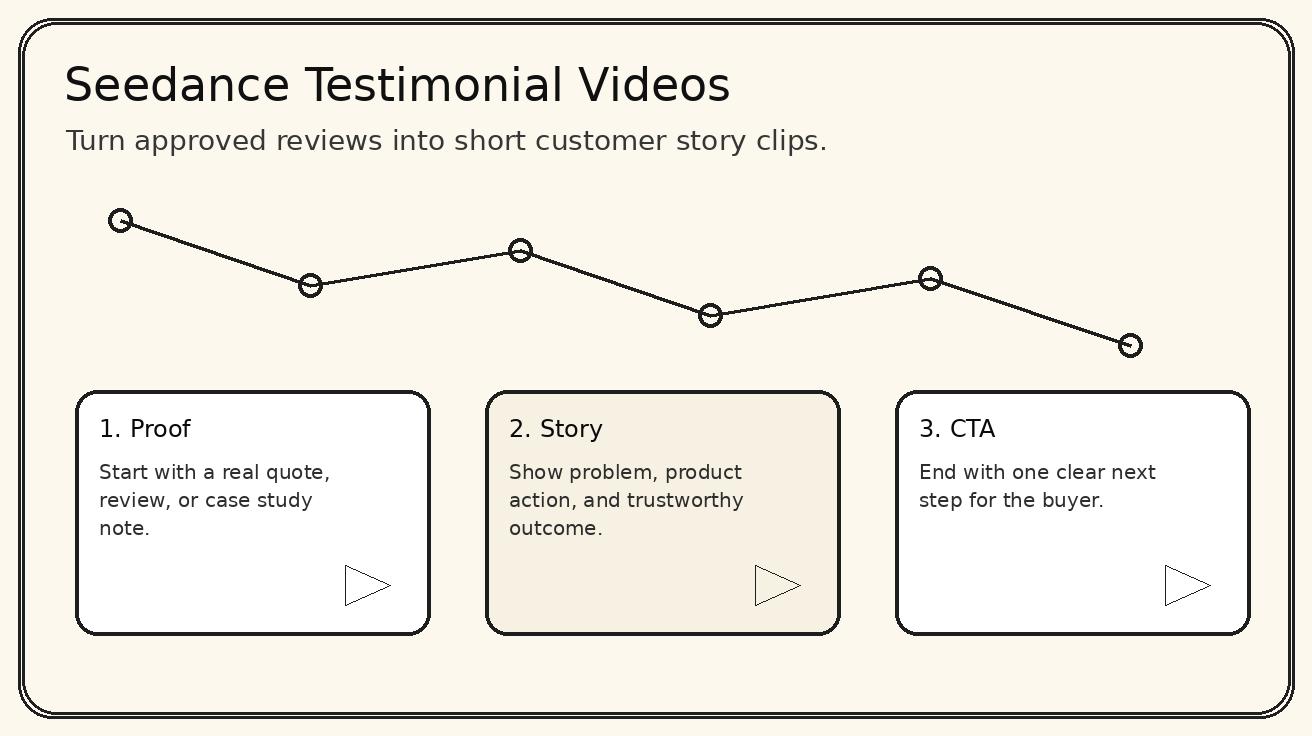
A testimonial video generator should not simply place a quote over stock footage. That style looks fast, but it usually feels generic. A useful generator helps the viewer understand the customer, the problem, the product moment, and the outcome. It should turn a static review into a small narrative. The viewer should be able to answer four questions after watching: who is this for, what pain did they have, what did the product help them do, and what should I try next?
Seedance is useful for this because testimonial clips often need controlled visual storytelling more than cinematic spectacle. A customer quote might be only two sentences, but Seedance can expand it into a sequence: a busy operator looking at a backlog, a product screen that simplifies the task, a short result moment, and a final frame with the customer's exact approved wording. That structure works better than a floating quote because it gives context without making unsupported promises.
The best use cases are practical. A SaaS team can turn a support win into a 20 second onboarding proof clip. An ecommerce team can turn an approved product review into a customer story for a product detail page. A local service brand can turn a short review into a trust-building video for search ads. A B2B founder can turn a case study note into a sales deck opener. In every case, the source proof stays real, while Seedance handles the visual pacing and scene continuity.
Pick proof that can survive scrutiny
Before you write a prompt, choose evidence that you can defend. Good testimonial inputs are specific, approved, and relevant to the page where the video will appear. A short quote like "the setup was fast" is usable, but it becomes stronger when paired with a real context such as "our team needed a launch video before the demo day" or "we wanted product clips without booking a studio." Specific context gives Seedance something concrete to visualize.
Avoid vague praise. Phrases like "best tool ever" or "changed everything" are weak because they sound like advertising, not proof. Also avoid numbers unless they are verified and approved. If the customer did not explicitly approve a percentage, revenue claim, time saving, or performance result, do not place it in the video. A believable testimonial can still be persuasive without risky metrics. It can show friction removed, workflow clarity, faster creative testing, or a cleaner handoff to the next team.
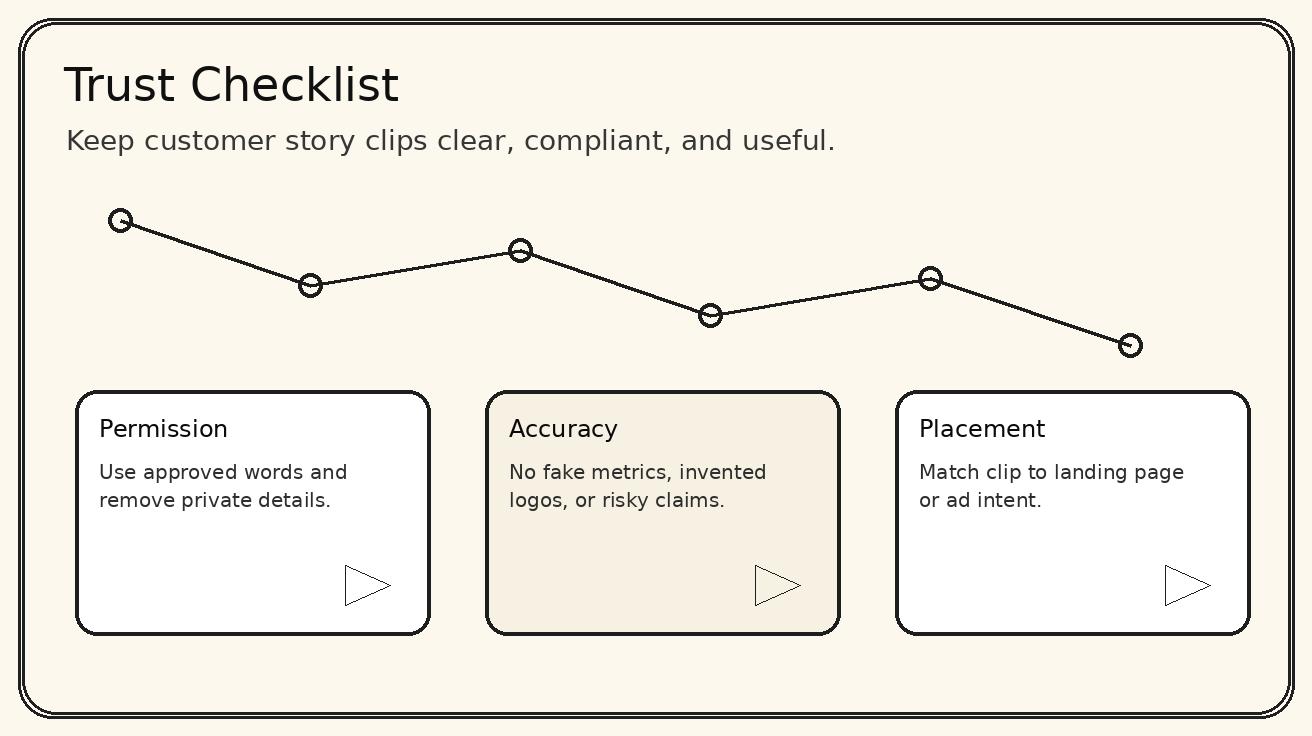
A simple proof checklist works well. First, confirm the quote source and usage permission. Second, identify the customer's role or situation without revealing private details. Third, name the product action that helped. Fourth, decide where the video will live. A homepage proof clip needs broad clarity. A pricing page proof clip should reduce risk. A product page clip should answer a feature objection. A paid social testimonial should make the problem obvious in the first three seconds.
The Seedance testimonial structure
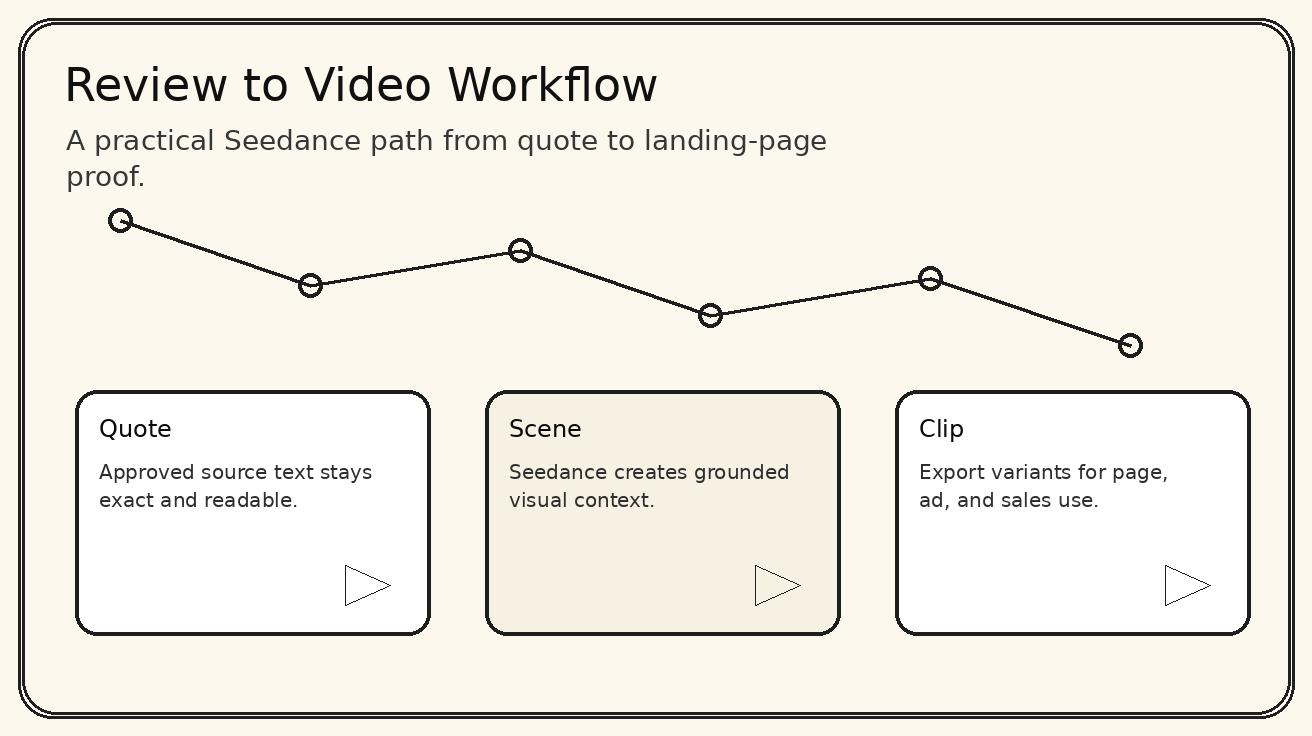
The most reliable Seedance testimonial video structure has five parts: hook, customer situation, product action, proof moment, and CTA. The hook should not say "watch this testimonial." It should name the buyer problem. For example: "Need a launch video without a studio day?" or "Turning reviews into social proof should not take a full edit cycle." The customer situation then gives the viewer a person or team to recognize. The product action shows Seedance, the app, the product, the packaging, or the workflow that solved the problem.
The proof moment is where many AI videos become risky. Keep it grounded. If the quote says the team "saved time," show a cleaner calendar or a faster handoff, not a fake dashboard with made-up numbers. If the review says the product was "easy to use," show a simple before-and-after workflow rather than a dramatic transformation. The CTA should be quiet and specific: "Create your first customer story clip," "Turn one approved review into video," or "Test this on your landing page."
For a 20 second clip, use five scenes of about four seconds each. Scene one introduces the pain. Scene two shows the customer environment. Scene three shows the product or Seedance workflow. Scene four displays the approved quote. Scene five gives the CTA. For a 45 second clip, keep the same structure but add one objection scene and one trust scene. Do not add filler shots just because there is room. Testimonial videos work when every second adds context or credibility.
Prompt template for a Seedance testimonial video
Use a prompt that separates approved facts from creative direction. This helps prevent the model from inventing claims. A practical template looks like this:
Source proof: approved customer quote or review. Customer context: role, industry, or use case. Product moment: what the product helped them do. Visual style: clean modern customer story, realistic office or product environment, readable text overlays, natural camera motion. Compliance rule: do not add unverified numbers, logos, names, medical claims, financial claims, or private information. Output goal: short landing page testimonial clip with a clear CTA.
Here is a Seedance-ready version:
Create a 20 second testimonial-style customer story video for Seedance. The source quote is: "We turned one product screenshot and a short launch note into a polished demo clip before the campaign deadline." Show a small marketing team under time pressure, a clean browser-based AI video workflow, a product screenshot becoming a short video, and a final quote card with the exact approved sentence. Use warm professional lighting, subtle camera movement, crisp readable overlays, no fake metrics, no unapproved customer name, no exaggerated claims. End with the CTA: "Turn one approved review into a customer story clip."
This prompt gives Seedance enough context to create motion while keeping the evidence constrained. If you have a product screenshot, run the prompt through an image-to-video workflow so the visual proof is anchored to a real asset. If you only have text, start with text-to-video and use a clean quote card as the final frame.
Landing page testimonial workflow
For landing pages, the testimonial video should reduce hesitation. The viewer is already evaluating the product, so the clip should answer a practical objection. Common objections include: will this take too long, will the output look generic, can my team use it without a studio, and is the workflow clear enough to test today? Build the video around one objection, not all of them.
A strong landing page clip might open with a messy creative board, show a marketer dropping an approved quote into Seedance, show a product visual becoming a concise video, and close on a quote card. Place the video near the section where the objection appears. If the page section is about speed, use a speed proof. If it is about quality, use a quality proof. If it is about workflow, use a workflow proof. Random testimonials at the bottom of a page rarely fix the moment where the buyer hesitates.
The surrounding copy matters. Add a short caption under the video explaining the source: "Based on an approved launch workflow quote" or "Customer story clip created from a review and product screenshot." This makes the asset transparent. It also helps your team remember which proof was used later, which is important when pages are refreshed and claims are reviewed.
Paid social testimonial workflow
Paid social testimonial videos need faster context. The viewer did not ask for your story, so the first frame must explain the problem. Instead of opening with a logo, open with a buyer pain: "Your best reviews are stuck as text" or "A written quote is not enough for a product launch." Then show the transformation from review to clip. Keep the approved quote visible long enough to read. Use subtitles or text overlays because many feeds autoplay without sound.
Seedance is helpful here because you can create several angles from the same source proof. One version can focus on time saved in the creative process. Another can focus on the product screenshot becoming video. Another can focus on social proof for a product page. The quote remains the same, but the opening frame and CTA change. That is how teams can test messaging without inventing new customer evidence.
For ad compliance, keep claims modest. Do not say "customers convert twice as fast" unless that number is verified. Say "turn approved reviews into short clips" or "create a customer story from one quote and one product visual." Those claims describe the workflow rather than promising an outcome. Safer claims often perform better over time because they match the landing page and reduce distrust.
Sales enablement and founder-led proof
Testimonial videos are not only for ads. Sales teams can use Seedance customer story clips before demos, after discovery calls, or inside follow-up emails. A 30 second clip can make a written case study easier to understand. It can show the buyer's problem, the product action, and the proof quote before the rep asks for the next meeting. The clip should feel like a helpful summary, not a hype reel.
Founder-led teams can also create proof clips when they do not yet have a large library of filmed customers. Use approved written feedback, anonymized use-case notes, or public reviews where licensing allows it. Make the visual story about the workflow and the buyer problem, not about pretending to film a real person. Seedance can show hands, screens, objects, environments, quote cards, and product motion without creating a false interview.
A useful sales clip ends with a next step that matches the conversation. For an early-stage buyer, the CTA might be "See the workflow in two minutes." For a technical buyer, it might be "Review the prompt and source asset." For a budget holder, it might be "Compare production cost against a studio edit." The testimonial should move the conversation forward, not replace the salesperson's judgment.
Quality control before publishing
Every Seedance testimonial video should pass a simple review before it is published. Check the quote first. Is it exact, approved, and still accurate? Check the visuals next. Do they imply a result that the quote does not support? Check the text overlays. Are they readable on mobile? Check brand safety. Are there accidental logos, private data, or customer-like identities that could confuse viewers? Check the CTA. Does it send the viewer to the right page or action?
Also check pacing. A testimonial clip should be calm enough to feel trustworthy. Overly dramatic music, unrealistic facial reactions, or exaggerated transformation scenes can make real proof feel fake. Seedance can create energetic motion, but testimonial content usually benefits from restraint: clean camera moves, grounded environments, product-focused details, and one clear quote card.
If the video will sit on an SEO landing page, make sure the page copy around it explains the proof in text as well. Search engines and users both need context. A video alone is not a strategy. Pair it with a concise paragraph, a transcript or quote, and internal links to the workflow that helps the visitor act. For example, link to your Seedance text-to-video page when the story begins from a written review, and to your image-to-video page when the story begins from a product image.
Common mistakes to avoid
The first mistake is creating a fake customer. Do not do that. Use real approved proof or describe the clip as a scenario, not a testimonial. Trust is the point of the format. If the viewer suspects the evidence is invented, the asset works against you.
The second mistake is trying to say too much. A testimonial video should not explain every feature. It should make one buyer problem feel solvable. If you need to show many features, create a product demo video instead and use the testimonial as one proof scene.
The third mistake is burying the quote. Many teams create beautiful AI footage and then flash the actual customer quote for one second. The quote is the evidence. Give it space. Put the most important sentence on screen, keep it readable, and avoid busy backgrounds.
The fourth mistake is using the same video everywhere. A landing page proof clip, a TikTok ad, a sales follow-up, and a pricing page risk reducer are not the same asset. Seedance makes it practical to adapt the same approved proof into several cuts. Use that flexibility.
A repeatable production checklist
Start with one approved review or customer quote. Write the buyer problem in plain language. Decide the channel: landing page, ad, sales deck, product page, or email. Choose a short structure: hook, situation, product action, proof quote, CTA. Gather one product visual if possible. Write the Seedance prompt with strict claim boundaries. Generate the first cut. Review for factual accuracy and readability. Export the best version. Add the clip to the page or campaign with a caption that explains the source.
After publishing, measure behavior rather than assuming success. On a landing page, check scroll depth, engagement, form starts, and the page's organic query mix. In ads, test the first frame and CTA. In sales, ask reps whether the clip reduces repeated explanations. If a testimonial video does not improve clarity, shorten it or move it closer to the objection it answers.
This is the real advantage of using Seedance for testimonial videos. It lets teams create proof-led video assets without turning every customer story into a production project. The workflow still requires judgment, permission, and review, but the mechanical work of visualizing the story becomes much faster. When the source proof is strong and the prompt is disciplined, a written review can become a useful video asset for search, social, and sales.
FAQ
Can Seedance create testimonial videos from text reviews?
Yes. You can use a written review, customer quote, case study note, or sales call summary as the source, then prompt Seedance to create short customer story scenes with product context and a clear CTA.
What makes a testimonial video trustworthy?
The best testimonial video uses a specific customer problem, a believable before-and-after moment, product proof, and an honest CTA. Avoid unsupported claims, fake numbers, and stock-sounding praise.
How long should a Seedance testimonial clip be?
For ads and social feeds, 15 to 30 seconds is usually easier to test. For landing pages or sales decks, a 45 to 60 second story can work if each scene adds new proof.
Do I need real customer permission before using a review?
Yes. Use approved quotes, respect privacy rules, and remove private details unless you have explicit permission. AI video should amplify approved proof, not invent customer evidence.
Which Seedance workflow is best for testimonial videos?
Start with text-to-video for the narrative structure, then use image-to-video when you have a product screenshot, packaging shot, app screen, or approved customer visual that should anchor the scene.
Can testimonial videos support SEO pages?
Yes. A short customer story can improve landing page clarity and engagement when it matches the page intent, includes concise surrounding copy, and points users to the next action.
<script type="application/ld+json"> {"@context": "https://schema.org", "@type": "FAQPage", "mainEntity": [{"@type": "Question", "name": "Can Seedance create testimonial videos from text reviews?", "acceptedAnswer": {"@type": "Answer", "text": "Yes. You can use a written review, customer quote, case study note, or sales call summary as the source, then prompt Seedance to create short customer story scenes with product context and a clear CTA."}}, {"@type": "Question", "name": "What makes a testimonial video trustworthy?", "acceptedAnswer": {"@type": "Answer", "text": "The best testimonial video uses a specific customer problem, a believable before-and-after moment, product proof, and an honest CTA. Avoid unsupported claims, fake numbers, and stock-sounding praise."}}, {"@type": "Question", "name": "How long should a Seedance testimonial clip be?", "acceptedAnswer": {"@type": "Answer", "text": "For ads and social feeds, 15 to 30 seconds is usually easier to test. For landing pages or sales decks, a 45 to 60 second story can work if each scene adds new proof."}}, {"@type": "Question", "name": "Do I need real customer permission before using a review?", "acceptedAnswer": {"@type": "Answer", "text": "Yes. Use approved quotes, respect privacy rules, and remove private details unless you have explicit permission. AI video should amplify approved proof, not invent customer evidence."}}, {"@type": "Question", "name": "Which Seedance workflow is best for testimonial videos?", "acceptedAnswer": {"@type": "Answer", "text": "Start with text-to-video for the narrative structure, then use image-to-video when you have a product screenshot, packaging shot, app screen, or approved customer visual that should anchor the scene."}}, {"@type": "Question", "name": "Can testimonial videos support SEO pages?", "acceptedAnswer": {"@type": "Answer", "text": "Yes. A short customer story can improve landing page clarity and engagement when it matches the page intent, includes concise surrounding copy, and points users to the next action."}}]} </script>
Ready to create your own AI video?
Turn ideas, text prompts, and images into polished videos with Seedance. If this article helped, the fastest next step is to try the product.
Free credits on signup. Plans from $28/month.
Related Articles
More posts in the same locale you may want to read next.

Seedance App Preview Video Generator 2026: Create App Store and Product Launch Clips
Use Seedance to turn app screenshots, feature copy, and launch goals into App Store previews, Google Play promo videos, and product launch clips.
Read article
How to Keep Product Shape Consistent in AI Video Ads
Lock product geometry, packaging, labels, references, camera angles, and approval checks so AI video ads preserve the real SKU across every shot.
Read article
How to Make AI Video Follow a Multi-Step Action
Plan atomic actions, state transitions, timing, continuity, and shot handoffs so an AI video completes a sequence in the intended order.
Read article