
Seedance Instagram Reels Generator 2026: Turn Product Shots into Short Clips
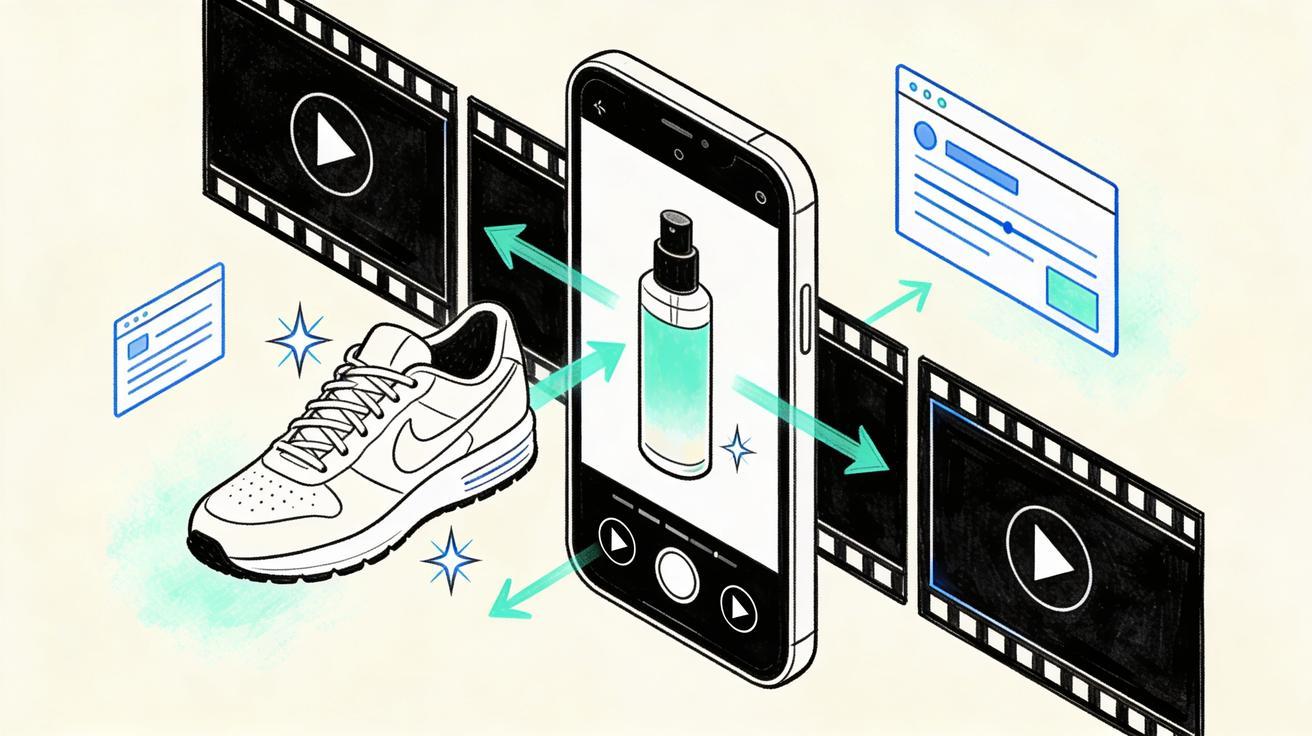
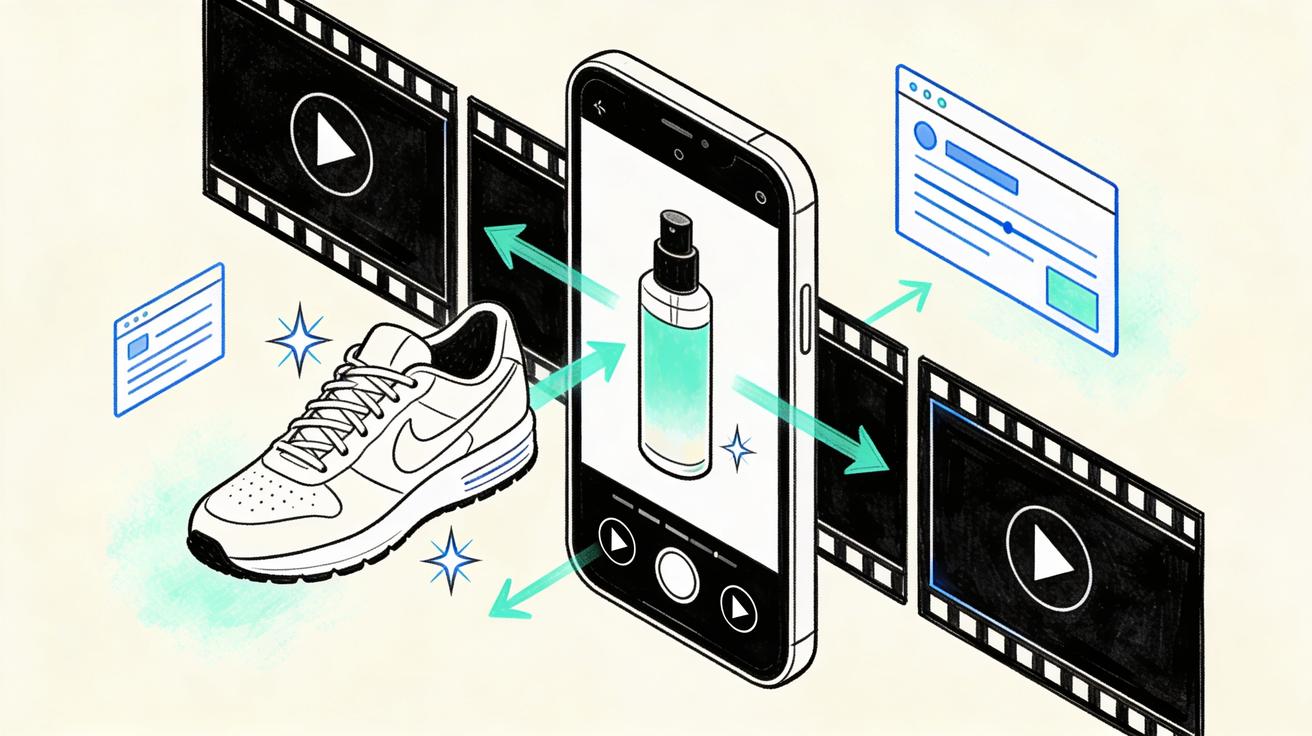
Instagram Reels has become a product discovery channel, not just an entertainment feed. Shoppers now meet new skincare formulas, shoes, home gadgets, creator tools, travel accessories, restaurant dishes, and software features inside short vertical clips before they ever open a product page. That change creates a simple but painful production problem for small teams: they already have product shots, lifestyle photos, screenshots, and brand assets, but they do not have enough edited videos to test every hook, angle, and audience.
Seedance is useful for this exact gap. A Seedance Instagram Reels workflow turns a product shot into a short clip with controlled motion, a clear visual promise, and an editable structure for social publishing. Instead of scheduling a full shoot every time the marketing team needs a new Reel, you can start with one strong product image, describe the scene, define the camera movement, and generate a vertical video concept that is ready for review, captions, and distribution.
This guide explains how to use Seedance for Instagram Reels in 2026 with a practical, product-first system. The goal is not to chase random viral effects. The goal is to build a repeatable Reels engine: clean input assets, prompts that protect product accuracy, short clips that communicate one benefit, and a review process that keeps the final output safe for paid and organic social.
Why product teams need a Seedance Instagram Reels workflow
The hardest part of Reels production is not always the edit. It is the repeated need for new visual variations. A brand may need one Reel for a new collection, another for a seasonal bundle, another for retargeting, another for a founder-led launch, another for a customer objection, and another for a different aspect ratio or market. If every version requires a camera crew, a creator brief, a studio slot, and a manual edit, the team naturally publishes less often than the channel demands.
Seedance helps by moving the first creative pass closer to the asset library. Product teams can upload a pack shot, describe the desired motion, and ask for a short scene that keeps the product central. Ecommerce teams can turn hero images into product reveals. SaaS teams can transform interface screenshots into feature teasers. Agencies can build fast concept boards before asking a client to approve a shoot. Creators can use Seedance to convert a still thumbnail, mood board, or product flat lay into a moving intro for a Reel.
A Seedance Instagram Reels workflow is especially helpful when you need:
- More video variants from the same product photo without reshooting.
- Short hooks for organic Reels, TikTok, YouTube Shorts, Pinterest, and paid social.
- Product-safe motion that does not invent unsupported claims.
- A clear prompt framework that junior marketers can reuse.
- Fast concept testing before spending budget on a larger production.
The key is to treat Seedance as a structured creative assistant, not a magic button. Better inputs produce better Reels. Stronger prompts reduce hallucinated details. A consistent review checklist keeps the output usable for real campaigns.
What makes Seedance different for Instagram Reels
Many AI video tools can create short clips, but Reels for product marketing have stricter needs than abstract cinematic demos. The product must remain recognizable. The scene must match the brand promise. Motion should add clarity rather than distract. A Reel also has to work silently because many viewers watch with low volume or captions. Seedance fits this use case when teams give it clear visual references and ask for disciplined, platform-specific movement.
For Reels, Seedance is strongest when the prompt includes four controls: the product reference, the camera path, the scene duration, and the marketing purpose. For example, a generic prompt such as "make this product look exciting" can create a pretty but unfocused clip. A better Seedance prompt says: "Use the provided bottle as the hero product. Create a 9:16 vertical Reel. Start with a close-up of the label, slowly pull back to a bathroom shelf, add soft morning light, keep the packaging unchanged, and end with space at the bottom for a short caption." That level of instruction gives the model fewer reasons to invent and more reasons to produce a usable marketing asset.
Seedance also works well as part of a larger content system. You can use Seedance image to video to animate a still product shot, use Seedance text to video for concept clips that do not require a reference image, and compare longer campaign ideas on Seedance 2.0 when you need more polished visual storytelling. For Reels, most teams should start with image-to-video because it anchors the product and reduces accuracy risk.
The best inputs for Seedance Reels
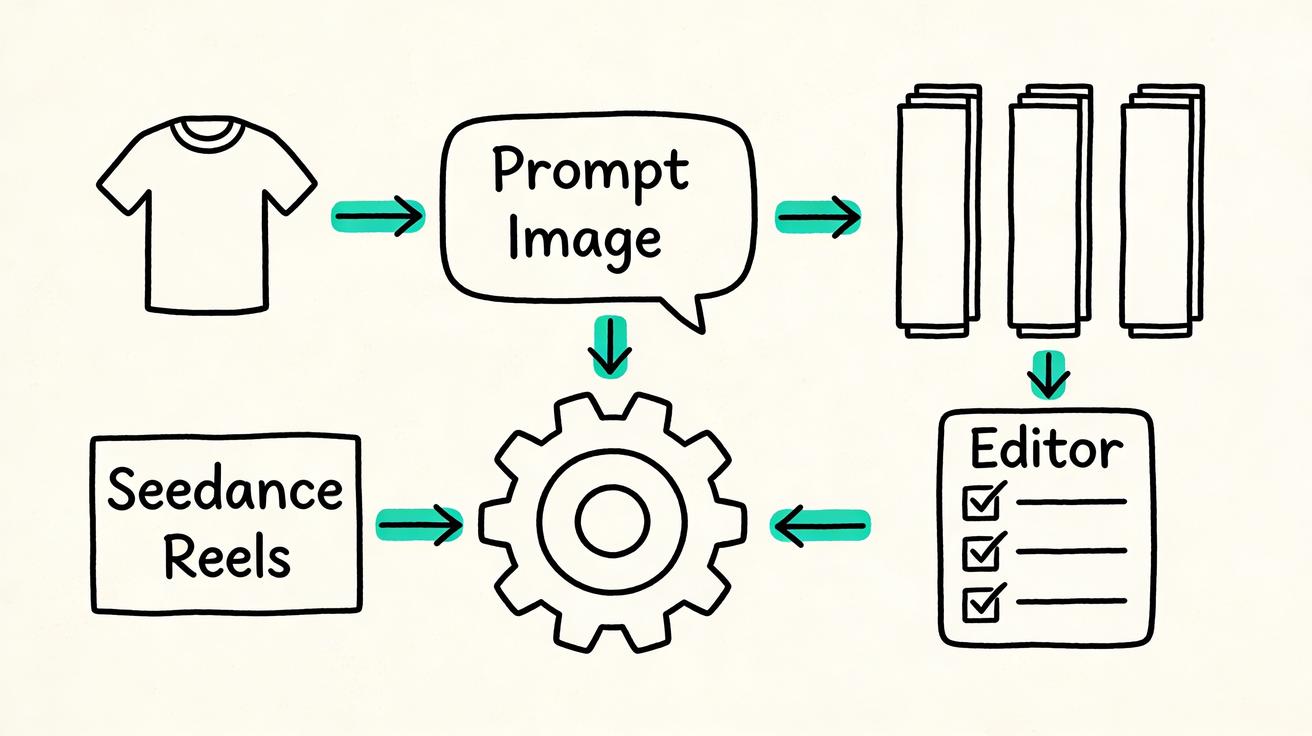
Seedance can only build from the information you give it. Before writing prompts, collect product assets that are clean, specific, and easy to interpret. A single blurry photo on a busy background will usually produce less reliable motion than a sharp product shot with good lighting and visible edges.
1. Use a clean product hero image
Start with the image that represents the product most accurately. For ecommerce, this may be a front-facing pack shot, a lifestyle hero image, a flat lay, or a photo of the product in use. For SaaS, it may be a dashboard screenshot, feature panel, template preview, or app screen. For restaurants, it may be a plated dish, menu photo, or close-up ingredient image.
The product should be large enough that Seedance can understand its shape. Avoid tiny products inside cluttered collages. Avoid distorted angles if the logo or label matters. Avoid screenshots with sensitive customer data. The cleaner the reference, the easier it is to create a Reel that looks intentional.
2. Prepare one message per Reel
A strong Reel usually sells one idea. It may show texture, speed, transformation, portability, freshness, durability, comfort, or a before-and-after workflow. Trying to communicate every product benefit in one short clip makes the video feel noisy. Decide the single promise before prompting Seedance.
For example, a skincare brand might create separate Seedance Reels for "lightweight texture," "travel-ready packaging," and "morning routine." A Shopify store might create one Reel for "unboxing," one for "gift bundle," and one for "desk setup." A SaaS team might create one Reel for "generate a video from a product shot" and another for "turn a screenshot into a launch teaser." Each clip becomes easier to judge because it has a clear job.
3. Decide the output format early
Most Reels should be vertical 9:16, with the subject centered enough to survive interface overlays. Leave safe space for captions near the top and bottom. If you plan to reuse the clip on TikTok or YouTube Shorts, keep important visual details away from the corners. If the product label is essential, ask Seedance for a slow move rather than a chaotic spin.
A good Seedance prompt should specify vertical framing, duration, camera movement, and caption space. This reduces the amount of editing needed after generation.
A practical Seedance prompt framework for Instagram Reels
The fastest way to get reliable outputs is to use a repeatable prompt formula. Here is a simple framework for product teams:
Reference: what asset Seedance should preserve.
Scene: where the product appears and what mood the viewer should feel.
Camera movement: how the shot moves over time.
Benefit: what single message the Reel supports.
Constraints: what Seedance must not change or invent.
Editing space: where captions, CTA text, or subtitles will sit later.
A complete prompt might look like this:
Use the uploaded product photo as the exact hero item. Create a 9:16 Instagram Reel clip for a modern ecommerce brand. Start with a close-up of the product on a clean desk, then use a slow push-in with soft natural light and subtle background movement. The message is fast setup for busy creators. Keep the product shape, color, packaging, and logo unchanged. Do not invent awards, fake reviews, medical claims, or extra accessories. Leave clean space in the upper third for a caption and keep the final frame stable for a call to action.
That prompt gives Seedance a scene and a safety boundary. It also makes the video easier to edit because the caption area is planned before generation.
Prompt templates by Reel type
Product reveal Reel
Use the uploaded product image as the exact hero product. Create a vertical 9:16 Reel that begins with a tight detail shot, slowly pulls back to reveal the full product, and ends with the product centered on a clean background. Use premium ecommerce lighting, smooth motion, and minimal background distractions. Keep all product details accurate. Leave space at the bottom for a short CTA.
Problem-solution Reel
Use the uploaded image as the exact product reference. Create a short vertical Reel that shows the product entering a simple real-life scene where the viewer has a common problem. The mood should be helpful, not exaggerated. Use a gentle camera move and keep the product visible. Do not show impossible results or unsupported claims. Leave caption space at the top.
Feature teaser Reel
Use the uploaded screenshot or product photo as the reference. Create a 9:16 short clip that highlights one feature with clean motion, subtle UI-style accents, and a stable final frame. The message is [insert one feature benefit]. Keep interface details believable and avoid fake data. Leave room for on-screen text.
Bundle or collection Reel
Use the uploaded product group image as the reference. Create a vertical Reel that moves across the bundle in a clean left-to-right reveal. Emphasize variety, texture, and neat arrangement. Keep each item recognizable. Do not add products that are not in the reference image. End on a balanced group shot with CTA space.
Step-by-step: create an Instagram Reel with Seedance
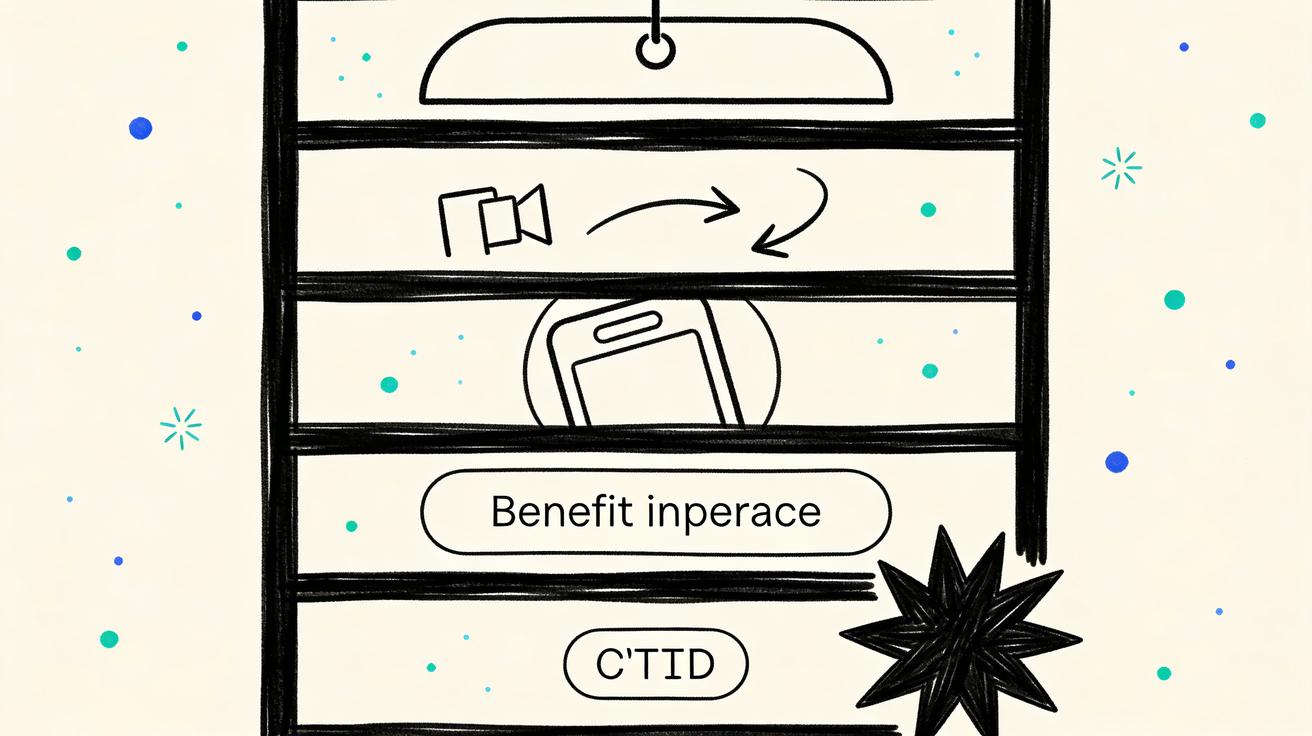
Step 1: Choose the asset and the goal
Pick one product image and one Reel objective. Do not start with "make something viral." Start with a marketing job: introduce a new product, show one benefit, remind visitors about an abandoned cart, explain a feature, or announce a limited-time bundle. The objective determines the prompt, the caption, and the CTA.
If you are working from a product catalog, choose the SKU with the clearest visual hook first. A visually distinct product usually gives Seedance more to work with than a plain item on a white background. If the product is simple, add scene direction in the prompt, such as a desk setup, travel pouch, kitchen counter, bathroom shelf, gym bag, or creator studio.
Step 2: Open Seedance image-to-video
Use Seedance image to video when the product must remain accurate. Upload the product shot, then write a prompt that defines the scene, motion, and constraints. For concept-only Reels, you can also test Seedance text to video, but product marketers should usually anchor the generation with a real image.
Keep the first generation simple. Ask for a clean reveal, slow push-in, or gentle pan before testing more complex motion. A slow move is often better for paid social because it preserves product recognition and gives the viewer time to understand the offer.
Step 3: Generate three controlled variants
One output is not a test. Generate at least three Seedance variants from the same product image:
- A clean product reveal for cold audiences.
- A benefit-led scene for interested shoppers.
- A retargeting clip with a stable end frame for a CTA.
This gives the team different creative angles without changing the product asset. You can compare which variant has the clearest hook, which preserves product details best, and which leaves the most useful space for captions.
Step 4: Review before editing
Before adding music, captions, or stickers, review the raw Seedance clip. Check whether the product shape changed, whether the label stayed readable, whether the motion is smooth, whether the scene matches the brand, and whether the final frame gives the editor a clean CTA moment. Reject any clip that invents unsafe claims, changes important packaging details, or shows a use case you cannot support.
This review step matters because Instagram Reels move quickly, but brand trust moves slowly. A single inaccurate product video can confuse customers or create compliance problems. Seedance should speed up production, not remove human judgment.
Step 5: Add captions, audio, and CTA
After choosing the best clip, add a short caption hook in the first second. Keep it concrete: "Turn one product shot into a launch Reel," "New color, same best-selling fit," or "Three ways to use this travel pouch." Add subtitles if there is voiceover. Use brand-safe music or licensed audio. End with a simple CTA such as "Shop the drop," "Try Seedance," "Save this workflow," or "See the full demo."
For a Seedance product workflow, the final Reel should feel like a polished social asset, not a raw AI output. The generation creates motion; editing creates clarity.
Reels ideas you can build with Seedance
Seedance works across several product marketing scenarios. Here are practical ideas that can become a repeatable content calendar.
Ecommerce product Reels
Turn a product shot into a clean reveal, an unboxing moment, a lifestyle shelf scene, a bundle preview, or a seasonal campaign teaser. The best ecommerce Seedance Reels keep the product visible and avoid overpromising. Use them for product pages, Instagram Reels, paid social, email headers, and retargeting.
Fashion and accessory Reels
Use Seedance to create movement around bags, shoes, sunglasses, watches, jewelry, and apparel details. Ask for fabric texture, slow camera moves, close-up detail shots, and clean styling. Do not ask the model to invent a full human try-on if fit accuracy is critical. For high-stakes fashion campaigns, use Seedance for concept testing and support it with real footage.
Beauty and skincare Reels
Beauty brands can use Seedance for packaging reveals, routine scenes, shelf visuals, and ingredient mood clips. Keep claims conservative. Avoid medical language, before-and-after promises, or unrealistic skin transformations unless they are legally supported and reviewed. The safest Seedance beauty Reels focus on texture, ritual, packaging, and routine context.
SaaS and app Reels
Seedance is also useful for software teams. Start with a dashboard screenshot, template preview, or landing page hero image. Ask for a vertical clip that shows the interface in motion, highlights one workflow, and leaves room for explanatory captions. Avoid fake customer data and exaggerated analytics claims. Link the finished Reel to a product tutorial, demo page, or Seedance 2.0 comparison if you are educating users about AI video generation.
Creator and agency Reels
Creators can use Seedance to turn thumbnails, mood boards, and product photos into intro clips. Agencies can create fast visual directions before a client approves production. This is especially valuable for proposal decks because Seedance can show motion concepts earlier than a traditional edit.
Quality checklist before posting Seedance Reels
A short review checklist keeps the workflow reliable:
- Is the product still accurate in shape, color, label, and proportions?
- Does the Reel support one clear benefit instead of several competing messages?
- Is the first second visually understandable without sound?
- Is the motion smooth enough for organic and paid placements?
- Are captions readable inside Instagram safe zones?
- Does the clip avoid fake reviews, awards, guarantees, medical claims, or celebrity likenesses?
- Is the final frame stable enough for a CTA?
- Does the caption disclose important context and avoid overclaiming?
- Is the asset consistent with the product page and brand guidelines?
If the answer is no, revise the prompt or generate a new variant. It is better to publish fewer accurate Reels than to flood the account with confusing clips.
Measuring Seedance Instagram Reels performance
Do not judge Seedance outputs by whether they look impressive in isolation. Judge them by whether they improve the Reels production system. Track hook retention, average watch time, saves, profile visits, product page clicks, add-to-cart rate, and paid creative cost per result. For organic Reels, compare the first three seconds and completion rate. For paid Reels, compare thumb-stop rate, click-through rate, and post-click behavior.
The most useful test is angle-based. Generate several Seedance Reels from one product shot, but change the message: product reveal, problem-solution, feature demo, bundle reminder, and customer objection. If one angle consistently performs better, create more variations around that angle. This turns Seedance into a learning loop rather than a one-time content tool.
Common mistakes to avoid
The first mistake is asking Seedance for too much. A 10-second Reel cannot explain an entire product line, a full founder story, and a discount campaign at the same time. Keep the clip narrow.
The second mistake is ignoring product fidelity. If Seedance changes a logo, label, package color, or physical feature, do not publish the clip as a product ad. Regenerate with stricter constraints or use a simpler camera move.
The third mistake is leaving no room for captions. Reels need text overlays, but AI-generated scenes can become too busy. Ask for clean negative space before generation.
The fourth mistake is using the same prompt for every SKU. Different products need different scenes. A kitchen tool, SaaS dashboard, sneaker, and skincare bottle should not share the same visual direction.
The fifth mistake is treating AI video as a replacement for strategy. Seedance can create motion quickly, but the marketing team still needs positioning, offers, captions, targeting, and measurement.
Final recommendation
For 2026, the best way to use a Seedance Instagram Reels generator is to build a repeatable product-shot-to-short-clip workflow. Start with a clean product image, define one message, prompt for vertical motion, generate three variants, review for accuracy, then edit captions and CTA before posting. This process gives small teams more creative coverage without forcing every Reel through a full shoot.
Seedance is not just a way to make videos faster. Used carefully, it becomes a content testing layer between static product assets and polished campaign videos. You can learn which hooks deserve more budget, which products need better visuals, and which messages actually move viewers from a Reel to a product page.
If you want to build this workflow now, start with Seedance image to video for product shots, use Seedance text to video for concept clips, and explore Seedance 2.0 when you need more advanced campaign storytelling.
FAQ
Can Seedance create Instagram Reels from one product photo?
Yes. Seedance can turn one clean product photo into a short vertical Reel when the prompt defines the scene, camera movement, product accuracy rules, and caption space. For best results, use a sharp hero image and ask for simple motion first.
Is Seedance better for organic Reels or paid Reels?
Seedance can support both, but the review standard should be stricter for paid Reels. Organic posts can test hooks quickly, while paid placements require careful checks for product fidelity, claims, captions, and landing page consistency.
What is the safest prompt for Seedance Instagram Reels?
The safest prompt tells Seedance to preserve the uploaded product exactly, create a 9:16 vertical clip, use one simple camera move, support one benefit, avoid fake claims, and leave space for captions or CTA text.
Can I use Seedance for ecommerce product videos?
Yes. Seedance is useful for ecommerce product reveals, bundle previews, lifestyle scenes, retargeting clips, and product page loops. It works best when paired with real product photography and a human review checklist.
How many Seedance Reels should I generate for one product?
Start with three variants: a clean product reveal, a benefit-led scene, and a retargeting CTA clip. This gives enough creative range to compare hooks without overwhelming the review process.
Does Seedance replace filming Reels with creators?
No. Seedance is best used as a fast motion and concept layer. Creator footage, founder videos, real demos, and customer stories still matter. Seedance helps teams test more product angles before deciding which ideas deserve full production.
<script type="application/ld+json"> { "@context": "https://schema.org", "@type": "FAQPage", "mainEntity": [ {"@type":"Question","name":"Can Seedance create Instagram Reels from one product photo?","acceptedAnswer":{"@type":"Answer","text":"Yes. Seedance can turn one clean product photo into a short vertical Reel when the prompt defines the scene, camera movement, product accuracy rules, and caption space."}}, {"@type":"Question","name":"Is Seedance better for organic Reels or paid Reels?","acceptedAnswer":{"@type":"Answer","text":"Seedance can support both, but paid Reels require stricter review for product fidelity, claims, captions, landing page consistency, and brand safety."}}, {"@type":"Question","name":"What is the safest prompt for Seedance Instagram Reels?","acceptedAnswer":{"@type":"Answer","text":"Tell Seedance to preserve the uploaded product exactly, create a 9:16 vertical clip, use one simple camera move, support one benefit, avoid fake claims, and leave caption space."}}, {"@type":"Question","name":"Can I use Seedance for ecommerce product videos?","acceptedAnswer":{"@type":"Answer","text":"Yes. Seedance is useful for ecommerce product reveals, bundle previews, lifestyle scenes, retargeting clips, and product page loops when paired with real product photography."}}, {"@type":"Question","name":"How many Seedance Reels should I generate for one product?","acceptedAnswer":{"@type":"Answer","text":"Start with three variants: a clean product reveal, a benefit-led scene, and a retargeting CTA clip. Compare hooks before scaling production."}}, {"@type":"Question","name":"Does Seedance replace filming Reels with creators?","acceptedAnswer":{"@type":"Answer","text":"No. Seedance is best used as a fast motion and concept layer. Creator footage, founder videos, real demos, and customer stories still matter."}} ] } </script>
Ready to create your own AI video?
Turn ideas, text prompts, and images into polished videos with Seedance. If this article helped, the fastest next step is to try the product.
Free credits on signup. Plans from $28/month.
Related Articles
More posts in the same locale you may want to read next.

Seedance App Preview Video Generator 2026: Create App Store and Product Launch Clips
Use Seedance to turn app screenshots, feature copy, and launch goals into App Store previews, Google Play promo videos, and product launch clips.
Read article
How to Keep Product Shape Consistent in AI Video Ads
Lock product geometry, packaging, labels, references, camera angles, and approval checks so AI video ads preserve the real SKU across every shot.
Read article
How to Make AI Video Follow a Multi-Step Action
Plan atomic actions, state transitions, timing, continuity, and shot handoffs so an AI video completes a sequence in the intended order.
Read article