
Seedream vs Seedance: What's the Difference? (2026 Guide)
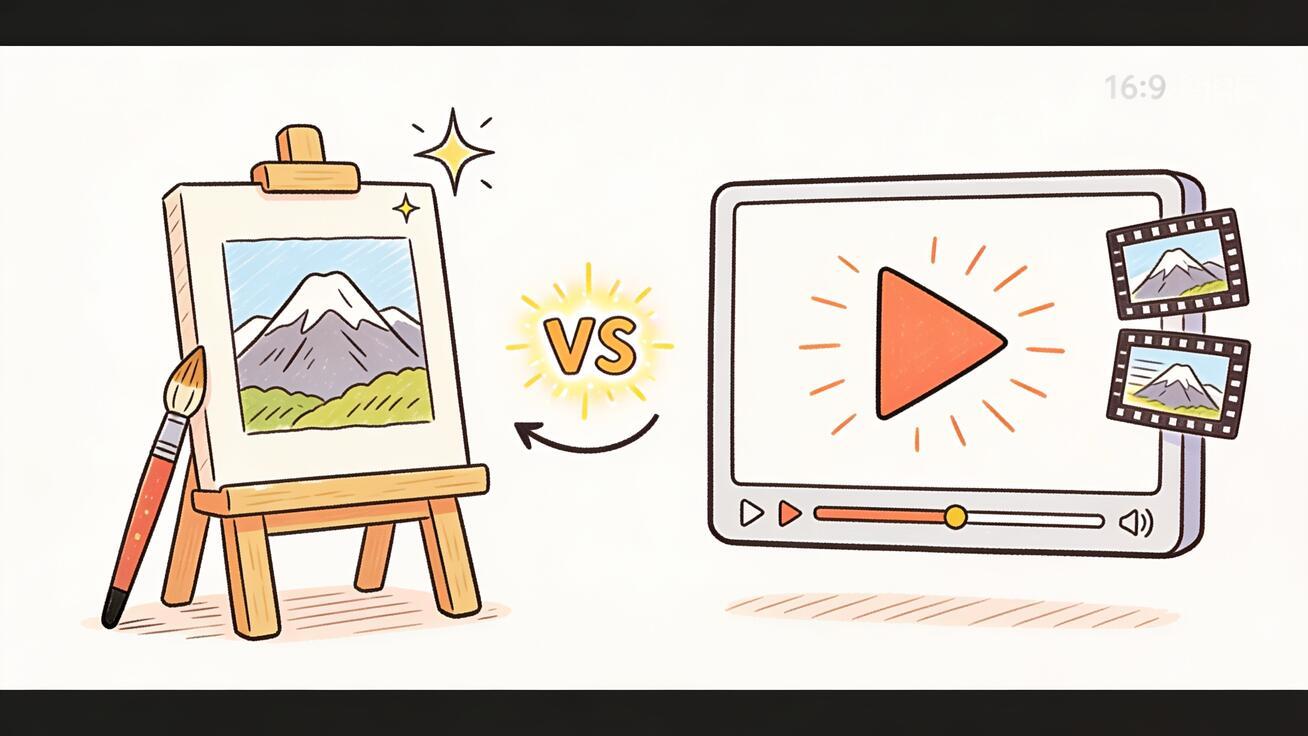
If you have been researching ByteDance's AI creative tools, you have probably run into two names that look almost identical: Seedream and Seedance. They sound like the same product, they come from the same company, and they both turn a text prompt into something visual. So people mix them up constantly. The short version of Seedream vs Seedance is simple: Seedream makes still images, and Seedance makes videos. This guide explains exactly what each one does, why they keep getting confused, and how to use them together so a single idea becomes a finished, moving clip.
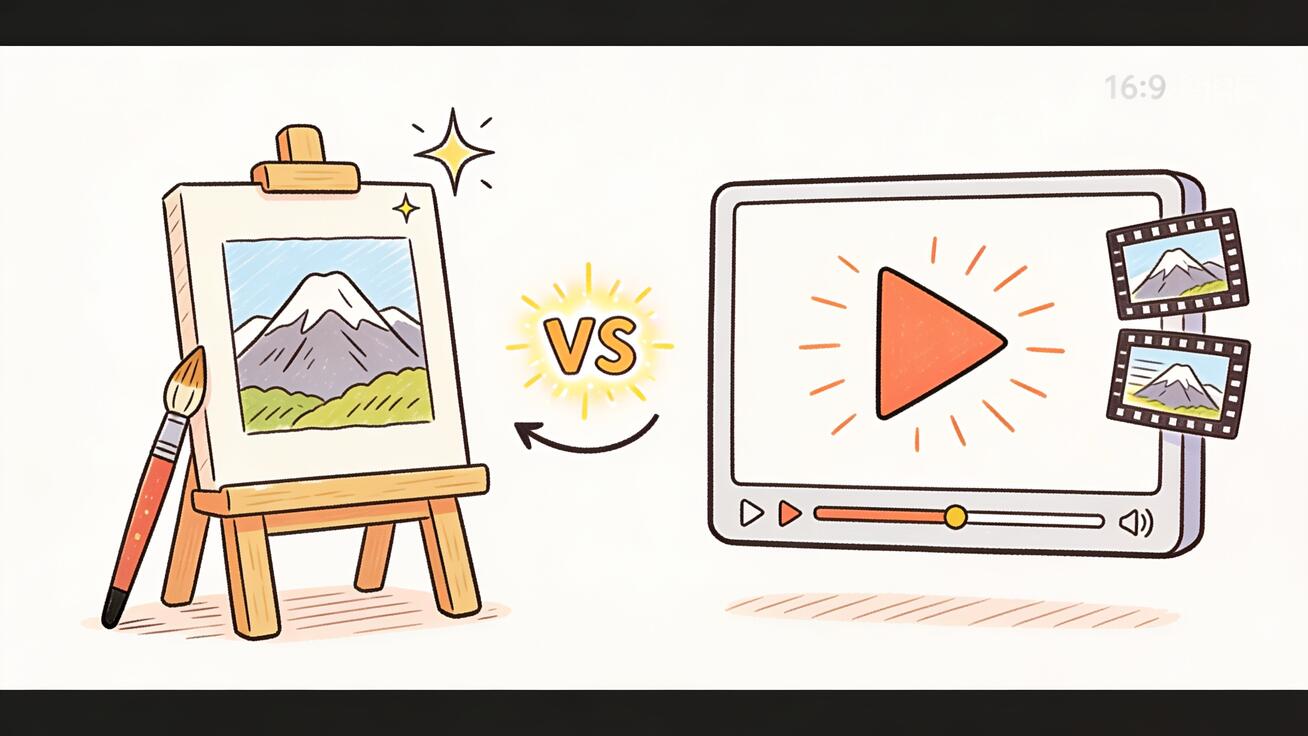 Seedream generates still images from text; Seedance generates and animates video. They solve two different halves of one workflow.
Seedream vs Seedance: The Short Answer
Here is the difference in one line so you can stop second-guessing it:
- Seedream is ByteDance's text-to-image model. You type a prompt, and it returns a still picture. Think of it as a generator that competes with tools like Midjourney, DALL·E, and Stable Diffusion.
- Seedance is ByteDance's AI video generation model. You type a prompt or upload an image, and it returns a moving clip with motion, camera movement, and timing. It competes with tools like Sora, Veo, Kling, and Runway.
So they are not rivals. They are two stages of the same creative pipeline. Seedream gives you a strong starting frame. Seedance turns frames and prompts into motion. The most powerful workflow is to generate an image with Seedream and then animate it with Seedance using image-to-video. You get the visual control of an image model and the movement of a video model in one chain.
If you only remember one thing: picture = Seedream, movement = Seedance.
What Is Seedream?
Seedream is a text-to-image generation model. You give it a written description, and it paints a single, high-resolution still frame. There is no motion, no timeline, and no audio. It is a picture maker.
People reach for an image model like Seedream when they need:
- A concept illustration or hero image for a landing page.
- Product mockups, packaging shots, or styled scenes without a photo shoot.
- Character designs, posters, thumbnails, or social graphics.
- A clean, controllable starting frame that they will later turn into a video.
The strength of an image model is precision. Because you are only generating one frame, you can fuss over composition, lighting, color, and subject details until the picture is exactly right. There is no motion to manage, so the result is predictable. That control is the whole point, and it is also the reason image models pair so well with video models. A good still image is the cleanest possible input for image-to-video.
What Seedream does not do is animate anything. It will not give you a five-second clip, a camera push-in, or a character that turns its head. The moment you need movement, you have crossed out of Seedream's job and into Seedance's.
What Is Seedance?
Seedance is ByteDance's AI video generation model, and it is the product this site is built around. Instead of a single frame, Seedance produces a short video: a sequence of frames with consistent subjects, real motion, and camera movement. You can drive it two ways:
- Text-to-video: describe the scene in words and let Seedance generate the clip from scratch.
- Image-to-video: upload a still image (for example, one you made in Seedream) and let Seedance bring it to life with motion and camera moves.
There are two current Seedance versions live on seedance.tv, and they exist for different jobs:
- Seedance 2.5 is the higher-quality model. Use it when you want the best motion realism, stronger physical consistency, and cleaner detail for hero content, ads, and anything a client will see.
- Seedance Mini is the fast, lightweight model. Use it when you want quick drafts, lots of variations, or cheaper iteration while you are still exploring an idea.
The skill Seedance brings that an image model cannot is time. It manages how a subject moves, how the camera travels, and how the scene stays coherent across frames. That is a fundamentally harder problem than generating one picture, which is exactly why it is a separate model. When you need a product to rotate, a character to walk, a logo to assemble, or a landscape to come alive, that is Seedance, not Seedream.
Seedream vs Seedance: Side-by-Side Comparison
| Dimension | Seedream | Seedance |
|---|---|---|
| Output type | Still image (one frame) | Video clip (motion + time) |
| Core job | Text-to-image generation | AI video generation |
| Input | Text prompt | Text prompt or image |
| Motion / camera | None | Yes — motion, camera movement, timing |
| Audio | No | Depends on model/feature; built for visual motion |
| Best for | Concept frames, posters, mockups, thumbnails | Product demos, ads, social clips, app previews |
| Competes with | Midjourney, DALL·E, Stable Diffusion | Sora, Veo, Kling, Runway |
| Current versions | Image model (ByteDance) | Seedance 2.5, Seedance Mini |
| Role in pipeline | Stage 1: make the frame | Stage 2: animate the frame |
The table makes the key point obvious: there is almost no overlap in what they output. One returns a picture; the other returns motion. Choosing between them is not really a competition — it is a question of which stage of the work you are on right now.
Why People Confuse Seedream and Seedance
The confusion is not your fault. Several things make these two genuinely easy to mix up:
- The names are nearly identical. Seedream and Seedance differ by two letters. Spell-check and autocomplete swap them constantly, and search engines often return results for one when you typed the other.
- Same company, same family. Both come from ByteDance, the company behind TikTok, and both are part of the same "Seed" model family. So it feels like they should be one product with two modes.
- Both start from a text prompt. From the outside, the first step looks identical: you type a description. The difference only becomes visible in the output — a frozen picture versus a moving clip.
- Marketing shorthand. Roundups and social posts often say "ByteDance's AI generator" without specifying image or video, which blurs the line further.
Once you anchor on the output — image versus video — the confusion disappears. Any time you are unsure which one a tutorial is talking about, ask a single question: does the result move? If yes, it is Seedance. If it is a still frame, it is Seedream.
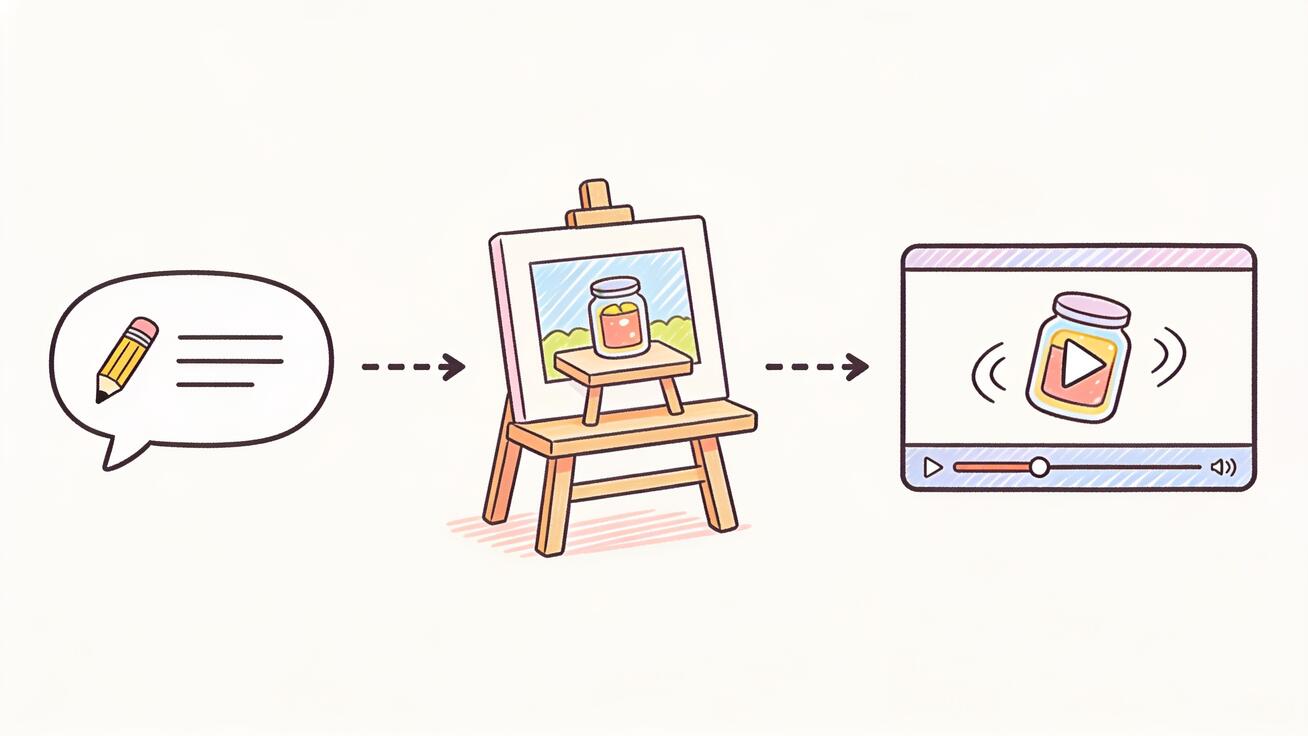 The complementary workflow: prompt a still image, then feed that image into Seedance image-to-video to add motion.
How Seedream and Seedance Work Together
This is where the "versus" framing falls apart in the best way. Seedream and Seedance are not competitors fighting for the same job — they are a relay team. The handoff between them is one of the most reliable ways to get a polished AI video.
Here is why the combination beats using either one alone:
- Text-to-video alone is fast, but you hand over a lot of control to the model. The first frame is generated on the fly, so the composition, product details, and styling are harder to lock down.
- Image-to-video flips that. You decide the exact opening frame first — using an image model like Seedream — and only then ask Seedance to add motion. The video inherits the precise composition you already approved.
So the pattern is: Seedream sets the look, Seedance sets the motion. You get the controllable art direction of an image model and the movement of a video model, stacked. For product shots, branded content, and anything where the visual has to be exactly right, this beats prompting a video from a blank page.
How to Use Seedream and Seedance Together: Step-by-Step
You do not need both tools open in the same tab to use this workflow — you just need a still image and then Seedance's image-to-video. Here is the practical chain.
Step 1: Generate the still frame
Start in an image generator like Seedream. Write a detailed prompt describing the subject, setting, lighting, and style. Because this is a still image, be specific about composition — what is in frame, the angle, and the mood. Generate a few variations and pick the cleanest one. This frame is your art direction.
Step 2: Bring the image into Seedance
Open the image-to-video tool on Seedance and upload the still you just made. This is the bridge between the two halves of the pipeline. Seedance will use your image as the first frame and build motion outward from it.
Step 3: Write a motion prompt
Now describe what should move, not what the scene looks like — the picture already defines the look. Focus on camera movement and subject motion: "slow push-in on the product," "gentle parallax across the landscape," "character turns and smiles." Keep motion prompts about action and camera, not static description.
Step 4: Choose your model
Pick Seedance 2.5 for final, client-facing quality, or Seedance Mini for fast cheap drafts while you iterate. A good habit: draft the motion on Mini, then re-run the version you like on 2.5 for the final export.
Step 5: Generate two or three versions
Generate a few variations from the same image and prompt. Motion is less predictable than a still frame, so comparing versions lets you pick the one with the most natural movement and the fewest artifacts.
Step 6: QA and export
Inspect the clip for subject consistency (does the product stay on-model?), physical plausibility (does motion look real?), and any warping near edges or text. Pick the best take and export it for TikTok, Reels, a landing page hero, a product demo, or an app preview.
That six-step chain — still frame, then image-to-video — is the highest-control way to produce AI video, and it is exactly why Seedream and Seedance are described as complementary rather than competing.
Prompt Examples
Because the two tools do different jobs, they need different kinds of prompts. Image prompts describe a frozen scene; motion prompts describe change over time.
Image prompt (for the still frame):
"Studio product shot of a matte-black wireless speaker on a polished concrete surface, soft directional key light from the left, shallow depth of field, minimal modern aesthetic, neutral background, high detail."
Image-to-video motion prompt (for Seedance):
"Slow cinematic push-in toward the speaker, subtle rotation, soft light gleam traveling across the matte surface, shallow depth of field held throughout, smooth and steady camera."
Text-to-video prompt (Seedance from scratch, no image):
"A drone shot rising over a misty pine forest at sunrise, golden light breaking through the trees, slow upward camera reveal, gentle drifting fog, cinematic and calm."
Notice the difference: the image prompt is all about what the frame contains, while the Seedance prompts are about what changes — the camera move, the direction, the pacing. When you split the work this way, each prompt does one job well.
When to Use Seedream vs When to Use Seedance
Use this quick decision guide instead of agonizing over which tool "wins."
Reach for an image model (Seedream) when:
- You need a single still: a poster, thumbnail, hero image, or social graphic.
- You want maximum control over composition before any motion exists.
- You are building the starting frame for a video.
- The deliverable itself is a picture, full stop.
Reach for Seedance when:
- The deliverable has to move: an ad, product demo, app preview, or social clip.
- You have a still image and want to animate it (image-to-video).
- You want to generate a clip directly from a text idea (text-to-video).
- You need camera movement, subject motion, or a sequence rather than one frame.
Use both, in order, when:
- You want the control of an image model and the motion of a video model.
- The visual has to be precise (branded products, specific characters) but also needs to move.
For most marketing and social work, the "both, in order" path is the default. You will spend a few minutes locking the frame, then let Seedance handle the motion.
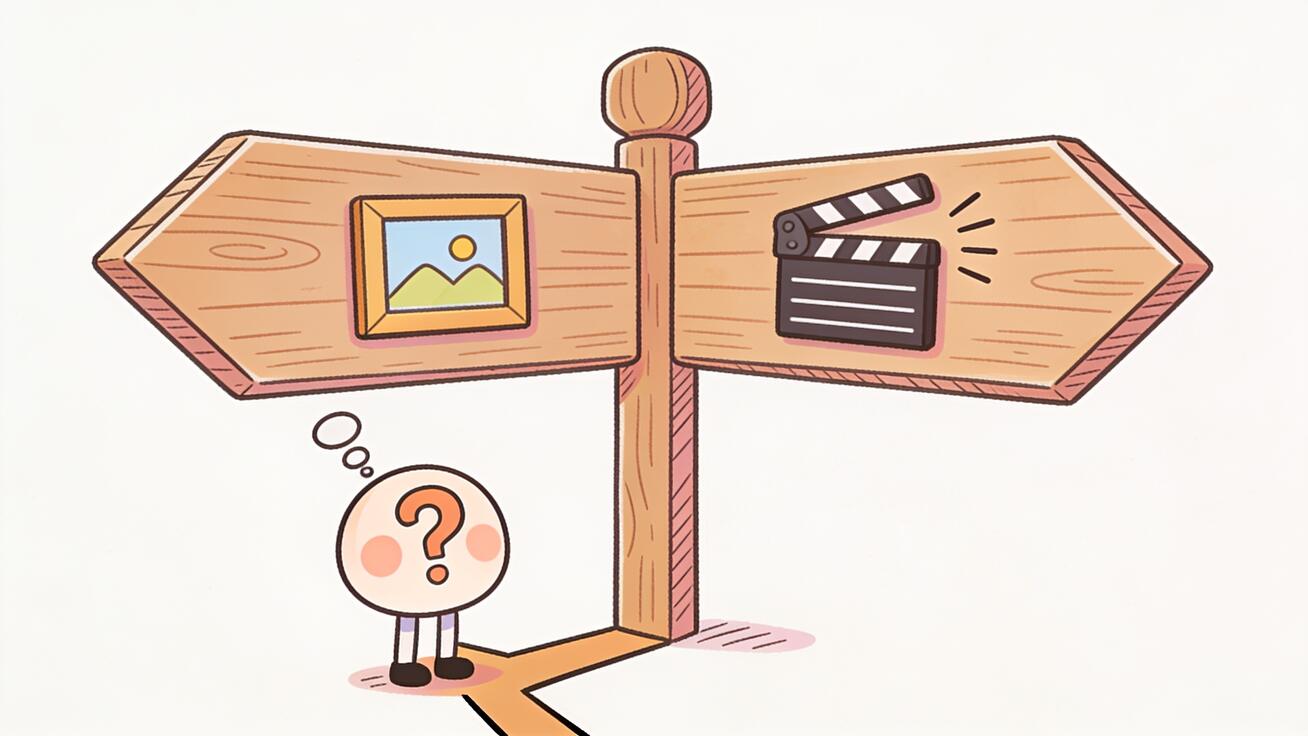 The decision is not Seedream "versus" Seedance — it is which stage of the job you are on. Need a frame, or need motion?
Best Use Cases for the Seedream-to-Seedance Workflow
Here are concrete places where chaining an image model into Seedance pays off:
- E-commerce product videos: Generate a clean studio still of the product, then animate a slow rotation or push-in with Seedance for a TikTok or product page. No physical shoot required.
- App and SaaS previews: Create a stylized UI or concept frame, then add a subtle parallax or zoom in Seedance to make a landing-page hero feel alive.
- Social ads: Lock a scroll-stopping first frame, then use Seedance to give it three seconds of motion sized for Reels and Shorts.
- Real estate and architecture: Produce a rendered exterior still, then animate a gentle camera drift for a walkthrough-style clip.
- Character and brand content: Design a consistent character frame first, then animate expressions and small movements with Seedance for a series of clips that stay on-model.
In every one of these, the image step buys you control and the Seedance step buys you motion. That is the entire argument for understanding the difference instead of treating the two names as interchangeable.
Limitations and QA Checks
Being honest about limits is part of using these tools well.
- Image-to-video is not magic. Seedance animates what is in the frame, but it can still introduce warping, especially around fine text, hands, and complex edges. Always review at full size.
- Motion is less predictable than a still. Generating two or three versions is not optional polish — it is how you avoid shipping the take with a glitch.
- Consistency across clips takes effort. If you need a character to look identical across many videos, lock the source image and reuse it rather than regenerating from scratch each time.
- Match the model to the stakes. Use Seedance Mini to explore cheaply, but re-run finals on Seedance 2.5 so the quality holds up when a client or audience sees it.
- Check brand safety and accuracy. Confirm logos, product details, and any on-screen text survived the animation step before you publish.
A simple QA pass — subject consistency, physical plausibility, edge/text integrity, and brand accuracy — catches almost every problem before export.
FAQ
Is Seedream the same as Seedance? No. Seedream is a text-to-image model (it makes still pictures) and Seedance is an AI video generation model (it makes moving clips). Same company, two different jobs.
Which one should I use? If you need a still image, use an image model like Seedream. If you need video, use Seedance. If you need a precise visual that also moves, use Seedream to make the frame and Seedance to animate it.
Can Seedance use a Seedream image? Yes. That is the recommended workflow. Generate a still image, then upload it to Seedance's image-to-video tool to add motion. The video inherits the composition you already approved.
Does Seedance make images too? Seedance is built for video. It can start from an image (image-to-video) or from text (text-to-video), but its output is a clip, not a still. For still images you want an image model.
What's the difference between Seedance 2.5 and Seedance Mini? Seedance 2.5 is the higher-quality model for final, polished output. Seedance Mini is the fast, lightweight model for quick drafts and cheap iteration. Draft on Mini, finalize on 2.5.
Conclusion
The Seedream vs Seedance question has a clean answer once you look at the output instead of the name: Seedream makes images, Seedance makes videos. They come from the same ByteDance family and both start from a prompt, which is why they get confused — but they sit at different stages of the same pipeline. Seedream gives you a controllable starting frame; Seedance turns frames and prompts into motion with models like Seedance 2.5 and Seedance Mini.
The real takeaway is not to pick a winner. It is to use them in order: design the frame, then animate it. If you have a still image you want to bring to life, the fastest path is to open Seedance's image-to-video tool, upload your frame, write a motion prompt, and generate. Try the Seedream-to-Seedance workflow on your next product shot or social clip and you will see why the difference between an image model and a video model is worth understanding — and why the two together beat either one alone.
Ready to create your own AI video?
Turn ideas, text prompts, and images into polished videos with Seedance. If this article helped, the fastest next step is to try the product.
Free credits on signup. Plans from $28/month.
Related Articles
More posts in the same locale you may want to read next.

Seedance App Preview Video Generator 2026: Create App Store and Product Launch Clips
Use Seedance to turn app screenshots, feature copy, and launch goals into App Store previews, Google Play promo videos, and product launch clips.
Read article
Gemini AI Video Prompt Examples: Copy-Ready Veo Scenes and a Better Prompt Formula
Copy Gemini AI video prompt examples for cinematic motion, product ads, dialogue, and vertical clips, then adapt them with a practical Veo prompt formula.
Read article
How to Keep Product Shape Consistent in AI Video Ads
Lock product geometry, packaging, labels, references, camera angles, and approval checks so AI video ads preserve the real SKU across every shot.
Read article