
Seedance vs Haiper: Which AI Video Generator Should You Use in 2026?
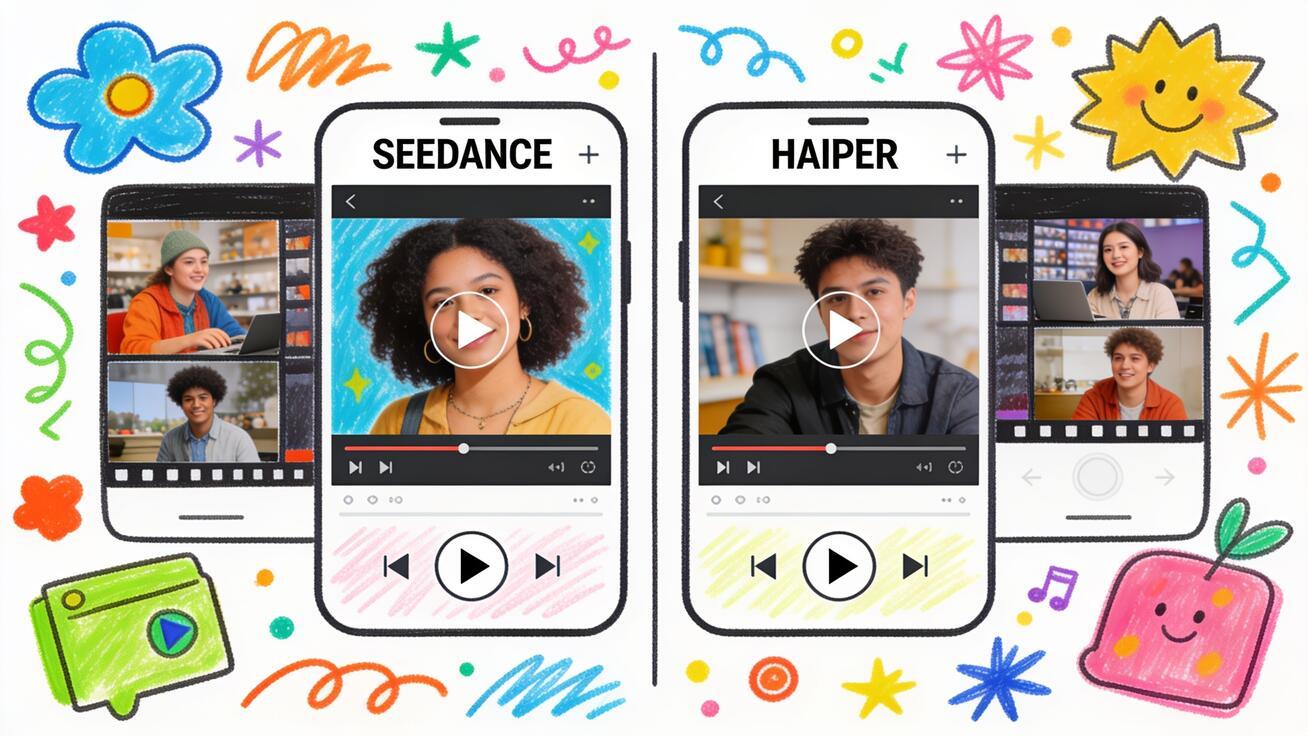
If you're comparing Seedance vs Haiper to pick an AI video generator, you're really choosing between two very different bets. Haiper built an early reputation as a fast, friendly text-to-video and image-to-video tool with a simple free tier. Seedance is a multi-model generation hub that lets you run Seedance 2.0, Sora 2, Veo 3, and Kling from one prompt box, with strong text-to-video and image-to-video workflows and predictable pricing.
This comparison breaks down where each tool fits so you can pick the right one for real work—social ads, product demos, app previews, or short cinematic clips. No hype, just a clear look at video quality, model choice, ease of use, pricing, availability, and the honest limitations of both. By the end you'll know which one to open first and exactly how to generate your next clip in Seedance.
Key takeaways:
- Seedance is the stronger default for most creators in 2026: you write a prompt or drop in an image, pick from several leading models, and generate quickly without committing to a single engine.
- Haiper was a genuinely approachable tool for quick, short clips, but its roadmap and ongoing availability have been uncertain—an important risk when you're standardizing a workflow.
- "Quality" usually comes down to which underlying model you choose and how you prompt it, which is exactly where Seedance's multi-model approach pays off.
- For anyone who needs reliable output, repeatable results, and a tool that's actively maintained, Seedance is the safer long-term pick.
Quick Answer: Seedance vs Haiper at a Glance
Short on time? Here's the verdict before the deep dive.
Choose Seedance if you want to write a prompt or upload an image, generate fast, and compare outputs from several top models—Seedance 2.0, Sora 2, Veo 3, and Kling—without learning a new system or locking into one engine. It's the better default for marketers, freelancers, founders, and social creators who care about output, turnaround, and a tool that's actively maintained.
Consider Haiper if you specifically want its simple, beginner-friendly interface for short text-to-video and image-to-video clips and you're comfortable with the uncertainty around its long-term availability and roadmap.
| Dimension | Seedance | Haiper |
|---|---|---|
| Core identity | Multi-model text-to-video & image-to-video hub | Simple text-to-video & image-to-video tool |
| Underlying models | Seedance 2.0, Sora 2, Veo 3, Kling (pick per job) | Its own in-house generation models |
| Standout strength | Model choice + fast prompt-driven generation | Easy, approachable interface for short clips |
| Camera & motion control | Prompt-based direction across multiple models | Prompt-based, with a video "repaint"/restyle feature |
| Best for | Ads, product demos, app previews, social, iteration | Quick experiments, short beginner-friendly clips |
| Pricing model | Simple free-to-paid, predictable | Limited free allowance + budget paid tiers |
| Availability/roadmap | Actively maintained, multi-model roadmap | Uncertain—verify current status before committing |
| Learning curve | Low—write a prompt, generate | Low—write a prompt, generate |
Note: AI video tools change pricing, plan names, and feature tiers frequently, and Haiper's availability has shifted over time. Treat any specific competitor details below as approximate and verify on the official source before you rely on them.
What Haiper Actually Does
Haiper made its name as an accessible AI video generator focused on getting beginners from idea to clip with minimal friction. Its core appeal was a clean, intuitive interface: type a text prompt, or upload an image, and the tool animates it into a short video. It leaned into speed and simplicity rather than deep manual control, which made it popular for quick experiments, social snippets, and "let's see what AI video can do" first attempts.
Beyond basic text-to-video and image-to-video, Haiper offered a video "repaint" or restyle capability—reworking the look of an existing clip by altering colors, textures, and overall aesthetic. Its generations were typically short clips at standard HD resolution, which is plenty for social-first content but limiting for longer or higher-resolution needs.
The honest caveat in 2026: Haiper's roadmap and ongoing availability have been uncertain. AI video is a brutally competitive, capital-intensive space, and several early entrants have wound down, pivoted, or slowed development. Before you build a workflow around any tool, confirm it's still actively maintained and accepting new work. That single risk is a big reason many creators are consolidating onto multi-model hubs like Seedance instead of betting on a single standalone engine.
What Seedance Does Differently
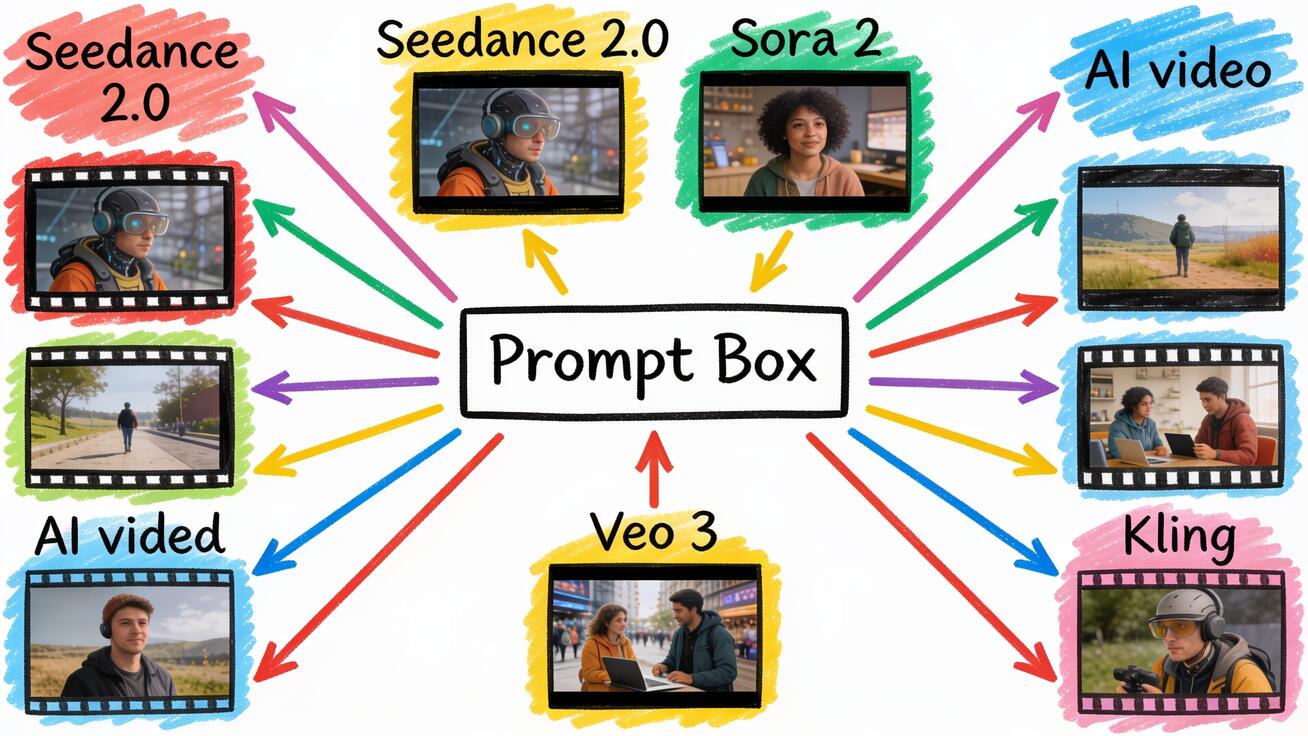
Seedance is built around a simple idea: you shouldn't have to pick the "right" AI video model before you even start. Instead of one in-house engine, Seedance gives you a single prompt box that routes to several of the best models available—Seedance 2.0, Sora 2, Veo 3, and Kling—so you can match the model to the job and compare results side by side.
That matters because no single model wins at everything. One model might nail realistic human motion; another might be stronger at stylized animation, fast camera moves, or clean product shots. With Haiper, you get Haiper's look. With Seedance, you generate the same prompt across two or three models and keep the best output. For marketers and creators shipping content on a deadline, that flexibility is the difference between "good enough" and "exactly what I needed."
Seedance covers both core workflows well:
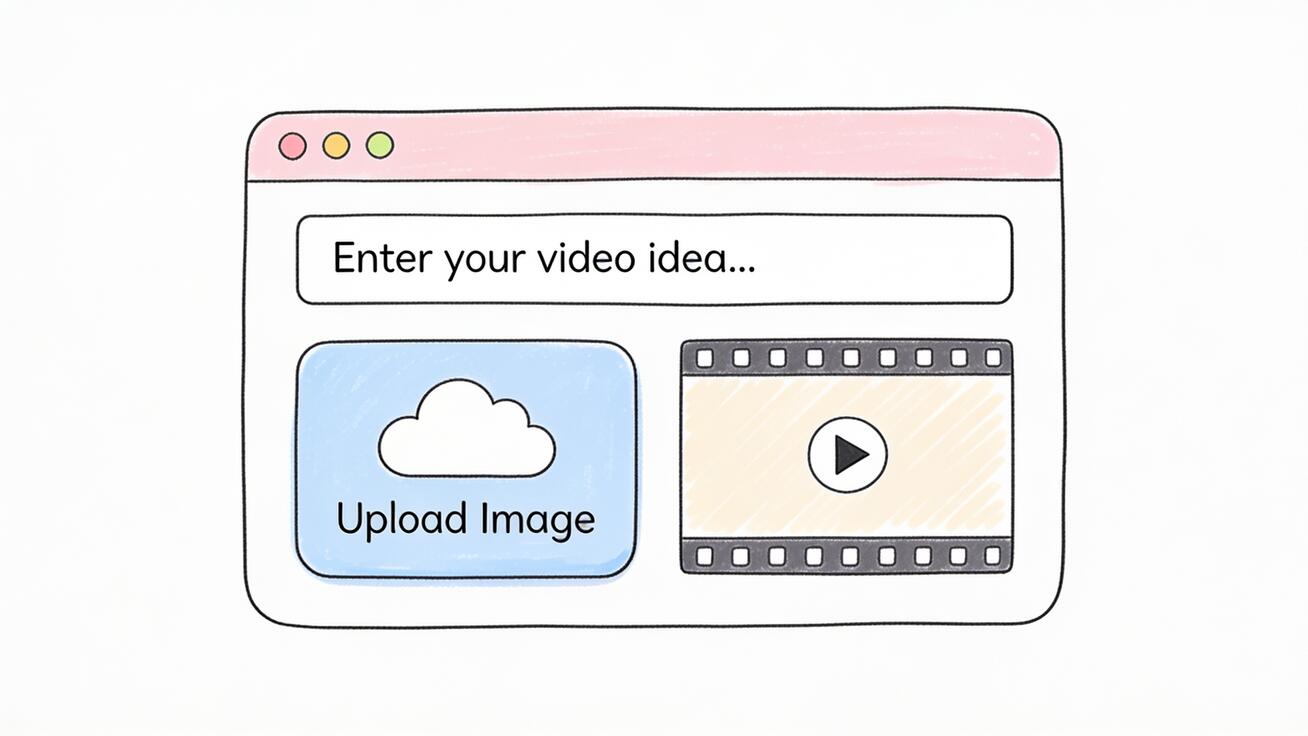
- Text to video: describe a scene and generate a clip from scratch—great for concepts, ads, and social hooks.
- Image to video: upload a product shot, character, or keyframe and animate it with controlled motion—ideal for product demos, app previews, and brand-consistent content.
You can try these directly: Text to Video for prompt-only generation, and Image to Video when you want to animate an existing asset.
Video Quality and Model Choice
This is where the Seedance vs Haiper decision usually gets decided.
Haiper's outputs were solid for short, social-first clips, especially given how easy the tool was to use. But you were limited to Haiper's own models and their fixed strengths and weaknesses. If a given prompt didn't land—stiff motion, a warped face, inconsistent objects—your main lever was rewriting the prompt and trying again on the same engine.
Seedance changes the lever. When a generation isn't right, you don't just re-prompt—you re-route to a different model. Need photoreal motion and physical realism? Try one model. Want a more stylized or animated look? Switch to another. Chasing crisp text or a specific camera move? Generate variants and compare. Because Seedance puts Seedance 2.0, Sora 2, Veo 3, and Kling behind one interface, "improving quality" becomes a matter of model selection plus prompting, not just prompting alone.
A practical rule of thumb:
- For realistic human or product motion, generate on two models and pick the cleaner result.
- For stylized, animation, or motion-forward clips, lean on the model that best matches that look.
- For anything client-facing, always generate 2–3 versions and QA before you export.
Pricing and Value
Pricing in AI video moves fast, so treat specifics as approximate and verify before you buy. The structural difference, though, is stable enough to plan around.
Haiper offered a limited free allowance—useful for trying the tool and making a few short clips—plus budget-friendly paid tiers that unlocked more generations and removed limits like watermarks. For casual experimentation, that low entry cost was a real strength.
Seedance keeps a simple, predictable free-to-paid path and, crucially, gives you access to multiple premium models under one roof. Instead of paying for a single-model tool and then subscribing separately to others when you need a different look, you consolidate your generation into one place. For anyone producing volume—ad variations, weekly social content, product demos—predictable pricing across multiple models is usually better value than a cheap single-engine tool you'll outgrow.
The bigger value question isn't the monthly price; it's whether the tool will still be there and improving in six months. A maintained, multi-model platform protects the time you invest learning a workflow. You can start free here: Try Seedance free.
Ease of Use and Workflow
Both tools score well on approachability—neither asks you to learn a node graph or a timeline editor to make your first clip. Haiper's whole identity was beginner-friendliness, and Seedance is deliberately just as simple to start: one prompt box, optional image upload, generate.
Where Seedance pulls ahead is what happens after your first generation. Because you can switch models and generate variants in the same place, your iteration loop is tighter. You're not exporting, hunting for another tool, and re-uploading assets when one engine falls short—you stay in one workflow and try the next model. That keeps brand assets, prompts, and outputs together, which is exactly what you want when you're producing content at any real cadence.
Migrating From Haiper to Seedance
If you've been working in Haiper and want a smooth move, the good news is that the mental model barely changes. You're still starting from either a text prompt or an image, and you're still generating short clips. The difference is that your prompts now have a model to aim them at, and your iteration loop gets a new option: switch engines instead of only rewriting words.
A clean migration looks like this. First, gather your best-performing Haiper prompts—the ones that reliably produced usable clips—and paste them straight into Seedance to set a baseline. Second, run each prompt across two models so you can see how the same idea looks on different engines; this quickly teaches you which model suits your style. Third, rebuild your most-used asset types—product spins, talking-head intros, social hooks—as reusable templates so you're not starting cold each time. Within a session or two, the multi-model loop usually feels faster than a single-engine tool, because the moments where you used to be stuck now have an obvious next move.
How to Create a Video in Seedance: Step by Step
Here's the concrete workflow to replace whatever you were doing in Haiper.
- Open Seedance and go to Text to Video or Image to Video depending on your starting asset.
- Add your input. For text-to-video, write a clear, specific prompt. For image-to-video, upload your product shot, character, or keyframe.
- Choose a model. Pick Seedance 2.0, Sora 2, Veo 3, or Kling based on the look you need—realistic, stylized, or motion-heavy.
- Write a strong prompt. Describe subject, action, setting, lighting, and camera movement explicitly (see templates below).
- Generate 2–3 versions. Run the same prompt across two models, or re-run with small prompt tweaks, so you have options.
- QA the output. Check subject consistency, physical motion, hands/faces, text accuracy, and brand safety before you use anything.
- Export and reuse. Download your best clip and cut it for TikTok, Reels, Shorts, a landing page hero, or an app preview.
This is the same low-friction loop Haiper users are used to—just with model choice and a tighter compare-and-pick step built in.
Prompt Examples You Can Copy
Strong prompts matter more than the tool. Here are copy-ready templates that work well in Seedance across models.
Product demo (image to video):
"Upload: product photo on white background. Animate: slow 180-degree orbit around the product, soft studio lighting, subtle reflection on the surface, shallow depth of field, smooth and steady motion, 5 seconds."
TikTok / Reels hook (text to video):
"A barista pouring latte art in a sunlit cafe, close-up on the cup, steam rising, warm morning light, gentle handheld camera push-in, photorealistic, vertical 9:16, 5 seconds."
App preview (image to video):
"Upload: app UI screenshot. Animate: a finger tapping through three screens, smooth transitions, clean modern look, soft shadow, steady framing, 6 seconds."
Stylized social clip (text to video):
"A neon-lit city street at night in the rain, reflections on the pavement, a person walking toward camera under an umbrella, cinematic slow motion, moody color grade, 5 seconds."
Generate each across two models, compare, and keep the cleaner result. Save the winners as a personal prompt library so your next batch is faster.
Best Use Cases for Seedance
Seedance fits the jobs creators and marketers actually ship:
- E-commerce product videos: animate a product photo into a clean rotating or zooming demo for a product page or ad.
- TikTok, Reels, and Shorts: fast vertical hooks and B-roll generated from a prompt, with model choice to match the trend's look.
- App and SaaS previews: animate UI screenshots into smooth walkthroughs for landing pages and app stores.
- Landing page hero clips: short, eye-catching background video to lift conversion without a film crew.
- Ad variations: generate multiple versions of the same concept across models to A/B test creative quickly.
For each, the multi-model approach means you're not stuck with one engine's weaknesses—you generate, compare, and ship the best take.
Honest Limitations of Both Tools
No AI video tool is magic, and trust comes from saying so.
Haiper limitations: generations were short and capped at standard HD, manual control was limited compared to model-rich hubs, and—most importantly—its long-term availability and roadmap have been uncertain. That uncertainty is a real cost if you're standardizing a workflow or a client deliverable around it.
Seedance limitations: like all current AI video, it can still struggle with fine details—perfect hand anatomy, long passages of legible on-screen text, and flawless physics in complex scenes. The fix isn't to expect perfection; it's to generate multiple versions, pick the best, and keep clips short and purposeful. Always QA faces, hands, text, and brand safety before anything goes live.
The advantage Seedance has here is structural: when one model fumbles a prompt, you switch models instead of being stuck. That's a meaningfully better position than relying on a single engine.
FAQ
Is Seedance better than Haiper? For most creators in 2026, yes—primarily because Seedance gives you multiple top models in one place and is actively maintained, while Haiper is a single-engine tool with an uncertain roadmap. If you only ever need very short, simple clips and don't mind that risk, Haiper could still work, but Seedance is the safer, more flexible default.
Is Haiper still available? Haiper's availability and roadmap have shifted over time, and the AI video space has seen several tools wind down or pivot. Always check the official source for current status before committing a workflow to it. Standardizing on a maintained, multi-model platform avoids that risk entirely.
Can Seedance do both text-to-video and image-to-video? Yes. Seedance supports text to video for prompt-only generation and image to video for animating an existing photo, product shot, or keyframe.
Which models does Seedance support? Seedance routes to several leading models—Seedance 2.0, Sora 2, Veo 3, and Kling—so you can pick the best one per job and compare outputs.
Is there a free way to try Seedance? Yes. You can start generating for free—open Seedance, choose a workflow, write a prompt, and create your first clip.
Conclusion: Seedance vs Haiper, Decided
In the Seedance vs Haiper comparison, the deciding factors are flexibility, output control, and reliability. Haiper deserves credit as an approachable early tool that made AI video feel easy for beginners. But in 2026, betting on a single-engine generator with an uncertain roadmap is a risk most creators don't need to take.
Seedance is the stronger default: one simple prompt box, multiple top models—Seedance 2.0, Sora 2, Veo 3, and Kling—fast text-to-video and image-to-video workflows, predictable pricing, and a platform that's actively maintained. You write a prompt, pick a model, generate a few versions, QA, and export—exactly the simple loop Haiper users like, with real model choice built in.
If you're ready to make the switch, the fastest next step is to open Seedance, drop in a prompt or an image, and generate your first clip. Try Seedance free and see which model gives you the result you want.
Ready to create your own AI video?
Turn ideas, text prompts, and images into polished videos with Seedance. If this article helped, the fastest next step is to try the product.
Free credits on signup. Plans from $28/month.
Related Articles
More posts in the same locale you may want to read next.

Seedance App Preview Video Generator 2026: Create App Store and Product Launch Clips
Use Seedance to turn app screenshots, feature copy, and launch goals into App Store previews, Google Play promo videos, and product launch clips.
Read article
How to Keep Product Shape Consistent in AI Video Ads
Lock product geometry, packaging, labels, references, camera angles, and approval checks so AI video ads preserve the real SKU across every shot.
Read article
How to Make AI Video Follow a Multi-Step Action
Plan atomic actions, state transitions, timing, continuity, and shot handoffs so an AI video completes a sequence in the intended order.
Read article