
Free AI Video Generator No Sign Up 2026: Create Videos Instantly Without Registration

Free AI Video Generator No Sign Up 2026: Create Videos Instantly Without Registration
The barrier to AI video creation just hit zero. In 2026, the best free AI video generators with no sign up required let you generate professional-quality videos instantly — no email, no credit card, no waiting for account approval. Just open the tool and start creating.
Quick Answer: Yes, you can get started with AI video generation for free using Seedance, which offers a generous free tier that lets you create high-quality videos without any upfront cost.
Whether you're a content creator testing the waters of AI video, a marketer on a tight budget, or someone who simply doesn't want another subscription cluttering their inbox, this guide covers every major free AI video tool available right now, including the ones that genuinely require no registration at all.
We'll compare features, quality, limitations, and give you honest assessments — and we'll highlight why Seedance offers one of the best free AI video experiences available without demanding a lengthy signup commitment upfront.
Ready to create your own AI video?
Free credits on signup. Plans from $20/month.
Why "No Sign Up" Matters in 2026
The explosion of AI tools has created a signup fatigue epidemic. Creators are drowning in accounts, newsletters, and billing portals they never wanted. More importantly, many creators simply want to evaluate a tool before committing any personal information or payment details.
The free AI video generators with no registration trend reflects a maturing market where the best tools compete on quality first, not on capturing your email address.
Key reasons creators prefer no-signup AI video tools:
- Instant access without waiting for verification emails
- No spam risk — your inbox stays clean
- Zero friction for quick experimentation
- No risk of unexpected billing
- Privacy-first workflow (important for creators working with sensitive topics)
- Better for comparing multiple tools side-by-side
The Complete List: Free AI Video Generators in 2026 (No or Minimal Sign Up)
1. Seedance — Best Free Tier Quality
Seedance stands out in the free AI video landscape by offering genuinely high-quality generation in its free tier. Unlike tools that gate their best models behind paywalls and offer toy-quality free outputs, Seedance's free credits access the same powerful generation engine that paid users enjoy.
What Seedance offers for free:
- Text-to-video generation with the Seedance 2.0 model
- Image-to-video conversion — bring your photos to life
- Multiple aspect ratios including vertical (9:16) for TikTok/Shorts
- Cinematic quality motion with natural lighting physics
- Fast generation times — most clips ready in under 2 minutes
Sign-up requirement: Light registration (email or social login) to access free credits. No credit card required. The free tier is genuinely generous — not a bait-and-switch.
Why Seedance leads the free tier: Most free AI video tools either severely limit quality or generation length. Seedance provides full-quality outputs even in the free tier, making it the best option for creators who want to evaluate a premium tool before committing.
Best for: Creators who want professional quality without cost commitment, marketers testing AI video for campaigns, content creators who want consistent, reliable output.
2. Runway ML — Free Trial Available
Runway offers a free trial that gives new users a set of generation credits to explore the platform. It's not unlimited or truly "no sign up," but it's one of the most accessible entry points to professional-grade AI video generation.
Free tier details:
- New accounts receive 125 credits (roughly 25 seconds of generated video at 5 seconds per credit)
- Access to Gen-3 Alpha model
- No credit card required for trial credits
Limitations:
- Credits deplete quickly if you're experimenting heavily
- Watermark on free outputs
- Full quality not available without paid plan
Best for: Creators who want to seriously evaluate one of the industry's most established platforms.
3. Pika Labs — Free with Account
Pika offers a free tier that's reasonably accessible, with a quick social signup (Google or Discord) that takes under 30 seconds.
Free tier details:
- Daily free generation credits
- Access to Pika 2.0 model
- Good for stylized, artistic video outputs
- Mobile app available for on-the-go creation
Limitations:
- Free videos include a watermark
- Generation queue can be slow during peak hours
- More limited prompt complexity than premium tools
Best for: Casual creators, artists who want stylized output, beginners who prefer a simple interface.
4. Kling AI — Free Tier with Registration
Kling AI from Kuaishou offers a free tier with daily generation allowances after a simple account registration. The quality-to-free-ratio is competitive.
Free tier details:
- Daily free generation credits refreshed each day
- Access to standard quality model
- Strong human motion rendering even in free tier
Limitations:
- Requires Chinese phone number or international email signup
- Interface localization issues for non-Chinese users
- Free tier has resolution limitations
Best for: Creators focused on human subjects and realistic motion.
5. Hailuo AI — Free Access
Hailuo AI (by MiniMax) has offered generous free access as it builds market share in the Western market. Its free tier is notably less restrictive than some competitors.
Free tier details:
- Multiple free daily generations
- Access to their core generation model
- Good prompt adherence in free tier
Limitations:
- Inconsistent availability (sometimes requires VPN for certain regions)
- Free tier video quality is slightly lower than premium
- Limited generation length
Best for: Creators who want to experiment with a rising player in the AI video space.
6. Luma Dream Machine — Limited Free Access
Luma's Dream Machine offers a limited free tier focused on their unique video generation approach, which excels at smooth, photorealistic motion.
Free tier details:
- Limited monthly free generations
- High-quality photorealistic output
- Good camera movement simulation
Limitations:
- Very limited free generations before hitting paywall
- Requires account creation
- No dedicated mobile app
Best for: Photographers and visual artists who want cinematic realism.
7. InVideo AI — Free Plan
InVideo takes a different approach to AI video — instead of generative video from scratch, it creates videos from templates and stock footage combined with AI. It has a more robust free plan.
Free tier details:
- 4 video exports per week on free plan
- Access to template library
- AI script generation included
Limitations:
- Not true generative AI video (template-based)
- Watermark on free exports
- Limited stock footage library on free tier
Best for: Marketers who want template-driven video production rather than pure generative AI.
8. Clipchamp (Microsoft) — Free Basic Plan
Clipchamp is Microsoft's video editor with AI features, available free for Microsoft account holders. While not a generative AI video tool, it includes AI-powered features for editing.
Free tier details:
- Full access with Microsoft account
- AI text-to-speech
- Basic AI video features
- Direct integration with Windows 11 and Microsoft 365
Limitations:
- Not generative AI video from prompts
- Export limited to 1080p on free plan
- Less creative flexibility than dedicated AI video tools
Best for: Existing Microsoft users who want basic AI-assisted video editing.
Feature-by-Feature Comparison: Free AI Video Generators
| Tool | Truly No Sign Up | Free Tier Quality | Watermark | Generation Speed | Vertical Format |
|---|---|---|---|---|---|
| Seedance | Light signup, no credit card | ⭐⭐⭐⭐⭐ Excellent | No watermark on free | Fast (1-2 min) | ✅ Native |
| Runway ML | No, quick signup | ⭐⭐⭐⭐ Good | ✅ Watermarked | Moderate | ⚠️ Manual |
| Pika Labs | No, social login | ⭐⭐⭐ Stylized | ✅ Watermarked | Fast | ✅ Good |
| Kling AI | No, email signup | ⭐⭐⭐⭐ Good | Partial | Moderate | ✅ Good |
| Hailuo AI | No, email signup | ⭐⭐⭐ Good | Partial | Fast | ✅ Good |
| Luma Dream Machine | No, email signup | ⭐⭐⭐⭐ Good | Limited | Slow | ⚠️ Manual |
| InVideo AI | No, account required | ⭐⭐ Template-based | ✅ Watermarked | Fast | ✅ Templates |
Why Seedance's Free Experience Stands Out
In a market full of tools that bait creators with "free" access only to reveal significant quality degradation or severe credit limits, Seedance takes a different approach.
No Quality Gatekeeping
Most AI video tools use a two-tier model: the free tier gets inferior model quality, and you have to pay to access the good stuff. Seedance's free tier accesses the same Seedance 2.0 model that powers premium accounts. The videos you generate during your free trial are the same quality you'd get as a paid subscriber.
Transparent Free Limits
Rather than hiding the limits of the free tier or obscuring when you'll run out of credits, Seedance clearly shows your remaining generation capacity. No surprise paywalls mid-session.
No Watermarks
Watermarked AI video is nearly unusable for professional purposes. Seedance doesn't watermark free-tier outputs, which means the content you generate can be used immediately in real projects — not just for evaluation.
Genuine Try-Before-You-Buy
The combination of quality parity, no watermarks, and transparent credit limits means you can genuinely evaluate Seedance's capabilities before making any financial commitment. This is rare in the AI tool space.
How to Generate a Free AI Video Without Wasting Your Credits
Whether you're on Seedance's free tier or any other platform, here's how to maximize the value of your free generations:
Step 1: Plan Your Prompt Before Generating
Don't waste a generation on a vague prompt. Spend 5 minutes crafting a specific, detailed prompt before you generate anything. Use this framework:
Subject + Action + Setting + Style + Lighting + Camera
Example: "A sleek electric car driving along a coastal highway at sunset, cinematic and dramatic, golden hour lighting with lens flares, slow-motion tracking shot from the side"
Step 2: Start with Short Clips
Generate 5-second clips first to evaluate whether your prompt produces the visual style you want. Once you're happy with the style, generate the full-length version.
Step 3: Use Reference Images When Available
Many AI video generators (Seedance included) let you upload an image as a starting point for video generation. Using a reference image dramatically improves consistency and prompt adherence — saving you from wasted generations.
Step 4: Iterate on Successful Prompts
When a generation produces something you like, refine rather than reinvent. Change one element at a time (lighting, camera angle, subject action) to explore variations while maintaining what works.
Step 5: Download Immediately
Generated videos may expire after 24–48 hours on free tiers. Download everything you want to keep immediately after generation.
The Real Cost of "Free" AI Video Tools
Not all free tiers are created equal. Here's an honest breakdown of the hidden costs that can make "free" tools more expensive in practice:
Time Cost
Some tools are technically free but have generation queues that can take 15–30 minutes during peak hours. If your time is worth anything, this cost can exceed the price of a premium subscription.
Watermark Removal Costs
Many free tools watermark their outputs. Watermark removal services or additional editing time to work around watermarks adds cost — both financial and creative.
Quality Iteration Costs
Low-quality free tiers often produce unusable outputs, forcing you to generate 10+ videos to get one usable clip. If the free tier generates at 50% quality, you'll need twice the credits to achieve the same result as a quality tool.
Opportunity Cost
Content that should take an hour to produce taking three hours because of a frustrating free-tier workflow has real costs to your business or creative output.
The real value metric: Not "is it free?" but "how much usable content can I create per hour?"
Best Use Cases for Free AI Video Generators
Different free AI video tools excel in different scenarios. Here's our recommended tool for each major use case:
Social Media Content (TikTok, Instagram Reels, YouTube Shorts)
Best tool: Seedance or Kling AI
- Native vertical format support
- Fast generation for high-volume posting
- Quality output for professional-looking social content
Product Demos and Marketing Videos
Best tool: Seedance or Runway
- Precise prompt control for branded visuals
- High photorealism for product representation
- Professional quality without watermarks (Seedance free tier)
Artistic and Creative Projects
Best tool: Pika Labs or Luma Dream Machine
- Stylized, artistic output options
- Good for abstract or experimental video art
- Creative freedom over strict realism
Tutorial and Educational Content
Best tool: InVideo AI or Seedance
- Template support for educational structure (InVideo)
- High-quality visualization for complex concepts (Seedance)
- Easy integration with existing educational content workflows
Explainer Videos for Business
Best tool: Seedance
- Professional cinematic quality
- Text-to-video from script or bullet points
- Consistent, branded visual output
Privacy and Data Considerations for Free AI Video Tools
When using free AI video generators without registration, consider what data you're sharing:
What No-Signup Tools Typically Collect
- IP address (standard for any web service)
- Generated prompts (often used to improve models)
- Usage patterns and session data
- Generated video metadata
What to Avoid on No-Signup Free Tools
- Don't enter any personal details in prompts
- Don't generate content that identifies real people without consent
- Be aware that generated content may be used to train future models
- Review the privacy policy before uploading proprietary images
Seedance's Privacy Approach
Seedance handles user data responsibly, doesn't sell user data to third parties, and gives registered users control over their content and generation history. The light signup requirement actually benefits users by giving them account-based data control that purely anonymous tools can't offer.
Future of Free AI Video Generation
The free AI video landscape is evolving rapidly. Here's what to expect over the next 12 months:
More Competition Means Better Free Tiers
As more AI video startups compete for market share, free tiers will become more generous. The current arms race for creator adoption is driving down effective prices and improving free tier quality across the board.
Mobile-First Free Tools
Most current AI video generation requires a desktop browser. By end of 2026, mobile-native AI video generation apps will emerge, making free creation accessible entirely through smartphones — no laptop required.
Longer Free Video Duration
Current free tiers typically limit generation to 5–10 seconds. As infrastructure costs decrease, free tier maximums will increase to 30–60 seconds — enough for complete short-form social content.
Specialized Free Tools
Rather than general-purpose free tiers, we'll see specialized free AI video tools: one optimized for YouTube Shorts specifically, one for product demos, one for educational content. Specialization enables better free tiers by reducing the computational scope.
Step-by-Step: Create Your First Free AI Video Right Now
Here's exactly how to create a professional AI video using Seedance's free tier in under 10 minutes:
1. Go to seedance.tv Navigate to Seedance's text-to-video generator. No sign up required to preview — quick registration unlocks your free credits.
2. Create your prompt Think about what you want to create. Example: "A coffee cup sitting on a wooden table in the morning, steam rising slowly, warm sunlight coming through a window, cinematic and cozy atmosphere"
3. Select your settings Choose your aspect ratio (16:9 for standard video, 9:16 for vertical/Shorts), select duration (5-10 seconds recommended for first try), and hit generate.
4. Review and download Your video will generate in 60–90 seconds. Preview it, and if you're happy, download immediately. The quality you see is exactly what you'll get in any paid plan.
5. Use your video The generated video has no watermark and is ready for immediate use in any project — social media, presentations, marketing materials, whatever you need.
Frequently Asked Questions
Is there truly a 100% free AI video generator with no sign up?
Completely zero-friction tools (no signup, no account, unlimited use) are rare because AI video generation is computationally expensive. Most tools described as "no sign up" require at least an email or social login to manage generation limits. Seedance requires minimal signup (no credit card) and offers the best free tier quality of any platform in 2026.
How long can free AI videos be?
Most free tiers limit video length to 4–10 seconds per generation. Some tools offer up to 15 seconds on the free plan. For Shorts and Reels, 5–10 seconds is actually sufficient for a single scene, and you can combine multiple clips for longer content.
Can I use free AI generated videos commercially?
This varies by platform. Seedance's terms allow commercial use of generated content. Always check the specific terms of service for any free tool before using generated content in commercial contexts.
Do free AI video generators have watermarks?
Many do, but Seedance does not watermark free tier outputs. Runway, Pika, and some others add watermarks to free generations that require paid plans to remove.
What's the best free AI video generator for beginners?
Seedance offers the best combination of quality, accessibility, and ease of use for beginners. The text-to-video interface requires no technical knowledge — just describe what you want and generate.
How many videos can I generate for free?
This varies by platform and changes frequently as companies adjust their free tier offerings. Seedance provides enough free credits to meaningfully evaluate the platform and create several complete videos. Check the current free tier details at the time of signup as these numbers evolve.
Does AI video generation require a powerful computer?
No. All processing happens on the AI provider's servers. You need only a modern web browser and internet connection — a basic laptop or smartphone is sufficient.
Conclusion: Free AI Video Is Real, and It's Getting Better
The days of paying for expensive equipment, production teams, and editing software just to produce decent video content are over. The free AI video generators available in 2026 — especially Seedance — offer quality and capability that would have required a professional production budget just a few years ago.
Whether you need zero registration for quick testing or you're building a serious content workflow on a tight budget, the tools in this guide give you everything you need to get started. The best free experience we've tested is Seedance's text-to-video platform, which doesn't compromise quality or add watermarks even on the free tier — making it the closest thing to a genuinely no-strings-attached free AI video generator available right now.
Start creating. You have no excuse not to.
Try the best free AI video experience at Seedance.tv — quality you can use immediately, no credit card required.
Ready to create your own AI video?
Turn ideas, text prompts, and images into polished videos with Seedance. If this article helped, the fastest next step is to try the product.
Free credits on signup. Plans from $20/month.
Related Articles
More posts in the same locale you may want to read next.
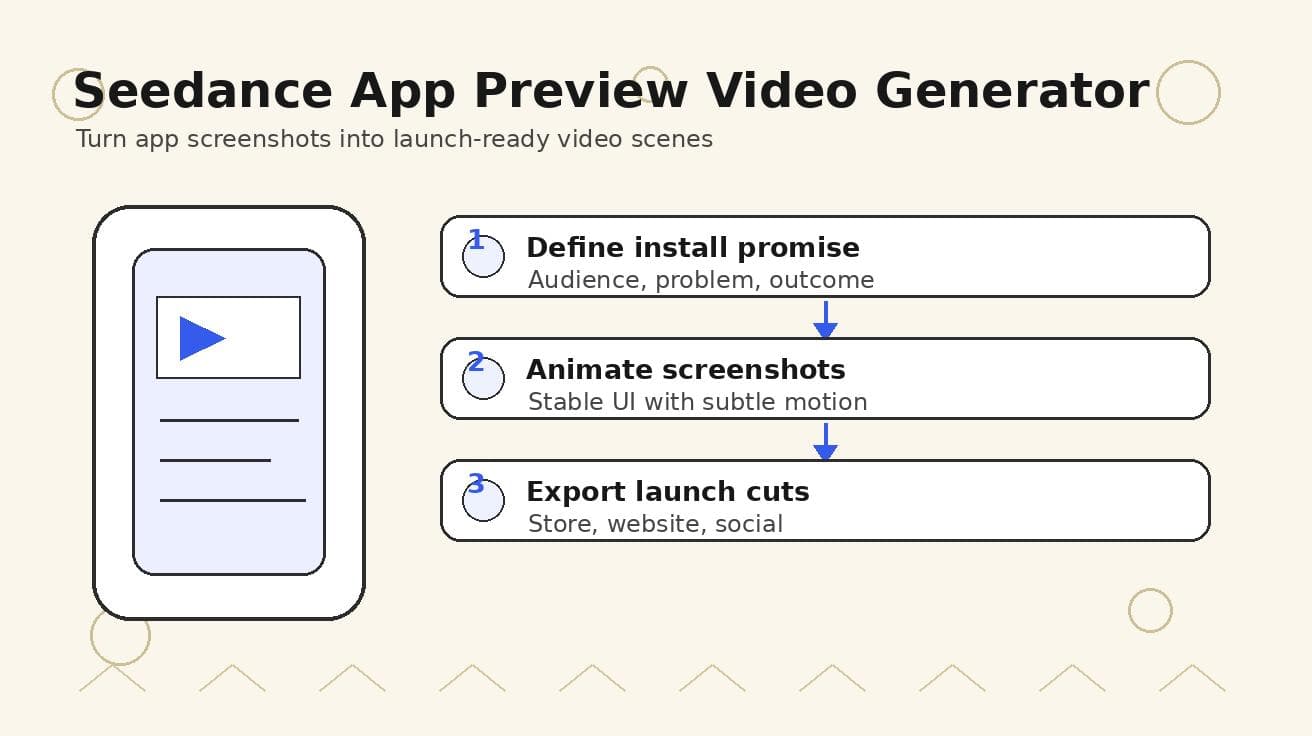
Seedance App Preview Video Generator 2026: Create App Store and Product Launch Clips
Use Seedance to turn app screenshots, feature copy, and launch goals into App Store previews, Google Play promo videos, and product launch clips.
Read article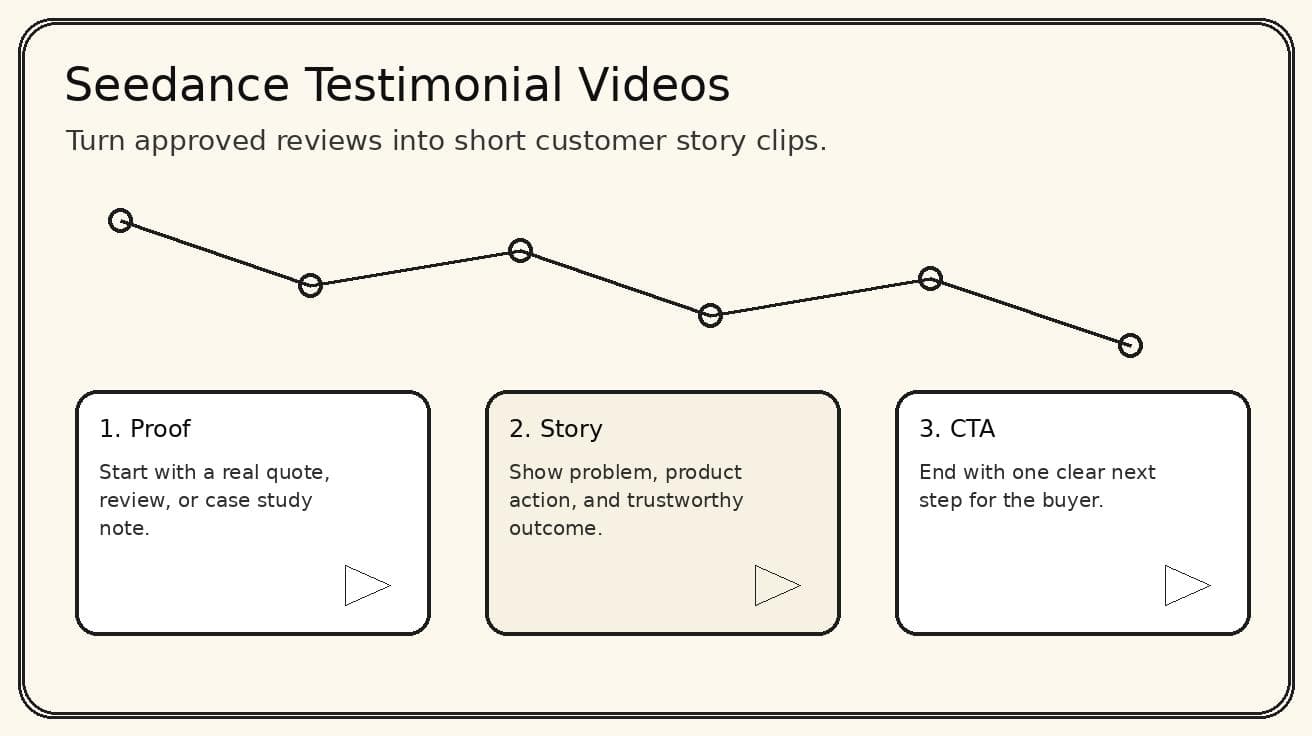
Seedance Testimonial Video Generator 2026: Turn Reviews into Customer Story Clips
Use Seedance to turn customer reviews, quotes, and product proof into short testimonial video clips for landing pages, ads, and social proof.
Read article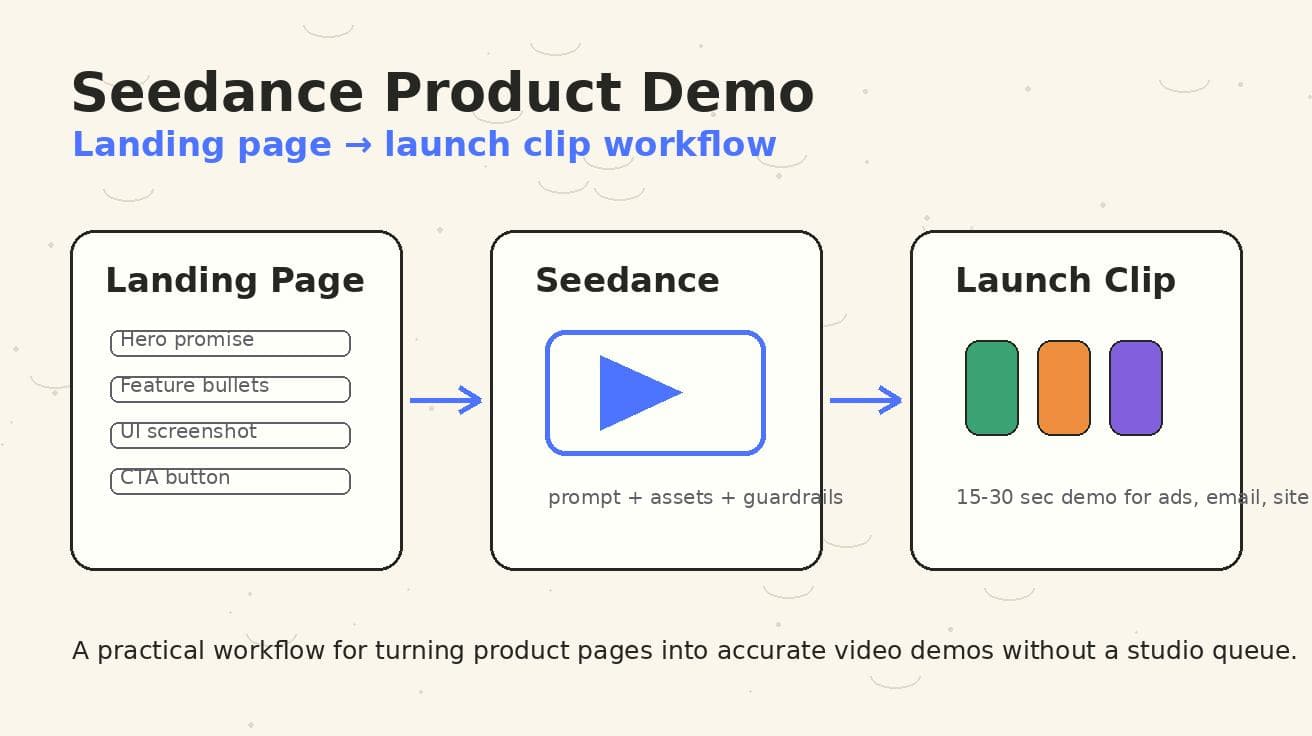
Seedance Product Demo Video Generator 2026: Landing Page to Launch Clip Workflow
A Seedance-specific workflow for turning landing pages, screenshots, and CTAs into accurate product demo launch clips.
Read article