
AI Video Generator for Music Artists (2026): Create Music Videos Without a Budget
Quick Answer: AI video generators are tools that use machine learning to create videos from text prompts or images. The best AI video generators in 2025 include Veo 3, Kling AI, Runway Gen-4, and Pika 2.1 — each offering unique strengths for different use cases.
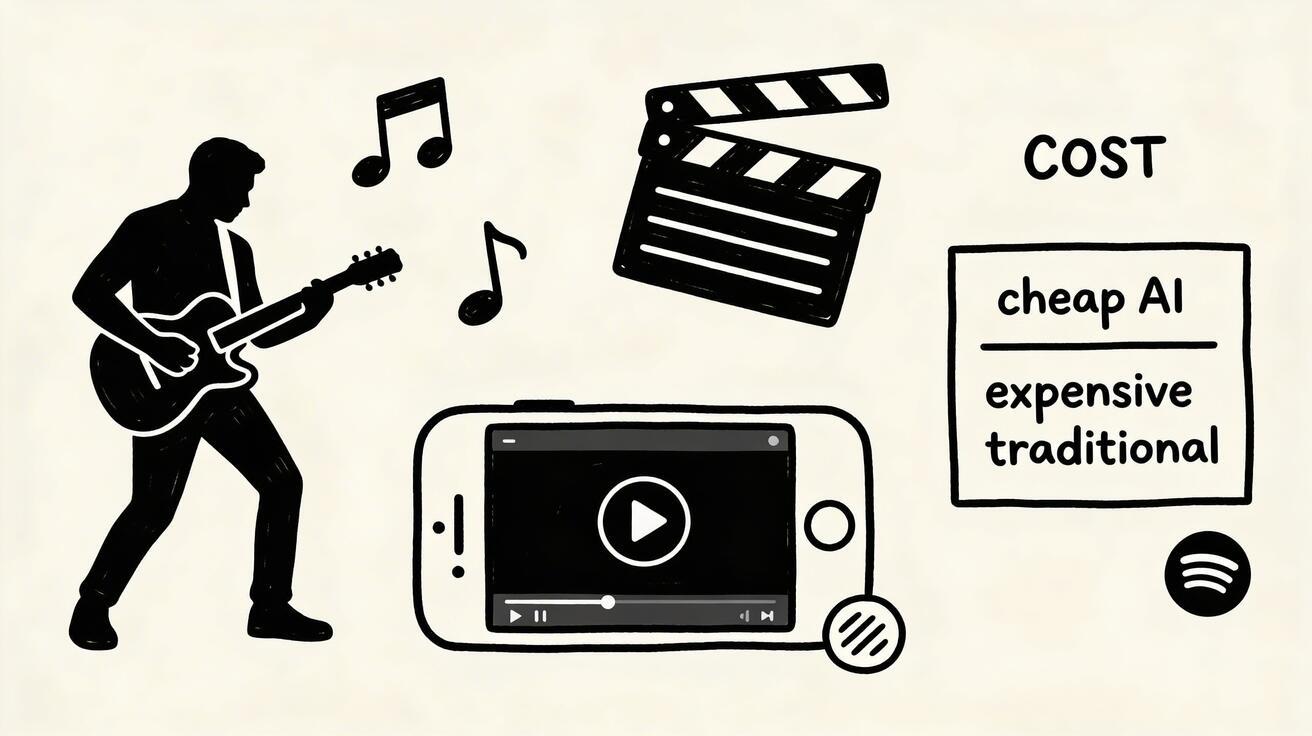
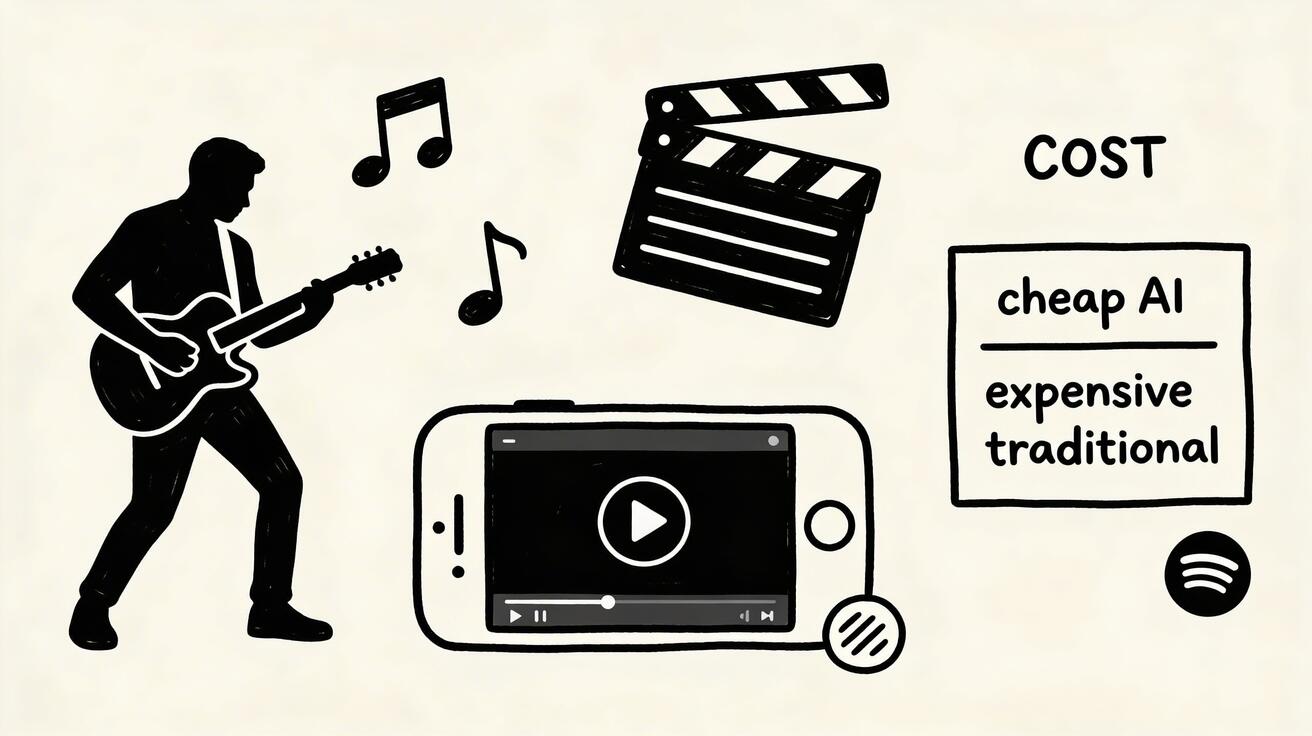
A professional music video used to cost $10,000-100,000+ to produce. Even low-budget music videos run $2,000-5,000 for independent artists. The result: most musicians never made a visual for their music — not because they didn't want to, but because it was simply out of reach.
AI video generation has demolished this barrier. In 2026, any musician — bedroom producer, indie band, singer-songwriter — can create a compelling visual for their music in hours, for the cost of a streaming subscription.
Why Music Video Still Matters in 2026
Despite the dominance of audio streaming, video remains essential for music promotion:
- YouTube remains the world's largest music discovery platform — 500 million music listeners per month
- TikTok has become the primary driver of music virality (songs that go viral on TikTok chart globally)
- Instagram Reels for music has 6x higher engagement than static posts
- Artists with music videos are 3x more likely to be featured in editorial playlists
- 72% of listeners say a great music video makes them listen to the song more
The visual layer of music has never mattered more.
5 Types of AI Music Videos
Type 1: Full Narrative Music Video
A story or theme that plays out across the duration of the song. Generate 20-40 AI clips that visually narrate the song's lyrical content or emotional arc, edit to music in a video editor.
Best for: Story-driven songs, emotional ballads, concept albums
Prompt approach: Develop a visual concept, then generate scene-by-scene. Each prompt corresponds to a section of the song.
Type 2: Abstract / Visual Art Video
Pure visual music — abstract imagery synchronized to music. No narrative required. The visuals respond to the mood, tempo, and energy of the music.
Best for: Electronic music, ambient, experimental, instrumentals
Prompt examples:
- "Abstract energy fields pulsing with rhythm, deep indigo and electric gold, fluid motion"
- "Fractal geometry morphing and evolving, vivid neon colors, mathematical beauty"
- "Glowing particles forming and dispersing, dark space background, cosmic energy"
Type 3: Lyric Video
Text-based video where lyrics appear on screen over visuals. Combines AI-generated backgrounds with text animation.
Best for: Any genre, especially pop and hip-hop where lyrics are a key feature
Production approach:
- Generate abstract or thematic AI backgrounds with Seedance
- Add lyric text in CapCut or After Effects
- Sync text timing to vocals
Type 4: Concert / Performance Visualization
Cinematic concert atmosphere and performance imagery — stage lighting, crowd energy, performer silhouettes.
Prompt examples:
- "Rock concert stage, dramatic lighting, smoke machines, silhouette of guitarist, crowd energy"
- "Electronic DJ on stage, massive LED display behind, festival crowd, laser lights"
- "Intimate acoustic performance, warm spotlight, empty theatre, emotional atmosphere"
Type 5: Mood / Atmospheric Video
Pure mood and feeling — visuals that capture the emotional quality of the music without explicit narrative.
Best for: Ambient, lo-fi, indie folk, acoustic
Prompt examples:
- "Rainy window at night, city lights blurred, melancholy and beautiful, slow motion"
- "Autumn forest walk, golden leaves falling, peaceful solitude, cinematic"
- "Sunrise over ocean, first light, hope and possibility, wide cinematic"
Step-by-Step: Making Your First AI Music Video
Phase 1: Concept Development (30 minutes)
Before generating anything:
- Listen to your track multiple times, taking notes on emotional beats
- Choose your video type (narrative / abstract / lyric / concert / mood)
- Create a mood board: Note 5-8 visual keywords that feel right for the song
- Map the structure: Intro → Verse 1 → Chorus → Verse 2 → Bridge → Outro
Phase 2: Scene Breakdown (20 minutes)
For a 3-4 minute song, plan 15-25 visual scenes:
| Timestamp | Lyrics/Music | Visual Scene | Prompt |
|---|---|---|---|
| 0:00-0:12 | Intro | Establishing mood | [Your prompt] |
| 0:12-0:45 | Verse 1 | [Scene matching lyrics] | [Your prompt] |
| 0:45-1:15 | Chorus | [Peak energy visual] | [Your prompt] |
| ... | ... | ... | ... |
Phase 3: Generation (1-2 hours)
Use Seedance text-to-video for each scene:
- Enter your scene prompt
- Generate 2-3 variations
- Select the best matching your planned emotional beat
- Download and organize: name files
01_intro.mp4,02_verse1.mp4etc.
Phase 4: Edit to Music (2-3 hours)
In CapCut (free) or DaVinci Resolve (free):
- Import all AI clips
- Drop your audio track
- Begin placing clips on timeline, cutting to the music's rhythm
- Tip: Cut on beats — the edit will feel tight and intentional
- Add transitions (simple cuts usually work better than complex transitions)
- Color grade all clips to consistent aesthetic
- Add title cards (artist name, song title) at beginning and end
Phase 5: Optimize and Publish
YouTube: Full video + thumbnail. Optimize title and description for "Artist Name - Song Title (Official Video)"
TikTok/Reels: Cut a 30-60 second highlight clip. First 3 seconds must hook (strongest visual moment).
Spotify Canvas: 3-8 second looping visual. Generate a short, hypnotic AI loop perfectly sized for Spotify's vertical Canvas feature.
Advanced AI Music Video Techniques
Synchronization: Matching Visuals to Music Energy
The most effective AI music videos have visual energy that matches musical energy:
- High energy sections (chorus, drops): Fast cuts, dynamic visuals, high contrast, bright colors
- Low energy sections (verses, bridges): Slower pace, subtle motion, muted tones, contemplative visuals
- Build sections: Gradually increasing visual complexity leading to the drop
Color Psychology for Music Genres
Different genres benefit from different color palettes:
| Genre | Color Palette | Mood |
|---|---|---|
| Pop | Bright, saturated, warm | Energetic, happy |
| R&B/Soul | Deep purples, warm golds | Sensual, emotional |
| Electronic/EDM | Neon blue, cyan, white | Futuristic, energetic |
| Hip-hop | Dark, high contrast, urban | Authentic, raw |
| Indie/Folk | Warm earth tones, sepia | Nostalgic, intimate |
| Metal | Dark, red accents, industrial | Intense, powerful |
| Classical | Minimal, black and white | Sophisticated, timeless |
Creating Visual Cohesion
For a professional look, maintain visual consistency:
- Develop a signature prompt suffix used on every scene: e.g., "...cinematic, slightly desaturated, warm film grain"
- Use consistent color grading in post-production
- Limit to 2-3 visual themes rather than random variety
Spotify Canvas Creation
Spotify Canvas (3-8 second vertical loops) is one of the best ROI investments for musicians in 2026. Studies show Canvas videos increase streams by up to 145%.
For Canvas, generate a perfect seamless loop: "[Your visual], seamless looping motion, vertical format, 9:16 aspect ratio, subtle and hypnotic"
Genre-Specific Prompt Libraries
Electronic / EDM
"Abstract waveform visualization, pulsing with energy, neon colors on black, cinematic"
"DJ behind decks at massive festival, light show, crowd energy, intense atmosphere"
"Digital fractal universe, mathematical patterns forming and dissolving, vivid"
Pop
"Colorful confetti explosion, vibrant and joyful, slow motion, clean white background"
"Neon-lit urban nightscape, stylish aesthetic, young and energetic atmosphere"
"Pastel dream sequence, flowers and soft shapes, beautiful and surreal"
Hip-hop / Rap
"City skyline at night from rooftop, urban landscape, authentic, cinematic"
"Interior of luxury car, city lights passing, cool atmospheric"
"Street scene with atmosphere, city culture, cinematic documentary feel"
Rock / Metal
"Lightning storm over industrial landscape, dramatic, powerful, dark sky"
"Concert venue from stage perspective, crowd energy, guitar silhouette"
"Abstract metal sculpture with fire elements, industrial, intense"
Indie / Folk / Singer-Songwriter
"Country road at golden hour, solitary figure, nostalgic and beautiful"
"Cozy cabin interior, fireplace, rain outside, warm and intimate"
"Wildflower field in breeze, dreamy afternoon light, peaceful"
Ambient / Lo-fi
"Rainy café window, city blurred outside, contemplative, lo-fi aesthetic"
"Night sky over quiet countryside, stars, peaceful and infinite"
"Empty beach at dawn, mist, solitude, minimal and beautiful"
Spotify Canvas: The 3-Minute Investment That Boosts Streams 145%
If you do nothing else from this guide, create a Spotify Canvas for every one of your tracks.
How:
- Generate a 5-8 second AI clip matching your song's mood
- Crop/export as vertical 9:16 format
- Upload in Spotify for Artists → Music → select track → Canvas
The result: Up to 145% more streams, higher save rates, more profile visits. Spotify actively promotes tracks with Canvas in algorithmic playlists.
Cost Comparison: AI vs. Traditional Music Video
| Production Method | Cost Range | Timeline | Revisions |
|---|---|---|---|
| Professional director | $15,000-100,000 | 4-8 weeks | Expensive |
| Low-budget indie crew | $2,000-8,000 | 1-2 weeks | Limited |
| DIY filming | $0-500 | Weekend | Flexible |
| AI video generation | $10-30/mo | Hours | Unlimited |
For a musician releasing 10 songs per year:
- Traditional video for each: $20,000-80,000 minimum
- AI video for each: ~$30/month all-in
FAQ
Can AI music videos be submitted to music video awards?
Most music video awards do not yet specifically address AI generation. As of 2026, many festivals accept AI-generated music videos in their general categories. Some have begun creating dedicated AI music video categories.
Will fans accept AI-generated music videos?
Fans care about emotional resonance, not production method. If the visuals match the song and evoke feeling, fans respond positively. Transparency builds trust — simply noting "visuals created with AI" is well-received by most audiences.
Can I use AI music videos on Spotify Canvas, Apple Music, and TIDAL?
Yes! All major streaming platforms accept AI-generated visuals for Canvas, animated covers, and promotional content.
What video editor works best with AI music video?
For beginners: CapCut (free, easy, built-in music sync). For intermediate: DaVinci Resolve (free, professional grade). For advanced: Adobe Premiere (subscription, industry standard).
How do I make sure the AI clips feel connected rather than random?
Develop a visual concept and prompt style before generating. Use consistent color palette references in all prompts. Apply the same color grade to all clips in post. Less variety with more intentionality always wins over random visual abundance.
Take Action
The AI music video revolution means that independent artists can now compete visually with major label productions. The gatekeepers of production budget no longer control who gets a music video.
Your next single deserves a visual. Make it today.
Create your first music video with Seedance →
Tools:
Conclusion: Our Final Recommendation on Ai Video Generator Music Artists 2026
After reviewing all available options and strategies, our verdict is clear: the best approach to ai video generator music artists 2026 in 2025 combines AI-powered tools like Veo 3 with proven content strategies.
We recommend:
- Start with free tools to test and learn
- Focus on quality and consistency over volume
- Use AI to accelerate production, not replace creative direction
Bottom line: Ai Video Generator Music Artists 2026 is more accessible than ever in 2025. The tools and strategies in this guide are tested and proven — start applying them today for immediate results.
Ready to try it yourself?
Put the steps from this guide into practice with Seedance and turn prompts or images into polished videos in minutes.
Free credits on signup. Plans from $28/month.
Related Articles
More posts in the same locale you may want to read next.

Seedance App Preview Video Generator 2026: Create App Store and Product Launch Clips
Use Seedance to turn app screenshots, feature copy, and launch goals into App Store previews, Google Play promo videos, and product launch clips.
Read article
Gemini AI Video Prompt Examples: Copy-Ready Veo Scenes and a Better Prompt Formula
Copy Gemini AI video prompt examples for cinematic motion, product ads, dialogue, and vertical clips, then adapt them with a practical Veo prompt formula.
Read article
How to Keep Product Shape Consistent in AI Video Ads
Lock product geometry, packaging, labels, references, camera angles, and approval checks so AI video ads preserve the real SKU across every shot.
Read article