
Product demo videos used to be slow and expensive to make. You needed screen recordings, motion graphics, voiceover, editing, brand polish, and several review cycles. For many startups and marketing teams, that meant demos were produced rarely, updated late, and shipped only for major launches.
Quick Answer: How to Make Product Demo Videos with AI — this step-by-step guide shows you how to use Seedance's AI-powered tools to achieve professional results in minutes, even if you're a complete beginner.
AI changes that workflow.
In 2026, teams can create product demo videos much faster by combining screenshots, short prompts, interface captures, animated scenes, and lightweight editing. That does not mean every great demo is fully automated. It means the expensive parts of the process can now be compressed into a repeatable system.
This guide explains how to make product demo videos with AI in a way that is useful for SaaS teams, ecommerce brands, apps, creators, and agencies. The goal is not just to generate motion. The goal is to create demos that help people understand the product quickly and move toward conversion.
What an effective product demo actually does
Before touching any AI tool, define the job of the video.
A strong product demo usually does four things:
- Shows the problem.
- Introduces the product clearly.
- Demonstrates how it works.
- Gives the viewer a reason to act now.
Many weak demos fail because they focus on features without context. They show too much UI, too many steps, and too little narrative. AI can speed up production, but it cannot fix a confused message.
So start with the structure, not the software.
Step 1: Pick the right demo format
Not every product demo should look the same. Choose the format based on where the video will be used.
Homepage demo
Keep it short. Focus on the main outcome, not every workflow. Show the transformation your product creates in 20 to 45 seconds.
Paid social demo
Lead with the hook. Use quick cuts, visible benefits, and a clear call to action. Aim for 15 to 30 seconds.
Sales enablement demo
This can go deeper. Show more steps, more detail, and more feature explanation. One to three minutes can work.
Email nurture demo
Treat this as a guided tour for warm leads. Keep it focused on one use case and one next step.
When you define the format first, you avoid generating footage that looks good but does not match the distribution channel.
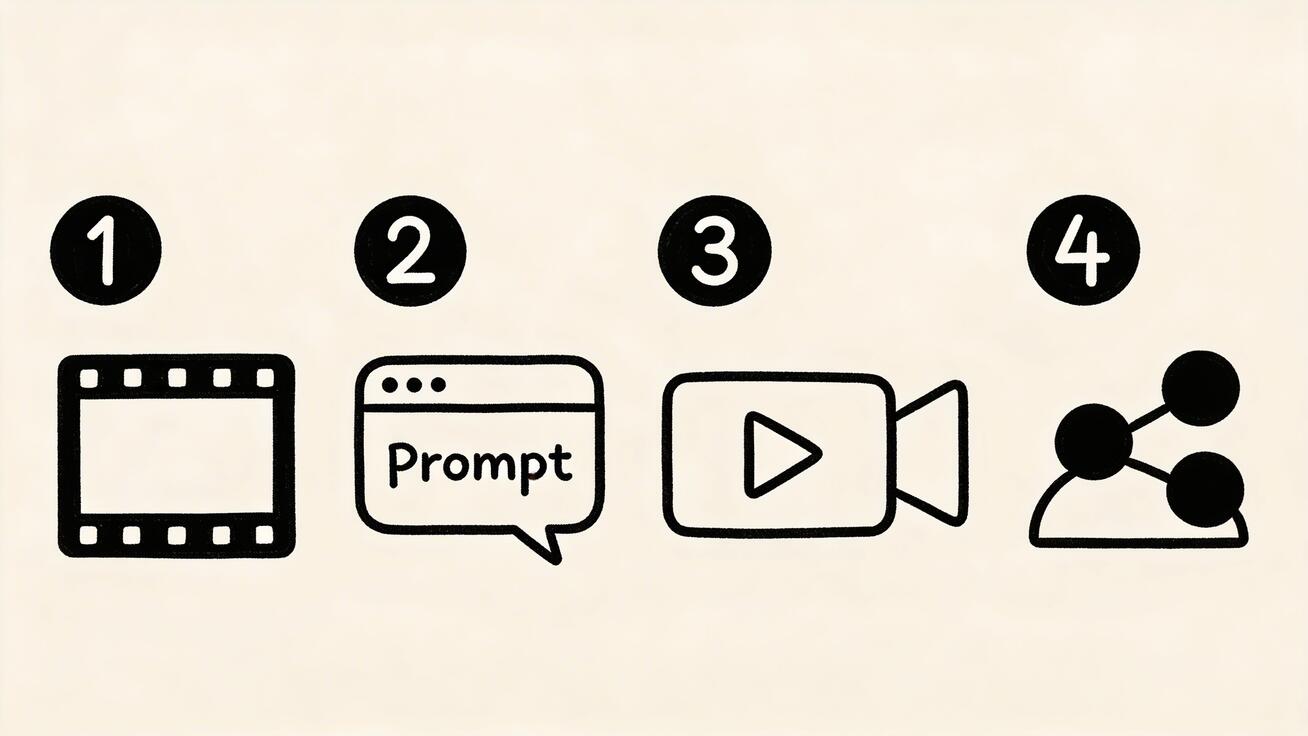
Step 2: Build a simple script
You do not need a full screenplay. You need a clean structure.
Use this basic template:
- Hook: what problem or result matters most?
- Setup: who is this for?
- Demo: what happens in the product?
- Proof: what makes it better or faster?
- CTA: what should the viewer do next?
Example:
- Hook: "Still spending hours editing product videos by hand?"
- Setup: "Seedance helps marketing teams turn prompts, screenshots, and assets into publish-ready video."
- Demo: show the workflow in three steps.
- Proof: show before and after, or time saved.
- CTA: "Create your first AI demo video now."
The script should be shorter than you think. Most product demos become more persuasive when they remove explanation rather than add more.
Step 3: Collect source assets
AI product demo workflows become easier when you start from real assets instead of pure imagination.
Useful source assets include:
- Product screenshots
- Dashboard screens
- Mobile app captures
- Product photography
- Brand illustrations
- UI mockups
- Customer quotes
- Logos
- Short screen recordings
These assets give your AI workflow anchor points. Instead of asking a model to invent everything from scratch, you guide motion from visuals that already represent your product accurately.
This is why image-to-video is so powerful for demos. A strong screenshot or hero frame can become a polished sequence with less drift and better brand accuracy than pure prompt-only generation.
Step 4: Decide when to use text-to-video vs image-to-video
A common mistake is using only one generation mode.
Use text-to-video when:
- You need conceptual scenes
- You want metaphorical intros or outros
- You need visual storytelling around a product benefit
- You want quick variants from different messaging angles
For example, a project-management app might open with a visual metaphor about scattered tasks turning into a clear workflow. That is a good use of text-to-video.
Use image-to-video when:
- You already have product screenshots
- You want accurate interface representation
- You need controlled motion from still assets
- You want product visuals to remain recognizable
For most product demos, image-to-video will do more of the heavy lifting than people expect.
Step 5: Write prompts that are specific but practical
Prompt quality matters, but many teams overcomplicate it. You do not need a giant paragraph full of cinematic jargon. You need enough direction to define the scene, motion, tone, and goal.
A useful prompt formula:
[subject] + [action] + [camera or framing] + [style] + [goal]
Example prompt for a product demo intro:
"A modern SaaS dashboard animates into view from a clean background, smooth camera push-in, crisp interface details, premium product-commercial style, designed to introduce an analytics platform."
Example prompt for a benefit scene:
"A cluttered workspace transforms into an organized workflow on screen, subtle motion graphics, bright modern lighting, high-conversion marketing style."
What to avoid:
- Too many adjectives
- Multiple scenes in one prompt
- Conflicting directions
- Vague goals like "make it awesome"
Good prompts produce better first renders, which lowers cost and speeds up iteration.
Step 6: Create a shot list before generating
Even a short demo benefits from a shot list. This keeps the AI workflow focused and prevents random outputs from becoming the story.
A simple shot list might look like this:
- Hook scene showing the problem
- Product hero reveal
- Dashboard or app overview
- Key feature one
- Key feature two
- Outcome or proof
- CTA end card
Now each prompt or image animation serves a clear purpose.
Frequently Asked Questions
Q: How long does it take to generate an AI video? A: With Seedance, most AI videos are generated within 1-3 minutes depending on length and complexity. The platform uses optimized processing pipelines to deliver fast results without compromising on quality.
Q: What kind of prompts work best for AI video generation? A: The most effective prompts are specific and descriptive — include details about the scene, lighting, camera movement, mood, and style. Seedance's AI responds well to cinematic language like "slow pan", "golden hour lighting", or "documentary style".
Q: Can I edit the AI-generated video after it's created? A: Yes, Seedance provides built-in editing tools that let you trim, extend, add music, adjust pacing, and apply style effects to your generated videos. You can also regenerate specific sections if you're not satisfied with the initial output.
Step 7: Generate the first pass quickly
The first pass is not about perfection. It is about coverage.
Generate rough versions of every planned shot before polishing any single one. This helps you see pacing, gaps, repetition, and messaging issues early. Teams that polish too early often waste time on scenes they later remove.
At this stage, ask:
- Does the story make sense?
- Is the product visible enough?
- Is the main claim obvious?
- Do the transitions feel coherent?
- Is anything visually distracting?
This is where AI gives you leverage. Instead of waiting days for a first cut, you can evaluate the structure in one session.
Step 8: Use motion strategically
Not every scene needs dramatic movement. Product demos convert better when motion supports clarity.
Use motion for:
- Revealing the interface
- Guiding attention to key actions
- Showing transformation
- Creating energy in openings and transitions
Avoid too much:
- Camera drift
- Overly cinematic moves on UI scenes
- Abstract effects that hide the product
- Constant zooming or morphing
A product demo should feel intentional. The product is the star, not the effect.
Step 9: Add labels, captions, and on-screen structure
AI-generated visuals improve dramatically when paired with clear text overlays. The overlay provides the narrative spine that pure motion often lacks.
Useful overlay types:
- Problem statements
- Feature labels
- Time-saving claims
- Short testimonials
- Calls to action
Keep on-screen copy short. Think headline, not paragraph.
Examples:
- "Launch video ads in minutes"
- "Turn screenshots into motion"
- "Create variants for every channel"
- "From prompt to publish-ready"
Step 10: Show outcomes, not just features
This is the biggest improvement most teams can make.
A feature-only demo says: "Here is our editor."
An outcome-focused demo says: "Here is how your team publishes campaign videos faster."
Whenever possible, frame each sequence around user value:
- Faster launches
- Better creative output
- More ad variants
- Easier collaboration
- Stronger conversion assets
People buy outcomes. Features only matter when they support those outcomes.
Step 11: Use AI for variants, not just one final video
The smartest way to use AI is not to make one video more cheaply. It is to make multiple targeted versions efficiently.
From one demo system, you can create:
- A homepage hero version
- A social ad version
- A vertical mobile version
- A feature-specific version
- A customer-segment version
- A short email teaser
This is where AI becomes a growth tool rather than just a production shortcut.
Step 12: Polish with effects only where they help comprehension
Teams often add too many effects once the AI output looks flexible. Resist that instinct.
Use enhancements when they improve clarity, pacing, or visual cohesion. Examples include motion smoothing, scene transitions, subtle emphasis, and branded finishing touches. If you need to stylize or refine motion after generation, this is where video effects workflows can help, but the effect should serve the message.
If an effect makes the product harder to see, remove it.
A practical demo workflow that works
Here is a simple repeatable workflow for most teams:
- Write a 6 to 8 line script.
- Collect screenshots and product visuals.
- Build a 5 to 7 shot list.
- Generate concept scenes with text-to-video.
- Animate real product assets with image-to-video.
- Add overlays and transitions.
- Create channel-specific cuts.
- Review for clarity, not just visual quality.
This system works because it mixes imagination with accuracy. Pure text prompts are great for mood, hooks, and concept scenes. Real assets are better for showing the product honestly.
Common mistakes when making AI product demos
Mistake 1: Showing too many features
A demo should create momentum. If you include every feature, the message disappears.
Mistake 2: Hiding the real product behind style
Visual polish matters, but not at the cost of clarity. The viewer should quickly understand what the product looks like and what it does.
Mistake 3: Writing prompts before writing the message
Prompts are execution details. The offer and narrative come first.
Mistake 4: Publishing the first interesting output
Interesting is not the same as persuasive. Judge the video by whether it helps the target buyer understand and act.
Mistake 5: Using the same cut everywhere
Homepage, ads, email, and sales follow-up each need different pacing and framing.
How long should an AI product demo be?
There is no single ideal length, but these guidelines work well:
- 15 to 30 seconds for paid social
- 20 to 45 seconds for homepage hero sections
- 45 to 90 seconds for feature demos
- 1 to 3 minutes for sales or onboarding use cases
Shorter is usually better if your message is still clear.
What makes a product demo feel premium?
Premium does not mean flashy. Premium usually comes from:
- Strong opening hook
- Clean visual hierarchy
- Controlled motion
- Consistent brand styling
- Sharp copy
- A clear CTA
AI helps with speed, but the premium feel still comes from direction and restraint.
Final thoughts
Making product demo videos with AI is no longer a niche tactic. It is becoming the default workflow for teams that need to move fast without sacrificing quality.
The highest-performing approach is usually hybrid:
- Use text-to-video for story, hooks, and conceptual scenes.
- Use image-to-video for product accuracy and visual control.
- Use light finishing and structure to guide the viewer toward the next step.
If you build a repeatable system around those pieces, product demos stop being one-off projects. They become a scalable content asset you can refresh for launches, campaigns, onboarding, email, paid acquisition, and sales enablement.
That is the real advantage of AI in 2026. It does not just make demos easier to produce. It makes it realistic to keep them current, relevant, and aligned with how your product actually evolves.
Ready to try it yourself?
Put the steps from this guide into practice with Seedance and turn prompts or images into polished videos in minutes.
Free credits on signup. Plans from $20/month.
Related Articles
More posts in the same locale you may want to read next.

Seedance App Preview Video Generator 2026: Create App Store and Product Launch Clips
Use Seedance to turn app screenshots, feature copy, and launch goals into App Store previews, Google Play promo videos, and product launch clips.
Read article
FramePack 6GB VRAM Setup Guide: Install, Test, and Tune Safely
Install FramePack on a 6GB NVIDIA GPU, run a clean sanity check, tune TeaCache safely, and diagnose CUDA out-of-memory errors without guesswork.
Read article
Google Vids Slides to Video: Convert a Deck into a Publishable Video
Convert Google Slides into Google Vids scenes, use speaker notes and optional Gemini narration, replace static slides with motion, and export a publishable work video.
Read article