

AI Video Generator Free No Limits: Best Options in 2026
Meta description: Discover the best AI video generators that are free with no limits, no sign up, or no watermark in 2026. Generate unlimited AI videos without restrictions — tools, tips, and comparisons inside.
Quick Answer: Yes, you can get started with AI video generation for free using Seedance, which offers a generous free tier that lets you create high-quality videos without any upfront cost.
Slug: ai-video-generator-free-no-limits-2026
Tags: ["free ai video generator", "no limits", "ai video generator free", "unlimited ai video", "2026"]
Category: guide
Everyone wants free AI video generation — but the real question is: free how? No watermark? No sign-up? No daily limits? No credit card? In 2026, the landscape has shifted dramatically, and there are now genuinely useful free AI video tools that don't bury you in restrictions.
Ready to try it yourself?
Free credits on signup. Plans from $20/month.
This guide covers the best AI video generators that are free with minimal or no limits — what they actually offer, what the hidden catches are, and how to get the most out of them without paying a cent (or spending as little as possible).
TL;DR: For the best free AI video generation with no sign-up required, try Seedance.tv. For unlimited monthly credits, Runway Gen 4 and Pika give you the most generous free tiers. For developers, Kling's free API tier offers the highest quality.
Why "Free No Limits" AI Video Is Hard to Find
Let's be honest upfront: truly unlimited free AI video generation doesn't exist. Video generation is computationally expensive — generating a 10-second 1080p clip uses roughly 100x more GPU compute than generating an image. No company can offer that for free at scale.
What does exist:
- Generous free tiers — enough credits to generate 20-50 clips per month for free
- No-sign-up demos — try once or twice without an account
- Free with watermark — full quality, just branded
- Limited daily free credits — reset every 24 hours
Understanding which category a tool falls into will save you frustration. Below, we break down the actual free tier for every major tool in 2026.
Top AI Video Generators: Free Tier Comparison (2026)
| Tool | Free Tier | Watermark? | Sign-Up Required? | Daily Limit? |
|---|---|---|---|---|
| Seedance.tv | Yes — limited credits | No | Optional for trial | Yes (reset daily) |
| Runway Gen 4 | 125 credits/month | No | Yes | No (monthly cap) |
| Pika Labs | 150 credits/month | No | Yes | No (monthly cap) |
| Kling AI | 66 credits/month | No | Yes | No (monthly cap) |
| Hailuo / MiniMax | 200 free coins | No | Yes | No (one-time bonus) |
| InVideo AI | 4 videos/week | Yes | Yes | Weekly limit |
| Canva Video AI | 5 generations/month | No | Yes | Monthly limit |
| Luma Dream Machine | 30 generations/month | No | Yes | Monthly limit |
1. Seedance.tv — Best Overall Free Experience
Seedance.tv stands out as the best free AI video generator for most users in 2026. Why?
- No forced sign-up to start — you can try text-to-video and image-to-video immediately
- No watermark on generated videos, even on the free tier
- Multiple AI models in one platform: access to Seedance 2.0, Veo 3 (Google), and Kling models
- Clean, beginner-friendly interface — no technical knowledge needed
What the Free Tier Actually Includes
Seedance's free tier gives you a limited number of daily generation credits that reset every 24 hours. For light usage — exploring the tool, generating a few clips for a project, testing different prompts — it's more than sufficient.
When you need more, Seedance's paid plans start at just $9.90/month, which is significantly cheaper than most competitors.
Why Seedance Is Different
Unlike tools that give you a "free tier" that's essentially unusable (2 generations per month, watermarked, 360p), Seedance's free tier generates at 720p minimum with clean output. For social media content and personal projects, it's genuinely useful.
Text-to-Video: Describe a scene in plain English, and Seedance generates a video clip. Great for social media content, presentations, and creative projects.
Image-to-Video: Upload any photo and animate it — make a portrait come to life, animate a product shot, or turn your travel photos into cinematic clips.
Try it free at seedance.tv — no credit card required.
2. Runway Gen 4 — Most Generous Monthly Free Tier
Runway Gen 4's free plan gives you 125 credits per month, which translates to approximately:
- 25 × 5-second clips at 720p, OR
- 12-15 × 5-second clips at 1080p
It's not "no limits," but 125 credits/month is one of the most generous free tiers in the industry for a professional-grade tool.
Free Tier Limitations
- Maximum 5-second clips (Gen 4 Pro allows up to 16 seconds)
- 720p resolution (1080p requires a paid plan)
- No access to Motion Brush 3.0 or Act-One features
- No 4K export
When to Upgrade
If you find yourself burning through 125 credits in the first week, the Standard plan at $15/month is worth it — you get 625 credits, 1080p, and Motion Brush access.
3. Pika Labs — Best for Creative/Experimental Clips
Pika 2.0 (launched late 2025) shook up the AI video world with its Pikaffects feature — physics-based transformations like melting objects, exploding scenes, and style morphing.
Free tier: 150 credits/month
What you can do: About 30 × 5-second clips, plus access to Pikaffects
Watermark: None
Resolution: Up to 1080p on free tier (limited)
Pika's free tier is actually slightly more generous than Runway's in credit terms, and the Pikaffects feature is unique — you can't get these physics-based transformations anywhere else for free.
Best for: Creative experimenters, social media content creators, anyone who wants unusual visual effects.
4. Kling AI — Best Free Tier for Realism
Kling (by Kuaishou) consistently ranks among the top 3 AI video models for realism, right alongside Veo 3 and Runway Gen 4. Its free tier is more limited but still valuable:
Free tier: 66 credits/month
Credit cost: 10 credits for a 5-second standard clip, 20 credits for a 10-second clip
So you get: About 6-10 free clips per month
Watermark: None
Resolution: 720p on free tier
Kling's free tier is smaller than Runway or Pika, but the output quality often makes up for it — particularly for photorealistic human scenes and natural environments.
Tip: Kling also offers a Professional mode (costs more credits but significantly better quality). On the free tier, stick to Standard mode to make your credits last longer.
5. Hailuo / MiniMax — Best One-Time Free Credits
Hailuo AI (the Western-facing version of MiniMax's video model) gives new users 200 free coins as a welcome bonus — more than enough to generate 20-30 video clips.
The catch: this isn't a recurring monthly allowance. Once you've used your 200 coins, you'll need to subscribe or buy more.
Free tier: 200 one-time coins
Best for: Trying the tool thoroughly before committing to a subscription
Watermark: No
Video length: Up to 6 seconds per clip on free tier
Hailuo's video quality is excellent — comparable to Kling, with particularly strong handling of anime/stylized content alongside photorealistic output.
How to Maximize Free AI Video Credits
Even with limited monthly credits, you can generate a surprising amount of content if you're strategic. Here's how:
1. Use Image-to-Video Instead of Text-to-Video
Image-to-video typically uses fewer credits than text-to-video on most platforms, while often producing better results — because the AI has a clear reference to work from rather than imagining a scene from scratch.
Workflow: Generate or find a great still image → animate it with image-to-video → get a higher-quality result for fewer credits.
2. Start Short (5 Seconds) Before Going Long
Don't waste a 10-second generation credit on a prompt you haven't tested. Start with a 5-second clip, refine your prompt based on the output, then generate the full-length version.
3. Write Better Prompts
Poor prompts lead to poor results, which means wasted credits. A good AI video prompt includes:
- Subject: What/who is in the video
- Action: What they're doing
- Environment: Where it's happening
- Style/mood: Cinematic, documentary, cartoon, etc.
- Camera: Close-up, wide shot, drone view, etc.
Bad prompt: "A cat playing"
Good prompt: "A fluffy orange tabby cat playfully batting at a ball of yarn on a hardwood floor, warm afternoon sunlight streaming through a window, cinematic close-up shot"
4. Use Style Presets When Available
Many tools (Seedance, Runway, Pika) offer style presets that produce consistently good results without requiring perfect prompting. Use them — they save credits by reducing failed generations.
5. Stack Multiple Free Tiers
There's nothing stopping you from using Seedance, Runway, and Pika simultaneously — each has its own free tier. Rotate between them based on daily/monthly limits:
- Day 1-10: Use Runway's monthly credits for editing-heavy projects
- Day 11-20: Switch to Pika for experimental/effects work
- Daily: Use Seedance for quick generations (daily reset credits)
AI Video Generator Free No Watermark: Which Tools Qualify?
In 2026, most major AI video generators have dropped watermarks from their free tiers entirely (they compete on quality and UX, not watermark annoyance). The following tools generate clean, watermark-free video on their free tier:
✅ Seedance.tv
✅ Runway Gen 4
✅ Pika Labs
✅ Kling AI
✅ Hailuo/MiniMax
✅ Luma Dream Machine
The following tools still add watermarks on free tiers:
⚠️ InVideo AI (free tier)
⚠️ Some no-name generators (check terms before use)
AI Video Generator Free No Sign Up: Which Tools Let You Try Immediately?
Most tools require email registration before you can generate anything. But a few let you try immediately:
No sign-up required:
- Seedance.tv — Try text-to-video and image-to-video directly on the homepage
- Runway Gen 4 — Limited demo on the landing page (no account needed for 1-2 generations)
Email required but fast:
- All major tools require email for continued use. Registration takes under 60 seconds and you're typically generating within 2 minutes.
The "no sign-up" framing is often misleading — most tools that advertise it either limit you to 1-2 generations or collect your email immediately after. Seedance.tv is the most genuinely accessible, letting you generate several clips before prompting account creation.
Free AI Video Generator for Specific Use Cases
Free AI Video for TikTok
For TikTok content (9:16 vertical format), Seedance and Pika both support vertical video generation natively. Seedance is particularly good here — its text-to-video and image-to-video tools both support portrait aspect ratios, and the daily free credits refresh fast enough to maintain a consistent posting schedule.
Read our full guide: AI Video Generator for TikTok
Free AI Video for YouTube
For YouTube (16:9 landscape), Runway Gen 4 and Seedance are the top free picks. Runway's monthly credits are better for consistent YouTube creators; Seedance's daily credits work well for channels that post occasionally.
For YouTube Shorts specifically, Seedance handles 9:16 vertical content natively.
Free AI Video for Instagram
Instagram content (1:1 square, 9:16 Reels, 16:9 feed) is well-served by Seedance and Pika. Pika's Pikaffects are particularly popular for Instagram Reels — the physics-based transformations (objects morphing, dissolving, exploding) get massive engagement.
Free AI Video for Business/Marketing
For business use (ads, product demos, explainer videos), you need more control and higher quality than most free tiers offer. However, Seedance's paid plans starting at $9.90/month are dramatically cheaper than production costs for traditional video.
Read our guide: AI Video Generator for Marketing
AI Video Generation Quality at Free Tier: What to Expect
Honesty check: free tiers usually limit quality in some way. Here's what you actually get:
| Tool | Free Tier Resolution | Max Clip Length (Free) | Quality Assessment |
|---|---|---|---|
| Seedance.tv | 720p | Varies by model | Good — usable for social media |
| Runway Gen 4 | 720p | 5 seconds | Very Good — professional enough |
| Pika Labs | 720p-1080p | 5 seconds | Good — especially for effects |
| Kling AI | 720p | 10 seconds | Excellent — best-in-class realism |
| Luma Dream Machine | 1080p | 5 seconds | Very Good |
Key insight: 720p in 2026 is actually fine for most social media platforms. TikTok, Instagram Reels, and YouTube Shorts all compress video on upload anyway — the platform processing often smooths out quality differences between 720p and 1080p source files.
Is "Truly Unlimited" Free AI Video Possible?
In short: no — not sustainably. Any tool claiming "truly unlimited free AI video" either:
- Uses a very low-quality model (cheap to run)
- Is venture-funded and burning money (will eventually lock the free tier)
- Adds watermarks or restrictions they don't advertise upfront
- Has misleading "unlimited" terms with hidden rate limits
The tools listed in this guide are honest about their limits and sustainable — they've been running their free tiers for months or years and aren't going anywhere.
If your budget is truly zero, here's the realistic expectation: you can generate 30-80 free video clips per month by combining Seedance, Runway, Pika, and Kling free tiers. That's enough for active social media creators, personal projects, and thorough tool evaluation.
The Hidden Limits in "Unlimited" AI Video Plans
Every AI video generator advertises free or unlimited tiers, but the fine print reveals significant restrictions. Here's what to look for before choosing a "free no limits" tool.
Generation Caps vs. Credit Systems
Most tools use one of two restriction mechanisms:
Hard daily/monthly caps: You get X generations per day or month, period. Once exhausted, you wait or upgrade. Simpler and more predictable.
Credit systems: You get a pool of credits that deplete at different rates based on video length, resolution, and quality settings. A 1080p 8-second clip might cost 50 credits while a 720p 4-second clip costs 10.
Credit systems create an illusion of flexibility while making true "unlimited" usage impossible to estimate. Always calculate your effective clip budget at the resolution and quality you'll actually use, not the headline credit number.
Resolution and Quality Restrictions
Free tiers almost universally cap output resolution. Typical restrictions:
| Tool | Free Resolution Cap | Paid Resolution |
|---|---|---|
| Seedance | 1080p | 1080p/4K |
| Runway Gen 4 | 720p | 1080p |
| Pika | 720p | 1080p |
| Kling | 720p | 1080p |
For social media posting (Instagram, TikTok, YouTube Shorts), 720p is often acceptable. For any professional use, you'll likely need the paid tier.
Duration Restrictions
Free tiers typically limit video duration to 4-5 seconds. Paid tiers extend this to 8-16 seconds. For most social media content, 4 seconds is actually workable — but for storytelling or tutorial content, the 4-second cap forces creative constraints that quickly become frustrating.
Watermark Policies
As covered extensively elsewhere in this article, most free tiers apply watermarks. The exceptions are notable: Seedance offers watermark-free output even on the free tier, which is a genuine differentiator for creators who need clean output without a paid subscription.
Maximizing Free Tier Value: Practical Strategies
If you're committed to using free tiers as long as possible, these strategies stretch your credits further.
Batch Your Generations
Most tools reset credits daily or monthly. Batching all your generation requests at the reset time ensures you start each period with full credits available.
Use Shorter Clips Strategically
A 4-second AI video clip can be looped, combined with other clips, or used as a background element behind text overlays. Single-purpose thinking ("I need a 15-second video") limits free tier usefulness. Multi-use thinking ("I need 5 clips I can recombine") multiplies it.
A/B Test with Free, Refine with Paid
Use your free tier generations for rapid A/B testing of concepts and prompts. Once you've identified a winning format, upgrade temporarily to produce higher-quality final versions, then downgrade again.
Many tools allow monthly plan changes, making this cost-effective for project-based work.
Frequently Asked Questions
What's the best completely free AI video generator?
For the best combination of quality, no watermark, and ease of use, Seedance.tv is the top pick in 2026. Runway Gen 4 gives you the most monthly credits on a free plan (125 credits/month).
Can I generate AI videos for free without signing up?
Seedance.tv lets you try text-to-video and image-to-video without account creation. Runway Gen 4 offers a limited demo without registration. Most tools require a free account for continued use.
Which free AI video generator has no watermark?
All major tools in 2026 (Seedance, Runway Gen 4, Pika, Kling, Hailuo) generate watermark-free video on their free tiers. InVideo AI and some smaller tools still add watermarks.
How many free AI videos can I generate per month?
By combining free tiers: Runway (125 credits ≈ 25 clips) + Pika (150 credits ≈ 30 clips) + Kling (66 credits ≈ 6 clips) + Seedance (daily credits ≈ 60+ clips/month) = 120+ free clips per month.
Can I use free AI videos commercially?
Check each tool's terms. Most major tools (Seedance, Runway, Pika) allow commercial use of free-tier generations. InVideo's free tier is for personal use only. Always verify before using for paid client work.
What's the maximum free video length?
Kling AI offers up to 10-second free clips, making it the most generous for longer content. Most other tools cap free tiers at 5 seconds. Seedance varies by model.
Is AI video generation getting cheaper?
Yes, significantly. In early 2025, 1 minute of AI video cost $3-8 on most platforms. By April 2026, equivalent quality costs $0.50-2 per minute. Costs are falling 40-60% year-over-year as model efficiency improves.
Conclusion: The Best Free AI Video Strategy in 2026
There's no single "free unlimited AI video generator" — but there's a smart approach that gets you maximum free output:
- Start with Seedance.tv — no sign-up needed, daily credits, multiple model access, best beginner experience
- Add Runway Gen 4 — 125 professional-grade credits/month, great for edited content
- Stack Pika Labs — 150 credits/month for creative/effects work
- Use Kling when you need maximum realism — 66 credits/month but exceptional quality
For most creators, this combination covers everything from casual social media posts to professional content without spending a dollar.
When you're ready to move beyond free tiers, Seedance.tv's paid plans offer the best value in the industry — starting at $9.90/month for significantly more generation capacity and access to top-tier models including Veo 3.
Last updated: April 2026 | Author: Emma Chen
Ready to try it yourself?
Put the steps from this guide into practice with Seedance and turn prompts or images into polished videos in minutes.
Free credits on signup. Plans from $20/month.
Related Articles
More posts in the same locale you may want to read next.
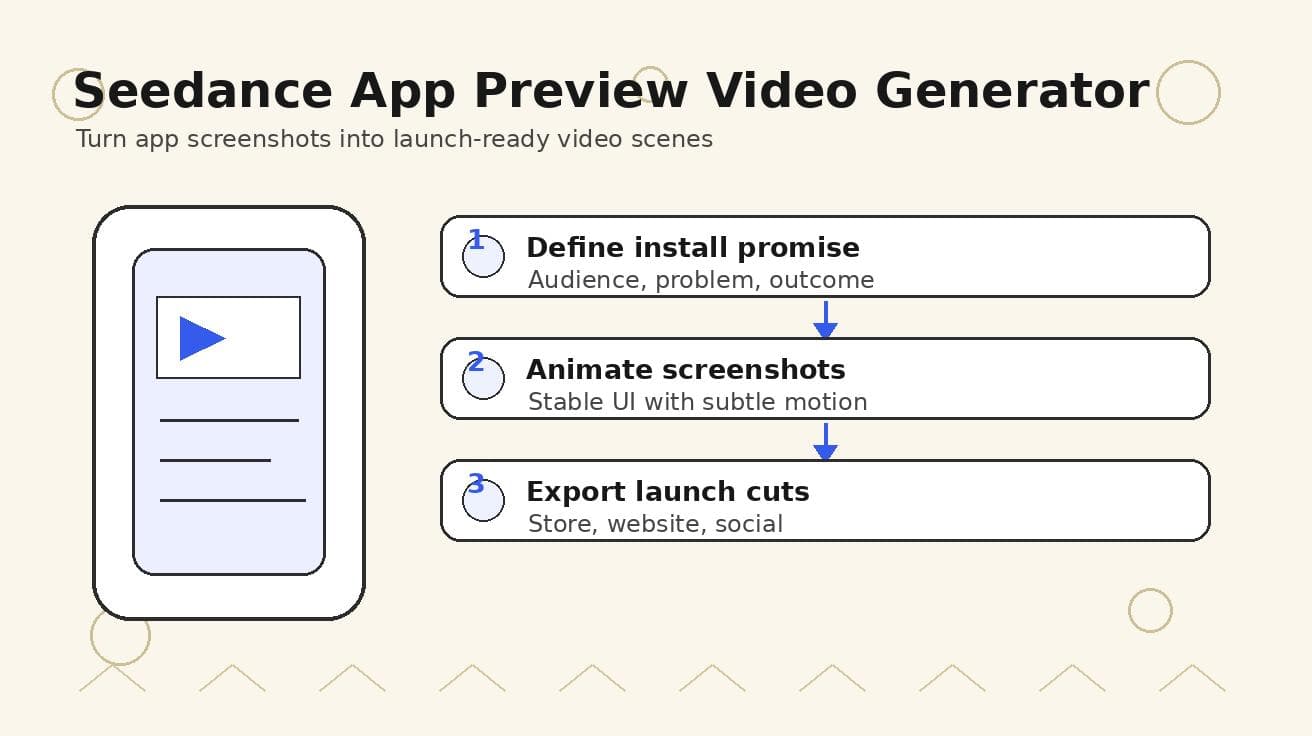
Seedance App Preview Video Generator 2026: Create App Store and Product Launch Clips
Use Seedance to turn app screenshots, feature copy, and launch goals into App Store previews, Google Play promo videos, and product launch clips.
Read article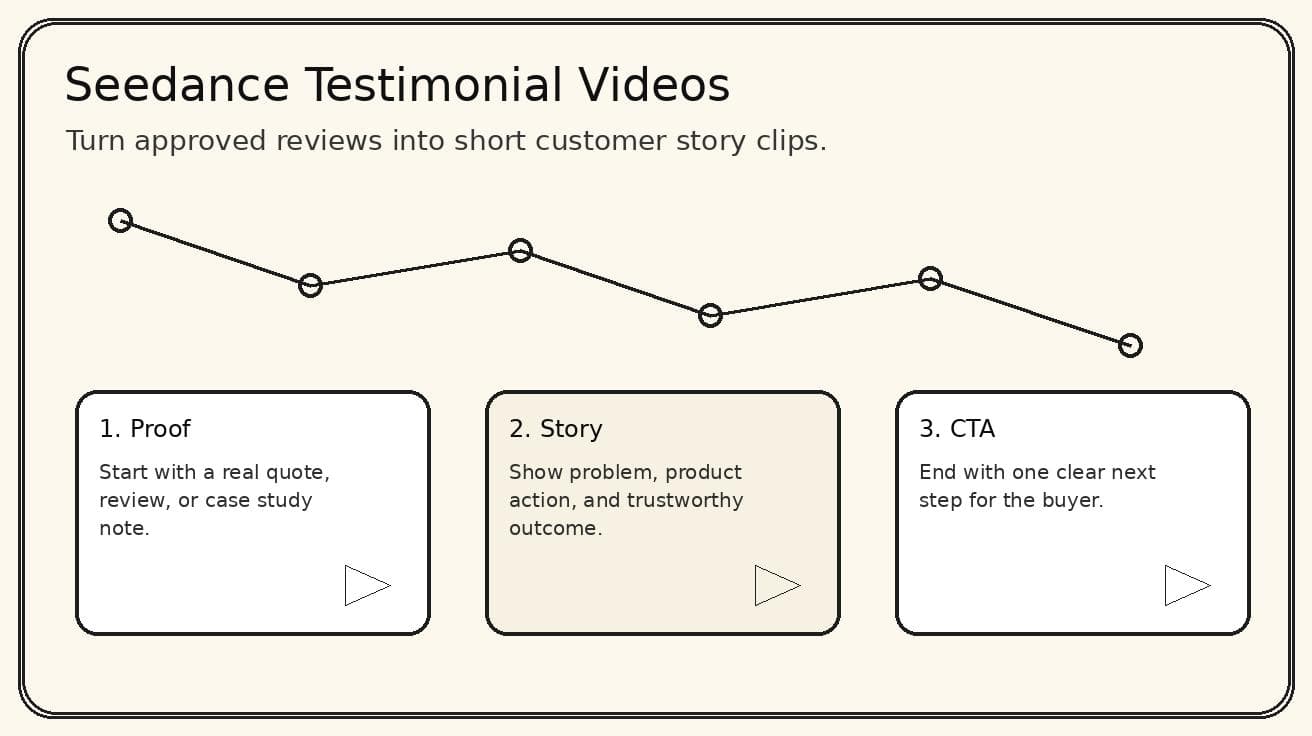
Seedance Testimonial Video Generator 2026: Turn Reviews into Customer Story Clips
Use Seedance to turn customer reviews, quotes, and product proof into short testimonial video clips for landing pages, ads, and social proof.
Read article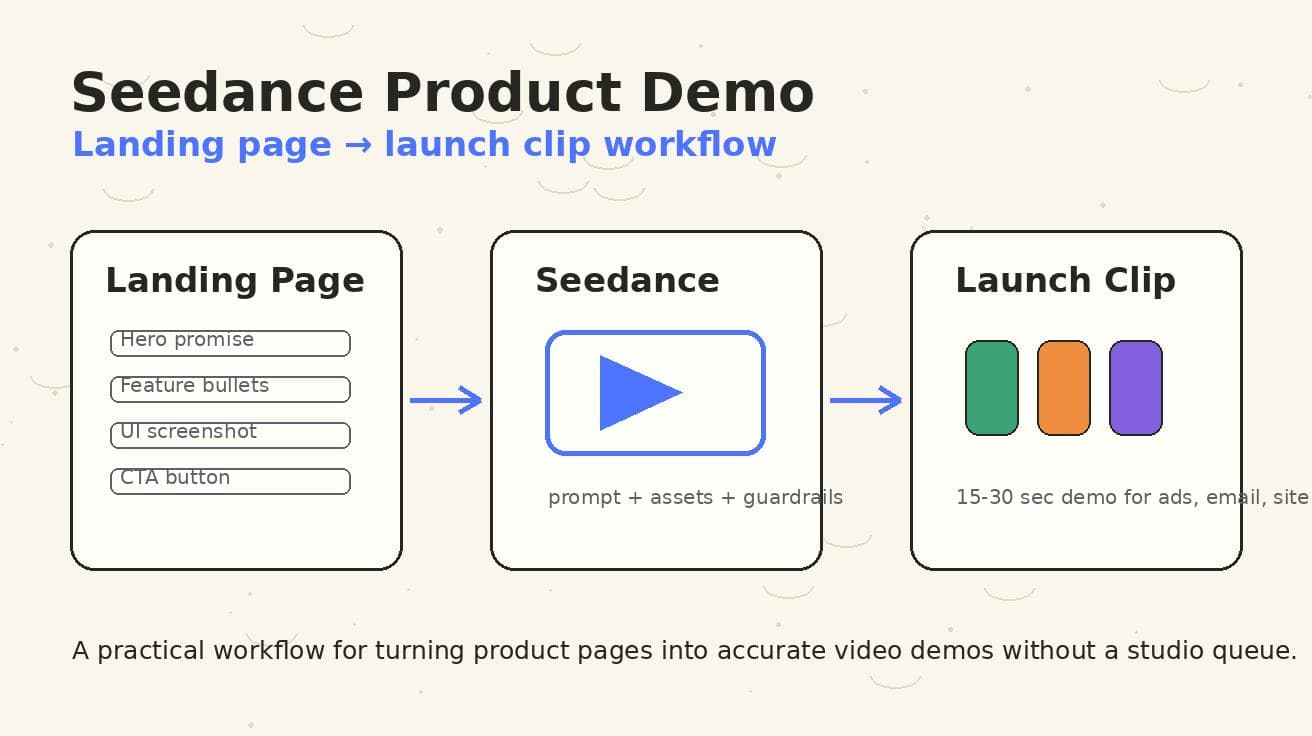
Seedance Product Demo Video Generator 2026: Landing Page to Launch Clip Workflow
A Seedance-specific workflow for turning landing pages, screenshots, and CTAs into accurate product demo launch clips.
Read article