
Seedance Prompt Generator Workflow: Build Reusable AI Video Prompts in 2026
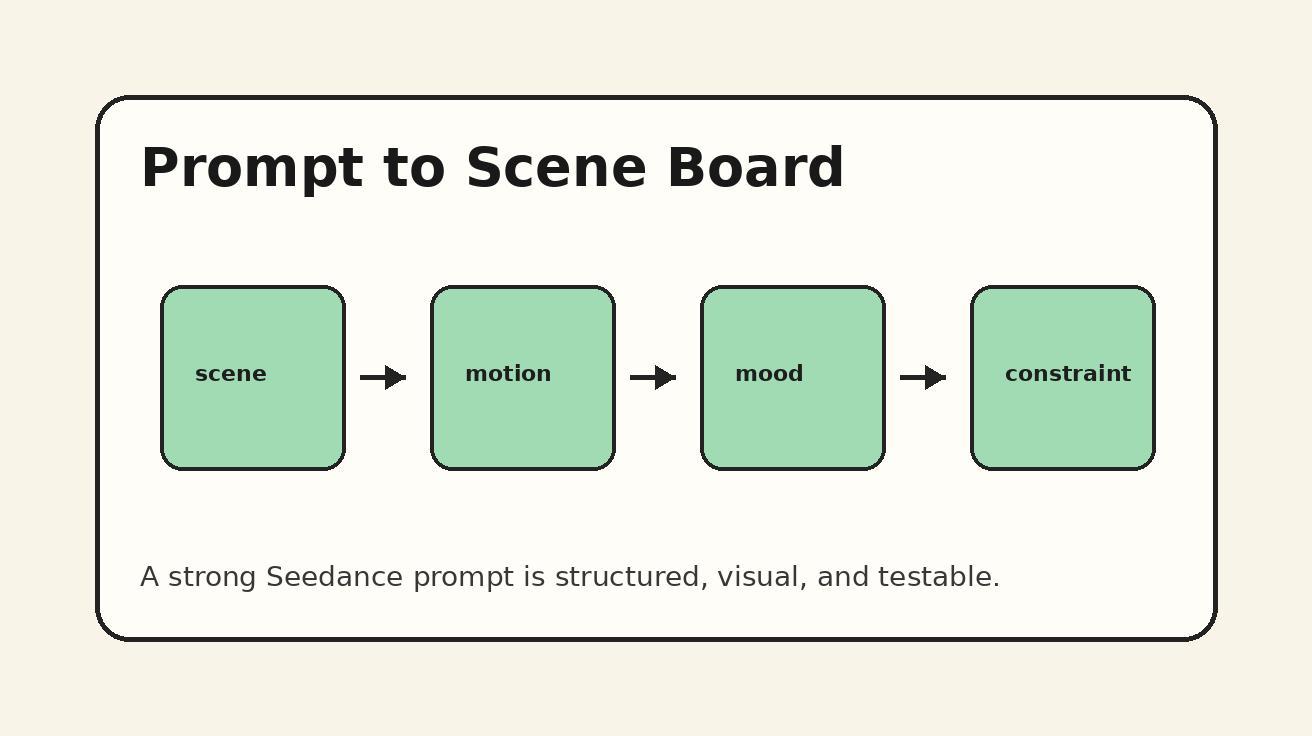
Most AI video creators do not really need one perfect prompt. They need a repeatable prompt system. A single prompt may create one good clip, but a prompt generator workflow helps a team create ten, fifty, or one hundred clips with the same visual logic, the same brand voice, and fewer random failures. That is why the keyword "AI video prompt generator" keeps becoming more important: creators want a way to turn vague ideas into structured video instructions that models can follow.
This guide explains how to build a practical Seedance prompt generator workflow for 2026. The goal is not to automate taste away. The goal is to make good taste reusable. Seedance works best when the creator gives it clear subject detail, visual style, camera movement, scene timing, reference logic, and output intent. When those ingredients live in a reusable framework, every new concept becomes faster to brief and easier to evaluate.
If you are new to Seedance, start with the main creative entry points on /text-to-video, /image-to-video, and the current Seedance model overview at /seedance-2-0. This article focuses on the layer above the interface: the planning system you can use before you generate.
What a Seedance prompt generator workflow actually means
A prompt generator workflow is a repeatable process that turns a rough creative idea into a complete AI video prompt. It can be a spreadsheet, a Notion template, a simple internal form, or a short checklist your team uses before every Seedance generation. The important part is that it separates the creative decision into fields instead of forcing every user to write a long paragraph from scratch.
A weak prompt often sounds like this: "Create a cinematic product video of a sneaker in a city." That can work, but it leaves too many important choices unresolved. What kind of city? What time of day? Is the camera handheld, locked off, or tracking? Is the sneaker floating, worn by a runner, or sitting on wet pavement? Should the mood feel premium, sporty, futuristic, or documentary? Should the clip be vertical for Reels, square for ads, or widescreen for a landing page hero?
A stronger Seedance prompt generator turns that same idea into a structured brief:
- Subject: white running sneaker with reflective details
- Scene: rainy neon crosswalk at night, wet asphalt, shallow puddles
- Action: sneaker lands in slow motion, water splashes outward
- Camera: low-angle tracking shot, slight push-in, 35mm lens feel
- Lighting: blue and magenta reflections, high contrast, glossy highlights
- Style: premium sports commercial, realistic, dynamic, clean composition
- Duration intent: one hero shot, no fast cuts, clear product visibility
- Output use: vertical social ad with room for text overlay at top
The second version gives Seedance more useful constraints. It also gives your team a shared language. If the first output is close but not perfect, you can revise one field instead of rewriting everything.
Why Seedance benefits from reusable prompt structures
Seedance can produce polished motion, cinematic framing, and stylized visuals, but like any AI video model, it responds best to precision. A reusable prompt structure helps in five ways.
First, it reduces creative drift. If each team member writes prompts in a different style, outputs will vary wildly. One person may describe color and lens language; another may describe only the subject. A generator template forces everyone to define the same key variables.
Second, it saves iteration time. Prompting AI video is rarely one-and-done. You generate, evaluate, adjust, and regenerate. When the original prompt is structured, the next revision is obvious: tighten action, simplify background, slow the camera, change lighting, or clarify the subject.
Third, it supports multi-format production. A campaign may need a 16:9 hero video, a 9:16 social version, and a square thumbnail animation. With a prompt generator, you keep the core scene constant while swapping aspect ratio, pacing, and composition notes.
Fourth, it improves brand consistency. Brands need repeated visual motifs: color palettes, product angles, lighting rules, forbidden aesthetics, and tone. A Seedance prompt generator can include these defaults so every new prompt starts from an approved creative baseline.
Fifth, it creates a prompt library. After a few weeks, you can identify which prompt patterns produce reliable results. Those patterns become reusable modules for product videos, story scenes, tutorial clips, cinematic intros, and social ads.
The 9-field Seedance prompt generator template
Below is a practical template you can copy into a doc or spreadsheet. Use one row per video idea. The final prompt is created by combining the fields into a natural-language paragraph.
1. Output goal
Define what the video must accomplish. The output goal prevents the prompt from becoming visually impressive but strategically useless. Examples:
- Landing page hero animation for an AI video tool
- TikTok hook that shows a before-and-after transformation
- Product ad that highlights texture and premium materials
- Tutorial visual showing a three-step creative workflow
- Cinematic establishing shot for a short story scene
For Seedance, this field matters because it influences pacing. A landing page hero may need slower, elegant motion. A social hook may need a stronger first-second action. A tutorial clip may need clear visibility over dramatic chaos.
2. Subject anchor
The subject anchor is the visual thing that must remain recognizable. It can be a product, person, object, place, interface, or character. Be specific, but do not overload the subject with contradictory details.
Weak subject anchor: "a cool robot."
Stronger subject anchor: "a small matte-white desk robot with rounded corners, a single blue LED eye, and soft rubber wheels."
If the subject is a product, include material, color, size, and distinguishing features. If the subject is a person, include age range, outfit, posture, and role without using private identity claims. If the subject is a place, include environmental markers that Seedance can visualize clearly.
3. Scene environment
Environment tells Seedance where the action happens and what visual context surrounds the subject. Good environment fields include location, time of day, weather, background density, and any objects that support the story.
For example:
- Minimal studio with warm beige backdrop and soft shadow
- Tokyo side street at dusk, glowing shop signs, light rain
- Modern kitchen counter, morning sunlight, clean lifestyle aesthetic
- Futuristic control room with glass panels and subtle holographic UI
The environment should support the subject instead of competing with it. If the video is for a product page, keep the environment simple. If the video is for a cinematic story, add atmosphere.
4. Action verb
AI video prompts need motion. A still description often produces weak movement. The action verb field defines what changes during the clip. Use one main action per shot.
Examples:
- rotates slowly on a reflective pedestal
- walks toward camera through shallow fog
- unfolds into three glowing interface panels
- splashes through a puddle in slow motion
- transforms from sketch lines into a realistic object
- camera reveals the subject from behind foreground leaves
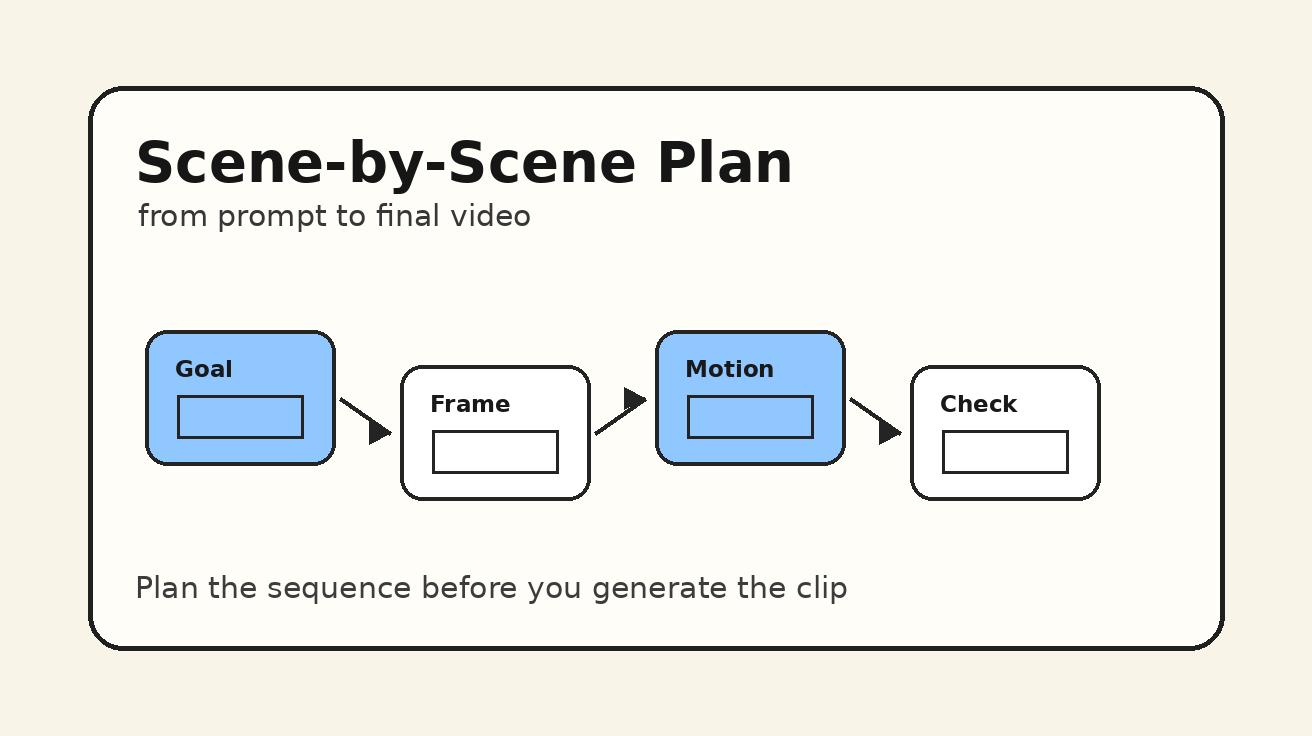
One common mistake is listing too many actions: "the product rotates, then flies, then opens, then explodes into particles, then returns." Seedance can handle dynamic prompts, but short clips are stronger when one action dominates. If you need a sequence, split it into multiple shots with the storyboard workflow rather than forcing every beat into one prompt.
5. Camera language
Camera language is where many AI video prompts improve immediately. Instead of saying "cinematic," describe how the camera behaves. Use terms such as push-in, pull-back, tracking shot, orbit, dolly, handheld, crane, macro close-up, low-angle, top-down, or locked-off composition.
For Seedance, a useful camera line often includes three parts:
- Framing: close-up, medium shot, wide shot, macro detail
- Movement: slow push-in, smooth tracking, gentle orbit, static tripod
- Stability: stable commercial camera, subtle handheld, documentary motion
Example: "macro close-up, slow push-in toward the product logo, stable commercial camera, shallow depth of field."
Camera language is also the best way to make outputs feel more professional without adding fake complexity. A simple scene with a clear camera direction often beats a crowded scene with vague cinematic adjectives.
6. Lighting and color
Lighting tells Seedance what mood the clip should carry. Use clear lighting references rather than generic quality words.
Examples:
- soft morning window light, warm highlights, gentle shadows
- high-contrast neon lighting, blue and magenta reflections
- clean studio lighting, white background, premium product catalog look
- golden hour backlight, soft lens flare, natural outdoor warmth
- moody cinematic side light, deep shadows, restrained color palette
Color can include brand colors, but avoid forcing too many colors into one shot. If you need a branded look, define a primary palette and let secondary colors remain neutral.
7. Style and realism level
Seedance can be guided toward realistic, stylized, anime-inspired, editorial, documentary, commercial, hand-drawn, 3D, or surreal looks. The style field should match the business goal.
For a product ad, use "realistic premium commercial" or "clean studio product film." For a creator tutorial, use "bright creator economy style, clean UI-inspired motion." For a music visual, use "dreamy cinematic surrealism" or "grainy analog film mood."
The realism level is important. If you want a credible ad, do not mix "photorealistic" with "cartoon doodle" in the same prompt unless the transition is the concept. If you want a stylized visual, name the style clearly and keep object details simple.
8. Constraints and negative instructions
A good prompt generator includes a small field for constraints. This is not about stuffing the prompt with negatives. It is about protecting the output from common failure modes.
Useful constraints:
- keep the product logo visible and undistorted
- no extra text, no subtitles, no random letters
- avoid fast cuts, keep one continuous shot
- keep hands out of frame
- maintain centered subject with space for overlay text
- avoid cluttered background
- do not change product color
Use constraints sparingly. Too many negatives can make the prompt harder to follow. Pick the two or three things that matter most.
9. Format and platform notes
The final field tells your team where the clip will be used. This changes composition.
- 9:16 vertical: subject centered, safe space top and bottom for captions
- 16:9 widescreen: room for headline on left, subject on right
- 1:1 square: balanced center composition, simple background
- Website hero: slow motion, seamless loop potential, no chaotic camera
- Paid ad: first second must show the product or transformation clearly
Even if Seedance handles the generation, your prompt generator should record the format so that the creative decision is not lost.
How to combine the fields into a Seedance prompt
After filling the fields, combine them in this order:
- Subject and environment
- Main action
- Camera direction
- Lighting and style
- Constraints
- Format or platform use
Here is a reusable sentence structure:
"Create a [format/use case] video of [subject anchor] in [scene environment]. The subject [main action]. Use [camera framing and movement]. The lighting is [lighting/color], with a [style/realism level] look. Keep [constraints]. Compose for [platform notes]."
Example prompt:
"Create a vertical product ad video of a matte-black wireless earbud case on a glossy stone surface in a minimal studio. The case opens slowly as a soft blue light glows from inside. Use a macro close-up with a slow push-in, stable commercial camera, and shallow depth of field. The lighting is clean studio lighting with cool highlights and soft shadows, with a premium realistic technology commercial look. Keep the logo visible, avoid random text, and maintain empty space at the top for a caption. Compose for a 9:16 social ad."
This is not magic. It is a disciplined creative brief. The advantage is that every part of the prompt can be tested and improved.
Seedance prompt generator examples by use case
Product demo prompt
"Create a 16:9 website hero video of a compact espresso machine on a clean kitchen counter at sunrise. The machine releases a smooth stream of espresso into a small ceramic cup, with gentle steam rising. Use a medium close-up, slow push-in, stable commercial camera, and shallow depth of field. The lighting is warm morning window light with soft highlights on the metal surface. The style is realistic premium lifestyle advertising. Keep the product centered, avoid extra text, and make the motion calm enough for a landing page hero."
Why it works: the subject, action, environment, and camera are all specific. The prompt does not ask for too many events. It protects product visibility and defines the final placement.
Social hook prompt
"Create a 9:16 vertical video showing a messy desk transforming into a clean creator workspace. The scene begins with scattered notes, cables, and a closed laptop, then smoothly organizes into a minimal setup with a glowing monitor and neat accessories. Use a quick but smooth top-down camera move with a slight push-in. The lighting is bright daylight with clean shadows, and the style is modern creator productivity content. Keep the center clear for text overlay and avoid random letters on objects."
Why it works: the transformation is the hook. The camera and format are aligned with vertical social media. The prompt gives Seedance a clear before-and-after structure.
Story scene prompt
"Create a cinematic short scene of a young explorer standing at the entrance of a hidden glass greenhouse in a misty forest. The explorer slowly pushes open the door as warm light spills into the fog. Use a wide establishing shot that gently tracks forward behind the character. The lighting combines cool blue morning mist with golden interior glow. The style is realistic fantasy adventure, emotional but restrained. Keep one continuous shot, no fast cuts, and maintain the greenhouse as the visual destination."
Why it works: the action is simple, but the emotional direction is strong. The camera supports discovery instead of distracting from it.
Tutorial visual prompt
"Create a clean educational video showing three floating cards labeled conceptually as idea, prompt, and video output, but without readable text. The cards appear one by one above a bright desk workspace, connected by subtle glowing lines. Use a locked-off medium shot with gentle object motion. The lighting is soft and neutral, with a clean SaaS tutorial style. Avoid random text, keep the layout simple, and leave space on the right side for a UI screenshot overlay."
Why it works: the prompt asks for a tutorial metaphor without relying on the model to render exact text. This is important because AI video models can create messy lettering. If exact labels are required, add them later in editing.
How teams should store Seedance prompt generator outputs
A prompt generator becomes more valuable when you store results. Create a simple library with these columns:
- Prompt title
- Use case
- Final prompt
- Seedance settings or format notes
- Output URL or file name
- Rating from 1 to 5
- What worked
- What failed
- Revision notes
- Reusable module tags
The rating column matters because prompt quality is not theoretical. A prompt is good if it produces usable outputs. After twenty or thirty generations, you will see patterns. Maybe macro product prompts work better with slower action. Maybe wide environmental scenes need fewer background details. Maybe vertical ads need stronger subject centering. Those insights become your internal Seedance playbook.
You can also turn strong prompt sections into modules:
- Premium product lighting module
- Vertical social hook module
- Smooth camera reveal module
- Character entrance module
- Before-and-after transformation module
- Minimal SaaS tutorial module
When a new campaign starts, combine modules instead of starting from a blank page.
Common prompt generator mistakes
Mistake 1: Treating the generator as a keyword stuffing tool
A prompt generator is not an SEO keyword list. Do not cram every visual phrase into the final prompt. Seedance needs clarity more than density. If you include "cinematic, ultra realistic, anime, documentary, luxury, viral, 3D, watercolor" in one instruction, the style becomes confused. Pick one primary visual direction.
Mistake 2: Asking for too many shots at once
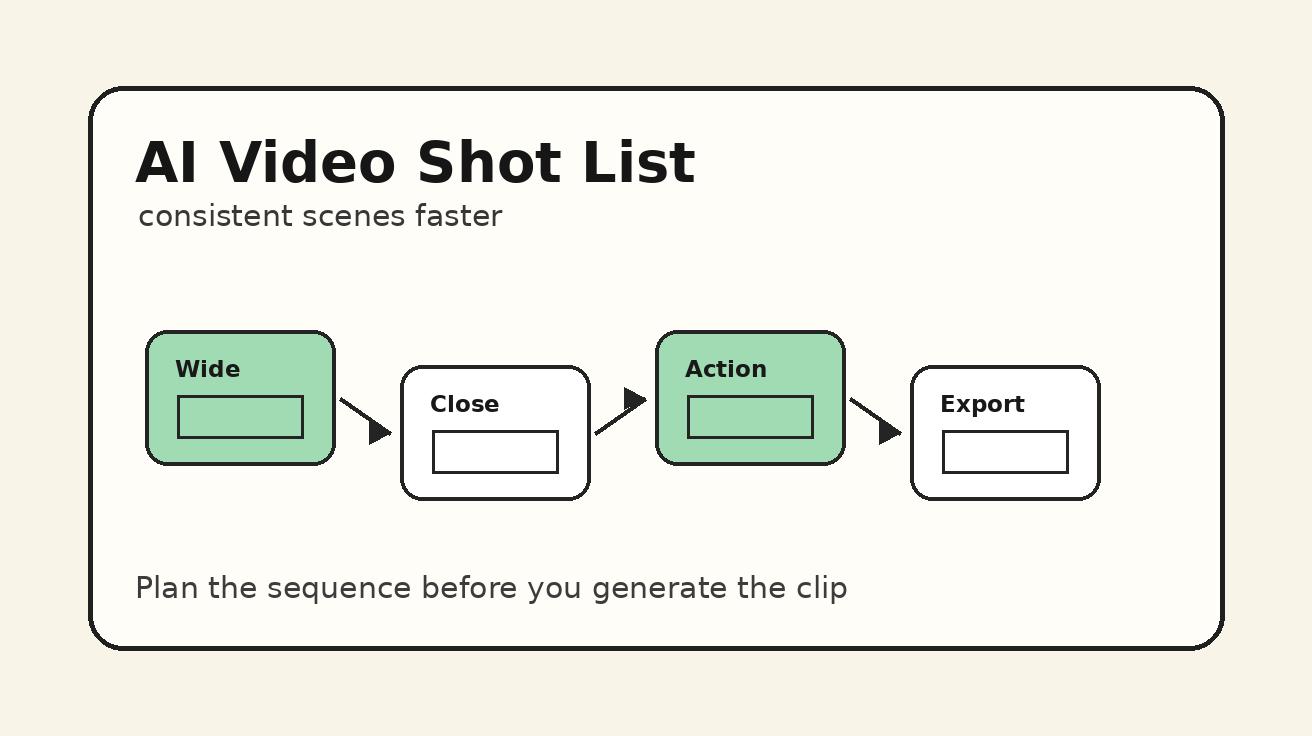
Many creators write prompts that contain a full commercial: opening shot, product close-up, user reaction, logo reveal, and CTA. Short AI video outputs usually work better when each generation handles one shot. If you need a sequence, create a storyboard and generate each shot separately.
Mistake 3: Forgetting camera movement
Without camera language, the model may create motion in the subject but not in the scene. Camera movement is one of the fastest ways to upgrade visual quality. Even simple directions like "slow push-in" or "locked-off tripod shot" can make the output more controlled.
Mistake 4: Depending on exact text inside the generated video
AI video models can struggle with readable typography. If the final video needs exact words, generate the clean visual first and add text in editing. Your prompt can reserve empty space for captions rather than asking Seedance to create perfect text.
Mistake 5: Ignoring revision notes
Teams often generate many clips but forget what they learned. The first prompt is only the start. Save the prompt, the output, and the reason a revision improved it. Over time, your prompt generator becomes a performance asset rather than a one-off checklist.
A practical Seedance prompt generator checklist
Before you run a prompt in Seedance, check the following:
- Is the subject visually specific?
- Is there one dominant action?
- Does the camera direction include framing and movement?
- Is the environment useful but not cluttered?
- Does lighting match the intended mood?
- Is the realism or style level clear?
- Are there two or three important constraints?
- Is the platform format defined?
- Does the prompt avoid exact text generation unless necessary?
- Can the prompt be reused as a module later?
If the answer is yes, the prompt is ready to test. If not, revise the field that is weakest. Most prompt failures come from missing subject anchors, vague motion, overloaded scenes, or conflicting style instructions.
When to use Seedance text-to-video vs image-to-video in this workflow
Use Seedance text-to-video when the concept is flexible and you want the model to invent the scene. This works well for story scenes, abstract campaign visuals, mood boards, cinematic intros, and social hooks where exact product identity is not critical.
Use Seedance image-to-video when you need stronger control over the starting subject. This is useful for product photos, character reference frames, brand visuals, or scenes where the first frame must match an approved design. In the prompt generator, add a field called "reference image role" and describe what must remain consistent from the image.
A strong workflow often combines both. Start with text-to-video to explore visual directions. Once you find a winning look, create or choose a reference image and use image-to-video for tighter consistency.
FAQ
What is a Seedance prompt generator?
A Seedance prompt generator is a repeatable template that turns a rough video idea into a structured Seedance prompt. It usually includes subject, scene, action, camera, lighting, style, constraints, and format notes.
Is a prompt generator better than writing prompts manually?
It is better for repeatable production. Manual prompting is fine for experiments, but a generator workflow helps teams keep quality consistent across many clips.
Can I use the same Seedance prompt for every format?
You can keep the core idea, but you should adjust composition for each format. A vertical social clip needs different safe space and subject placement than a widescreen website hero.
Should I ask Seedance to create text inside the video?
Usually no. Generate the visual without exact text, then add captions or labels in editing. This avoids distorted letters and gives you more control.
How many details should a Seedance prompt include?
Include enough detail to define the subject, action, camera, lighting, style, and constraints. Avoid adding unrelated adjectives or multiple competing actions.
What is the fastest way to improve Seedance prompt quality?
Add specific camera language and one clear action. Replacing vague phrases like "make it cinematic" with "low-angle tracking shot, slow push-in, stable commercial camera" usually improves control.
Final takeaway
The best Seedance prompt generator workflow is simple enough to use every day and structured enough to preserve creative intent. Start with nine fields: output goal, subject anchor, environment, action, camera, lighting, style, constraints, and format. Combine them into a clear prompt, test the result, record what worked, and turn strong patterns into reusable modules.
That process is how Seedance becomes more than a one-off generation tool. It becomes a repeatable AI video production system: faster ideation, clearer prompts, better revisions, and a growing library of creative patterns your team can use across ads, tutorials, social videos, product launches, and cinematic stories.
Ready to create your own AI video?
Turn ideas, text prompts, and images into polished videos with Seedance. If this article helped, the fastest next step is to try the product.
Free credits on signup. Plans from $28/month.
Related Articles
More posts in the same locale you may want to read next.

Seedance App Preview Video Generator 2026: Create App Store and Product Launch Clips
Use Seedance to turn app screenshots, feature copy, and launch goals into App Store previews, Google Play promo videos, and product launch clips.
Read article
How to Make a Talking AI Avatar You Can Reuse
Make a talking AI avatar with Seedance: design one consistent character, give it a voice, and make it speak in a talking photo or a full Seedance 2.5 scene, episode after episode.
Read article
Best AI Video-to-Video Models in 2026
The best AI video-to-video models in 2026 for editing footage you already shot: Higgsfield Genjutsu, Seedance 2.x, Runway Aleph, Luma Modify and Kling Omni compared.
Read article