Refinamiento con aspecto natural
Suba un retrato nítido con el rostro visible.
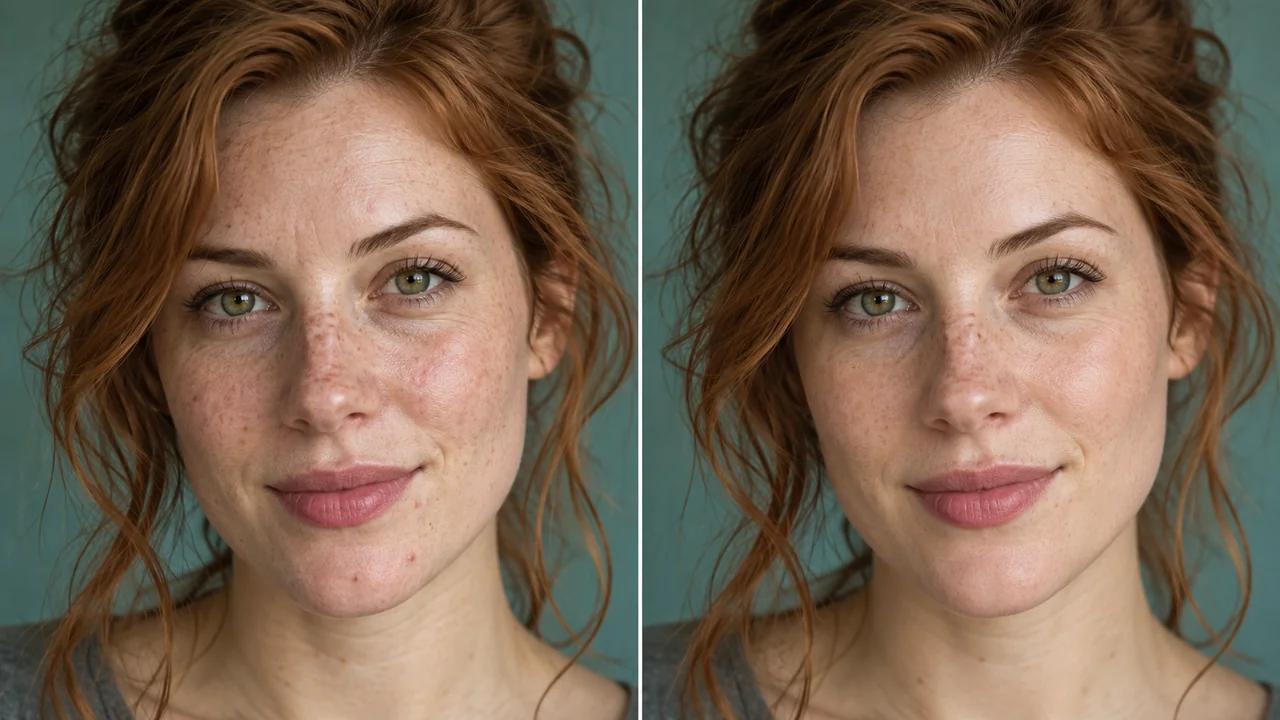
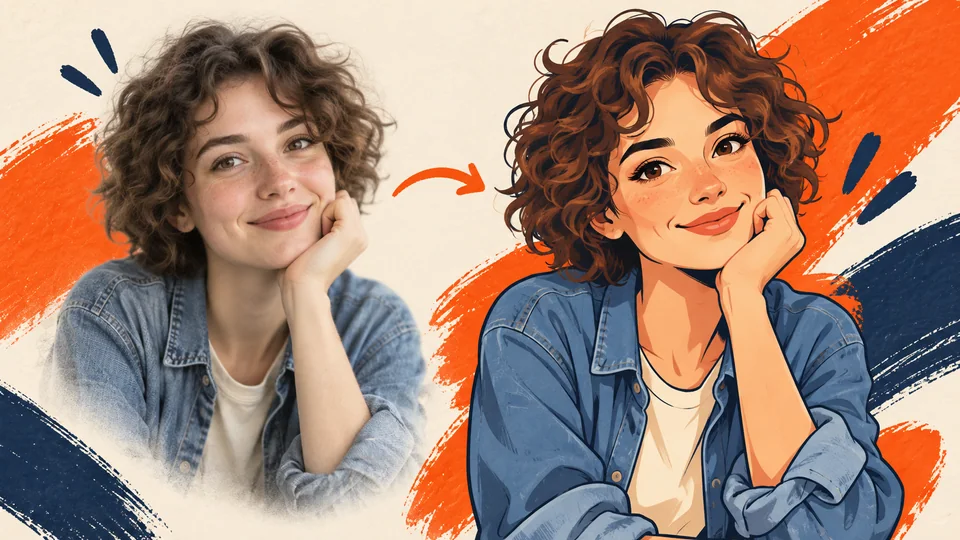
Perfeccione retratos con el revisor de retratos con IA de Seedance. Mejore la apariencia de iluminación irregular, imperfecciones y detalles suaves, al tiempo que solicita al modelo que conserve las características naturales de la persona y la textura de su piel.
Retocar su retrato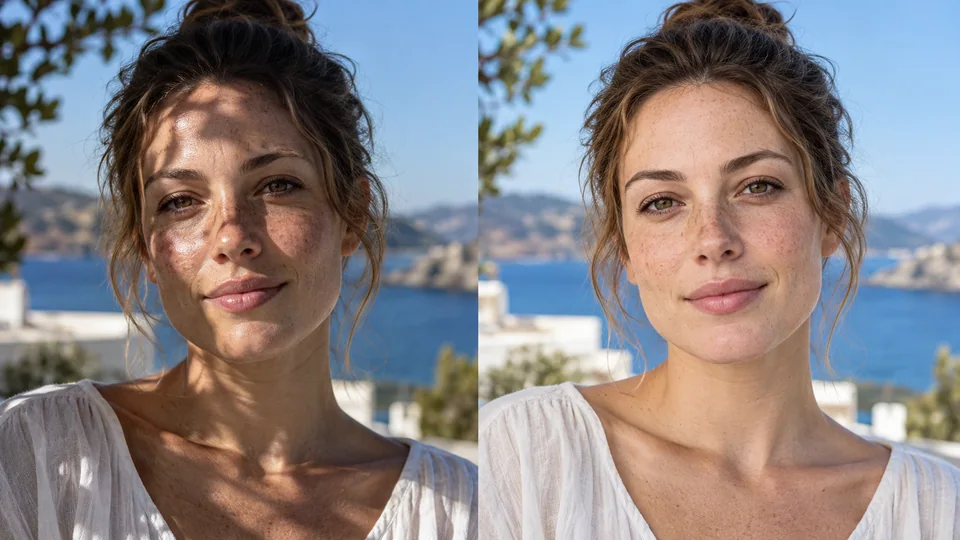
Suba un retrato nítido con el rostro visible.
Revise el costo en créditos e inicie el retoque automático.
Compare los detalles faciales con el original y descargue la versión que desee conservar.
Un retrato puede beneficiarse de una iluminación equilibrada sin convertirse en un rostro distinto. Seedance le pide al modelo que suavice las sombras duras y reduzca el brillo, manteniendo al mismo tiempo los rasgos reconocibles. Compare los ojos, los labios y la forma facial con la imagen original antes de elegir un resultado.
Retocar su retrato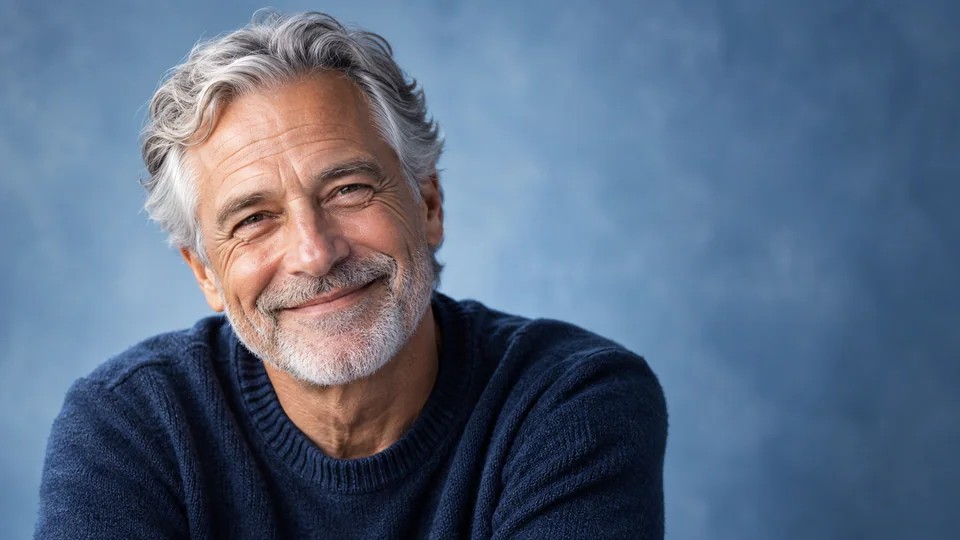
Las pecas, la textura cutánea y las líneas de expresión forman parte de la apariencia de una persona. La instrucción prioriza un acabado natural frente a una transformación excesiva con efecto aerógrafo. La IA aún puede modificar detalles sutiles, así que revise tanto la versión a tamaño completo como la versión más pequeña que verán los espectadores.
Retocar su retrato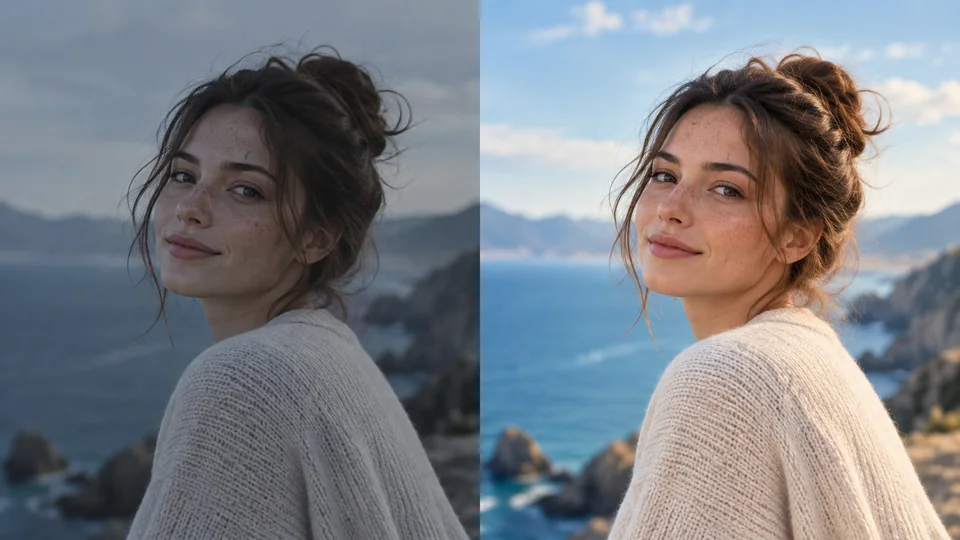
Un contraste apagado puede hacer que un retrato útil parezca incompleto. La solicitud de retoque incluye ajustes de exposición y equilibrio de color, al tiempo que se le pide al modelo que conserve los colores naturales de la piel y el cabello. Compare toda la composición, no solo el rostro, antes de descargar.
Retocar su retrato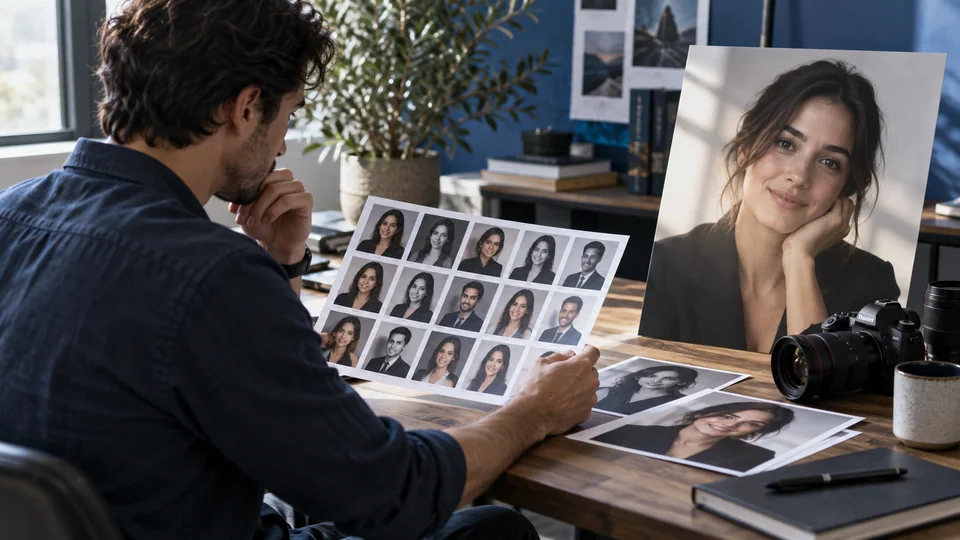
Los perfiles y las maquetas editoriales muestran imágenes en distintos tamaños. Revise el retocado en su contexto previsto antes de añadir texto o recortar. Para impresiones desgarradas o desvanecidas, use en su lugar la herramienta de Restauración de fotos; esta herramienta se centra en el refinamiento de retratos contemporáneos.
Retocar su retrato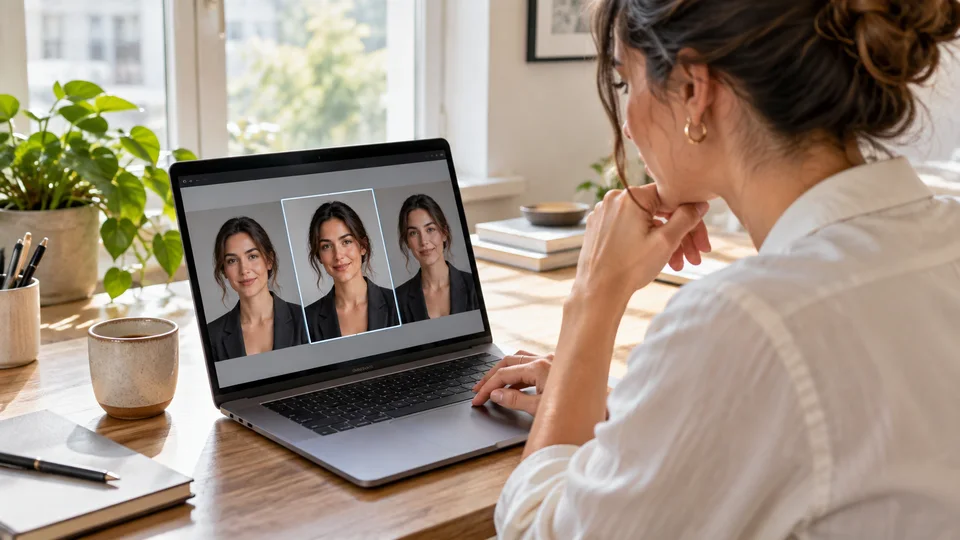
Equilibre una fotografía clara de primer plano para una presentación personal. Mantenga el resultado seleccionado coherente con la apariencia real de la persona.
Revise una variación asistida junto con la imagen original. Mantenga el control manual sobre los detalles importantes para el sujeto y la asignación.
Prepare un retrato para una publicación o canal sin someterlo a un tratamiento exagerado de belleza. Inspeccione la piel y el cabello en el tamaño final de visualización.
Mejore un retrato para un álbum o recuerdo. Preserve rasgos familiares y rechace versiones que eliminen el carácter de la imagen original.
Suba un retrato nítido con el rostro visible.
Revise el costo en créditos e inicie el retoque automático.
Compare los detalles faciales con el original y descargue la versión que desee conservar.
Perfeccione retratos con el revisor de retratos con IA de Seedance. Mejore la apariencia de iluminación irregular, imperfecciones y detalles suaves, al tiempo que solicita al modelo que conserve las características naturales de la persona y la textura de su piel.
Sus instrucciones le piden a la IA que conserve la estructura facial y la forma corporal. Las ediciones generativas aún pueden modificar ciertos detalles, así que compare siempre la salida con la imagen original antes de usarla.
Para arañazos, desgarros y daños relacionados con la edad, use la herramienta de Restauración de fotos. El retocador de retratos está pensado para corregir iluminación, color y superficie en retratos comunes.
Suba un retrato nítido con el rostro visible. Revise el costo en créditos e inicie el retoque automático. Compare los detalles faciales con el original y descargue la versión que desee conservar.
Esta herramienta utiliza sus créditos de Seedance. Verifique el costo indicado en el generador antes de enviar la solicitud; dicho importe depende del modelo y de la configuración. Su plan actual de Seedance y su saldo de créditos aplican.
Los ejemplos siguientes son ilustraciones generadas por IA de usos posibles, no resultados medidos de esta herramienta. Su resultado dependerá de la imagen de origen y de la configuración de generación.
Compare la salida con su imagen original a tamaño completo. Inspeccione rostros, texto, bordes y detalles importantes, y asegúrese de tener los derechos para editar y publicar la imagen.