
10 Best Free Video Ad Maker Tools in 2026 (Tested & Ranked)
In the current fast-paced digital marketplace, captivating video ads are no longer a luxury, they're a necessity for capturing audience attention. Creating high-quality, engaging ad content doesn't have to drain your budget or require complex software skills. The rise of powerful, intuitive online tools means a professional-grade video ad maker free of charge is now within reach for everyone, from small business owners and marketers to solo creators. This guide provides actionable insights into the best free platforms available, moving beyond generic feature lists to give you practical examples and honest assessments of their limitations.
Quick Answer: Yes, you can get started with AI video generation for free using Seedance, which offers a generous free tier that lets you create high-quality videos without any upfront cost.
We delve into each tool's strengths and weaknesses, helping you make an informed decision without guesswork. You'll discover which platforms are best for specific use cases like dynamic TikTok ads, polished e-commerce product showcases, or professional corporate promotions. For example, a practical insight is to understand that a tool excelling at quick, template-based Instagram ads might not be the best choice for a detailed, multi-scene explainer video. To truly leverage these tools, it's also essential to understand the underlying principles of effective video advertising, whether for social media or broader campaigns.
This curated list is designed to be your definitive resource, saving you hours of research. Each entry includes screenshots, direct links, and a clear breakdown of what you can achieve on the free tier. Forget sifting through countless options, this is your straightforward guide to finding the right video ad maker free for your specific needs, so you can start creating compelling video ads today, without spending a penny. Let's explore the top contenders.
1. Canva
Canva has established itself as a go-to design powerhouse, and its capabilities as a video ad maker free from watermarks (when using free elements) are exceptionally robust. It's the ideal starting point for marketers and small business owners who need to produce professional-looking social media ads without a steep learning curve. The platform's strength lies in its vast, well-organised library of templates, which are pre-sized for platforms like Instagram Stories, TikTok, and Facebook feeds, removing the guesswork from formatting.
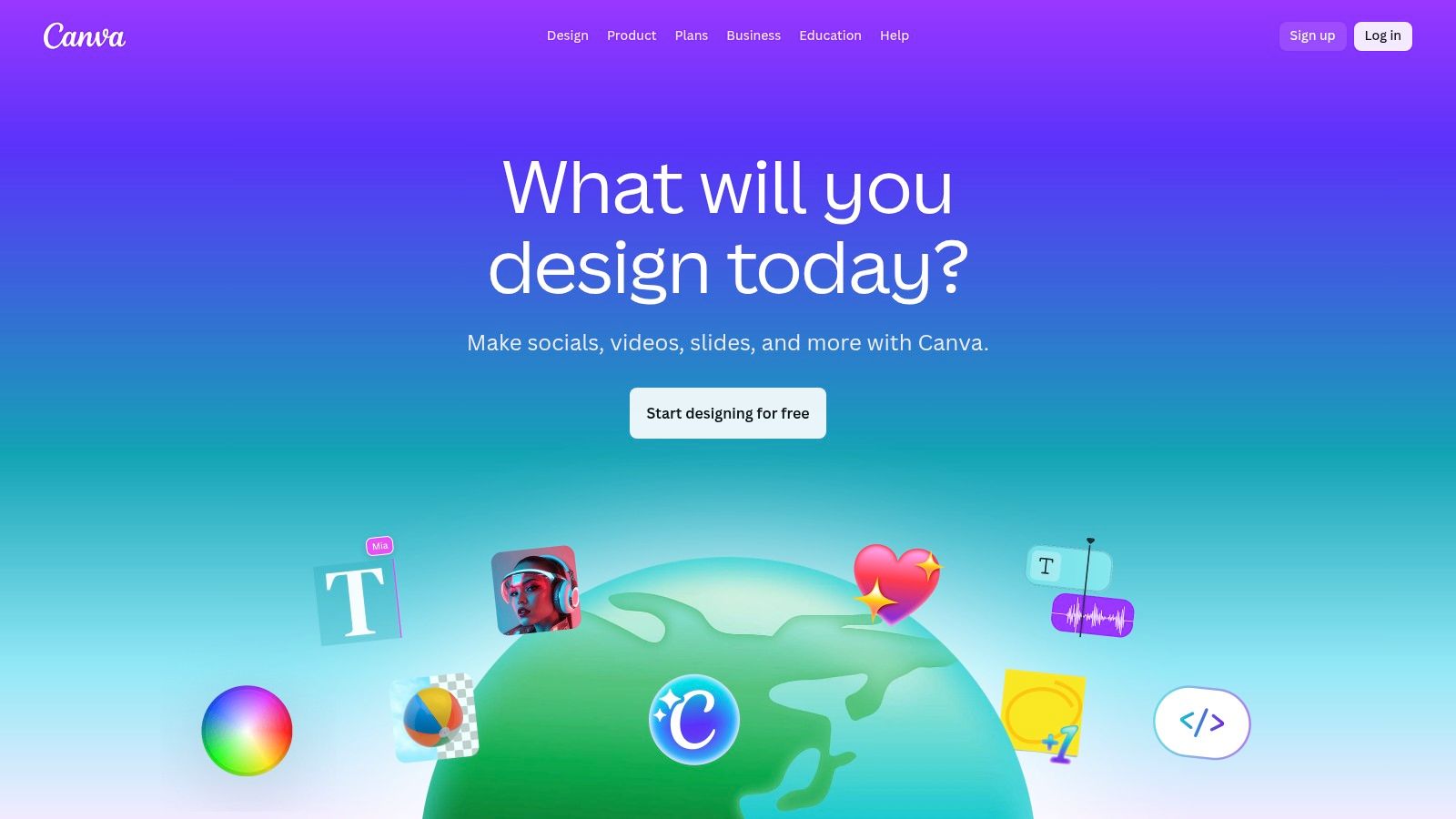
The user experience is centred around a drag-and-drop editor that feels intuitive from the first click. For a practical example, a local coffee shop could select a "New Product" template, drag in a 10-second clip of their new latte, use the text tool to add "20% Off This Week Only!", and choose a free audio track from Canva's library. The entire ad can be created and exported in under 15 minutes.
Standout Features & Limitations
- Free Plan Access: Generous access to templates, stock media, and basic editing tools. Exports in 1080p MP4 format without a watermark on free projects.
- Template Library: Hundreds of polished, customisable video ad templates for various industries and campaign goals.
- Ease of Use: The interface is famously user-friendly, making it accessible for absolute beginners.
- Key Limitation: The most desirable stock assets (videos, photos, audio) are often part of the Pro subscription. Using these premium elements on a free account will result in a watermark on your final export. Actionable insight: Filter your search for elements by "Free" from the start to avoid any surprise watermarks.
Website: https://www.canva.com
Best For: Small businesses and social media managers needing to create high-quality video ads quickly with minimal design experience.
2. Adobe Express (Free Online Video Editor)
As part of the trusted Adobe creative ecosystem, Adobe Express offers a streamlined and powerful video ad maker free of charge. It's an excellent choice for creators and marketers already familiar with Adobe's software or those seeking a reliable, high-quality tool with both web and mobile access. The platform simplifies the ad creation process with a clean, intuitive interface and a strong library of professionally designed templates, making it easy to produce polished social media content without extensive video editing knowledge.
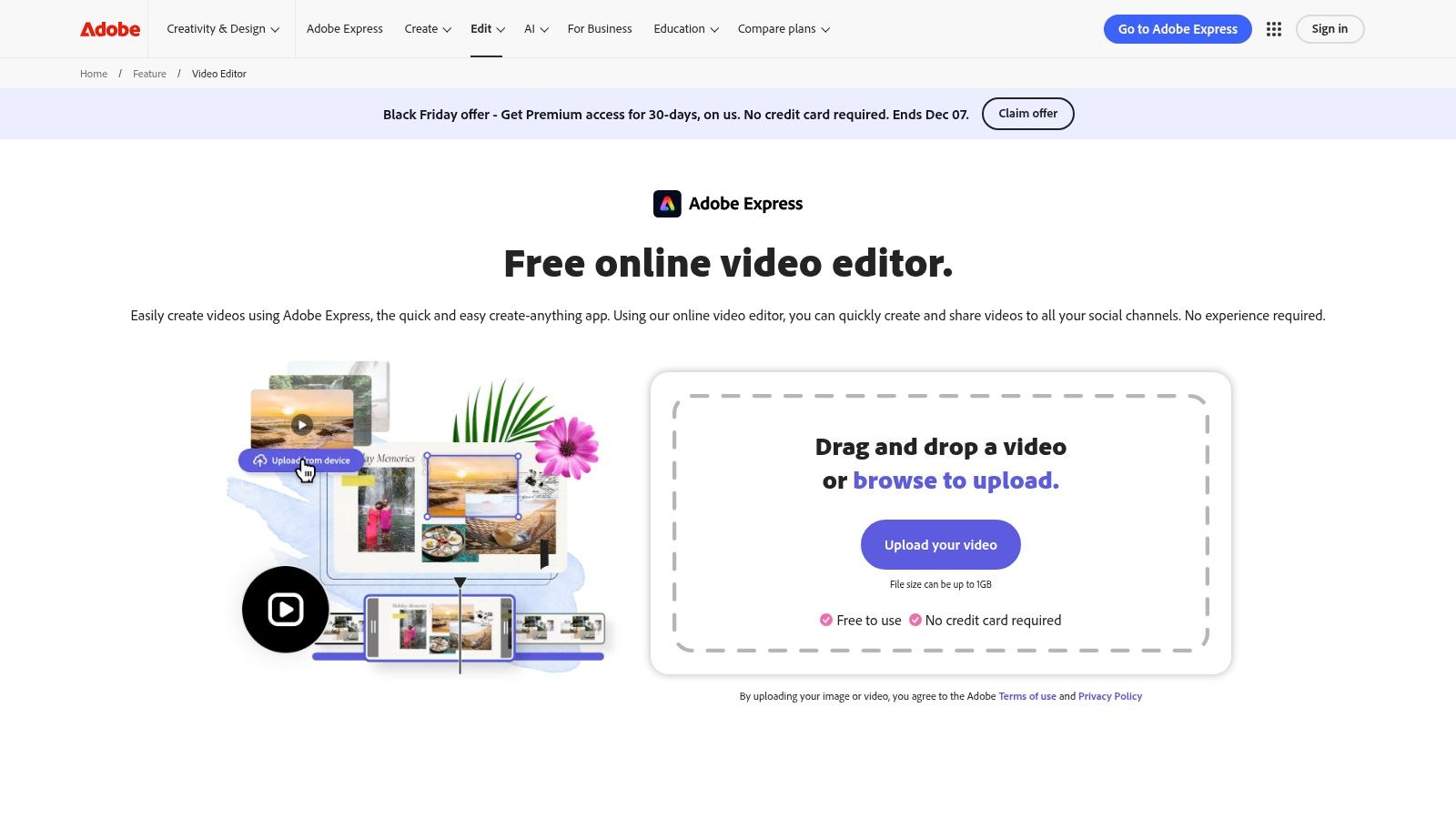
The user experience focuses on quick, efficient workflows. You can start from scratch or select a template, then use the drag-and-drop editor to add your own clips, apply basic trims, and incorporate text animations. A significant advantage is access to Adobe's free collection of stock photos, videos, and music. For example, a real estate agent can create a 15-second Instagram Story ad by choosing a property promo template, replacing the placeholder with their own short video clips of a house, and adding their contact details with animated text, all within minutes.
Standout Features & Limitations
- Free Plan Access: The free tier is generous, providing access to essential editing tools, a solid selection of templates, and free Adobe Stock assets. Crucially, it allows for 1080p MP4 exports without an Adobe watermark.
- Adobe Ecosystem: Seamless integration potential with other Adobe products offers a clear upgrade path for growing creative needs.
- Ease of Use: A user-friendly, browser-based editor that is accessible for beginners, with companion mobile apps for editing on the go. You can explore how it compares to other options by reading reviews of the best video editing software.
- Key Limitation: While the free plan is robust, many of the most premium templates, stock assets (including video and music), and advanced features like the content scheduler are reserved for the paid Premium plan. Actionable insight: Use the "Remove Background" tool on a video of your product to create a professional-looking ad with a solid colour background that matches your brand.
Website: https://www.adobe.com/express/feature/video/editor
Best For: Marketers and content creators who value the reliability of the Adobe brand and need a versatile tool for creating clean, professional video ads across desktop and mobile devices.
3. CapCut
Originally a mobile-first editor, CapCut has rapidly evolved into a powerful web-based and desktop tool that excels as a video ad maker free of charge for its core features. It is particularly strong for creating dynamic, trend-led video ads for platforms like TikTok and Instagram Reels. Its social-first DNA is evident in its vast library of effects, transitions, and audio tools that align perfectly with short-form content demands. For creators and marketers targeting a younger demographic, CapCut provides the native editing environment they are already familiar with.
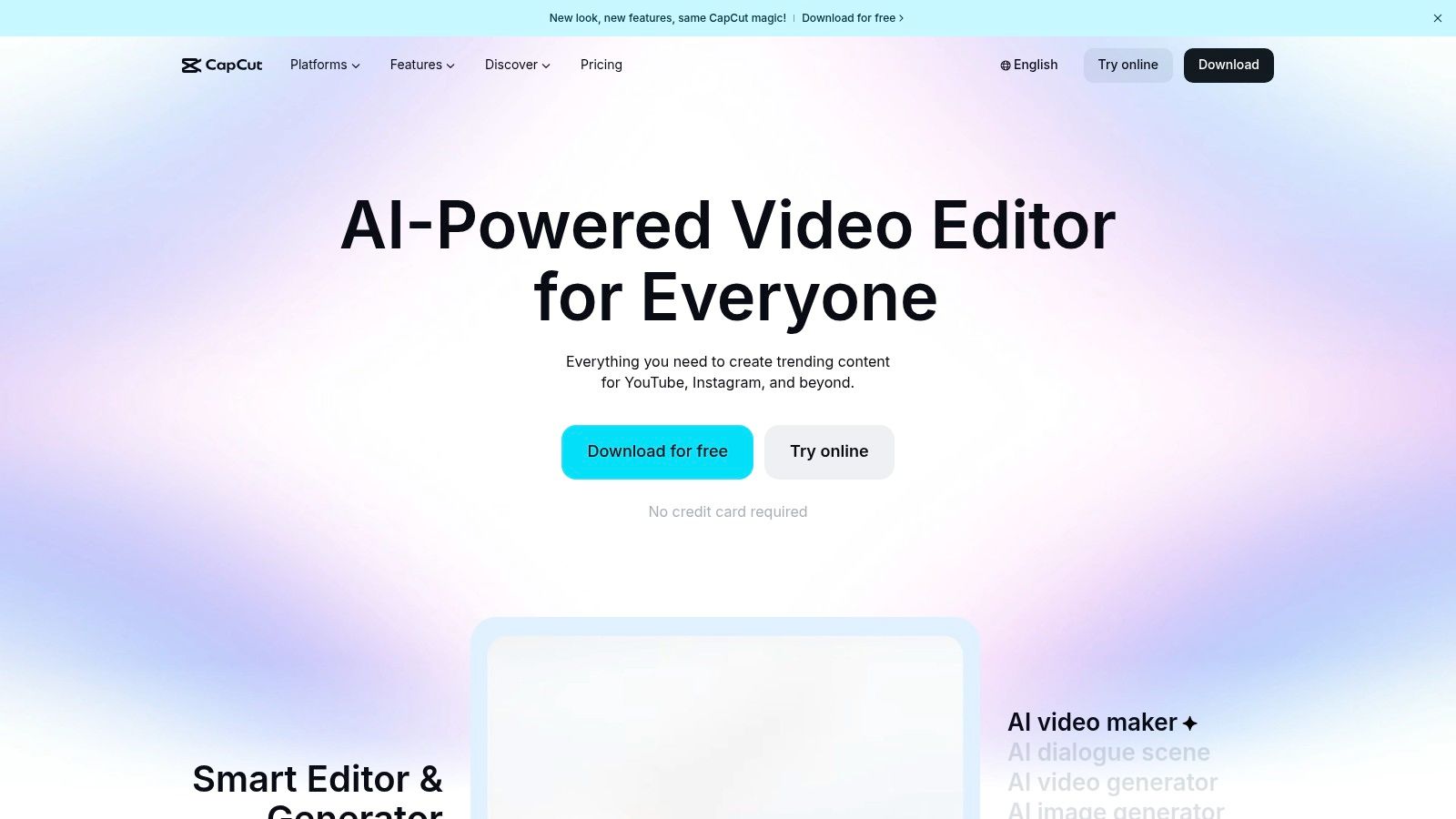
The platform offers an impressive suite of AI-powered tools on its free tier, including highly accurate auto-captions, background removal, and colour correction. For a practical example, a creator making a TikTok ad can upload a clip of them talking, use the "Auto Captions" feature to generate dynamic, animated subtitles in seconds, and then use the "Trending Sounds" library to add a popular audio track, making the ad feel native to the platform.
Standout Features & Limitations
- Free Plan Access: A remarkably generous free tier that includes access to AI tools like auto-captions, high-resolution exports (up to 4K), and no watermarks on standard exports.
- AI-Powered Tools: Features like background removal, script-to-video, and one-click colour correction automate complex editing tasks, saving valuable time.
- Social-First Workflow: Its interface and features are optimised for creating vertical video ads that perform well on social media.
- Key Limitation: While widely available in the UK and Europe, its availability in the US has faced some changes, so it's best to check your local app store. Some of the most advanced assets and effects are reserved for the Pro subscription. Actionable insight: Use the "Auto Reframe" feature to quickly convert a horizontal ad into a vertical format for Stories or Reels without awkward cropping.
Website: https://www.capcut.com
Best For: Social media creators and performance marketers focused on creating high-energy, trend-driven video ads for TikTok, Instagram Reels, and YouTube Shorts.
4. Microsoft Clipchamp
As Microsoft’s official video editor, Clipchamp offers a surprisingly powerful and user-friendly experience, making it a standout video ad maker free from the typical watermark restrictions. It’s an excellent choice for Windows users seeking a native application, but its web-based version works smoothly for everyone. Clipchamp shines by providing high-definition, watermark-free exports on its free tier, a significant advantage over many competitors.
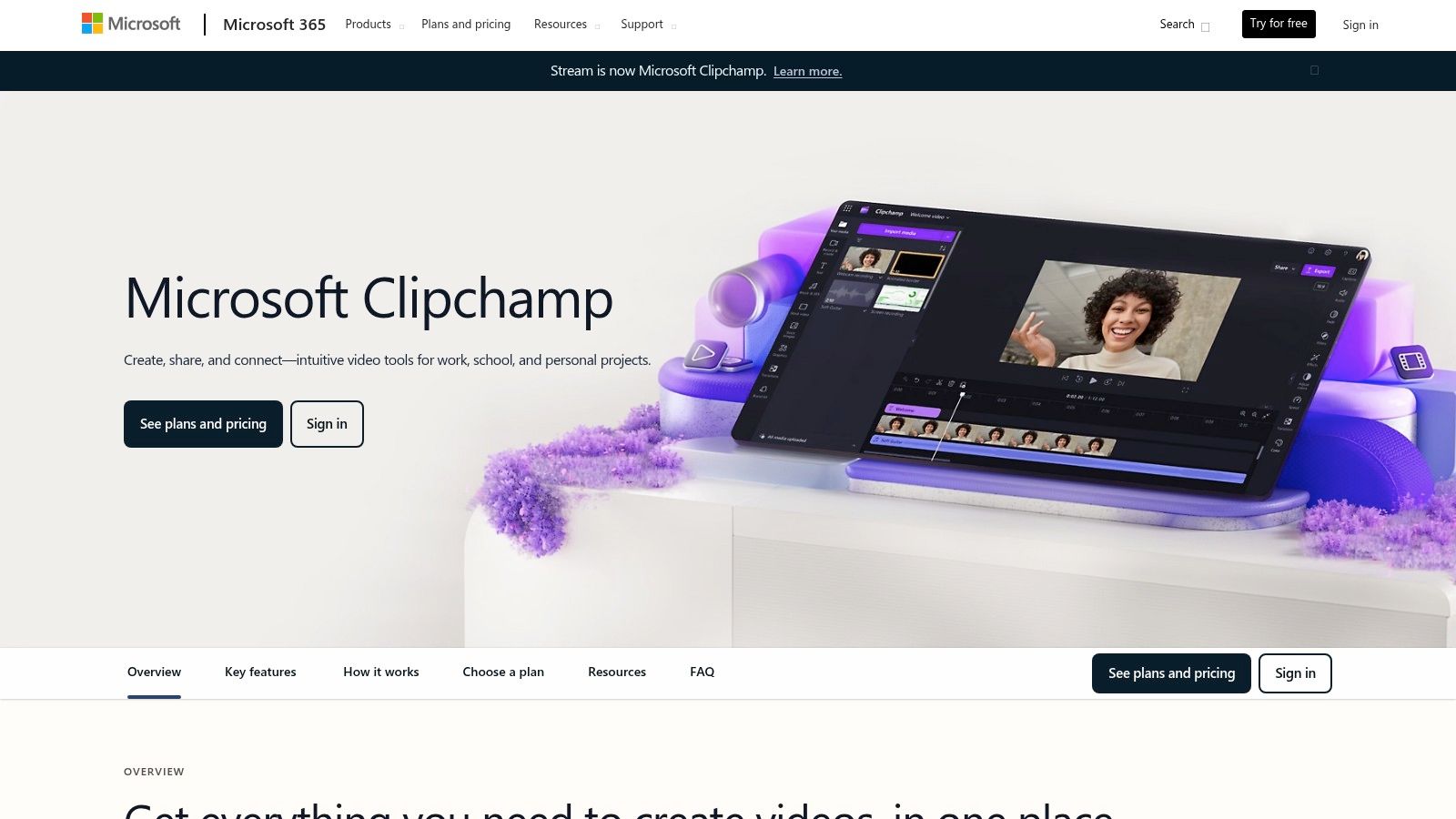
The platform feels like a traditional timeline editor but simplified for modern creators, blending ease of use with essential features. It comes equipped with a library of templates, stock footage, and audio, plus handy tools like a screen and webcam recorder. For a practical example, a SaaS company could use the screen recorder to create a 30-second ad demonstrating a key feature of their software, then use the text-to-speech tool to add a professional voiceover explaining the benefits, all within the free version.
Standout Features & Limitations
- Free Plan Access: The free plan is exceptionally generous, offering unlimited watermark-free exports in up to 1080p (HD) resolution. It includes access to a good selection of free stock media and templates.
- Ease of Use: Features a clean, intuitive timeline editor that is easy for beginners to navigate while still offering familiar controls for those with some editing experience.
- Built-in Tools: Includes a screen recorder, text-to-speech generator, and simple effects, adding significant value for creating diverse ad content without needing other software.
- Key Limitation: The highest quality stock assets, advanced filters, and brand kit features are reserved for the premium plan, which often requires a Microsoft 365 subscription. Actionable insight: Even on the free plan, you can upload your own brand colours and logos to maintain consistency in your video ads.
Website: https://www.microsoft.com/microsoft-365/clipchamp
Best For: Windows users and marketers looking for a reliable, no-cost editor that exports high-quality, watermark-free videos for professional use.
5. Animoto
Animoto is a highly accessible, template-driven platform designed to help businesses and individuals create marketing videos with minimal effort. It positions itself as a practical video ad maker free from technical complexity, making it an excellent choice for teams needing to produce polished promotional content, social media stories, or event recaps without dedicated video editors. Its workflow is streamlined, guiding users through selecting a template, customising it with their brand assets, and quickly finalising the video.
The platform's strength lies in its simplicity and focus on marketing outcomes. The drag-and-drop interface is clean and straightforward, allowing you to add your own clips, record a voice-over, or arrange pre-built storyboards. For instance, a non-profit could quickly create a fundraising video ad by using a "Donation Appeal" template, dropping in photos from a recent event, adding text overlays with their donation link, and selecting an emotive track from the music library, all within minutes.
Standout Features & Limitations
- Free Plan Access: The free plan offers standard quality video (720p), 50 music tracks, and basic editing features. It's a great way to test the platform's core functionality.
- Template-Driven Workflow: Features a solid library of templates specifically designed for marketing, from product promos to brand storytelling.
- Ease of Use: The interface is exceptionally intuitive, making it one of the easiest tools for non-editors to master quickly.
- Key Limitation: The most significant drawback of the free plan is the mandatory Animoto watermark on all exported videos. Removing it and unlocking premium features like Getty Images stock media and higher-quality exports requires a paid subscription. Actionable insight: Use the free version to create internal drafts or storyboards to get team approval before committing to a paid plan to export the final, unwatermarked version.
Website: https://animoto.com
Best For: Marketing teams and small businesses that prioritise speed and ease of use over advanced creative control for their video ad creation.
6. VEED
VEED positions itself as a powerful, browser-based editor with a particular strength in making video content more accessible and engaging through text. While it functions as a competent video ad maker free of charge, its true differentiator lies in its superb subtitling and translation tools. This makes it a fantastic choice for marketers creating ads for diverse, global audiences or for content that needs to be understood with the sound off, a common scenario on social media feeds.

The platform offers a clean timeline editor that feels more traditional than template-based tools, giving users a bit more granular control over their ad's composition. For a practical example, a business could upload a simple product demonstration video and use VEED’s auto-captioning tool to instantly generate accurate subtitles. They could then translate these subtitles into Spanish and French with just a few clicks, dramatically expanding the ad's reach without needing specialised software or services.
Standout Features & Limitations
- Free Plan Access: Offers core editing tools, stock media, and exports up to 10 minutes long in 720p. However, all free exports contain a prominent VEED watermark.
- Subtitle Generation: Excellent automated captioning and translation workflow, which is a major time-saver for creating accessible ads.
- User Interface: The editor is clean and relatively straightforward, balancing simplicity with powerful features for trimming, adding text, and applying filters.
- Key Limitation: The watermark on the free plan is a significant drawback for professional ad creation. Advanced features like Brand Kits and most AI tools are also locked behind paid subscriptions. Actionable insight: Use the built-in "Clean Audio" tool to instantly remove background noise from your video clips, making your ad sound much more professional, even if filmed in a noisy environment.
Website: https://www.veed.io
Best For: Marketers and content creators who prioritise accessibility and need best-in-class subtitling tools for their video ads.
7. InVideo (invideo AI / Studio)
InVideo positions itself as a powerful AI-assisted video ad maker free to get started with, designed for users who want to generate video content at speed. Its standout feature is the text-to-video capability, where you can input a script or a simple prompt, and the AI will assemble a draft video using stock media, text overlays, and voiceovers. This makes it an incredibly fast tool for brainstorming ad concepts or producing simple, informative ads without manual editing.
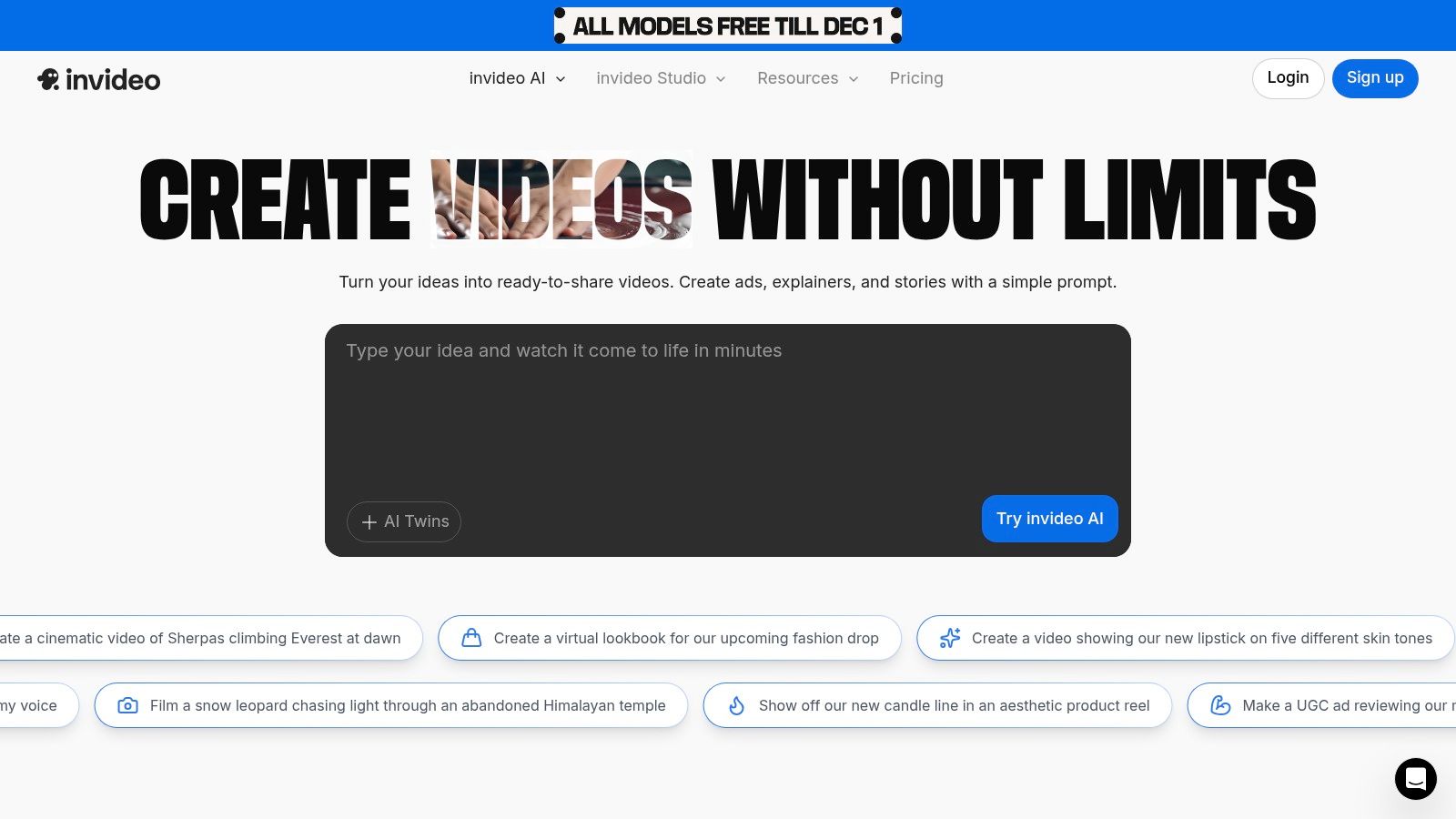
The platform is split into two primary experiences: a traditional template-based editor (Studio) and the newer AI generator (invideo AI). For marketers needing to test multiple ad variations quickly, the AI tool is a game-changer. For example, you can provide a product description like "organic, lavender-scented soap, handmade in a small workshop" and ask for a 30-second Instagram ad. InVideo will generate a complete sequence with relevant stock clips (e.g., lavender fields, hands crafting soap) that you can then refine, saving significant initial setup time.
Standout Features & Limitations
- Free Plan Access: Offers 10 minutes of AI generation per week, 1GB of storage, and four exports per month. However, all free exports come with a prominent InVideo watermark.
- AI Script & Video Generation: The core strength is its ability to turn text prompts into video drafts, ideal for users with no editing experience.
- Large Asset Library: Access to a substantial library of stock footage and music, although premium assets are restricted on the free tier.
- Key Limitation: The free plan's quotas are quite strict. The watermarked exports make it unsuitable for professional campaigns, positioning the free version primarily as a trial or a tool for internal concept drafting before upgrading. Actionable insight: Use the AI generator to create multiple video concepts from one script, then present the watermarked versions to your team to decide on the best creative direction before paying to export the final version.
Website: https://invideo.io
Best For: Marketers and businesses looking to rapidly generate initial drafts of video ads using AI prompts before committing to a final concept.
What Is Video Ad Maker Free and Why Does It Matter?
Video Ad Maker Free is an essential capability for modern content creators and marketers. The best tools for video ad maker free combine AI-powered automation with professional-quality outputs — saving hours of manual work while delivering results that meet commercial standards.
In 2025, platforms like Veo 3 and Seedance have made video ad maker free more accessible than ever, offering free-tier access alongside professional plans.
Frequently Asked Questions
Q: Is Seedance really free to use? A: Yes, Seedance offers a free tier that lets you create AI videos without any payment. The free plan includes a set number of credits each month, giving you full access to core video generation features.
Q: What are the limitations of the free plan? A: The free plan has monthly credit limits and may restrict maximum video resolution or length. Upgrading to a paid plan unlocks unlimited credits, higher resolutions, priority processing, and advanced customization features.
Q: How do I get the most out of free AI video generation? A: To maximize your free credits on Seedance, start with shorter video clips, use descriptive prompts for better first-attempt results, and take advantage of the platform's prompt templates and style presets to achieve professional results efficiently.
How Do You Get Started with Video Ad Maker Free?
Getting started with video ad maker free requires just a few steps:
- Choose the right tool for your needs (see comparison above)
- Sign up for a free account — no payment required to start
- Follow the step-by-step guide in this article
- Test with simple examples first, then scale up
Most users can produce their first professional result within 30 minutes of starting.
What Are the Best Tools for Video Ad Maker Free in 2025?
The top tools for video ad maker free in 2025 are:
- Veo 3 — best overall quality, free via Google Gemini
- Kling AI — best mobile experience and free tier generosity
- Runway Gen-4 — best for artistic and cinematic styles
- Pika 2.1 — best for beginners with simple interface
Each tool has strengths in different areas — the best choice depends on your specific use case, volume requirements, and budget.
8. Biteable
Biteable positions itself as a premium video creation suite squarely aimed at businesses and marketing teams. While it isn’t a permanent video ad maker free of charge, its 7-day trial offers a comprehensive look into a platform built for professional output. Its core strength is a library of business-centric templates designed for specific outcomes like explainer videos, pitch decks, and polished social media advertisements. The templates feel less generic and more corporate, making them suitable for B2B marketing or internal communications.
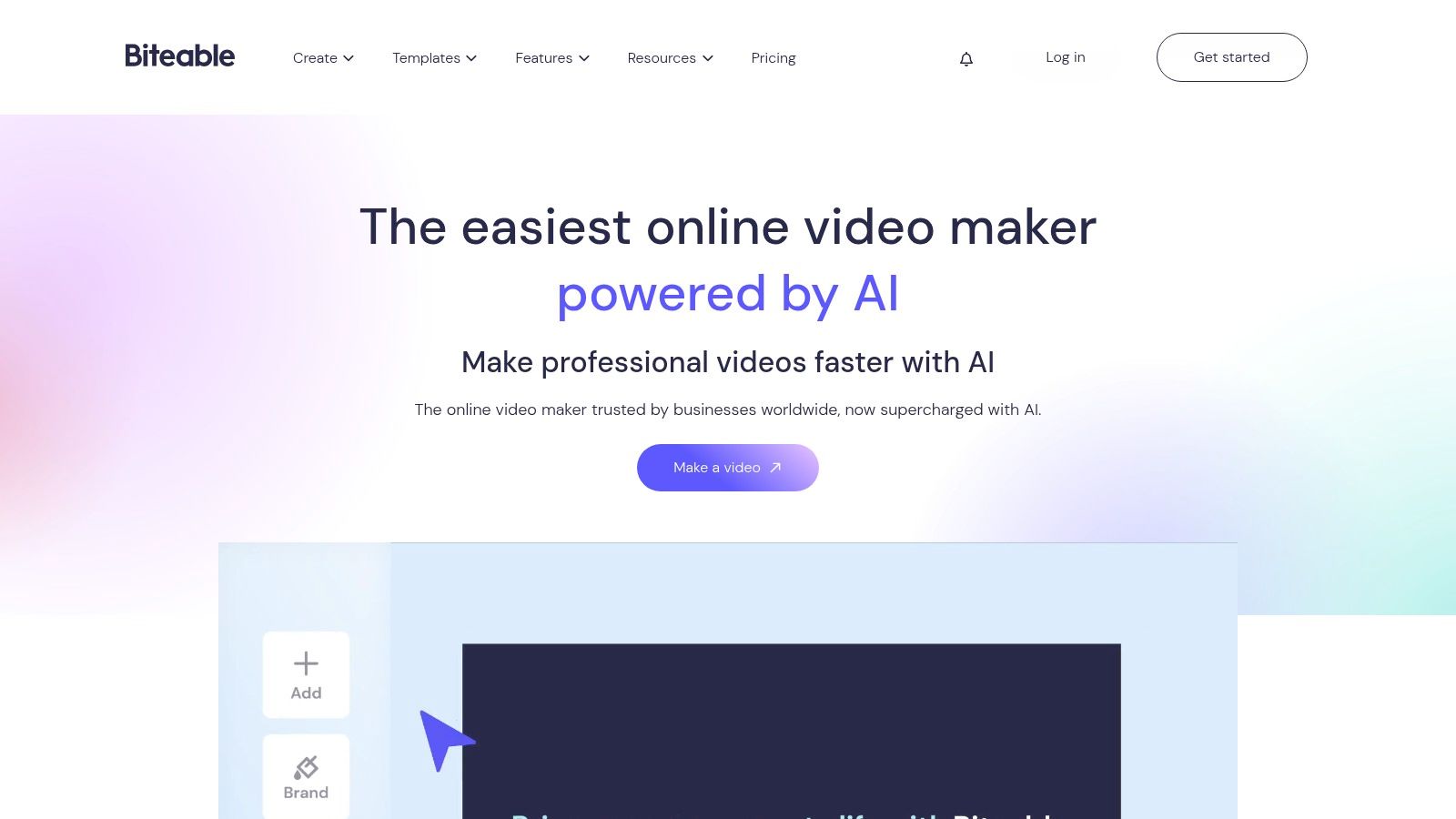
The platform’s editor is streamlined, guiding users through scenes to build a coherent narrative. You can add your brand’s colours, logo, and fonts to ensure consistency across all video assets. This focus on branding and collaboration, including features for team feedback, is what sets it apart. An actionable insight is to use the trial period to batch-create several evergreen ads or key marketing videos—like a company introduction or a core product explainer—allowing you to get maximum value before the trial ends.
Standout Features & Limitations
- Free Plan Access: Limited to a 7-day free trial of the Pro plan. All videos exported during the trial will have a Biteable watermark.
- Business-Ready Templates: Highly professional templates with a corporate aesthetic, perfect for explainers and formal ad campaigns.
- Collaboration & Analytics: Paid plans include multi-user access, shared brand kits, and video analytics to track engagement.
- Key Limitation: There is no ongoing free plan. Once the trial ends, a paid subscription is required to export any new videos without a watermark, making it unsuitable for users needing a long-term free solution.
Website: https://biteable.com
Best For: Marketing teams and businesses needing to test a professional, template-driven video creator with strong branding and collaboration tools.
9. FlexClip
FlexClip positions itself as a powerful yet remarkably simple online video editor, making it an excellent video ad maker free from complexity. It’s tailored for users who need to produce polished ads quickly, offering a clean, storyboard-like timeline that simplifies the editing process. The platform provides a substantial library of ad templates designed for specific commercial goals, such as product promos, sales announcements, or brand stories, which can be adapted in minutes.
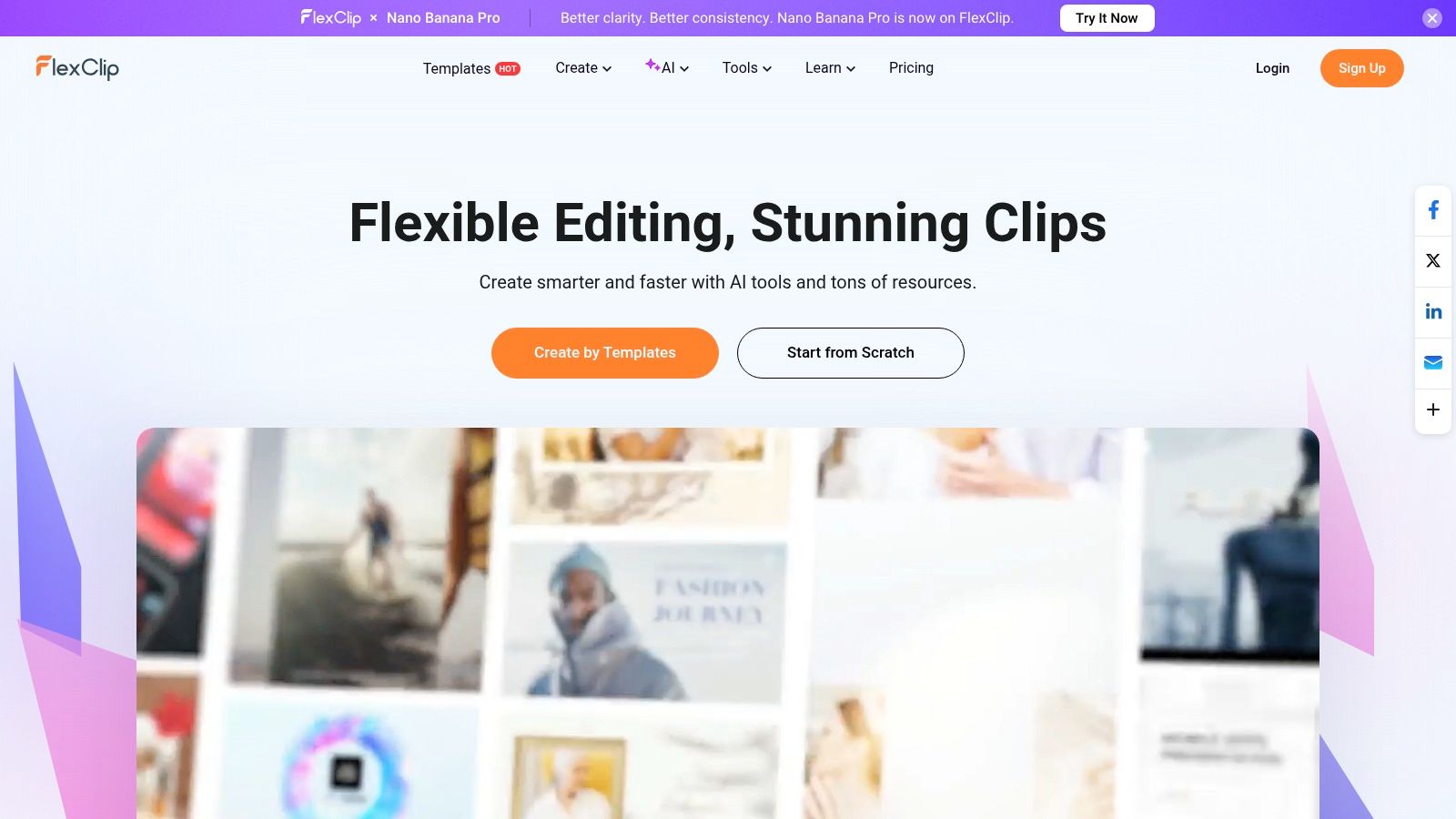
The user experience is highly intuitive, prioritising speed and efficiency. For a practical example, a small e-commerce store could use a "Flash Sale" template, replace the placeholder footage with their own product clips, use the countdown timer widget to add urgency, and have a ready-to-post Instagram ad in under ten minutes. Its integrated AI tools for script generation and text-to-video can further accelerate the creative workflow.
Standout Features & Limitations
- Free Plan Access: Allows exports in 720p HD. Users get access to a limited number of stock assets per project, and videos will include a FlexClip intro watermark.
- Ease of Use: The storyboard mode is incredibly straightforward, making it perfect for beginners or for creating simple, linear video ads without a steep learning curve.
- Affordable Tiers: The paid plans are competitively priced, unlocking 1080p exports, removing the watermark, and providing significantly more stock media credits.
- Key Limitation: The most significant drawback of the free plan is the mandatory watermark. Furthermore, advanced AI features like text-to-video may require purchasing separate credits, even on some paid plans. Actionable insight: Use the "Storyboard" mode for quick, linear ads, and switch to "Timeline" mode when you need more precise control over layering audio and visual elements.
Website: https://www.flexclip.com
Best For: Entrepreneurs and marketers who prioritise speed and simplicity for creating straightforward promotional videos and social media ads.
10. Renderforest
Renderforest is an all-in-one branding platform where its template-driven video creator truly shines. For those seeking a video ad maker free from the complexities of traditional software, it offers a highly structured, fill-in-the-blanks approach. Its strength is the enormous, well-organised catalogue of scenes and presets, perfect for creating professional intros, promotional clips, and explainer-style ads with impressive animations without starting from a blank canvas.
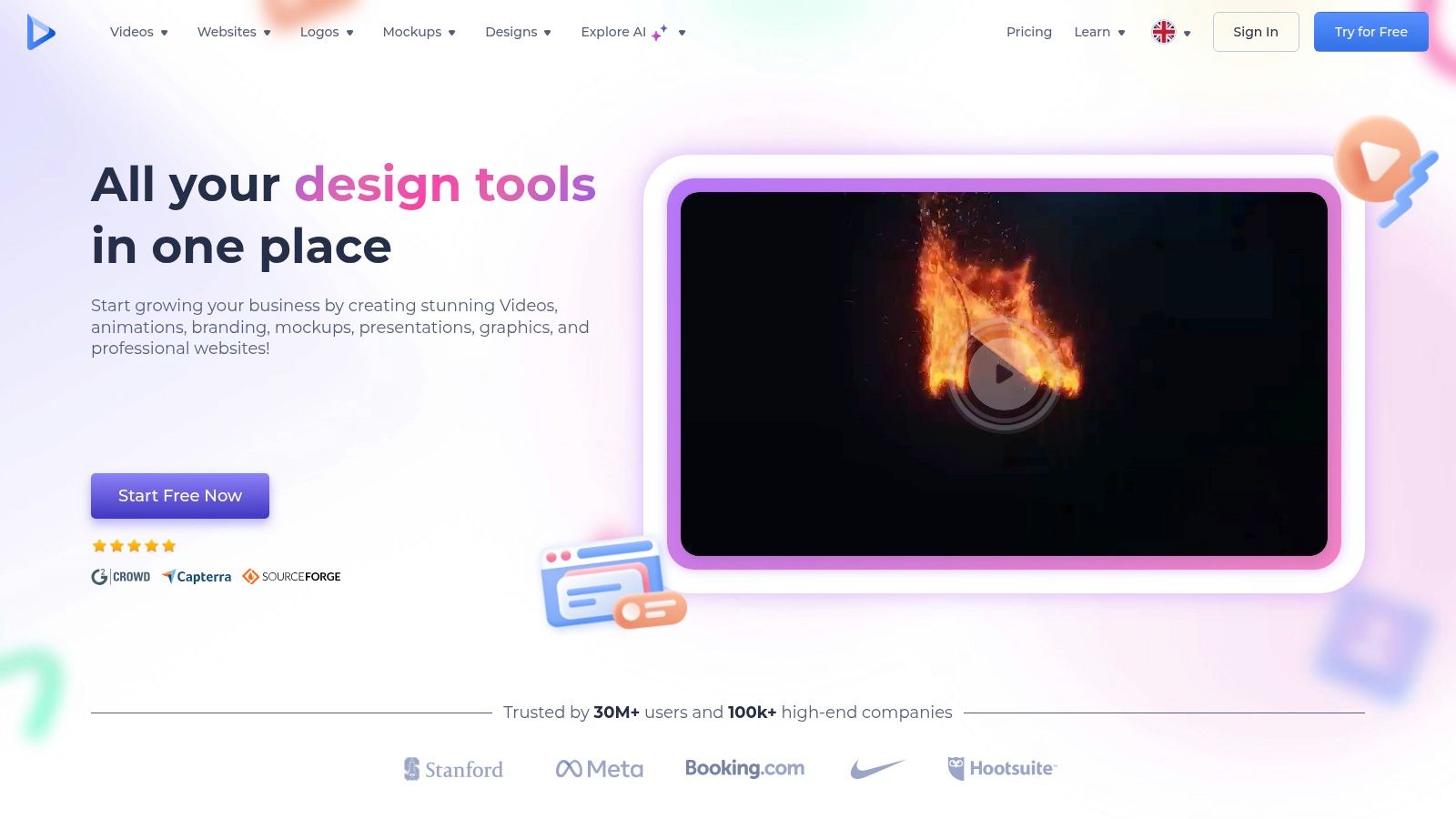
The platform guides you through selecting a template, customising scenes by adding your text and media, choosing colours, and adding a music track. For a practical example, a mobile app developer can create a sleek 3D app promo video in minutes by choosing a "Mobile App Toolkit" template, dropping in screen recordings of their app for each scene, and customising the text to highlight key features. The result is a professional animated ad without any animation skills required.
Standout Features & Limitations
- Free Plan Access: You can create and export an unlimited number of videos in up to 720p resolution. However, all free exports come with a Renderforest watermark.
- Template Library: Boasts a huge catalogue of high-quality, broadcast-ready templates for various ad types, from corporate promos to engaging social media stories.
- Ease of Use: The scene-based editing process is incredibly straightforward, ideal for users who prefer a guided creation experience over a free-form editor.
- Key Limitation: The mandatory watermark on the free plan is a significant drawback for professional ad campaigns. To remove it, you need to either pay for a single export or subscribe to a premium plan. Actionable insight: Use the free version to create animated logo stings or intros that you can then use in other video editors, even with the watermark if placed discreetly.
Website: https://www.renderforest.com
Best For: Marketers and businesses needing to create high-production-value animated intros, explainers, and promotional videos using guided templates.
11. Promo.com
Promo.com is a marketing-first video creation platform built specifically for businesses and agencies that prioritise high-quality, licensed stock footage in their advertising. Its core strength lies in an enormous, premium library sourced from Getty Images and iStock, which is integrated with professionally designed, ready-to-use templates. This makes it a powerful tool for brands that need to produce polished, high-impact social media ads consistently, without filming their own content.
The platform is geared towards rapid ad production. Users can select a template, find relevant premium video clips, add their logo and messaging, and publish directly to social media channels. A practical example is a travel agency creating a last-minute holiday deal ad. They can search the stock library for "tropical beach," select a high-quality clip, apply a "Summer Sale" template, add the deal details, and have a broadcast-quality ad ready for Facebook in minutes, solving a major pain point around sourcing professional, rights-cleared footage.
Standout Features & Limitations
- Free Plan Access: Promo.com is primarily a paid service and does not offer an ongoing free plan. However, it typically provides a free trial period, allowing users to create and preview videos before subscribing.
- Premium Stock Library: Unparalleled access to millions of licensed video clips and photos from Getty Images and iStock, ensuring professional quality.
- Ready-Made Templates: An extensive collection of ad templates, updated weekly and tailored for specific industries, holidays, and marketing events.
- Key Limitation: The main drawback is the lack of a permanent video ad maker free tier. Its value is unlocked through a subscription, making it a better fit for businesses with a dedicated marketing budget rather than those seeking a no-cost solution.
Website: https://promo.com
Best For: Marketing agencies and established brands that require a steady stream of high-quality video ads using premium, licensed stock footage.
12. Lumen5
Lumen5 is a unique video ad maker free tool that leverages AI to transform text-based content into engaging social videos automatically. It’s an ideal solution for content marketers and businesses looking to repurpose blog posts, articles, or even simple text scripts into dynamic video ads with incredible speed. The platform’s core strength is its AI-powered workflow, which analyses your text and intelligently matches it with relevant stock footage, music, and kinetic typography.

The user experience is designed for efficiency rather than granular creative control. For a practical example, a marketing agency can paste a client's blog post URL about "5 SEO Tips for 2025" into Lumen5. The AI will instantly create a video storyboard, with each scene corresponding to one of the tips, pulling key text and finding suitable background videos (like people working on laptops or data visualisations). The agency can then quickly brand it and share it on LinkedIn, turning a static article into a dynamic video ad.
Standout Features & Limitations
- Free Plan Access: The "Community" plan is free forever and allows for unlimited videos, but they will contain a Lumen5 branded outro and are exported in 720p.
- AI Text-to-Video: Its core feature automatically converts text content like blog posts into video scenes, saving immense time on initial ad creation.
- Ease of Use: The interface is exceptionally clean and focused on marketers, prioritising speed and content repurposing over complex editing.
- Key Limitation: The free version includes mandatory Lumen5 branding, making it less suitable for professional brand campaigns. Advanced features like custom branding and 1080p exports are reserved for paid plans. Actionable insight: Before pasting a URL, edit your blog post to have clear, concise sentences. The AI works best with shorter text, so this pre-editing step will give you a much better initial video draft.
Website: https://lumen5.com
Best For: Content marketers and bloggers who want to quickly convert existing articles and text into video ads for social media engagement.
12 Free Video Ad Makers: Feature Comparison
| Tool | Core Features ✨ | Quality ★ | Price/Value 💰 | Target 👥 | USP 🏆 |
|---|---|---|---|---|---|
| Canva | ✨ Templates, drag‑&‑drop, stock assets, web/iOS/Android | ★★★★☆ | 💰 Generous Free; Pro for premium assets | 👥 Marketers, creators, SMBs | 🏆 Fast learning curve, huge template library |
| Adobe Express | ✨ Drag‑drop editor, templates, Adobe Stock audio, mobile/web | ★★★★☆ | 💰 Free editor; paid for more generative credits | 👥 Adobe users, social marketers | 🏆 Smooth Adobe ecosystem integration |
| CapCut | ✨ AI tools (auto‑captions, BG remove), social‑first templates | ★★★★☆ | 💰 Robust free; Pro for advanced assets | 👥 Short‑form creators, social advertisers | 🏆 Strong social workflows & mobile focus |
| Microsoft Clipchamp | ✨ 1080p free exports, templates, recorder, MS365 links | ★★★★☆ | 💰 Free HD exports; premium stock via MS365 | 👥 Windows users, casual editors | 🏆 Native Windows integration, true 1080p free |
| Animoto | ✨ Template‑driven timeline, stock music, voice‑over | ★★★☆☆ | 💰 Free with watermark; paid removes watermark | 👥 Educators, SMBs, marketing teams | 🏆 Easiest for non‑editors, marketing templates |
| VEED | ✨ Auto‑subtitles, translations, brand kit, AI tools | ★★★★☆ | 💰 Free w/ watermark; paid for credits & teams | 👥 Social creators, teams needing captions | 🏆 Best captioning & translation workflow |
| InVideo | ✨ AI script→video, templates, asset library | ★★★☆☆ | 💰 Free quotas & watermarks; paid expands limits | 👥 Non‑editors needing quick ad drafts | 🏆 Fast AI draft generation for ads |
| Biteable | ✨ Professional templates, stock clips, analytics | ★★★☆☆ | 💰 Trial only; paid plans for exports & analytics | 👥 Agencies, internal comms, teams | 🏆 Business‑ready templates + analytics |
| FlexClip | ✨ Simple editor, AI helpers, clear free tier limits | ★★★☆☆ | 💰 Free 720p w/ watermark; affordable paid tiers | 👥 Budget creators, quick ad makers | 🏆 Straightforward, cost‑effective upgrade path |
| Renderforest | ✨ Large promo/template catalog, TTS, stock libraries | ★★★☆☆ | 💰 Free w/ watermark; single exports or subs | 👥 Creators & small teams needing promos | 🏆 Huge template variety for promos/intros |
| Promo.com | ✨ Licensed Getty/iStock stock, weekly ad templates | ★★★★☆ | 💰 Paid only (check trials); unlimited on tiers | 👥 Agencies, brands needing consistent ads | 🏆 Premium licensed stock for professional ads |
| Lumen5 | ✨ AI text→video from scripts/blogs, brand controls | ★★★☆☆ | 💰 Free w/ branding; paid for branding & HD | 👥 Content marketers, social teams | 🏆 Fast blog/script→video workflow |
Making Your Final Choice: Which Free Video Ad Maker is Right for You?
Navigating the landscape of free video ad makers can feel overwhelming, but as we've explored, the sheer variety of powerful tools available means there's a perfect fit for every creator, marketer, and business owner. The key takeaway is that you no longer need a colossal budget or a professional editing suite to produce high-impact video advertisements. From template-driven powerhouses to sophisticated AI-powered generators, the barrier to entry for video marketing has been virtually eliminated.
The central challenge has shifted from how to make a video ad to which tool will help you make it most effectively. Your decision should be guided by a clear-eyed assessment of your specific requirements and creative workflow. This article has equipped you with the insights needed to make that strategic choice, moving beyond marketing claims to understand the practical realities of each platform's free offering.
A Practical Framework for Your Decision
To distil your options, consider these primary use-case scenarios. This framework will help you match your project's needs with the right video ad maker free from our list.
-
For Maximum Speed and Template Variety: If your goal is to create a quick "Weekend Sale" ad for Instagram, your best bets are Canva or FlexClip. Their vast libraries of pre-designed, customisable templates allow you to go from concept to finished ad in minutes, making them ideal for agile marketing teams and small businesses needing consistent content.
-
For Advanced Control and Watermark-Free Exports: If you need to create a professional product demo for your website and cannot have a watermark, Microsoft Clipchamp and Adobe Express are your top choices. Clipchamp’s generous 1080p watermark-free exports are a huge plus. Adobe Express offers a seamless workflow and high-quality free stock assets, making it perfect for creating a clean, branded final product.
-
For Content Repurposing and Text-to-Video: If you have a great blog post on "Five Ways to Improve Your Garden" and want to turn it into a video ad, Lumen5 and InVideo AI are specifically designed for this. Their AI-driven features can analyse your text and automatically generate a video, drastically cutting down on production time for content marketers.
-
For Unique Animations and Character-Driven Ads: When your ad concept calls for an animated explainer video for your new service, Biteable and Renderforest are excellent choices. Their specialised tools for animation provide a creative edge that can help your brand's message stand out in a crowded feed.
Moving Beyond Templates with AI
While template-based editors are incredibly efficient, the next frontier in ad creation is true AI-powered generation. This is where a tool like Seedance enters the conversation. Instead of customising a pre-made structure, you guide an AI to generate a unique, multi-shot video from a simple text prompt.
This approach is transformative for brands wanting to create something truly original without the costs of a live-action shoot. Imagine describing a scene: "A close-up of a steaming artisan coffee cup on a rustic wooden table, morning light streaming through a window." The AI then generates that exact cinematic shot for you. This moves you from being an editor to being a director, opening up limitless creative possibilities that templates simply cannot offer.
Ultimately, the perfect video ad maker free is the one that removes friction from your creative process and empowers you to connect with your audience. Don't be afraid to experiment. Actionable insight: Shortlist two platforms from this guide that fit your needs. Dedicate 30 minutes to each to create the exact same 15-second test ad. This hands-on comparison will quickly reveal which interface feels more intuitive and which platform's free features best serve your goals. The power to create is at your fingertips; your next standout ad campaign is just a few clicks away.
Ready to move beyond templates and direct your own AI-generated video ads? Seedance offers a revolutionary approach, transforming your text prompts into unique, cinematic-quality video sequences. Explore the future of video creation and bring your most ambitious creative ideas to life by visiting Seedance today.
Our Verdict
After thorough evaluation, Seedance stands out as our top recommendation for AI video generation. Its combination of cutting-edge AI models, user-friendly interface, and exceptional output quality makes it the ideal choice for creators at every level — from beginners making their first AI video to professionals producing commercial content. Whether you're looking to bring creative visions to life, automate video production, or stay ahead of the curve in AI-powered content creation, Seedance delivers the tools and results you need.
Ready to create your own AI video?
Turn ideas, text prompts, and images into polished videos with Seedance. If this article helped, the fastest next step is to try the product.
Free credits on signup. Plans from $20/month.
Related Articles
More posts in the same locale you may want to read next.

Seedance App Preview Video Generator 2026: Create App Store and Product Launch Clips
Use Seedance to turn app screenshots, feature copy, and launch goals into App Store previews, Google Play promo videos, and product launch clips.
Read article
ComfyUI Freezes After Video Generation: Recovery Guide
Diagnose why ComfyUI freezes after video generation, preserve logs, reduce VRAM pressure, isolate custom nodes and recover with a known-good workflow.
Read article
Best Resolution for AI Video on Facebook Reels (2026)
Use the best resolution for AI video on Facebook Reels with a practical 1080x1920 preset, 9:16 safe zones, frame-rate guidance and upload QA.
Read article