
Seedance Product Photo to Video Workflow: Animate Product Images for Ads in 2026
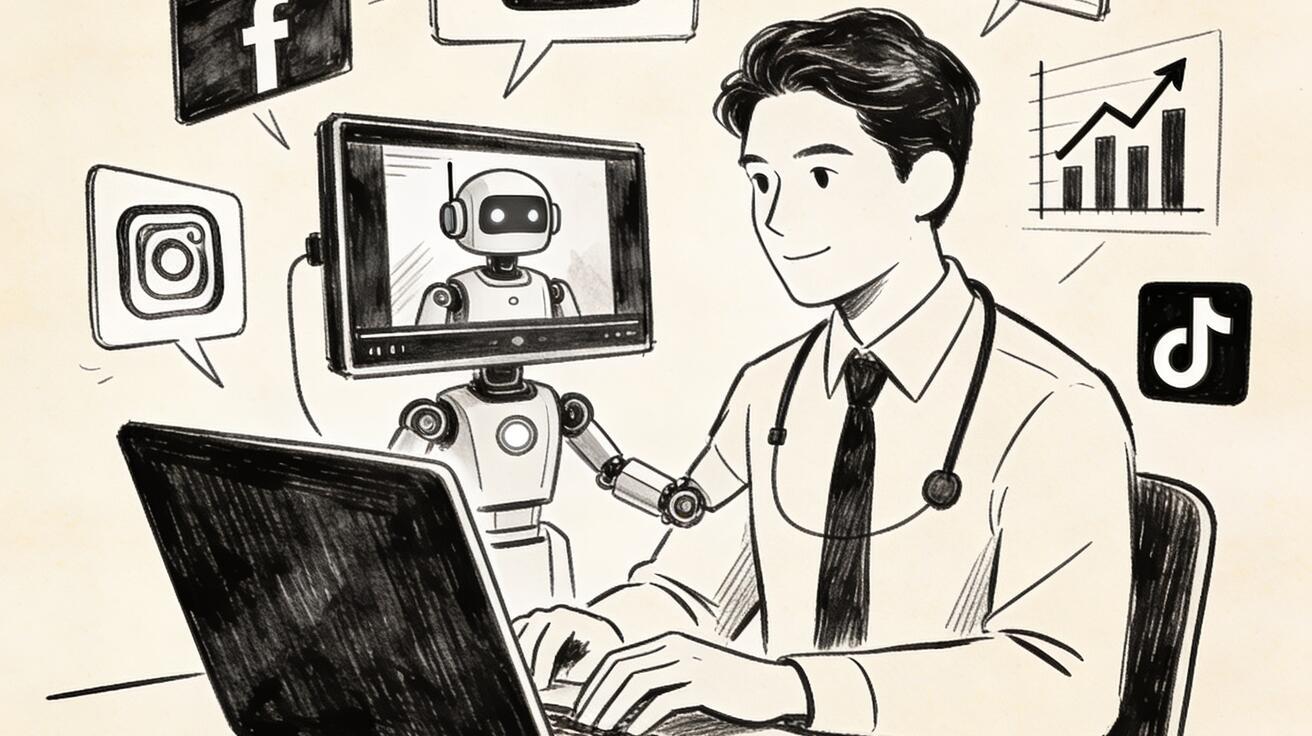
A product photo can explain what an item looks like, but it usually cannot explain how the product feels in use. That is why product photo to video workflows have become one of the most practical uses of AI video generation. Instead of planning a full shoot for every product angle, marketers can use Seedance to turn a still image, a product note, or a short creative brief into moving scenes for ads, landing pages, social posts, and ecommerce campaigns.
The goal is not to replace every product shoot. The goal is to create more creative options before a team spends money on production. A single product image can become a launch teaser, a lifestyle scene, a benefits clip, a product detail animation, a UGC-style ad, or a comparison visual. With a clear Seedance workflow, those outputs are easier to direct, review, and repeat.
This guide explains how to use Seedance for product photo to video work in a practical, brand-safe way. You will learn how to prepare product images, write prompts that protect product consistency, design scenes for ads, avoid common AI artifacts, build reusable templates, and review generated clips like a marketer rather than a random prompt tester. The workflow is designed for ecommerce brands, SaaS teams with product mockups, agencies, creators, and performance marketers who need more visual assets without waiting for a full production cycle.
If you are starting from text only, use the Seedance text to video workflow. If you already have product photos or campaign stills, combine this article with image to video. For model-specific capability context, review the Seedance 2.0 page before building a large campaign.
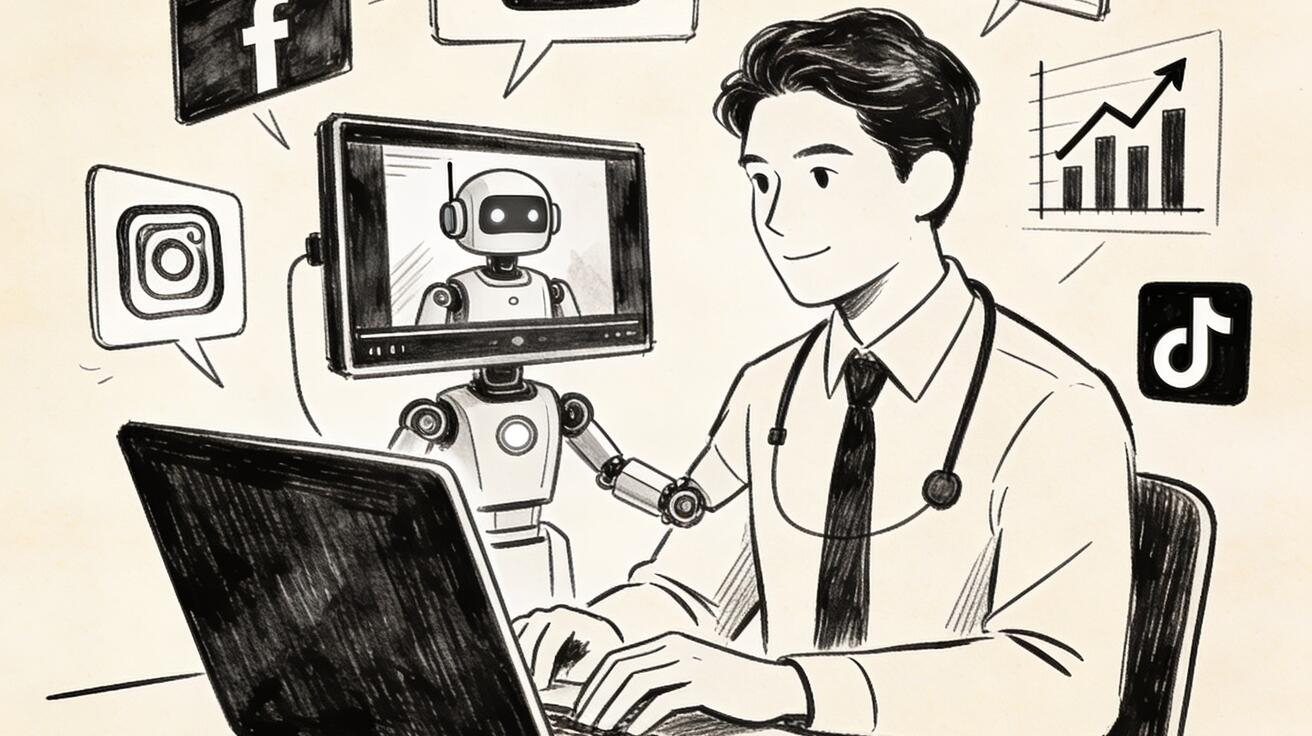
Why Product Photo to Video Is a High-ROI Seedance Use Case
Most marketing teams already have product photos. They may come from a catalog shoot, a founder demo, a supplier page, a product render, a landing page hero, or a user-generated photo. The challenge is that still images are often underused. They sit in a folder while the team struggles to create fresh social assets, new ad variations, seasonal campaign clips, and explainer visuals.
Seedance helps by turning those still assets into motion concepts. A product photo can become a close-up reveal. A static package shot can become a hand-held unboxing scene. A clean product render can become a premium hero shot. A flat ecommerce image can become a lifestyle moment. A product benefit can be shown as a sequence rather than a line of copy.
For performance marketing, this matters because video testing is usually bottlenecked by production. A team may have five hooks, four product benefits, three audience segments, and several seasonal offers, but only one or two finished videos. With a Seedance product photo to video workflow, the team can build a wider creative testing pool before committing to expensive shoots.
For ecommerce, the benefit is clarity. Customers often need to understand scale, texture, usage, and transformation. A still image can show the product; a short motion scene can show the product entering a real context. That extra context can help a viewer understand why the product matters.
For brand teams, the benefit is controlled variation. Instead of asking an AI model to invent a product from scratch, you begin with a reference image and then use prompt constraints to protect the product’s shape, material, color, and key features. This is safer than pure text prompting when product consistency matters.
The Seedance Product Photo to Video Framework
Use this framework whenever you want to animate a product image with Seedance:
| Step | Action | Purpose |
|---|---|---|
| 1. Choose the product image | Select a clean, high-signal photo or render | Gives Seedance a stable product reference |
| 2. Define the ad goal | Hook, benefit, demo, proof, CTA, or lifestyle | Prevents generic motion |
| 3. Write the product lock | Describe what must stay consistent | Protects product identity |
| 4. Design the scene | Subject, setting, action, camera, lighting | Turns the image into video direction |
| 5. Add constraints | No distorted product, no fake logos, no extra parts | Reduces artifacts |
| 6. Review as campaign creative | Check clarity, consistency, use case, CTA fit | Ensures the clip is useful, not just pretty |
This framework keeps the workflow simple. You are not asking Seedance to solve the whole campaign in one prompt. You are giving it a product reference, a creative job, and a controlled scene.
Step 1: Choose the Right Product Photo
The input image matters. A weak product photo makes the entire workflow harder. Before writing prompts, choose a source image that gives Seedance enough visual information.
A good product reference should have:
- Clear product shape
- Visible key features
- Minimal background clutter
- Strong lighting
- No heavy watermarks
- No confusing reflections
- No tiny text that must remain readable
- Enough resolution for details
For physical products, use a clean hero photo or a realistic product render. For fashion or accessories, use an image that clearly shows material and silhouette. For food, beauty, wellness, or home goods, choose a photo with strong texture and a clear focal point. For digital products, use a simplified UI mockup or a device frame rather than a dense screenshot full of small text.
Avoid product images where the item is partially hidden, heavily cropped, or surrounded by many similar objects. If Seedance cannot understand which object matters, the generated clip may introduce extra products or change the design. Also avoid images where tiny labels are the main selling point. AI video models can struggle with precise readable text, so the prompt should communicate the benefit through composition and editing rather than relying on small package copy.
If you only have a messy photo, use a preparation step first. Crop around the product, remove distracting objects if possible, and create a clean version for prompting. The goal is not to make the photo perfect; it is to make the product unambiguous.
Step 2: Define the Creative Job Before Prompting
A product image can become many types of videos. Before you use Seedance, decide what the clip needs to do.
Common product photo to video jobs include:
- Product reveal: make the product feel premium or new
- Usage demo: show the product being used in a realistic context
- Benefit visual: show the outcome the product creates
- Problem solution: contrast old situation and product-assisted result
- UGC-style ad: make the product feel relatable and creator-led
- Detail animation: highlight texture, material, mechanism, or packaging
- Seasonal campaign: place the product into a holiday or event setting
- Landing page hero: create a clean looping visual for web pages
Each job needs a different prompt. A premium reveal should use controlled lighting and slow camera motion. A UGC-style ad should feel more natural, handheld, and human. A benefit visual should focus on transformation. A landing page hero should avoid chaotic movement because it may loop next to copy.
Write a one-line creative job before each prompt:
Creative job: turn one product photo into a short lifestyle ad showing the product in use on a clean morning desk.
Or:
Creative job: create a premium close-up reveal that highlights the product’s material and shape without changing the design.
This single line keeps the prompt grounded.
Step 3: Write a Product Lock
The product lock is the most important part of a Seedance product photo to video prompt. It tells the model what must not change.
Use this format:
Product lock: keep the same product shape, color, material, proportions, logo placement if visible, main feature, and packaging silhouette. Do not add extra buttons, labels, cables, screens, accessories, or duplicate products unless requested.
Customize it for your product. For example:
Product lock: keep the same matte white bottle shape, rounded cap, soft blue label area, and smooth plastic material. Do not change the bottle height, add extra labels, add a pump, or create additional bottles in the foreground.
For a device:
Product lock: keep the same slim black rectangular device, rounded corners, single side button, and small blue indicator light. Do not add a screen, keyboard, cable, logo, or extra ports.
For a software product:
Product lock: keep the interface abstract and brand-safe. Use simple dashboard-like shapes and blue accent cards. Do not invent readable customer data, third-party logos, pricing numbers, or fake user names.
Repeat the product lock across related scenes. Consistency is not automatic just because one scene looked correct. If a campaign uses five Seedance clips, each clip should include the product lock.
Step 4: Build the Scene Prompt
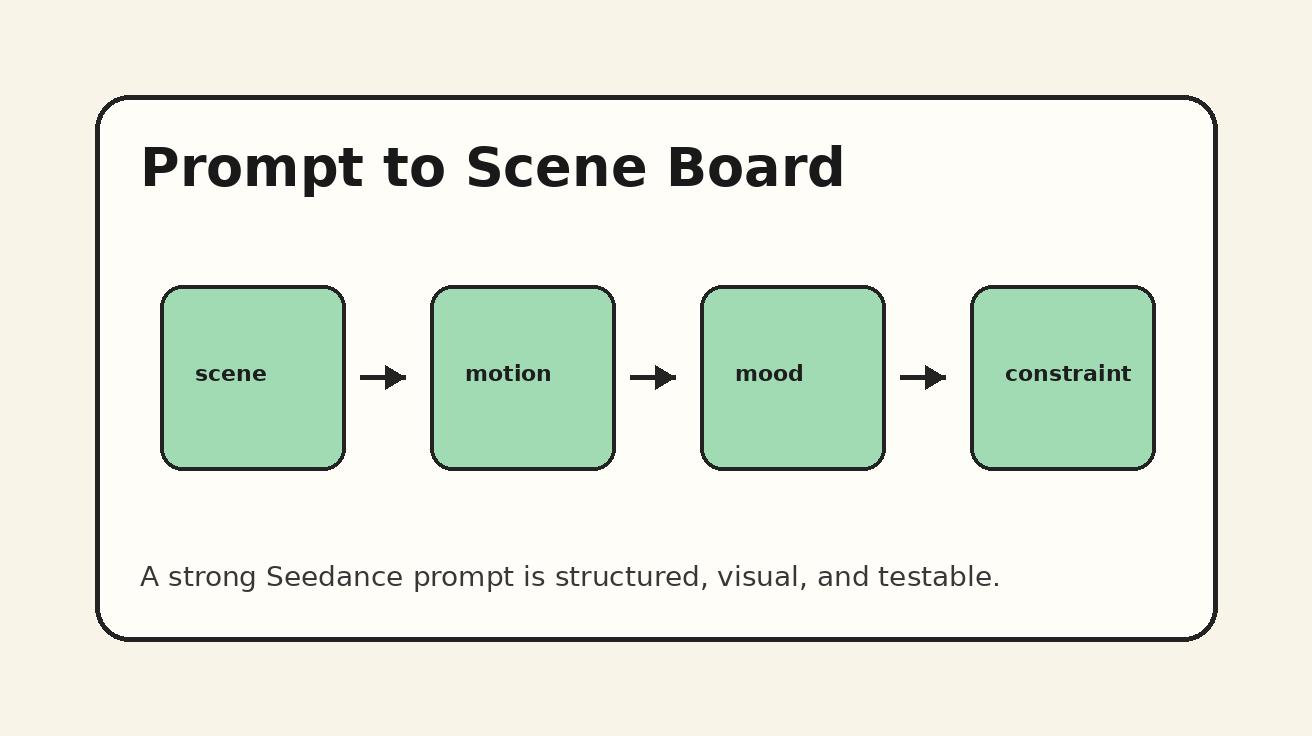
A strong Seedance product prompt includes seven parts:
- Product reference
- Scene goal
- Environment
- Action
- Camera
- Lighting and style
- Constraints
Template:
Use the provided product image as the main reference. Scene goal: [what this clip should communicate]. Environment: [where the product appears]. Action: [one clear movement or interaction]. Camera: [one primary movement]. Lighting and style: [commercial, UGC, macro, lifestyle, clean studio]. Product lock: [what must stay consistent]. Constraints: [what to avoid].
Example prompt:
Use the provided product image as the main reference. Scene goal: show the product as a clean, practical desk accessory for busy creators. Environment: a warm morning desk with a laptop, notebook, coffee cup, and soft window light. Action: a hand places the product beside the laptop, then the camera slowly pushes in as the desk becomes organized and ready for work. Camera: smooth close-up push-in with shallow depth of field. Lighting and style: realistic lifestyle commercial, warm neutral tones, premium but approachable. Product lock: keep the same product shape, color, material, and proportions from the reference image. Constraints: no fake logos, no unreadable text, no distorted hands, no extra product copies, no sudden scene cuts.
This is much stronger than “animate this product photo.” It gives Seedance a job, a setting, movement, and safety rules.
Step 5: Match Scene Style to Campaign Stage
Different campaign stages need different video styles. A product reveal may work for awareness, but it may not answer the questions a buyer has near conversion. Seedance prompts should match the job of the asset.
For awareness ads, use:
- Strong hook visuals
- Faster movement
- Pattern interruption
- Human context
- Clear product silhouette
For consideration content, use:
- Product usage scenes
- Feature close-ups
- before-and-after setups
- comparison visuals
- calmer pacing
For conversion assets, use:
- Clean product hero shots
- benefit-specific demos
- stable framing
- landing page-friendly loops
- minimal distractions
For retention or education, use:
- step-by-step scenes
- overhead desk layouts
- tutorial-style motion
- simple props
- readable composition without relying on generated text
A common mistake is using the same cinematic style for every asset. A dramatic product reveal may get attention, but it may not explain usage. A UGC-style clip may feel relatable, but it may not communicate premium quality. A clean landing page loop may look polished, but it may be too subtle for TikTok. The prompt should reflect distribution context.
Step 6: Create Ad Variations From One Product Photo
Once you have one strong product lock, you can create multiple variations by changing only one or two variables.
Variation 1: Premium hero reveal
Prompt angle: product on a clean studio surface, slow camera orbit, dramatic softbox lighting, focus on texture and silhouette.
Variation 2: UGC desk demo
Prompt angle: creator places the product into a real workspace, handheld natural motion, casual lighting, relatable behavior.
Variation 3: Benefit transformation
Prompt angle: messy scene becomes organized after the product appears, smooth before-and-after transition, clear emotional payoff.
Variation 4: Macro detail
Prompt angle: close-up of material, edge, button, texture, or packaging detail, slow rack focus, premium product photography style.
Variation 5: Seasonal campaign
Prompt angle: product placed into a seasonal environment such as holiday desk, summer travel bag, back-to-school table, or gift setup.
The key is to keep the product lock stable while changing the creative angle. This lets you test which context performs best without losing brand consistency. For teams running paid ads, this approach can create a structured creative testing matrix: same product, different hooks; same hook, different environment; same environment, different camera movement.
Product Photo to Video Prompt Examples
Example 1: Ecommerce Product Reveal
Use the provided product image as the main reference. Scene goal: create a premium ecommerce product reveal for a new launch. Environment: clean studio surface with subtle shadows and a soft neutral background. Action: the product gently rotates into view as a light sweep reveals its material and shape. Camera: slow controlled dolly-in with a slight orbit. Lighting and style: premium commercial product photography, soft highlights, crisp details, minimalist composition. Product lock: keep the same product shape, color, material, proportions, and visible design features. Constraints: no fake logos, no extra labels, no duplicated products, no unreadable text, no sudden scene changes.
Example 2: UGC-Style Product Ad
Use the provided product image as the main reference. Scene goal: make the product feel useful in a real creator’s daily routine. Environment: casual home desk with natural window light, laptop, notebook, and simple props. Action: a creator’s hand picks up the product, places it beside the laptop, and reacts naturally as the workspace becomes more organized. Camera: gentle handheld close-up with stable focus. Lighting and style: realistic UGC ad, warm and approachable, not overly polished. Product lock: keep the product identical to the reference image. Constraints: no distorted hands, no fake brand logos, no extra products, no exaggerated acting, no unreadable UI text.
Example 3: Before-and-After Benefit Clip
Use the provided product image as the main reference. Scene goal: show the product creating a cleaner, easier workflow. Environment: split visual concept from messy desk to organized desk. Action: the product enters the frame and the surrounding objects become neatly arranged, suggesting a clear before-and-after transformation. Camera: overhead shot with a smooth left-to-right transition. Lighting and style: clean commercial explainer, simple props, bright neutral tones. Product lock: keep the same product design, color, and size relationship. Constraints: no magic effects that hide the product, no fake text, no clutter, no extra product copies.
Example 4: Landing Page Hero Loop
Use the provided product image as the main reference. Scene goal: create a calm looping hero visual for a landing page. Environment: minimal background with soft gradient light and a clean product surface. Action: subtle camera push-in while light moves across the product, then returns to a stable hero frame. Camera: slow, smooth, loop-friendly movement. Lighting and style: premium, calm, brand-safe, not distracting. Product lock: preserve product shape and material exactly. Constraints: no fast cuts, no random objects, no text overlays, no fake logos, no warped edges.
Example 5: Product Detail Animation
Use the provided product image as the main reference. Scene goal: highlight the product’s most important detail without changing the design. Environment: close-up macro scene with clean background. Action: camera racks focus from the product edge to the key feature, showing texture and craftsmanship. Camera: macro close-up with slow rack focus. Lighting and style: high-end product detail shot, crisp, tactile, realistic. Product lock: keep the same material, shape, feature placement, and proportions. Constraints: no extra seams, no new buttons, no duplicate features, no fake engraved text.
How to Review Seedance Product Outputs
Do not approve a generated clip only because it looks attractive. Review it against campaign utility.
Use this checklist:
- Product identity: does the product still look like the reference?
- Feature accuracy: did the model add or remove important details?
- Use-case clarity: can the viewer understand why the product is shown?
- Composition: is the product visible enough for the platform?
- Motion: does the camera movement support the message?
- Brand safety: are there fake logos, strange text, or misleading elements?
- Artifact risk: are hands, reflections, edges, and textures acceptable?
- CTA fit: could this clip support an ad, landing page, or social post?
If a clip fails, revise the smallest prompt component. If the product changes shape, strengthen the product lock. If the scene feels generic, sharpen the creative job. If the camera is unstable, simplify movement. If text appears, add a constraint against readable text and use post-production captions instead.
This review process matters because product video is tied to trust. A viewer may forgive a stylized background, but they may not trust an ad where the product changes shape, grows extra parts, or displays fake labels. The safest Seedance workflow is to combine clear product reference, conservative product lock, and purposeful scene design.
Common Mistakes to Avoid
Mistake 1: Asking Seedance to Invent Product Details
If the product feature matters, describe it. If the product must not change, say so. Do not assume the model will preserve every detail from a vague image reference.
Mistake 2: Using Too Much On-Screen Text
Generated text can be unreliable. Use Seedance to create the visual scene, then add headlines, captions, prices, disclaimers, and CTAs in your editing tool.
Mistake 3: Creating Motion Without a Marketing Purpose
A rotating product is not automatically a good ad. The motion should reveal a benefit, create attention, show use, or support a campaign stage.
Mistake 4: Mixing Premium and UGC Styles in One Prompt
Premium studio lighting and casual handheld UGC can both work, but they should not fight each other. Choose one primary style per scene.
Mistake 5: Ignoring Platform Format
A landing page loop, TikTok ad, YouTube short, and email GIF do not need the same pacing. Define platform before generating.
Mistake 6: Overloading the Scene
One product, one main action, one camera move. That rule solves many product video problems.
A Complete Seedance Product Photo to Video Workflow
Here is a practical sequence you can use for a real campaign.
Step 1: Select the reference image.
Choose one clean product photo with strong shape and lighting. If possible, prepare a version with minimal background clutter.
Step 2: Write the product lock.
Describe the exact product details that must remain stable. Include shape, color, material, proportions, and key feature placement.
Step 3: Define three creative jobs.
For example:
- Awareness: premium product reveal
- Consideration: product in use on a creator desk
- Conversion: clean landing page hero loop
Step 4: Generate one prompt per job.
Keep each prompt focused on a single scene. Do not ask for the full ad, all benefits, and the final CTA in one generation.
Step 5: Review outputs.
Check product consistency first. Then check campaign clarity. Then check visual polish.
Step 6: Edit externally.
Add captions, CTA text, offer details, pricing, disclaimers, and music outside the generated clip. This gives you more control and avoids unreliable generated text.
Step 7: Build variations.
Once one direction works, change the hook, environment, or camera movement while keeping the same product lock.
This workflow turns one product photo into a controlled creative system. It is faster than starting from scratch and safer than asking an AI model to invent the product.
FAQ
Can Seedance animate a product photo into a video?
Seedance can support product photo to video workflows when you use a clear product reference and a structured prompt. The best results come from clean images, a strong product lock, one scene goal, and simple camera direction.
How do I keep the product consistent in Seedance?
Write a product lock that states what must remain unchanged: shape, color, material, proportions, feature placement, and packaging silhouette. Repeat that lock in each related prompt and avoid asking for extra product variations unless you need them.
Should I add text or prices inside the generated video?
For important text, prices, disclaimers, and CTAs, add them during editing rather than relying on generated on-screen text. Use Seedance for the visual scene and keep business-critical copy under your control.
What type of product photo works best?
Use a clean product photo or render with clear shape, good lighting, minimal clutter, and visible key features. Avoid heavily cropped images, busy backgrounds, watermarks, and tiny labels that must remain readable.
Can I create multiple ad variations from one product image?
Yes. Keep the same product lock and change one creative variable at a time, such as setting, hook, camera movement, style, or campaign stage. This makes variation testing more structured.
Final Takeaway
Seedance product photo to video workflows are powerful because they turn existing assets into new campaign motion. A single product image can become a product reveal, lifestyle scene, UGC ad, detail animation, seasonal creative, or landing page hero. The difference between a random generation and a useful marketing asset is structure.
Start with a strong product reference. Define the creative job. Write a product lock. Build a focused scene prompt. Add constraints. Review for product accuracy and campaign clarity. Then edit captions and CTA elements outside the generated clip.
That process gives you more than one nice video. It gives you a repeatable Seedance workflow for turning product images into ad-ready creative options throughout the year.
Ready to create your own AI video?
Turn ideas, text prompts, and images into polished videos with Seedance. If this article helped, the fastest next step is to try the product.
Free credits on signup. Plans from $20/month.
Related Articles
More posts in the same locale you may want to read next.

Seedance App Preview Video Generator 2026: Create App Store and Product Launch Clips
Use Seedance to turn app screenshots, feature copy, and launch goals into App Store previews, Google Play promo videos, and product launch clips.
Read article
Luma Ray3 Modify Strength Settings: Adhere, Flex, or Reimagine?
Choose the right Luma Ray3 Modify strength for subtle edits, restyling, or full transformations with a repeatable Adhere, Flex, and Reimagine test.
Read article
Veo Reference Images API Tutorial: From Assets to Video
Build a Veo 3.1 reference-images API workflow with up to three assets, JavaScript request code, polling, downloads, and a practical review checklist.
Read article