
Seedance Onboarding Video Generator 2026: Create Product Walkthrough and User Activation Videos
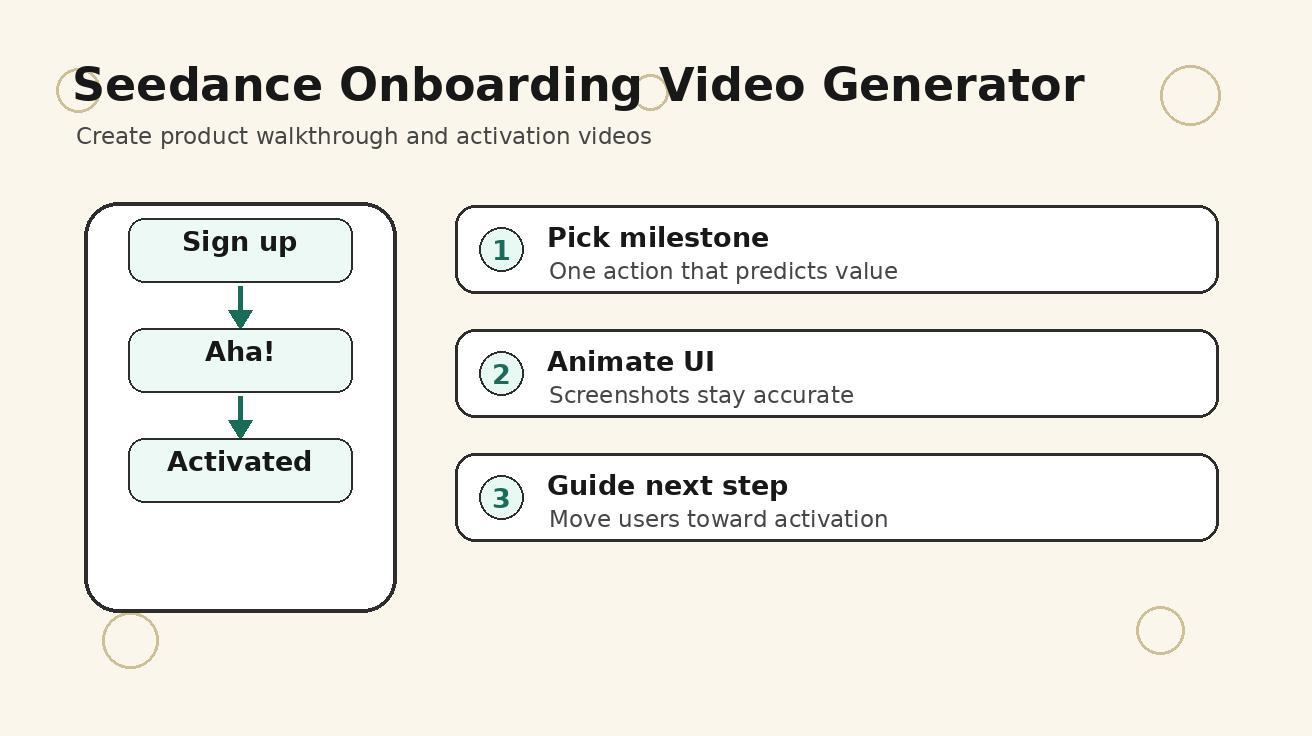
Most SaaS and mobile products do not lose users because the product has no value. They lose users because new users never reach the first moment of value. A person signs up, sees a dashboard, feels unsure what to do next, and leaves before the product becomes useful. That is why teams search for an onboarding video generator, product walkthrough video, user onboarding video, and activation video workflow that can explain the first session clearly without turning every release into a motion-design project.
Seedance is a strong fit for this problem because onboarding video is not just a tutorial. It is a guided first experience. A good onboarding clip shows the user where to start, what action to take, what result to expect, and why that action matters. With Seedance, a product team can turn screenshots, feature notes, journey maps, and customer success language into short video scenes for signup pages, in-app modals, help centers, release notes, email sequences, and sales enablement.
This guide explains a practical Seedance onboarding video generator workflow for 2026. It is written for SaaS founders, product marketers, growth teams, customer success managers, lifecycle marketers, app developers, and agencies that need to create product walkthrough and activation videos repeatedly. The goal is to create video assets that help users understand the product faster, not generic startup clips that look polished but fail to reduce confusion.
Quick answer: what is a Seedance onboarding video generator workflow?
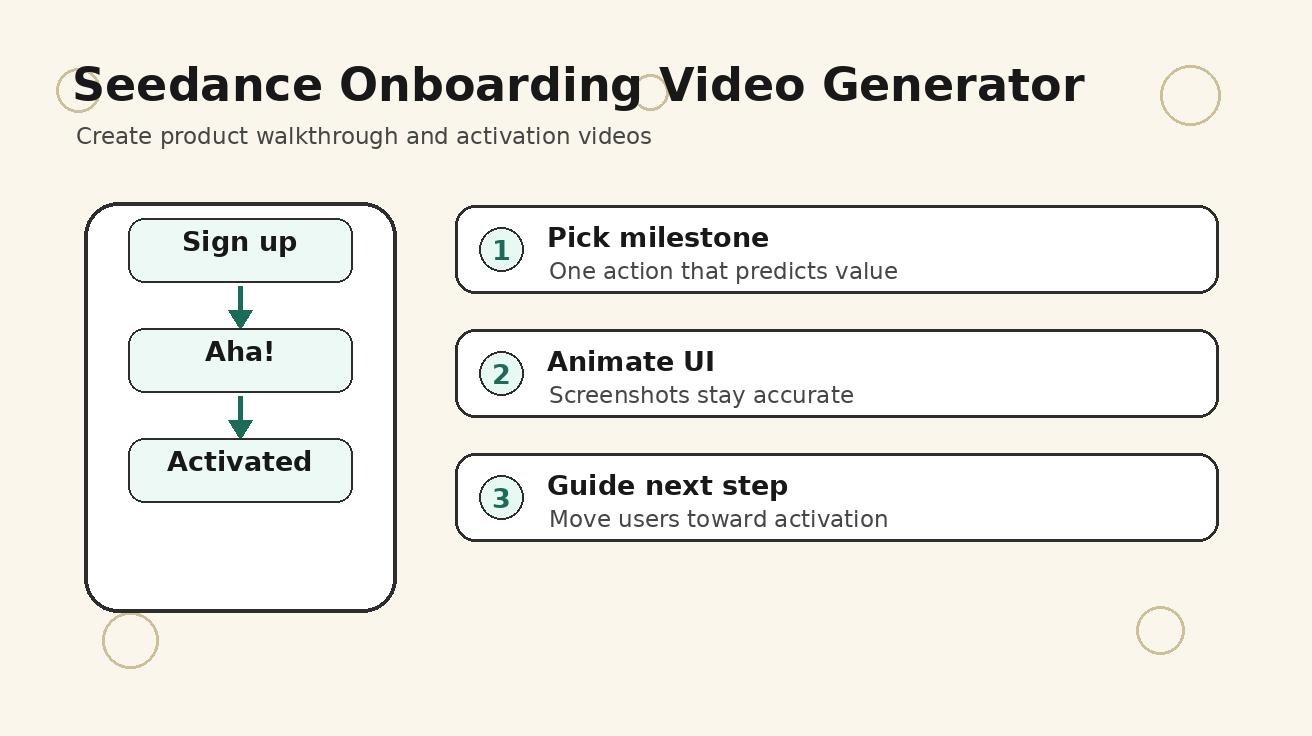
A Seedance onboarding video generator workflow is a repeatable process for using Seedance to create short product walkthrough and activation videos from approved screenshots, user journey notes, feature copy, and prompt templates. Instead of recording one long screen share and hoping users watch it, you create a sequence of focused scenes: the user's goal, the first action, the product response, the success moment, and the next step.
The best workflow combines image-to-video for accurate interface moments and text-to-video for context scenes. If the exact dashboard or button matters, you use a screenshot as the visual source. If the emotional outcome matters, such as a marketer feeling confident before a launch or a support team resolving an issue faster, you can use text-to-video. Seedance then helps you create polished motion around the product story.
A strong first onboarding video is usually 30 to 60 seconds long. It does not explain every feature. It explains the first useful workflow. For a project management app, that could be creating the first project. For an analytics product, it could be connecting data and finding the first insight. For a creator tool, it could be turning an idea into the first output. The video should move the user from confusion to action.
Why onboarding videos are different from product demos
A product demo is often built for people who are deciding whether to buy. An onboarding video is built for people who already arrived and need to succeed. That difference changes the script, visuals, and pacing.
A demo can be aspirational. It can show the broad product vision, the number of features, and the business case. Onboarding needs to be more practical. It should answer the silent question in a new user's head: “What do I do first?” The video should remove friction, not overwhelm the viewer with every possible use case.
A demo often speaks to decision makers. Onboarding speaks to hands-on users. The language should be specific, calm, and action-oriented. “Create your workspace, invite one teammate, and publish your first task list” is more useful than “unlock productivity at scale.” Seedance prompts should reflect that directness. Show the user taking a clear action and seeing a clear result.
A demo can be longer. Onboarding should be short enough to watch inside the product. Many users will only give the clip a few seconds before deciding whether it is useful. That means the first scene should name the goal, not start with a cinematic intro. Seedance can still make the video visually polished, but the story should prioritize speed and clarity.
Best onboarding video use cases for Seedance
Seedance works well across the lifecycle because onboarding is not a single asset. It is a system of short videos that answer specific user questions.
| Use case | Best Seedance format | Why it works |
|---|---|---|
| First-run product walkthrough | Screenshot-to-video sequence | Keeps the real UI visible while adding motion and guidance |
| Signup page explainer | Text-to-video plus interface scenes | Sets expectations before the user enters the product |
| In-app activation modal | 15-30 second focused clip | Helps users complete one important action |
| Help center article video | Step-by-step visual explanation | Reduces support load for repeated questions |
| Feature release walkthrough | Before/after workflow | Makes product updates easier to understand |
| Customer success email | Short personalized workflow clip | Encourages stalled users to return and complete setup |
| Sales handoff onboarding | Role-specific walkthrough | Helps new customers understand the first milestone |
The key is to build each video around one activation event. An activation event is the action that predicts future product value. It might be importing contacts, connecting a calendar, uploading the first asset, creating the first campaign, inviting a teammate, or exporting the first report. Seedance helps turn that event into a visual journey.
The four-part structure for an onboarding video
Most effective onboarding videos follow a simple structure. You can adapt it across products and channels.
Part 1: name the goal
Start by telling the user what the video will help them accomplish. Avoid vague openings. “Set up your first campaign in two minutes” is stronger than “Welcome to our platform.” A direct goal gives the user a reason to keep watching.
Seedance prompt pattern:
A clean product onboarding video opening for a SaaS user starting their first [workflow]. Show a modern laptop and phone on a tidy desk, calm confident mood, subtle motion, product walkthrough style, no fake readable UI text, clear focus on getting started.
Part 2: show the first action
Use image-to-video with a real screenshot or approved mockup. Keep the interface stable. Add only enough motion to make the step understandable: a gentle zoom, a cursor movement, a tap gesture, or a highlighted area added in editing. Do not ask Seedance to invent interface details that must be accurate.
Part 3: show the product response
After the first action, show what changes. A dashboard fills in, a plan is created, a preview appears, a teammate receives an invite, or a report becomes readable. This is the moment where the product starts to feel useful. If you have a screenshot of the result state, use it.
Part 4: point to the next step
End with the next best action. The CTA should be operational, not promotional. “Invite your team,” “Upload your first asset,” “Publish the first workflow,” or “Open the checklist” is better than “Explore more.” Onboarding is about momentum.
Step-by-step Seedance workflow for product walkthrough videos
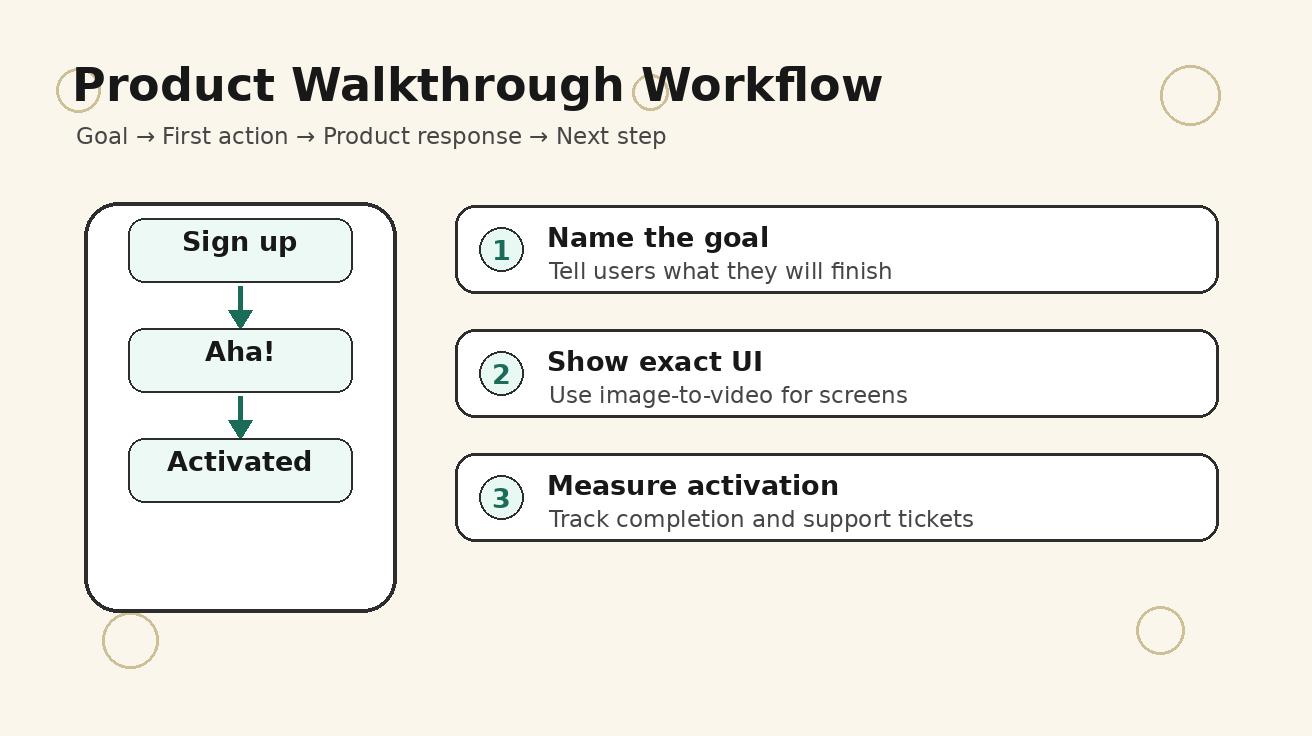
Step 1: choose one activation milestone
Do not start with the video. Start with the user behavior that matters. Ask: what action makes a new user more likely to retain? The answer might come from analytics, customer interviews, support tickets, or product intuition. Choose one milestone for one video.
Examples:
- A project management tool: create the first project and assign the first task.
- A design tool: upload a brand asset and export the first creative.
- A CRM: import contacts and create the first pipeline stage.
- An analytics product: connect the first data source and save the first dashboard.
- A creator app: choose a template and publish the first video.
If one video tries to cover all milestones, it becomes a tour, not onboarding. Seedance is most effective when the prompt has a narrow job.
Step 2: collect approved screenshots
Use real product screenshots with safe sample data. Remove emails, private customer names, tokens, internal roadmap items, and unreleased features. If the product is changing quickly, create mock screenshots that match the next release. Seedance can animate the scene, but it should not be responsible for creating exact UI truth.
Prepare three screenshots: the starting screen, the action screen, and the success screen. These become the visual spine of the walkthrough. If you only have one screenshot, the video may look like a generic explainer rather than a product-specific onboarding asset.
Step 3: write the script before the prompts
A short script keeps the Seedance prompts focused. Write five to seven lines. Each line should correspond to one scene or one overlay.
Example script for an analytics tool:
- Connect your first data source.
- Choose the metrics you want to track.
- Seedance-style interface motion shows the dashboard coming together.
- Save the view for your weekly review.
- Share the dashboard with your team.
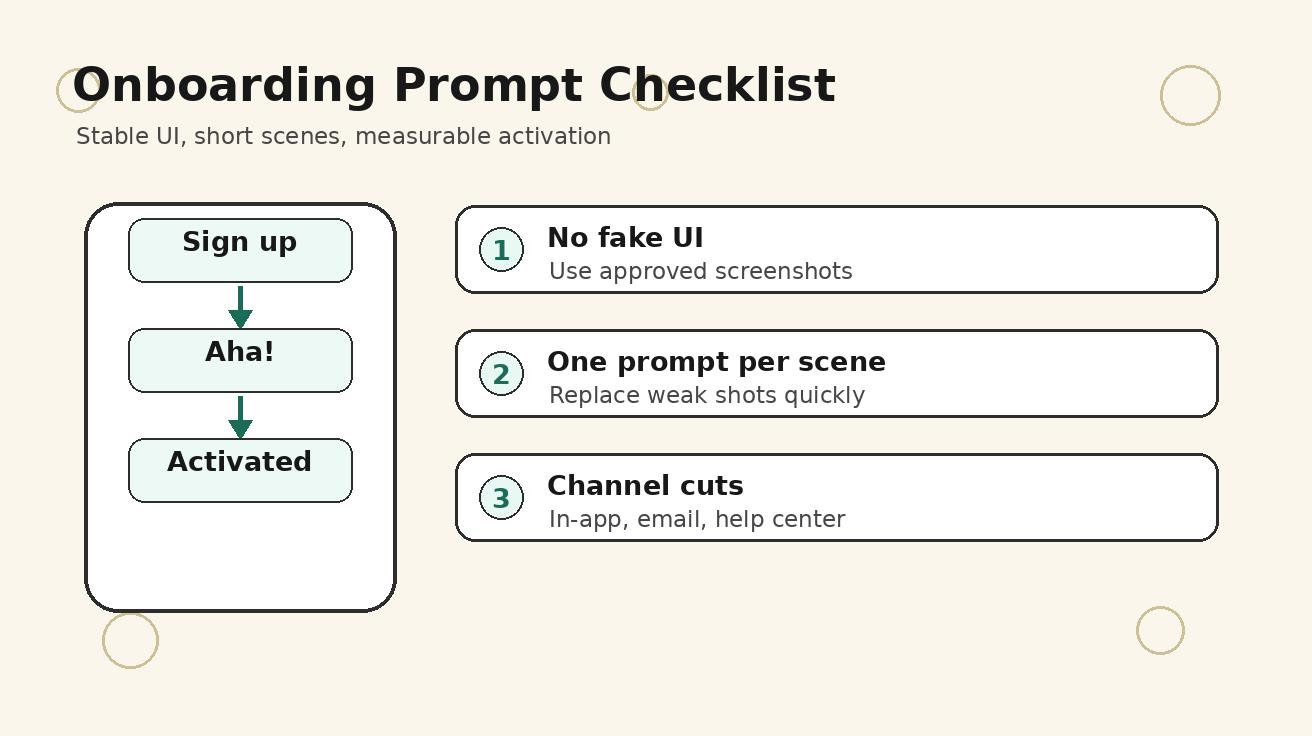
Once the script is clear, write one Seedance prompt per scene. Do not ask for the full onboarding video in one generation. Scene-based generation gives you more control and makes it easier to replace weak shots.
Step 4: generate accurate UI scenes with image-to-video
For interface scenes, use Seedance image-to-video and keep the instruction conservative. The prompt should emphasize stability, readability, and minimal changes.
Prompt template:
Animate this product screenshot for a user onboarding video. Keep the interface layout stable and readable. Add a gentle cursor movement toward [target action], subtle zoom, clean SaaS product walkthrough style, no new buttons, no fake text, no distorted icons, calm professional pacing.
This approach is useful for onboarding because users need trust. If the screen changes too much, the video may look impressive but fail as guidance.
Step 5: generate context scenes with text-to-video
Context scenes show why the workflow matters. They can be used at the beginning or end of the onboarding video. For example, a lifecycle marketer preparing a campaign, a support manager reviewing tickets, a teacher organizing course material, or a founder checking product metrics.
Prompt template:
A realistic product onboarding context scene: [target user] trying to complete [goal] before using a [category] app. Calm, modern workspace, focused expression, laptop and phone visible, clean lighting, product walkthrough video style, no readable fake interface text.
Context scenes should be brief. They support the user story but should not replace the real product walkthrough.
Step 6: edit into channel-specific versions
The same Seedance scenes can become several assets:
- A 45-second first-run walkthrough inside the product.
- A 30-second signup page explainer.
- A 20-second lifecycle email clip for inactive users.
- A 15-second release note video for a new feature.
- A help center video embedded above step-by-step text.
Keep the first cut simple. Then shorten or reframe it for each channel.
Prompt templates for Seedance onboarding videos
Template 1: first-run onboarding walkthrough
Create a clean first-run onboarding video scene for a [category] product. A new user is about to complete [activation milestone]. Show a calm workspace, laptop or phone, subtle anticipation, modern SaaS product walkthrough style, soft lighting, no fake readable UI text, practical and helpful tone.
Template 2: screenshot walkthrough scene
Animate this screenshot as part of a product onboarding video. Keep the UI stable and accurate. Add a slow zoom toward [button or area], a simple cursor or tap gesture, and a polished product walkthrough feel. Do not invent new UI elements, change text, or distort icons.
Template 3: success moment
A short onboarding success scene showing a user after completing [activation milestone] in a [category] app. The user looks focused and relieved, the screen suggests a completed setup without readable fake text, clean modern workspace, calm camera movement, practical product video style.
Template 4: feature release onboarding
A concise feature release walkthrough for [new feature]. Show the old problem, the new action, and the improved result. Product-led, clear, calm, modern SaaS interface video style, stable device framing, no exaggerated claims, no fake UI text.
Template 5: customer success follow-up video
A helpful onboarding reminder video for users who signed up but did not complete [activation action]. Friendly tone, show the first step visually, make the outcome feel achievable, clean interface context, short lifecycle marketing video style, no pressure, no fake claims.
How to keep onboarding videos trustworthy
Trust matters more than visual spectacle. Users follow onboarding videos because they believe the clip is showing what will happen in the product. If the video feels fake, they stop trusting it.
Use approved screenshots for any step that involves UI. Avoid generated text as proof. Keep overlays short and added in editing, where you can control accuracy. Review every Seedance output for interface drift, distorted buttons, unreadable labels, strange cursor paths, or actions that the product does not support.
Also match the video's promise to the real product state. If a video says setup takes two minutes, the workflow should realistically take about two minutes for the target user. If permissions, integrations, or approvals are required, say so. Onboarding should reduce frustration, not create a false expectation.
Finally, do not hide complexity that users must know. If a data connection requires admin access, make that part of the step. If a feature is only available on a paid plan, avoid presenting it as part of every user's first-run experience.
Metrics to track after publishing onboarding videos
A Seedance onboarding video should be measured like a product experiment, not just a marketing asset. Track metrics before and after adding the video.
Useful metrics include:
- Activation rate for the target milestone.
- Time to first successful action.
- Completion rate of the onboarding checklist.
- Drop-off rate on the screen where the video appears.
- Help center ticket volume for the explained workflow.
- Email click-through and return rate for lifecycle video campaigns.
- Trial-to-paid conversion for users who watched the video.
If the video is watched but activation does not improve, the issue may be the product workflow, not the video. If few users watch the video, the placement, thumbnail, or first line may be weak. Use Seedance to test new hooks and shorter cuts quickly.
Common mistakes to avoid
Mistake 1: making a feature tour instead of an activation video
A feature tour lists what the product can do. An activation video helps the user complete one valuable action. If the user cannot repeat the workflow after watching, the video is too broad.
Mistake 2: generating fake UI instead of using screenshots
AI-generated dashboards can look attractive, but they may not match the real product. For onboarding, accuracy is essential. Use screenshots for exact UI and Seedance for motion, context, and pacing.
Mistake 3: starting with brand story
New users need help. They do not need a long brand intro. Start with the goal and the first action. Branding can appear naturally through the product interface and final CTA.
Mistake 4: ignoring accessibility
Add captions or text summaries where possible. Keep visual contrast clear. Do not rely only on tiny cursor movement. Many users will watch silently or on small screens.
Mistake 5: never updating the video
Onboarding videos become outdated when the interface changes. Because Seedance makes scene-level replacement easier, update the specific scenes that changed instead of recreating the entire video from scratch.
Seedance workflow for different product teams
For SaaS growth teams
Use Seedance to test activation messages. Create three versions of the first-run video: one focused on saving time, one focused on reducing mistakes, and one focused on reaching a business outcome. Compare activation rate rather than judging only by aesthetics.
For customer success teams
Turn repeated support explanations into short clips. If users often ask how to set up an integration, create a Seedance walkthrough with approved screenshots and embed it in help center articles, onboarding emails, and support macros.
For mobile app teams
Use vertical cuts for in-app onboarding and social retargeting. A user who installed the app but did not finish setup may respond better to a short activation video than a plain reminder email.
For agencies
Create reusable prompt libraries for different client categories: CRM, finance, creator tools, health apps, education platforms, and ecommerce software. The structure stays similar, but the activation milestone and visual tone change.
Internal Seedance links for building the workflow
If your onboarding video starts from written scene prompts, use Seedance text-to-video. If you have approved screenshots or product mockups, use Seedance image-to-video. If you need a broader capability overview before building the onboarding system, review Seedance 2.0. If you need the same onboarding flow adapted into an app-store or website preview clip, use the Seedance app preview video generator workflow as the next internal step before exporting channel-specific cuts.
FAQ
Can Seedance make a product walkthrough video from screenshots?
Yes. Use image-to-video with approved screenshots and prompt Seedance for stable UI, gentle motion, cursor or tap gestures, and a clean product walkthrough style. This keeps the interface credible while making the clip more engaging than a static screen recording.
What is the best length for an onboarding video?
For in-app onboarding, 30 to 60 seconds is usually a practical range. A lifecycle email clip can be 15 to 30 seconds, while a help center walkthrough can be longer if the workflow is complex.
Should onboarding videos show every feature?
No. The best onboarding videos focus on one activation milestone. Users should know exactly what to do next after watching.
Is text-to-video enough for SaaS onboarding?
Text-to-video is useful for context and outcome scenes, but exact product steps should use screenshots or approved mockups. Most strong onboarding videos combine text-to-video and image-to-video.
How often should onboarding videos be updated?
Update them whenever the UI, activation flow, pricing access, or key feature behavior changes. Scene-based Seedance workflows make partial updates easier than recreating the entire video.
Can onboarding videos improve activation?
They can help when the core problem is user confusion or lack of guidance. Measure activation rate, time to first value, checklist completion, and support tickets to confirm whether the video improves the workflow.
Final takeaway
Seedance can turn onboarding from a static checklist into a clear visual path. The most effective workflow is not to create one long generic product demo. It is to identify one activation milestone, collect accurate screenshots, write a short script, generate one Seedance scene at a time, and edit the result into channel-specific onboarding assets.
If users are signing up but not reaching value, start with the first action that matters. Show the goal, the exact step, the product response, the success moment, and the next action. That is how a Seedance onboarding video generator workflow becomes more than content. It becomes part of the product growth system.
Ready to try it yourself?
Put the steps from this guide into practice with Seedance and turn prompts or images into polished videos in minutes.
Free credits on signup. Plans from $20/month.
Related Articles
More posts in the same locale you may want to read next.

Seedance App Preview Video Generator 2026: Create App Store and Product Launch Clips
Use Seedance to turn app screenshots, feature copy, and launch goals into App Store previews, Google Play promo videos, and product launch clips.
Read article
Google Veo Audio Generation Failed: What It Means and How to Retry
Diagnose Google Flow's Audio Generation Failed error, check credit refunds, distinguish silent exports from blocked jobs, and retry Veo with a focused audio prompt.
Read article
HeyGen Video Agent Credit Cost: How to Budget Each Finished Video
Understand HeyGen Video Agent credits per minute, free-plan limits, Standard versus Seedance Mode estimates, API pricing and a practical cost-per-approved-video budget.
Read article