
Seedance Kickstarter Campaign Videos 2026: AI Product Launch Workflow for Crowdfunding
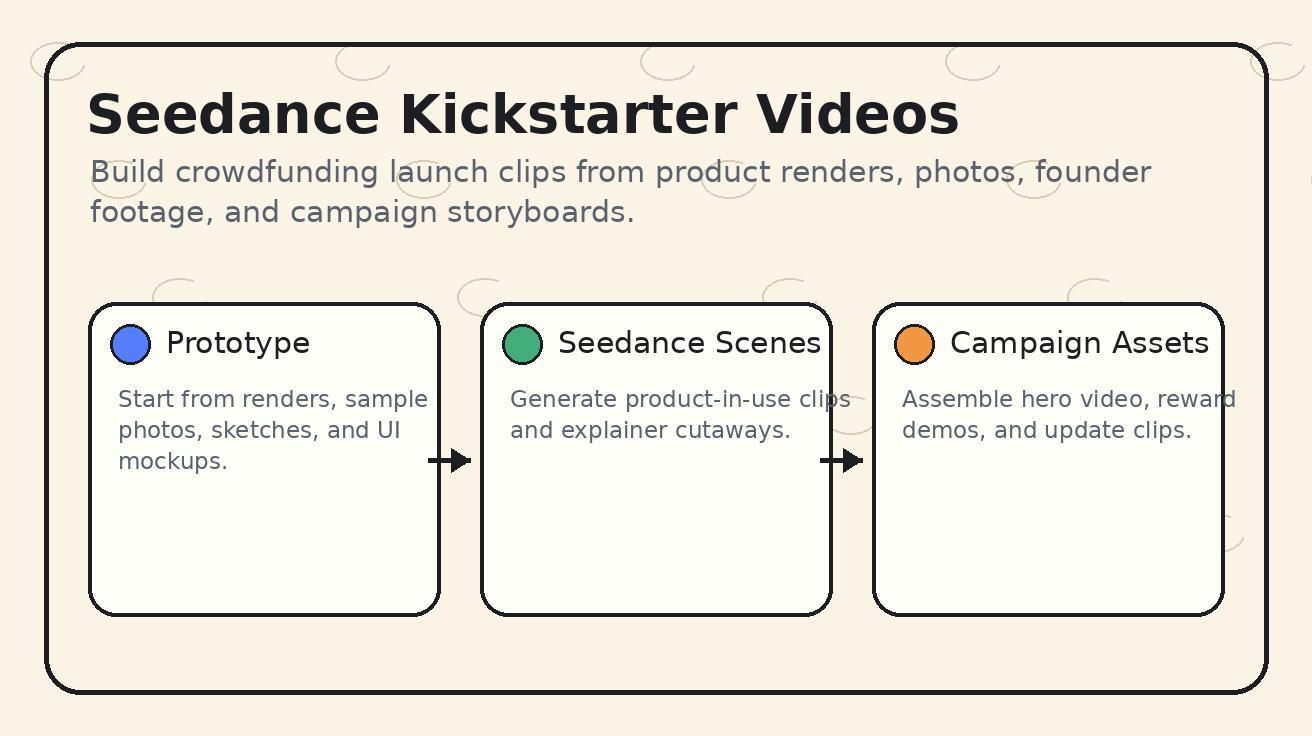
A Kickstarter campaign video has to do more than look exciting. It has to explain the product, show why it matters, make the prototype feel credible, and give backers enough confidence to click a reward tier. That is why Seedance Kickstarter campaign videos are a strong 2026 workflow for founders: Seedance can turn product photos, renders, sketches, prototype shots, and storyboard frames into short campaign-ready video scenes before a team has the budget or time for a full studio shoot.
This guide is specifically about using Seedance for Kickstarter and crowdfunding launch assets. It is not a generic article about campaign videos. The workflow depends on Seedance image-to-video generation, text-to-video concept scenes, prompt constraints, controlled product motion, detail review, and repeatable export planning. If you remove Seedance, the process changes completely.
Crowdfunding teams often face a timing problem. The campaign page needs a hero video, reward tier visuals, short social clips, mid-campaign updates, stretch goal announcements, and founder explainers. But the physical prototype may be late, the industrial design may still be changing, and the team may only have renders or a small number of product photos. Seedance helps fill the gap by creating believable, clearly labeled visual scenes from available assets while the founder keeps claims honest.
The key is responsibility. Seedance should not be used to fake a finished product, invent performance, or hide uncertainty. The right use is to visualize the story around real product information: how the product is used, what problem it solves, what the design intent is, what the mechanism looks like, what packaging could feel like, and how backers should understand the launch. A Seedance-generated campaign clip can be powerful when it is transparent, accurate, and paired with real prototype footage wherever proof is required.
Why Seedance is useful for Kickstarter teams
Kickstarter rewards clarity. Backers want to see the problem, the product, the maker, the use case, the timeline, the risks, and the reward structure. Traditional campaign video production can be expensive because it requires scripting, shooting, editing, motion graphics, location planning, and multiple revisions. Seedance does not remove the need for strategy, but it reduces the friction of producing visual scenes.
Seedance is especially useful in the pre-launch phase. Before spending money on a full shoot, a founder can use Seedance to test visual concepts: a product-in-use scene, a clean mechanism animation, a lifestyle opening shot, or a reward bundle reveal. These clips can help the team decide what must be filmed in reality and what can remain as AI-assisted visual support.
Seedance also helps campaign teams create more assets from the same reference materials. A render can become a slow hero reveal. A prototype photo can become a desk-use demo. A packaging mockup can become an unboxing teaser. A storyboard sketch can become a social ad concept. A founder can use Seedance to build the first visual draft of the campaign narrative before editors assemble the final video.
Most importantly, Seedance lets small teams iterate. Crowdfunding messaging changes quickly. If pre-launch email signups respond better to one angle, the campaign video may need new scenes. If backers ask the same question on day one, the team may need an update clip. With Seedance, visual iteration becomes faster than scheduling another shoot.
The Seedance rule for crowdfunding: visualize, do not mislead
Crowdfunding is built on trust. Backers understand that many products are not shipping yet, but they expect honest communication. Seedance should support that trust. Every Seedance scene should be reviewed through one question: would a reasonable backer think this proves something we have not actually proven?
If the answer is yes, change the scene or label it differently. For example, a Seedance clip showing a backpack opening on a desk is fine if the prototype exists and the design is accurate. A clip showing the backpack surviving rain, impact, or extreme load is risky unless those claims have been tested. A Seedance animation showing an internal mechanism can be useful, but it should not imply final engineering validation unless that validation exists.
The safest Seedance campaign videos combine AI-generated scenes with real evidence. Use real founder footage for credibility, real prototype clips for proof, and Seedance clips for context, lifestyle, transitions, cutaways, and visual explanation. That mix creates a richer campaign video without asking AI to carry claims it should not carry.
Seedance Kickstarter campaign video structure
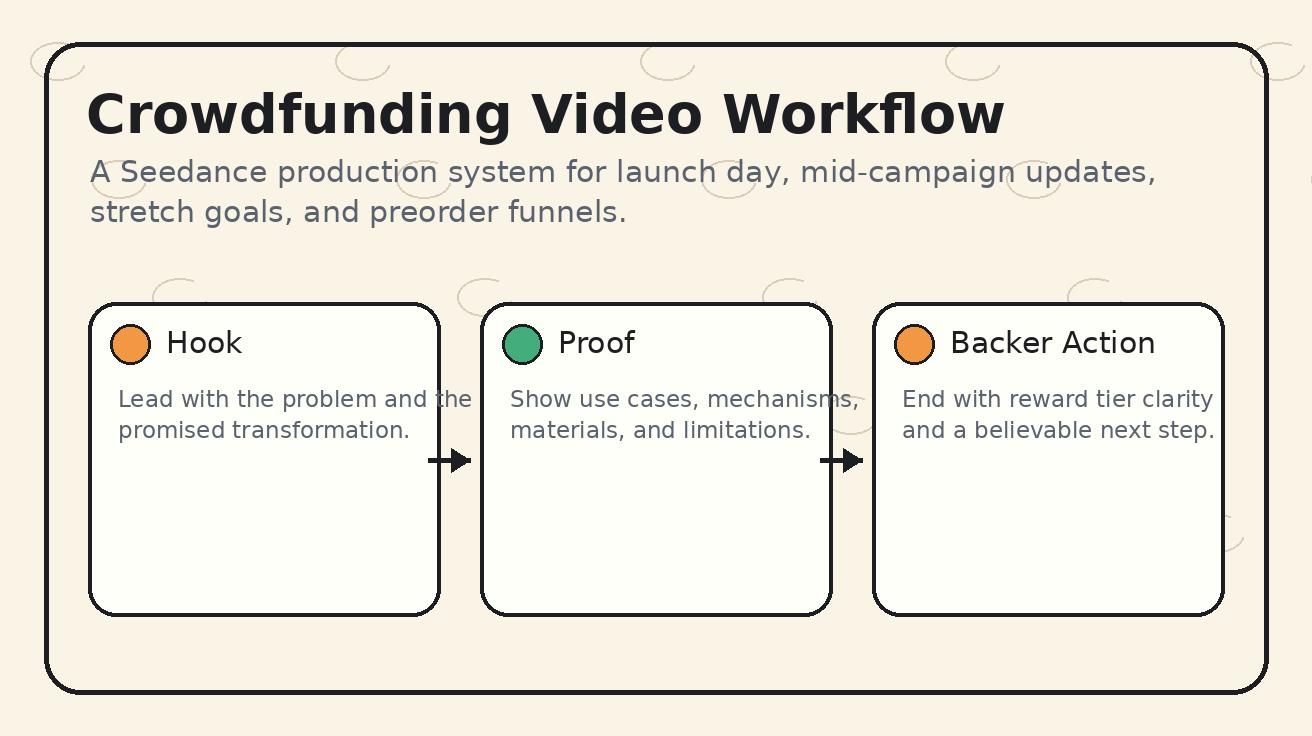
A strong Kickstarter video usually follows a simple emotional and informational arc: hook, problem, product reveal, use cases, proof, maker story, reward explanation, risks, and call to action. Seedance can support each part differently.
1. Hook scene
The hook must make the viewer understand the problem quickly. Use Seedance to create a short situation scene: a messy desk before the product organizes it, a cyclist struggling with storage, a creator setting up a camera, or a traveler packing inefficiently. The hook does not need to show the product immediately. It should show the moment that makes the product necessary.
For hook scenes, Seedance text-to-video can be useful because the scene may be conceptual rather than tied to a specific prototype photo. Keep the prompt grounded and avoid exaggerated claims.
2. Product reveal
The product reveal should use the most accurate render or prototype photo. This is where Seedance image-to-video is strongest. Upload the reference image and prompt Seedance to preserve shape, dimensions, color, materials, interface, ports, seams, buttons, labels, and proportions. Use a slow camera move instead of aggressive motion.
The product reveal is not the place to improvise. Backers will compare this scene with campaign images, reward descriptions, and updates. Seedance should make the product easier to see, not visually redesign it.
3. Use-case demo
A use-case demo shows how the product fits into a real routine. Seedance can create short scenes from prototype photos, renders, or storyboard frames. For example, a smart desk accessory can be shown on a work surface; a kitchen tool can be shown near ingredients; a camera accessory can be shown in a creator setup.
The prompt should name the exact action but avoid unsupported performance: "show the product positioned on a desk during setup" is safer than "show the product instantly improving productivity." Seedance should visualize the use context while the script explains the benefit honestly.
4. Mechanism or feature cutaway
Many Kickstarter products need an explanation of how they work. Seedance can help create clean visual cutaways, motion diagrams, or simplified mechanism scenes. Use this for education, not proof. If you show an internal component, make sure the visual matches engineering reality or label it as an illustrative view.
5. Reward tier and bundle visuals
Campaign pages often need multiple reward assets: single unit, two-pack, accessory bundle, limited color, early bird tier, or creator kit. Seedance can animate these visuals from product renders and packaging mockups. Keep reward items accurate. Do not show extras that are not included in the tier.
6. Campaign updates
After launch, backers ask questions. Seedance can help create update clips that explain new FAQs, manufacturing progress, stretch goals, color voting, packaging refinements, or shipping timelines. These clips should be clear and humble. A mid-campaign Seedance update can keep momentum alive without waiting for a new video shoot.
Seedance prompt framework for Kickstarter videos
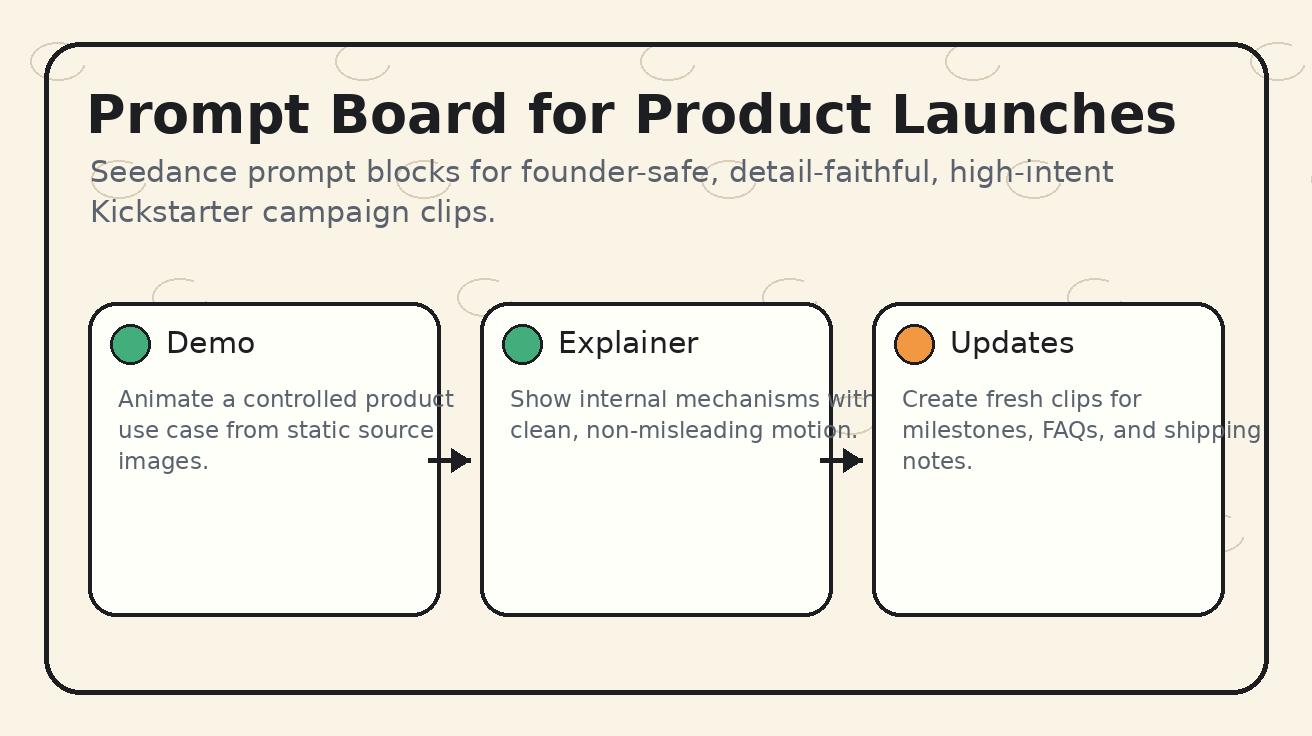
Use a prompt framework that starts with product truth, then defines the campaign function.
Product reference lock
Begin every product-specific Seedance prompt with a reference lock:
Use the uploaded product image as the exact design reference. Preserve the product shape, dimensions, materials, color, ports, buttons, seams, logo, screen, labels, and proportions. Do not add features, remove components, change the design, or alter the product category.
This tells Seedance that the visual asset is not just inspiration. It is the product identity.
Campaign scene purpose
Next, define the campaign purpose:
Create a five-second Kickstarter campaign scene that shows the product in a clean home-office setup, helping viewers understand where it lives and how it is handled. The goal is visual context, not a performance claim.
That last sentence matters. It reduces the chance that Seedance creates exaggerated output.
Camera and pacing
Crowdfunding videos need clarity more than speed. A slow push-in, controlled rotation, top-down glide, or stable side pan is usually better than a fast montage. Backers are evaluating; they are not only being entertained.
Negative constraints
End with explicit negatives:
No invented features, no impossible motion, no changed logo, no extra text, no fake certification marks, no unrealistic durability test, no dramatic transformation, no included accessories unless shown in the reference.
Seedance responds better when the prompt names the risks.
Practical Seedance prompt recipes for crowdfunding
Prototype hero reveal
Use the uploaded prototype photo as the exact product reference. Preserve the shape, dimensions, materials, color, seams, ports, buttons, logo, and proportions. Create a five-second slow hero reveal on a neutral studio table with soft directional light. The scene should feel like a Kickstarter product introduction. No invented features, no changed design, no added certification marks, no extra text, no unrealistic motion.
Use this at the beginning of a campaign video or at the top of the campaign page.
Product-in-use desk scene
Use the uploaded product render as the exact design reference. Show the product placed on a clean creator desk beside a laptop and notebook for scale. Create a slow side pan that helps backers understand size and daily use context. Do not change the product shape, interface, ports, or color. Do not show performance results. No extra text or unlisted accessories.
This is useful for productivity tools, camera accessories, desk hardware, organizers, and creator products.
Mechanism explainer
Use the uploaded diagram or product render as the design reference. Create a simple illustrative cutaway that shows the main mechanism moving slowly and clearly. Keep the visual educational and schematic, not a final engineering proof. Preserve component layout and proportions. No invented parts, no exaggerated speed, no labels unless they are already in the source design.
Use this carefully. If the engineering is not final, label the scene in the campaign script as an illustration.
Reward bundle reveal
Use the uploaded reward bundle image as the exact reference. Preserve every included item, package, color, and quantity. Create a slow top-down reveal on a clean tabletop for a Kickstarter reward tier. Do not add extra items, do not change packaging, do not imply limited bonuses unless shown, no additional text.
This helps backers understand tiers visually.
Mid-campaign update clip
Create a friendly Seedance campaign update scene based on the uploaded product photo. Preserve the product design and materials. Show the product on a clean workbench with calm progress energy, suitable for a Kickstarter update about production refinements. No fake factory footage, no unrealistic assembly, no new features, no misleading shipping claim.
Use this when you need a fresh asset for an update, email, or social post.
What Seedance should and should not replace
Seedance can replace some concept footage, transitional scenes, visual drafts, lifestyle context, and campaign social clips. It should not replace real proof when proof is central to the pledge decision. If your campaign depends on battery life, waterproofing, safety, durability, speed, capacity, medical performance, or regulatory compliance, those claims need real evidence.
Seedance is best used as a campaign production layer. It turns static assets into motion, expands storyboards, and creates supporting visuals. It does not remove the need for founder credibility, transparent risk discussion, prototype documentation, manufacturing updates, and honest reward fulfillment.
A good Kickstarter video may include three types of footage: real footage, Seedance-generated context, and motion graphics. Real footage proves the maker and prototype. Seedance adds visual coverage and narrative flow. Motion graphics explain numbers, timelines, and reward structures. Together they create a complete campaign story.
Pre-launch Seedance workflow for founders
Start six to eight weeks before launch if possible. Week one is messaging: define the buyer problem, the backer persona, the core promise, and the proof points. Week two is asset inventory: collect product renders, prototype photos, founder photos, diagrams, packaging mockups, and brand references. Week three is Seedance concept generation: create multiple hook scenes, product reveals, use-case demos, and reward visuals.
Week four is selection. Review every Seedance clip for product accuracy and claim safety. Keep only scenes that support the campaign honestly. Week five is editing. Combine Seedance clips with real founder footage, prototype clips, voiceover, captions, and reward graphics. Week six is testing. Use short Seedance-derived clips in pre-launch emails, landing pages, and ads to see which angle earns clicks and signups.
This workflow lets Seedance improve strategy, not just asset volume. If a certain use-case clip creates more interest, move it earlier in the hero video. If backers respond to a mechanism explanation, create a clearer version. If a lifestyle scene feels too vague, replace it with a more product-specific Seedance prompt.
Launch-day and mid-campaign asset plan
A Kickstarter campaign does not end when the page goes live. The first 48 hours need high-intent clips for email, social, and retargeting. Seedance can help prepare these assets before launch: one hero teaser, one problem-solution clip, one product-in-use clip, one reward bundle clip, and one founder quote background.
During the campaign, watch comments and messages. If people ask about size, create a Seedance scale-context clip from an accurate product image. If people ask about materials, create a material close-up. If people ask about reward tiers, create a bundle reveal. If the campaign hits a milestone, create a careful celebration clip that does not imply new features unless a stretch goal is confirmed.
After the campaign, Seedance can support preorder pages, late pledge pages, and update posts. The same core assets can become a launch recap, manufacturing update, packaging preview, or retail waitlist teaser.
Seedance quality checklist for crowdfunding teams
Before using a Seedance clip in a Kickstarter campaign, check:
- The product design matches current campaign images.
- No feature appears unless it is planned and disclosed.
- No performance claim is implied without proof.
- The clip is short and understandable without sound.
- Any illustrative mechanism is labeled appropriately in script or caption.
- Reward bundle visuals include only items in that tier.
- Materials, colors, interface, ports, dimensions, and accessories are accurate.
- The clip supports the campaign story rather than replacing real evidence.
- Founder footage and prototype proof still appear in the campaign.
- Risk language and shipping expectations remain honest.
This review is non-negotiable. Seedance makes production faster, but crowdfunding trust is earned through accuracy.
Common mistakes in Seedance Kickstarter campaign videos
The first mistake is using Seedance to make the product look more finished than it is. A polished scene can be useful, but if it hides the prototype stage, backers may feel misled. Keep campaign copy honest about development status.
The second mistake is overusing lifestyle footage. A beautiful scene of people enjoying a product is not enough. Backers need to see the product, mechanism, reward, and maker. Seedance lifestyle shots should support those points, not replace them.
The third mistake is changing the product between clips. If Seedance outputs different button locations, colors, shapes, screen layouts, or accessories, the campaign will feel inconsistent. Use the same reference assets and strict prompt locks.
The fourth mistake is ignoring comments after launch. Kickstarter comments are a live research channel. If multiple backers ask the same question, create a clarifying Seedance update clip or a real demo. Do not let uncertainty grow.
The fifth mistake is failing to separate concept visuals from proof. If a scene is illustrative, say so. If a claim matters, show real validation.
How Seedance fits with the broader campaign stack
Seedance can become part of a full launch stack: landing page tests, email sequences, Kickstarter page media, paid social ads, creator outreach, update posts, and preorder funnels. Use Seedance clips to keep visual language consistent across each touchpoint.
For the hero video, use Seedance sparingly and purposefully. For ads, test more variations. For updates, use Seedance to create quick explanatory visuals. For the campaign page, place clips where they answer specific questions: what is it, how does it work, what do I get, why should I trust the team?
If you are new to the model, read the Seedance 2.0 overview to understand how motion quality, prompt control, and image-to-video workflows fit product storytelling. Use Seedance image-to-video for prototype and render scenes, and Seedance text-to-video for controlled concept scenes that do not need exact product reference.
FAQ: Seedance Kickstarter campaign videos
Can I use Seedance-generated clips in a Kickstarter campaign video?
Yes, as long as the clips do not misrepresent the product, reward, development status, or performance claims. Use Seedance for context, explanation, and visual storytelling, then support key claims with real evidence.
Is Seedance better for pre-launch or live campaign updates?
Seedance is useful for both. Before launch, it helps test concepts and create hero video scenes. During the campaign, it helps answer backer questions with new visual updates, reward explanations, and milestone clips.
What assets should I prepare before using Seedance?
Collect product renders, prototype photos, diagrams, packaging mockups, founder footage, brand references, and reward tier images. The better the source assets, the more accurate Seedance campaign clips can be.
Should Seedance replace real prototype footage?
No. Real prototype footage is important for trust. Seedance should add visual coverage, explain scenes, and create supporting clips, but core proof should come from real footage and transparent campaign documentation.
How do I avoid misleading backers with Seedance?
Use strict prompt constraints, avoid unsupported performance scenes, label illustrative views, review every clip for product accuracy, and keep campaign copy honest about development status, risks, and timelines.
Can Seedance help after the Kickstarter campaign ends?
Yes. Seedance clips can support preorder pages, late pledge pages, manufacturing updates, packaging previews, retail waitlists, and post-campaign social content, as long as claims remain accurate.
Final take
Seedance gives Kickstarter teams a faster way to turn product assets into campaign video scenes, but the winning approach is not to make fantasy footage. The winning approach is to make the product story clearer. Use Seedance to visualize the problem, reveal the product, explain use cases, create reward visuals, and respond to backer questions while protecting trust.
For founders planning a 2026 crowdfunding launch, Seedance Kickstarter campaign videos can become a practical production system: reference-locked prompts, accuracy reviews, real proof where it matters, and fresh clips throughout the campaign. That combination helps a small team look prepared without pretending the product is more finished than it is.
<script type="application/ld+json"> { "@context": "https://schema.org", "@type": "FAQPage", "mainEntity": [ {"@type":"Question","name":"Can I use Seedance-generated clips in a Kickstarter campaign video?","acceptedAnswer":{"@type":"Answer","text":"Yes, if the clips do not misrepresent the product, reward, development status, or performance claims. Use Seedance for context and explanation, then support key claims with real evidence."}}, {"@type":"Question","name":"Is Seedance better for pre-launch or live campaign updates?","acceptedAnswer":{"@type":"Answer","text":"Seedance is useful for both. It can test pre-launch concepts, create hero scenes, and produce live campaign update visuals that answer backer questions."}}, {"@type":"Question","name":"What assets should I prepare before using Seedance?","acceptedAnswer":{"@type":"Answer","text":"Prepare product renders, prototype photos, diagrams, packaging mockups, founder footage, brand references, and reward tier images so Seedance has accurate source material."}}, {"@type":"Question","name":"Should Seedance replace real prototype footage?","acceptedAnswer":{"@type":"Answer","text":"No. Real prototype footage remains important for trust. Seedance should add supporting visuals and explanation, while core proof comes from real footage and transparent documentation."}} ] } </script>
Ready to create your own AI video?
Turn ideas, text prompts, and images into polished videos with Seedance. If this article helped, the fastest next step is to try the product.
Free credits on signup. Plans from $28/month.
Related Articles
More posts in the same locale you may want to read next.

Seedance App Preview Video Generator 2026: Create App Store and Product Launch Clips
Use Seedance to turn app screenshots, feature copy, and launch goals into App Store previews, Google Play promo videos, and product launch clips.
Read article
PixVerse Lip Sync API Tutorial: Upload, Generate, Poll, and Review
A practical PixVerse lip sync API workflow covering source video IDs, audio upload or TTS, request payloads, asynchronous polling, and quality review.
Read article
OpenArt Consistent Character Video Tutorial: Keep One Person Across Scenes
Build one OpenArt character, prepare reference angles, animate short shots, and review or repair face and wardrobe drift across a video sequence.
Read article