
Seedance AI B-Roll Generator Workflow 2026: Create Cinematic Cutaway Shots
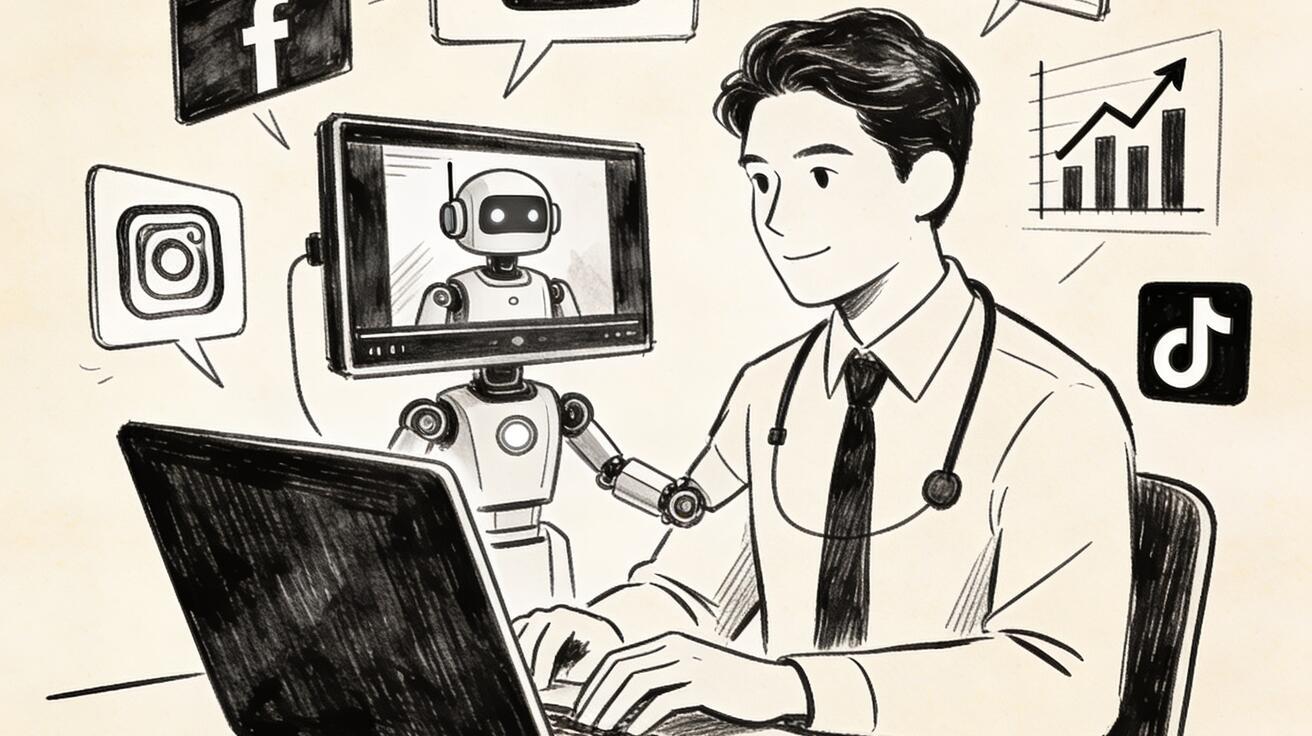
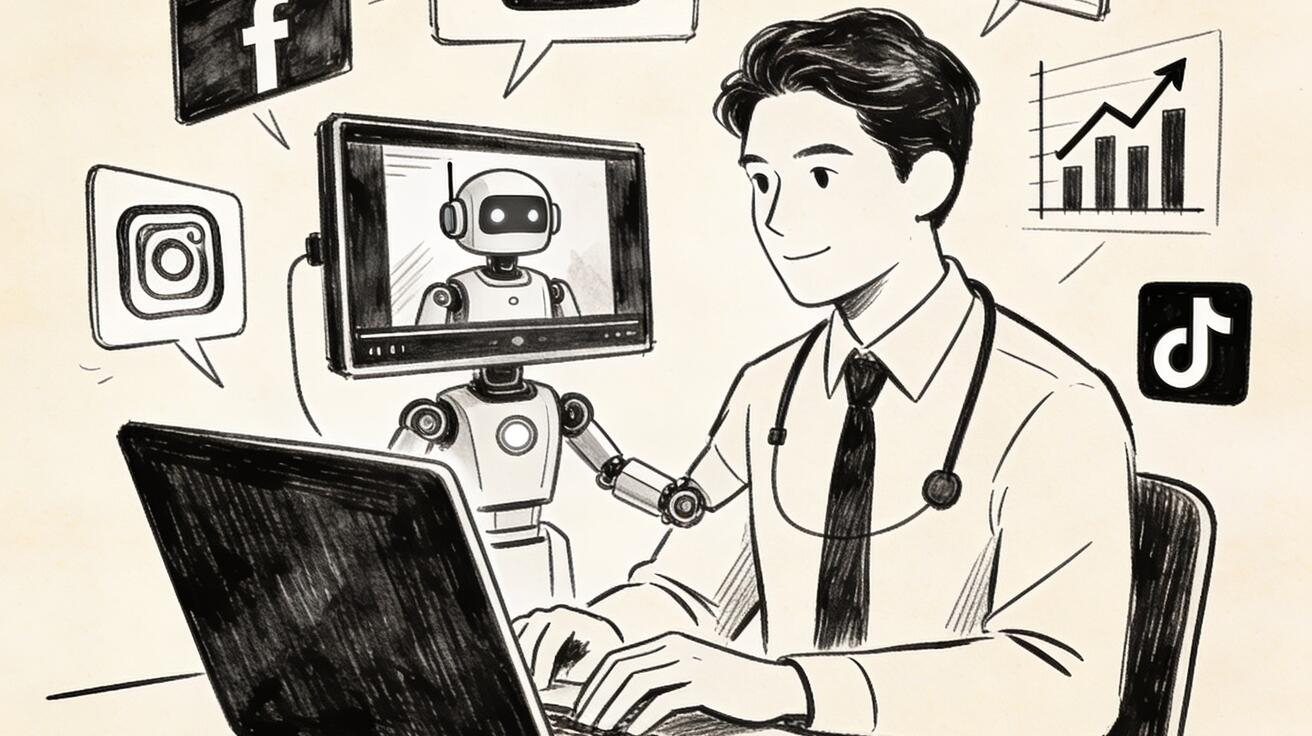
B-roll is the footage that makes a video feel complete. It covers a transition, explains a product detail, gives a scene atmosphere, hides a jump cut, and keeps viewers from staring at the same talking head for thirty seconds. For creators, marketers, educators, and ecommerce teams, the problem is not understanding why B-roll matters. The problem is producing enough useful B-roll without booking a studio, hiring a camera operator, collecting stock footage, or spending hours searching for clips that almost fit the script.
That is why Seedance AI B-roll generation is a practical workflow for 2026 content teams. Instead of treating AI video as a one-shot full film generator, you can use Seedance as a focused cutaway shot engine: write a short shot description, define camera motion, specify the object or environment, and generate a few seconds of supporting footage that can be dropped into a larger edit. This is especially valuable for YouTube tutorials, TikTok explainers, product ads, course lessons, landing page videos, and short brand stories where the main narrative already exists but the edit needs better visual rhythm.
The best way to use Seedance for B-roll is not to ask for a vague beautiful video. The best workflow is to break a script into moments where the viewer needs visual proof, context, motion, or emotional texture. Then you generate small, controlled shots around those moments. A product founder can create a close-up of packaging on a desk. A software educator can create an abstract dashboard animation. A travel creator can generate a street detail, a café table, or a weather transition. A marketer can generate a product-in-use cutaway that matches an ad hook.
This guide explains how to plan, prompt, generate, evaluate, and edit AI B-roll with Seedance. It also includes reusable prompt templates, shot categories, quality checks, and a practical workflow for turning a plain script into a more cinematic video without overproducing the project.
Quick Answer: What Is an AI B-Roll Generator?
An AI B-roll generator creates short supporting video clips from text or reference images. These clips are not usually the entire story. They are the visual pieces that support the main message: product close-ups, environment shots, reaction cutaways, abstract transitions, texture shots, process details, and cinematic inserts. With Seedance, you can generate B-roll from a written prompt, then use the result inside a normal editing workflow.
For most creators, the winning pattern is simple:
- Write or import the main script.
- Mark every place where the edit feels visually flat.
- Convert those moments into short B-roll shot prompts.
- Generate several variations in Seedance.
- Select clips based on usefulness, not just beauty.
- Edit them under narration, captions, product copy, or music.
If you need starting points, use Seedance's core generation pages for different input styles: /text-to-video for prompt-led B-roll, /image-to-video for product or reference-image shots, and /seedance-2-0 for model capability context.
Why B-Roll Matters More in Short-Form Video
Short-form platforms reward retention. A viewer may leave because the idea is weak, but they may also leave because the visual rhythm is too static. B-roll solves that problem by giving the editor more ways to pace the story. A three-second cutaway can show the product while the voiceover explains the benefit. A motion detail can make a tutorial feel more premium. A location shot can create context before a person appears on camera. A visual metaphor can explain an abstract concept faster than another sentence.
Traditional B-roll is expensive because every extra shot requires planning. You need a location, lighting, objects, camera movement, and time. Stock footage is cheaper, but it often looks generic. It may not match your product, your brand color, your scene, your pacing, or your exact message. AI-generated B-roll fills the gap between custom production and generic stock. It is not a replacement for every real shot, but it is extremely useful when you need controlled supporting visuals quickly.
Seedance is well suited to this task because B-roll does not require a full long-form narrative. You are not asking the model to maintain a complex story for minutes. You are asking for a short, specific, visually coherent insert. That matches the strengths of current AI video generation: short shots, clear subjects, strong visual direction, and repeatable prompt structure.
The Seedance B-Roll Workflow at a Glance
A strong Seedance B-roll workflow has five stages: script audit, shot planning, prompt writing, generation review, and edit integration.
| Stage | Goal | Output |
|---|---|---|
| Script audit | Find where visuals are missing | A list of moments that need B-roll |
| Shot planning | Choose the right shot type | Product shot, process shot, environment shot, metaphor shot, or transition shot |
| Prompt writing | Describe the clip clearly | A 1-3 sentence Seedance prompt with subject, motion, style, and constraints |
| Generation review | Pick clips that edit well | Usable takes, rejected takes, and notes for regeneration |
| Edit integration | Make B-roll support the message | Final video with better pacing and stronger visual proof |
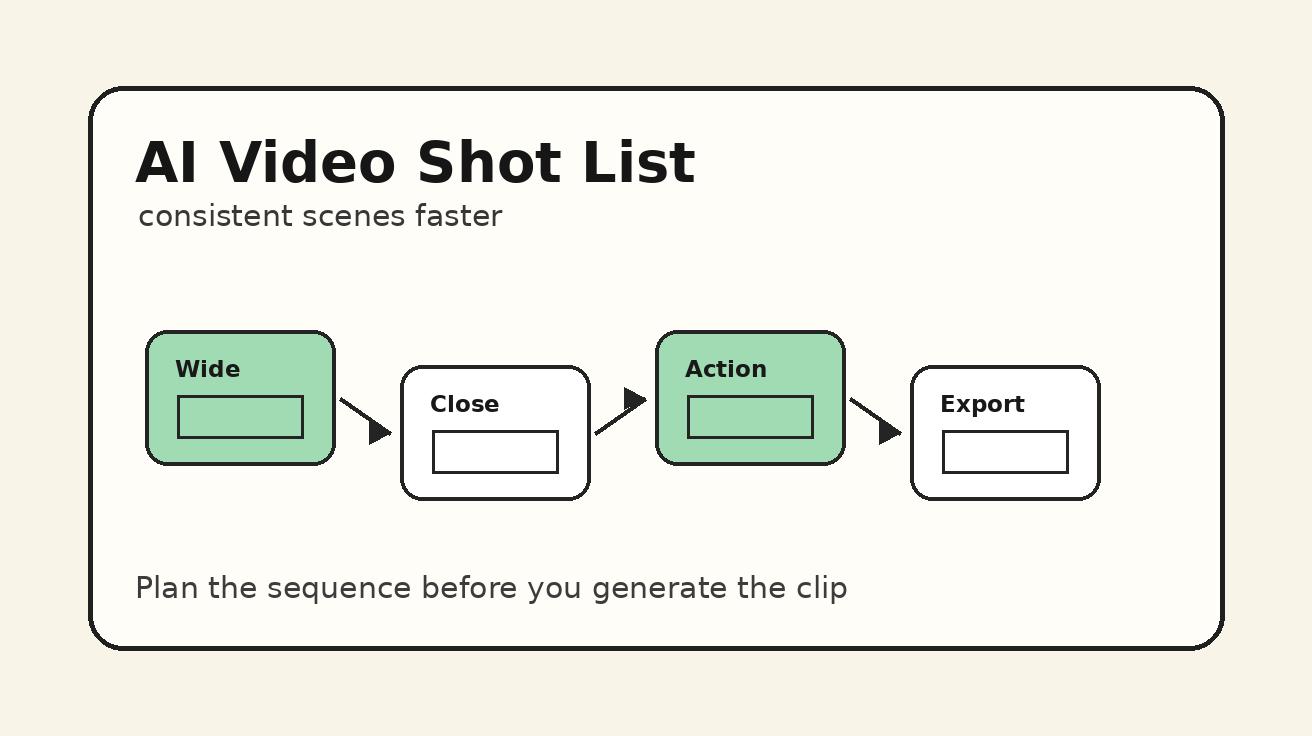
This structure matters because many AI B-roll attempts fail before generation starts. The prompt is often too broad: “make a cinematic video about productivity” or “create a nice product video.” Those prompts may produce visually interesting footage, but they rarely create a clip that fits a specific edit. A better prompt begins with the editing need: “I need a two-second close-up that appears while the narrator says the product ships flat and opens in one motion.” That gives Seedance a much clearer job.
Step 1: Audit the Script for Visual Gaps
Start with the script, not the generator. Read the script line by line and mark every sentence that could be supported by an image or motion. You are looking for four types of visual gaps.
The first gap is proof. If the script says the workflow is faster, show a timer, a smooth interface, a stack of completed assets, or a before-and-after scene. If the script says the product is compact, show it on a small desk, inside a bag, or next to common objects for scale.
The second gap is context. If the story jumps from problem to solution, add a scene that places the viewer in the right world. A creator editing at night, a small team reviewing a campaign board, a chef preparing ingredients, or a student watching a lesson can all provide context.
The third gap is emotion. Some ideas need mood rather than literal proof. A calm workspace, a fast city street, a warm morning kitchen, or a tense deadline board can make a message feel more human.
The fourth gap is transition. Video edits often need a bridge between scenes. A phone sliding onto a desk, a camera moving through a doorway, a close-up of hands opening a notebook, or a light sweep across a product can hide a hard cut and make the edit feel intentional.
Create a simple table before opening Seedance:
| Script line | Visual job | B-roll idea | Priority |
|---|---|---|---|
| “Turn one idea into five ad concepts” | Proof | Multiple storyboard cards appearing on a desk | High |
| “Show the product in use” | Context | Close-up of user holding the product near laptop | High |
| “The workflow feels faster” | Emotion | Smooth motion through organized creative board | Medium |
| “Now export the final clip” | Transition | Timeline render bar finishing with soft glow | Medium |
This table prevents random generation. You are not producing pretty clips for their own sake. You are producing assets that solve editing problems.
Step 2: Choose the Right B-Roll Category
Not every B-roll shot has the same purpose. Choosing the category before writing the prompt helps Seedance generate a more useful result.
Product B-Roll
Product B-roll shows the item, interface, package, or output. It is the most valuable category for ecommerce, SaaS, and ad creatives. Good product B-roll focuses on one visual idea at a time: a rotating product on a clean surface, hands unboxing a device, a dashboard opening on a laptop, or a hero close-up with controlled lighting.
Use product B-roll when the viewer needs to understand what is being sold, how it looks, or what changes after using it.
Process B-Roll
Process B-roll shows steps. It is useful for tutorials, courses, demos, and workflow explainers. Instead of showing the final product only, it shows the path: writing a prompt, selecting a shot, reviewing options, arranging clips on a timeline, or exporting the result.
Use process B-roll when the viewer needs to believe that the method is repeatable.
Environment B-Roll
Environment B-roll establishes a place or atmosphere. It could be a home office, a retail shelf, a classroom, a studio desk, a city sidewalk, or a café table. Environment shots make a video feel grounded.
Use environment B-roll when the script needs context before presenting the main idea.
Metaphor B-Roll
Metaphor B-roll visualizes abstract concepts. A messy desk becoming organized can represent productivity. A maze turning into a straight path can represent simplification. A stack of notes becoming a clean storyboard can represent planning.
Use metaphor B-roll when the topic is hard to film literally.
Transition B-Roll
Transition B-roll creates motion between sections. It can be a camera push-in, a swipe across a product, a page turn, a light passing over a surface, or an object moving across frame.
Use transition B-roll when the edit needs pace, energy, or a smoother bridge.
Step 3: Write Seedance Prompts That Edit Well
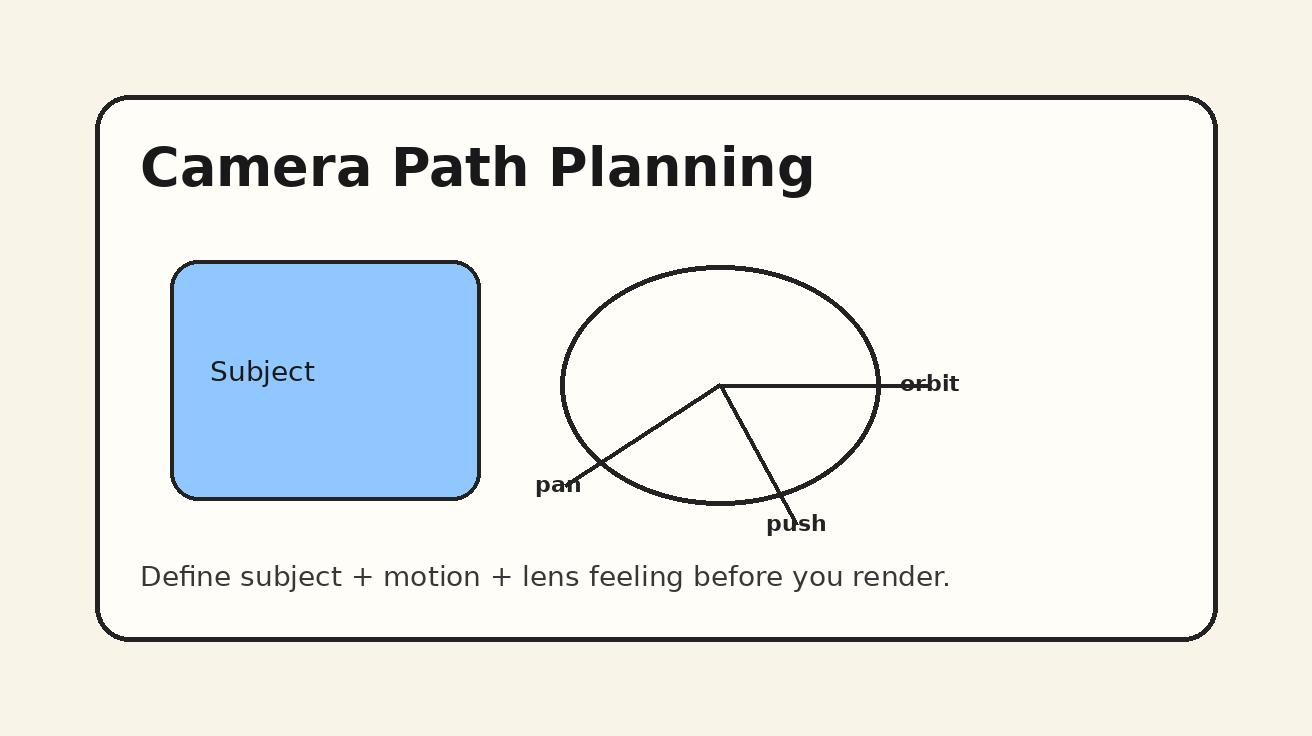
A good Seedance B-roll prompt should be short enough to stay focused but specific enough to avoid randomness. Use this structure:
Subject + setting + action + camera movement + style + constraints.
For example:
A close-up cinematic product B-roll shot of a compact wireless microphone on a light oak desk beside a laptop, soft morning window light, slow camera push-in, shallow depth of field, realistic commercial style, no text, no logo distortion, clean background.
That prompt gives Seedance a clear subject, environment, motion, mood, and constraints. It also says what not to include. For B-roll, constraints are important because the clip will sit inside a larger video. Random text, distorted logos, strange hands, or too much background motion can make the clip hard to use.
Here are reusable templates.
Template 1: Product Close-Up
Cinematic product B-roll of [product] on [surface or environment], [lighting style], [single action], [camera movement], realistic commercial video, clean composition, no extra text, no distorted labels, no crowded background.
Use this for ecommerce ads, landing pages, and product explainers.
Template 2: Process Detail
Short B-roll shot showing [person or hands] doing [specific action] with [tool or object], [environment], [camera angle], smooth natural motion, documentary commercial style, clear focus on the action, no on-screen text.
Use this for tutorials and educational videos.
Template 3: Abstract Workflow
Visual metaphor B-roll for [abstract idea], showing [object transformation or motion], [color palette], [camera movement], modern clean creative studio style, simple background, smooth pacing, no readable text.
Use this for SaaS, productivity, AI, and marketing topics.
Template 4: Transition Shot
Two-second transition B-roll: [object or camera movement] across [scene], [lighting], cinematic motion blur, clean composition, designed to cut between two scenes, no text, no faces, no distracting background elements.
Use this to connect sections in a fast edit.
Step 4: Use Reference Images When Accuracy Matters
Text-to-video is flexible, but reference images are better when the visual identity matters. If the product, packaging, character, room, or color palette must stay consistent, start with /image-to-video. Upload a clean image and use the prompt to define motion rather than inventing everything from scratch.
For example, if you have a product photo, do not ask Seedance to imagine the product from a description. Use the product image and prompt:
Animate this product photo as a premium ecommerce B-roll shot. Keep the product shape and color consistent. Add a slow clockwise camera move, soft studio light, subtle background depth, realistic reflections, no text changes, no extra objects, no logo distortion.
For creators, this is often the most reliable path. You can generate a product shot that feels custom without losing the item’s identity. For social content, you can also upload a still frame from your main video and generate a small transition or cutaway that matches the scene more closely.
Step 5: Generate Variations, Not One Perfect Clip
B-roll production works best when you generate options. Even professional shoots capture multiple takes. AI video should be treated the same way. For each important shot, create three to five prompt variations that change only one or two elements: camera movement, lighting, distance, or background.
Example variation set:
- Slow push-in on product, warm morning light.
- Side tracking shot, cooler studio light.
- Top-down desk shot, hands entering frame.
- Macro detail of product texture, shallow depth of field.
- Wider scene showing product next to laptop and notebook.
This approach gives the editor choices. You may discover that the top-down shot cuts better under narration, while the macro shot is stronger for a hook. Do not judge a clip only by whether it is beautiful. Judge it by whether it solves the editing problem.
Step 6: Review B-Roll with an Editor’s Checklist
After generating Seedance clips, review them with practical criteria. A clip can look impressive and still be unusable.
Use this checklist:
- Does the clip support a specific script line?
- Is the subject clear in the first second?
- Is the camera motion simple enough to edit?
- Are hands, objects, and product shapes stable?
- Is there unwanted text or logo distortion?
- Does the lighting match the main video?
- Can the clip work without explaining itself?
- Can it be trimmed to two or three seconds?
- Does it make the viewer understand more, not less?
For B-roll, clarity beats complexity. A simple shot of a product sliding into frame may be more useful than a complicated cinematic scene with too many moving parts. The viewer will only see the clip briefly, so the visual idea must be readable immediately.
Step 7: Edit Seedance B-Roll into the Final Video
AI B-roll becomes valuable when it is edited with intention. Place it under narration, use it to cover cuts, or insert it at the moment a visual proof is needed. Avoid stacking too many AI clips back to back unless the whole video is designed as an AI-generated montage. In most business videos, Seedance B-roll should support the human message, not overwhelm it.
A good editing rhythm is:
- Hook with the main idea or strongest visual.
- Show the speaker, product, or interface.
- Insert Seedance B-roll when the script introduces a benefit.
- Return to the main visual for credibility.
- Use transition B-roll between sections.
- End with a product or action shot.
If the video has captions, keep B-roll backgrounds clean so text remains readable. If the video has a voiceover, choose clips with motion that does not compete with the message. If the clip is for paid ads, keep the product or benefit visible quickly. B-roll should increase comprehension and retention, not create visual noise.
Best Seedance B-Roll Ideas by Use Case
YouTube Videos
For YouTube, use Seedance B-roll to cover explanations that would otherwise feel static. Generate desk shots, process shots, interface metaphors, timeline animations, and before-and-after visuals. A creator explaining an AI workflow can use B-roll of prompt cards, editing timelines, generated frames, and organized creative boards.
TikTok, Reels, and Shorts
For short-form video, B-roll must be extremely readable. Use close-ups, clear motion, and fast visual payoffs. Generate hooks like a product appearing on a desk, a phone showing a creative result, or a messy idea board becoming organized. Keep each clip short.
Ecommerce and Product Ads
For ecommerce, Seedance B-roll is useful for product detail shots, lifestyle context, packaging reveals, and benefit metaphors. If accuracy matters, use reference images. Do not rely on text prompts alone for products with specific shapes, labels, or proportions.
Online Courses
For courses, B-roll can make lessons feel more professional. Use environment shots, hands writing notes, abstract concept visuals, and calm transitions between modules. The goal is not drama. The goal is attention and clarity.
SaaS and AI Tools
For SaaS, use metaphor and process B-roll. Show dashboards, organized workflows, creative boards, timeline exports, or abstract data movement. Avoid fake UI claims. If you need an exact interface, use real screenshots or product capture instead of inventing a dashboard.
Common Mistakes to Avoid
The first mistake is asking for too much in one clip. B-roll should usually show one idea. If the prompt asks for a product reveal, a person talking, a city background, a moving camera, a logo animation, and a transformation, the result may become unstable.
The second mistake is using B-roll that does not match the script. A beautiful clip can weaken the video if it appears at the wrong moment. Every insert should answer the question: what does this help the viewer understand or feel?
The third mistake is ignoring consistency. If the main video is bright and minimal, dark cinematic B-roll may feel disconnected. If the brand uses warm natural colors, avoid clips that look like cold sci-fi stock footage unless that contrast is intentional.
The fourth mistake is accepting distorted text. AI video models can produce strange letters, logos, or interface details. For B-roll, it is often better to request no readable text unless you plan to add text in the editor.
The fifth mistake is overusing AI footage. Human footage, product screenshots, screen recordings, and real customer visuals still matter. Seedance B-roll works best as part of a mixed editing toolkit.
Practical Prompt Pack for Seedance B-Roll
Use these prompts as starting points.
Marketing concept:
Cinematic B-roll of a creative team planning a short video campaign on a clean desk, storyboard cards, laptop, coffee, warm studio light, slow overhead camera move, modern marketing workspace, no readable text.
Product detail:
Premium ecommerce B-roll of a compact tech product on a matte white surface, soft side light, slow macro camera push-in, realistic reflections, clean commercial style, no extra text, no distorted labels.
Workflow speed:
Visual metaphor for a faster creative workflow, scattered idea cards smoothly organizing into a clean shot list, bright minimal studio, gentle camera movement, polished commercial look, no readable text.
Tutorial transition:
Two-second transition shot of a laptop closing beside a notebook, soft daylight, smooth camera slide, clean desk, designed to cut between tutorial sections, no faces, no text.
Course lesson:
Calm educational B-roll of hands arranging lesson notes and a tablet on a desk, soft neutral light, slow top-down camera movement, clear focus, professional online course style, no readable text.
Social hook:
Fast cinematic B-roll of a phone on a desk showing a video creation moment, quick push-in, energetic lighting, modern creator workspace, clean background, no readable text or fake interface details.
FAQ
Can Seedance replace stock footage for B-roll?
Seedance can replace many generic stock footage needs, especially when you need a custom-looking cutaway, product mood shot, abstract workflow visual, or transition. For exact real-world events, legal documentary footage, or specific product accuracy, real footage or verified assets are still safer.
Should I use text-to-video or image-to-video for B-roll?
Use text-to-video when the clip is conceptual, atmospheric, or flexible. Use image-to-video when the product, character, brand style, or scene identity must remain consistent.
How long should AI B-roll clips be?
Most B-roll inserts only need two to five seconds. Generate slightly longer clips if the tool allows, but edit them down to the clearest moment. Shorter usable clips often perform better than long complex shots.
How many B-roll shots does one video need?
A short social video may need three to six inserts. A YouTube tutorial may need ten or more. The right number depends on pacing, narration density, and how much real footage or screen recording you already have.
What makes a Seedance B-roll prompt good?
A good prompt defines the subject, setting, action, camera movement, style, and constraints. It also avoids asking for too many ideas at once. The best prompts are written for an editing need, not just for visual beauty.
Final Recommendation
Use Seedance as a focused AI B-roll generator, not just a general video generator. Start with the script, identify visual gaps, choose the right shot category, write controlled prompts, generate variations, and judge every clip by whether it improves the edit. This workflow turns AI video into a practical production tool: faster than a traditional shoot, more custom than stock footage, and flexible enough for creators, marketers, educators, and product teams.
If you are building a repeatable content system, save your best Seedance B-roll prompts by category. Over time, you will have a prompt library for product close-ups, process shots, social hooks, transitions, and visual metaphors. That library becomes a creative asset. Instead of starting from scratch every time, you can quickly produce supporting footage that matches your content format and keeps your videos moving.
Ready to create your own AI video?
Turn ideas, text prompts, and images into polished videos with Seedance. If this article helped, the fastest next step is to try the product.
Free credits on signup. Plans from $20/month.
Related Articles
More posts in the same locale you may want to read next.

Seedance App Preview Video Generator 2026: Create App Store and Product Launch Clips
Use Seedance to turn app screenshots, feature copy, and launch goals into App Store previews, Google Play promo videos, and product launch clips.
Read article
Luma Ray3 Modify Strength Settings: Adhere, Flex, or Reimagine?
Choose the right Luma Ray3 Modify strength for subtle edits, restyling, or full transformations with a repeatable Adhere, Flex, and Reimagine test.
Read article
Veo Reference Images API Tutorial: From Assets to Video
Build a Veo 3.1 reference-images API workflow with up to three assets, JavaScript request code, polling, downloads, and a practical review checklist.
Read article