
Top 10 Best Video Creation Software for UK Creators (2025)

In a visually-driven world, the right video creation software is more than just a tool; it's your partner in storytelling. The market is saturated with choices, from industry-standard editing suites like Adobe Premiere Pro to accessible platforms such as Canva and revolutionary AI-powered tools like Seedance. This makes identifying the perfect fit for your specific project a significant challenge.
Quick Answer: The best AI video generation tools in 2025 combine quality output, ease of use, and affordability — Seedance leads this list with its state-of-the-art models, intuitive workflow, and exceptional results for creators of all skill levels.
This guide is designed to cut through the noise and provide clear, actionable insights. We move beyond generic feature lists to give you a genuine sense of what each platform can do, how it feels to use it, and who it's truly built for. We will analyse everything from professional-grade options like DaVinci Resolve and Final Cut Pro to user-friendly editors like CapCut and Microsoft Clipchamp.
Our goal is to help you select the best video creation software for your unique requirements, whether you are a filmmaker crafting a narrative, a marketer producing promotional content, or a creator making engaging social media posts. Each entry includes detailed analysis, practical use-case examples, screenshots, and direct links to help you make an informed decision and find the ideal toolkit for your 2025 projects.
1. Seedance
Best for Cinematic AI-Powered Video Generation
Seedance, from developer ByteDance, establishes itself as a premier choice in our list of the best video creation software by fundamentally changing the production workflow. It operates as a groundbreaking AI video generator, capable of translating simple text descriptions into high-fidelity 1080p videos. What sets Seedance apart is its sophisticated multi-shot storytelling technology, which moves beyond single-clip generation to craft cohesive narratives with consistent characters and seamless scene transitions. This allows creators to produce visually rich stories without needing a single piece of camera equipment.
This platform excels in artistic versatility, offering a spectrum of styles from photorealism to cyberpunk and animation. The AI's ability to interpret complex, detailed prompts means a marketing professional can generate a complete, high-quality promotional video simply by outlining the script and visual direction in text. For filmmakers, this provides a powerful tool for pre-visualisation or creating finished animated sequences with remarkable speed.
Practical Implementation and Key Features
Seedance democratises professional-grade video creation, making it accessible for users regardless of technical skill.
- Actionable Tip: To achieve the best results, structure your prompts like a mini-script. Specify the scene setting, character actions, and desired camera angle (e.g., "wide shot of a futuristic cityscape at dusk, flying cars streaming between neon-lit skyscrapers"). This level of detail guides the AI to produce a more precise and dynamic result.
- Use Case: A small business owner can create a compelling product advert by describing a customer happily using their product in various realistic scenarios. For instance, a prompt could be "Shot 1: Close-up on a woman smiling as she unboxes a new smartphone. Shot 2: Medium shot of her taking a sharp, vibrant photo of a flower in her garden. Shot 3: Wide shot of her showing the photo to a friend, both looking impressed." Seedance will generate a multi-shot video that tells that story.
- Unique Offering: The platform's emphasis on cinematic quality ensures outputs have smooth motion rendering and rich visual details, a significant step up from many early-stage AI video tools. You can explore a showcase of its capabilities and learn more about the cinematic video effects on Seedance.tv.
Currently, Seedance offers free access to its platform, inviting users to test its capabilities without an initial financial commitment. While detailed pricing for extended commercial use isn't publicly listed, its free tier provides an excellent opportunity to evaluate its powerful features.
| Feature Analysis | Assessment |
|---|---|
| Output Quality | Professional-grade 1080p with cinematic detail. |
| Ease of Use | Highly intuitive text-to-video interface. |
| Storytelling | Advanced multi-shot capability with character consistency. |
| Stylistic Flexibility | Supports a wide range of visual styles. |
| Accessibility | Free access available; pricing for commercial use requires inquiry. |
Pros:
- Produces professional-grade 1080p videos with cinematic quality.
- Advanced multi-shot storytelling enables complex narratives.
- Supports a wide range of visual styles for creative flexibility.
- Eliminates the need for expensive equipment or extensive editing skills.
Cons:
- Pricing information is not publicly disclosed.
- Requires detailed and precise prompts to achieve optimal results.
2. Adobe Premiere Pro
Adobe Premiere Pro is the industry-standard non-linear editor, making it a powerhouse contender for the title of best video creation software. It is favoured by professionals in film, broadcast, and corporate video production for its robust toolset and deep integration within the Adobe Creative Cloud ecosystem.
What truly sets Premiere Pro apart is its seamless workflow. You can easily move projects between After Effects for motion graphics, Audition for advanced audio sweetening, and Photoshop for still images. The recent integration of Frame.io streamlines collaboration, allowing for real-time review and approval directly within the timeline, a significant time-saver for teams. For example, a marketing team can upload a draft video, and the client can leave time-stamped comments like "change this text at 0:15" directly on the video, which appear as markers for the editor to action. AI-powered features like Auto Reframe, which automatically adjusts video aspect ratios for different social media platforms, and Enhance Speech, which cleans up dialogue with a single click, are immensely practical for content creators. For those creating marketing content, its precise colour grading and multicam editing tools are essential for producing polished promotional videos. For more tips on this, see how to make promotional videos.
Key Details & Pricing
- Best For: Professional filmmakers, marketing agencies, and serious content creators needing an end-to-end solution.
- Unique Feature: Unmatched integration with the Adobe Creative Cloud suite, including Frame.io for collaborative review.
- Pricing: Available via a subscription model, either as a single app (£22.98/mo) or part of the full Creative Cloud All Apps plan (£59.00/mo).
- Pros: Industry-standard software with extensive third-party plugin support; powerful collaborative tools.
- Cons: Steep learning curve for beginners; subscription costs can be high; requires a powerful computer for optimal performance.
Website: https://www.adobe.com/uk/products/premiere.html
3. Blackmagic Design — DaVinci Resolve
DaVinci Resolve has established itself as a true all-in-one post-production powerhouse, merging professional editing, world-class colour correction, visual effects, and audio mixing into a single application. It is renowned in the film industry for its unparalleled colour grading tools, but its robust editing features make it a formidable choice for anyone looking for the best video creation software, from beginners to seasoned professionals.
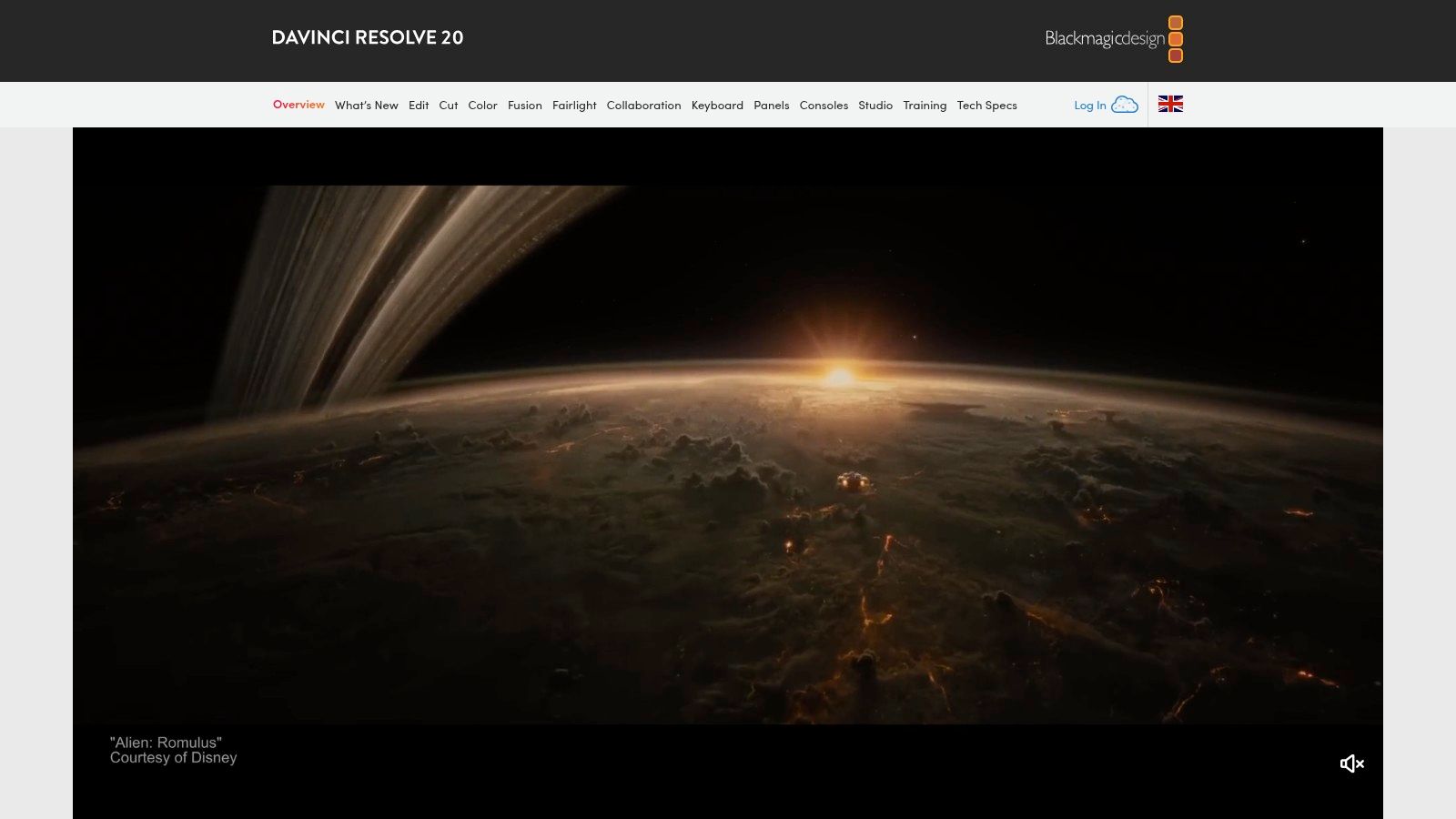
What makes Resolve stand out is its integrated workflow across different "pages," allowing users to switch from editing to colour to audio with a single click, eliminating the need for round-tripping between separate applications. The free version is incredibly generous, offering more features than many paid competitors. For those producing high-end content, the Studio version's DaVinci Neural Engine introduces AI-powered tools like Magic Mask for object isolation and Smart Reframe for social media. Practically, this means you can track a person walking through a scene and change only the colour of their jacket without complex manual masking. Its advanced toolset is essential for anyone wanting to achieve a cinematic look; to learn more, see these tips on how to improve video quality.
Key Details & Pricing
- Best For: Aspiring filmmakers, colourists, and content creators seeking professional-grade tools without a subscription.
- Unique Feature: An all-in-one suite combining editing, colour grading, VFX (Fusion), and professional audio (Fairlight) in one application.
- Pricing: A powerful free version is available. The Studio version is a one-time purchase of £259, which includes future updates.
- Pros: Extremely capable free version; a perpetual license for the Studio edition is fantastic value; industry-leading colour correction tools.
- Cons: Steep learning curve, especially for the colour, Fusion, and Fairlight pages; requires a powerful system with a dedicated GPU.
Website: https://www.blackmagicdesign.com/uk/products/davinciresolve
4. Apple Final Cut Pro
Apple Final Cut Pro is a heavyweight contender for the title of best video creation software, specifically for users within the Apple ecosystem. It is renowned for its exceptional performance and optimisation for macOS and Apple silicon, making it a favourite among professional editors, YouTubers, and filmmakers who prioritise speed and a fluid editing experience.
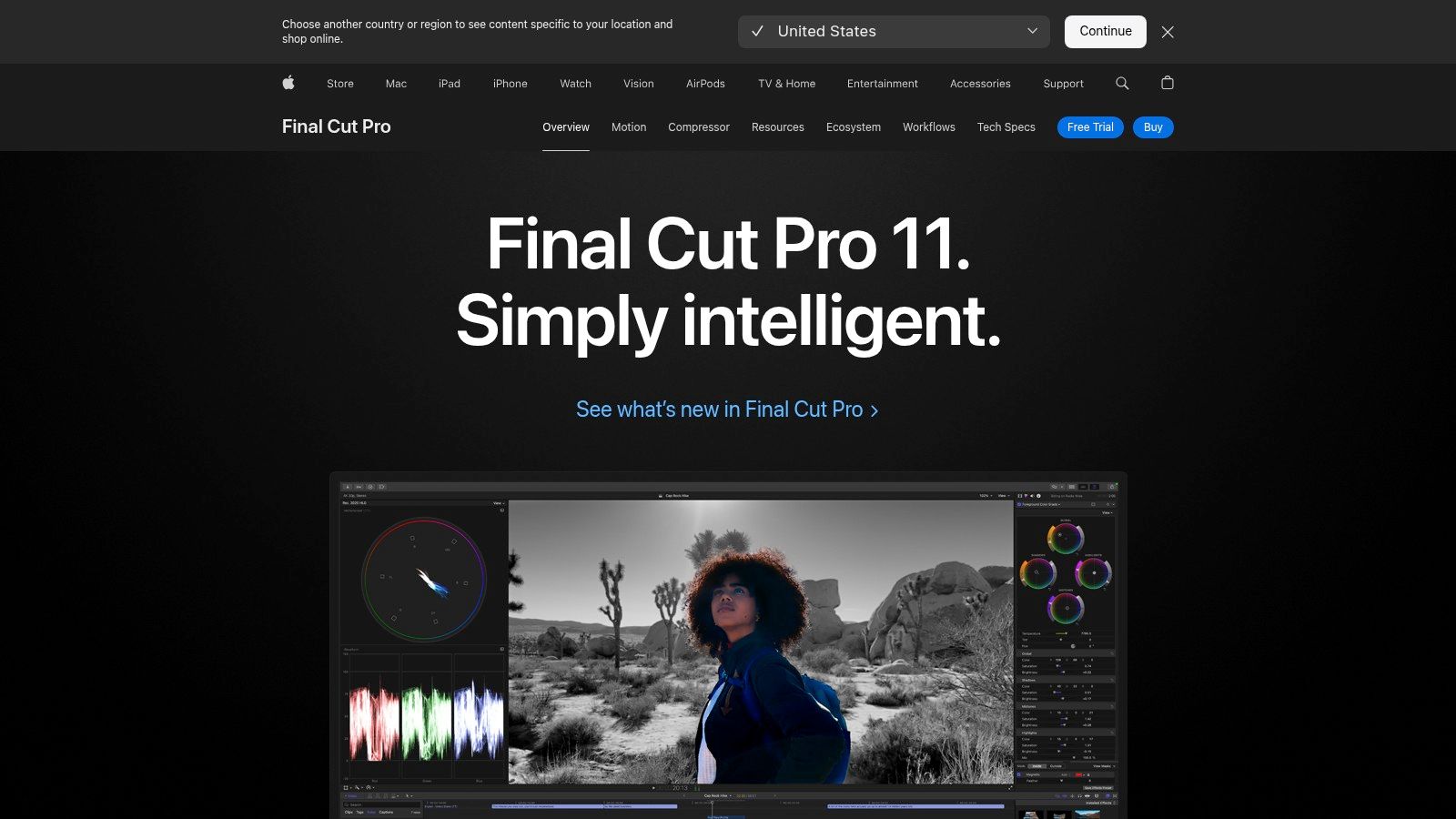
What truly distinguishes Final Cut Pro is its unique Magnetic Timeline, which eliminates clip collisions and sync problems, allowing for incredibly fast and intuitive editing. A practical example: if you remove a clip from the middle of your sequence, the timeline automatically ripples and closes the gap, keeping everything in sync without manual adjustments. Background rendering means you can keep working without interruption, a significant practical advantage for creators on a tight schedule. For marketing professionals creating content for multiple platforms, the combination of Final Cut Pro with its companion apps, Motion for advanced graphics and Compressor for optimised exporting, creates a powerful, integrated workflow. The recent introduction of an iPad version with external project support also provides unprecedented flexibility for on-the-go editing and initial project assembly.
Key Details & Pricing
- Best For: Mac-based video professionals, content creators, and educators seeking high performance and a one-time purchase.
- Unique Feature: The Magnetic Timeline, which provides a fast, trackless editing environment that prevents clip collisions.
- Pricing: A one-time purchase of £299.99, which includes all future updates. A Pro Apps Bundle for Education is also available.
- Pros: Incredible speed and performance optimised for Mac hardware; excellent value as a one-time purchase; strong third-party plugin support.
- Cons: Exclusively available on Apple devices (Mac and iPad); collaborative features are less integrated than competitors and may require third-party solutions.
Website: https://www.apple.com/uk/final-cut-pro/
5. CyberLink PowerDirector
CyberLink PowerDirector strikes an impressive balance between consumer-friendly simplicity and professional-grade features, establishing it as a strong candidate for the best video creation software for a broad audience. It is particularly favoured by YouTubers, hobbyists, and small businesses who require powerful tools like 4K editing and motion graphics without the steep learning curve of more complex, industry-standard editors.
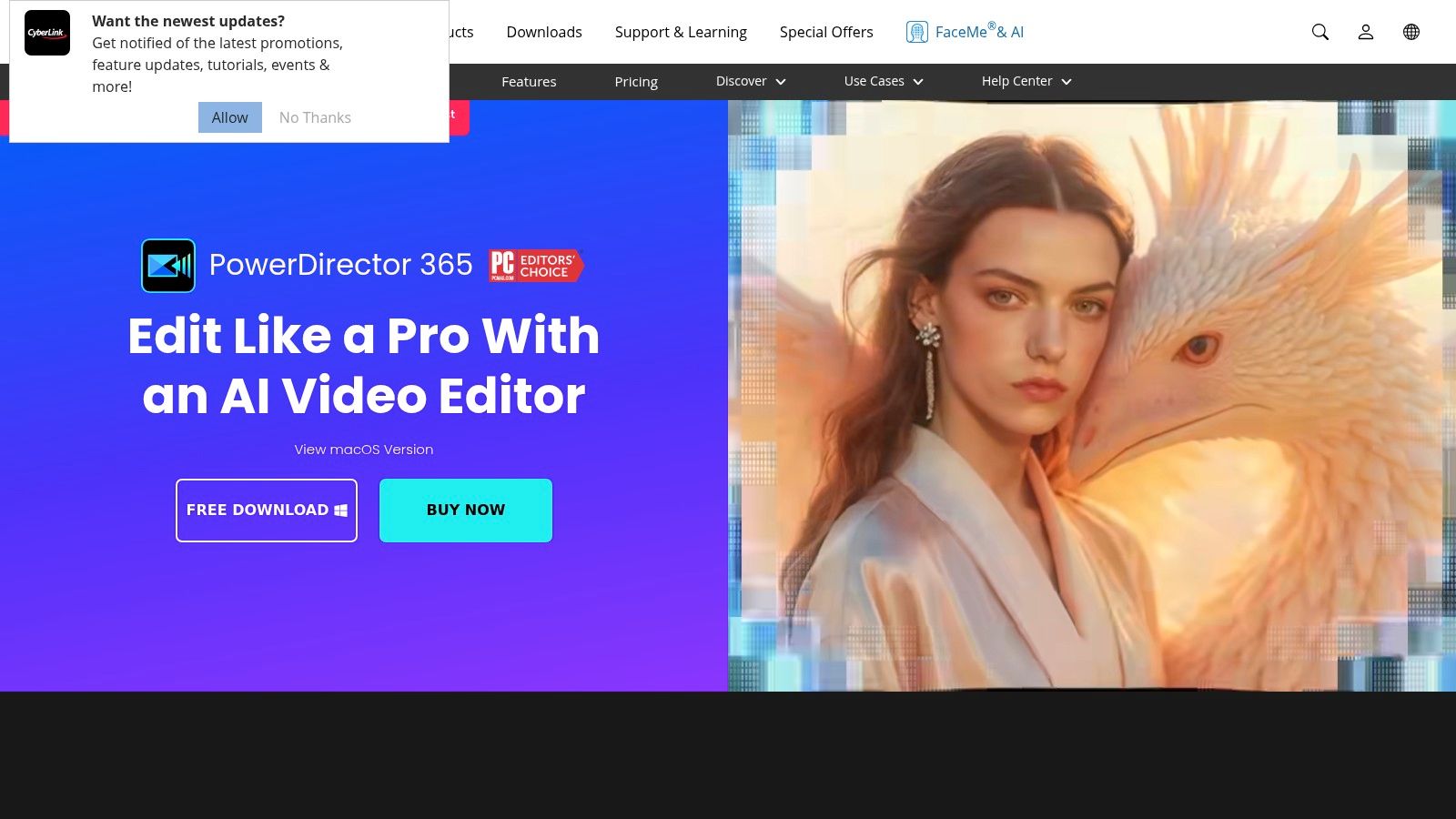
What makes PowerDirector stand out is its combination of a user-friendly interface with advanced AI-driven tools. Features like AI Sky Replacement and AI Motion Tracking allow creators to produce high-impact visuals with minimal effort. For instance, a travel vlogger can take a shot from an overcast day and replace the dull sky with a dramatic sunset in just a few clicks. For a small marketing team, the vast library of royalty-free stock content and pre-made templates included in the 365 subscription provides an actionable way to quickly create a polished promotional video. This focus on efficiency and accessibility, paired with flexible purchasing options, makes it a highly practical choice for creators who need to produce quality content quickly and affordably.
Key Details & Pricing
- Best For: Aspiring YouTubers, semi-professional creators, and small businesses wanting powerful features without a steep learning curve.
- Unique Feature: A hybrid model offering both a perpetual license for one-time purchase and a 365 subscription with continuous content updates and new features.
- Pricing: Available as a one-time purchase (PowerDirector 2024 Ultra: £89.99) or via subscription (PowerDirector 365: £51.99/yr).
- Pros: User-friendly for beginners but powerful for advanced creators; good value bundles and frequent promotional offers.
- Cons: The perpetual license lacks ongoing content compared to the subscription; some advanced features may be limited outside subscription plans.
Website: https://www.cyberlink.com/products/powerdirector-video-editing-software/
6. VEGAS Pro
VEGAS Pro has a long-standing reputation as a powerful non-linear editor, particularly favoured by PC users for its fluid timeline editing and robust audio capabilities. Initially developed as an audio editor, its heritage gives it an edge in projects where sound design is as critical as the visuals, making it a strong choice for music videos or podcasts with a video component. It’s often considered one of the best video creation software options for Windows-based editors looking for an alternative to the Adobe ecosystem.
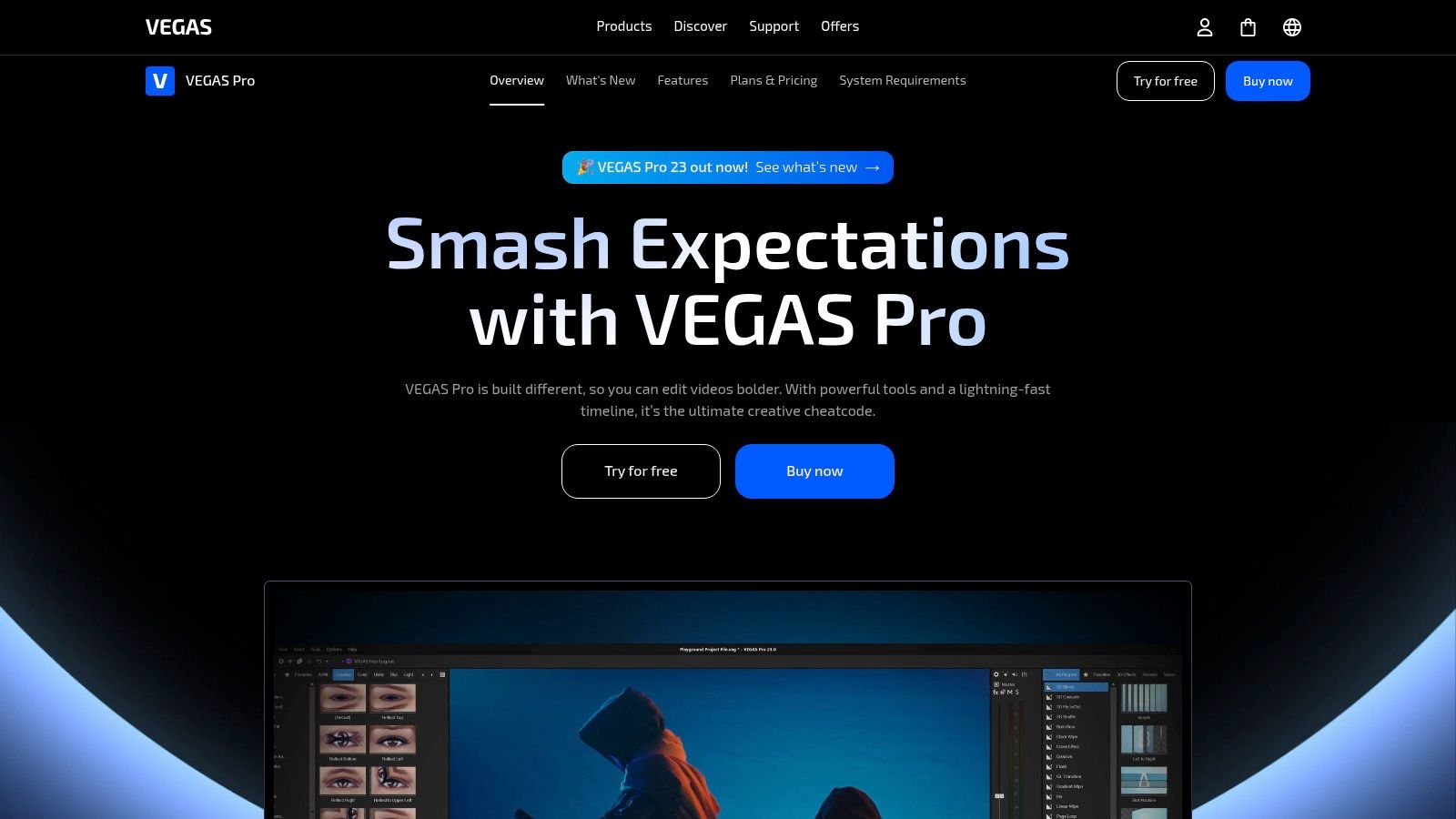
What sets VEGAS Pro apart is its unique workflow and flexible licensing. Unlike many competitors that lock users into subscriptions, VEGAS offers both perpetual licences and subscription plans, catering to different budgets and preferences. Its timeline is known for being fast and intuitive once you adapt to its drag-and-drop approach. As an actionable insight: you can perform most trimming and transition effects directly on the clips in the timeline by dragging their edges, which speeds up the editing process significantly. For a marketing professional creating a client testimonial, the integrated VFX tools, advanced colour grading, and powerful audio sweetening features allow for a high-quality, polished final product without needing to jump between different applications.
Key Details & Pricing
- Best For: Windows-based editors, YouTubers, and musicians who need powerful integrated audio tools.
- Unique Feature: Flexible licensing with both perpetual and subscription options, and a highly efficient timeline workflow.
- Pricing: Offers several tiers. VEGAS Pro Edit starts from £15.99/mo (subscription) or a one-time purchase of £399. Other plans with more features are also available.
- Pros: Flexible licensing models fit varied user needs; strong audio editing capabilities; regular promotional pricing and bundle offers.
- Cons: Windows-only platform; interface and workflow differ from other NLEs, which may require adaptation.
Website: https://www.vegascreativesoftware.com/int/vegas-pro/
7. Avid Media Composer
Avid Media Composer is a legendary name in the film and television industry, long considered a benchmark for professional non-linear editing. Its strength lies in its deep, collaborative features designed for large-scale productions, making it a staple in broadcast newsrooms and Hollywood post-production houses. For teams working on long-form documentaries or feature films, Media Composer offers unparalleled media management and project-sharing capabilities.
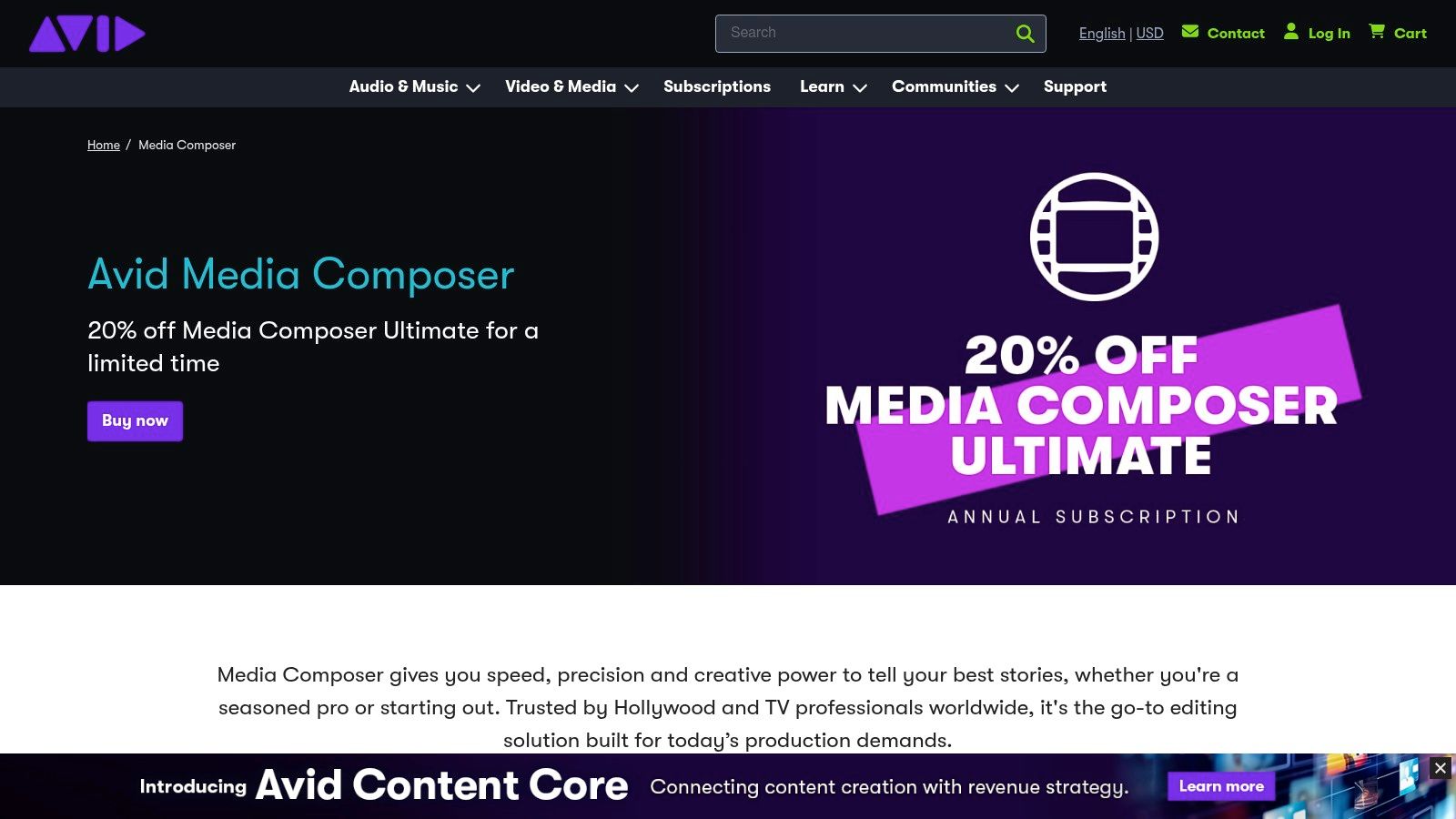
What makes Media Composer a specialised contender for the best video creation software is its robust workflow for complex projects. Features like bin locking prevent team members from overwriting each other's work on shared storage systems like Avid NEXIS. Its AI-powered ScriptSync and PhraseFind tools are game-changers for documentary and scripted projects. For example, a documentary editor can instantly find every single instance where an interviewee says the word "sustainability" across hundreds of hours of footage and audition the takes in seconds. This focus on collaborative efficiency and bulletproof media handling is why it remains the editor of choice for many high-end professional environments.
Key Details & Pricing
- Best For: Professional film and television editors, broadcast news teams, and large post-production houses.
- Unique Feature: Advanced collaborative tools like bin locking and deep integration with shared storage solutions (Avid NEXIS).
- Pricing: Available through subscription tiers. Media Composer starts at £25.00/mo, with Media Composer Ultimate offering more advanced features for £49.00/mo.
- Pros: Industry-standard for major film and broadcast productions; exceptional media management and collaborative workflow tools.
- Cons: Significant learning curve for those new to the ecosystem; pricing is higher than many creator-focused platforms.
Website: https://www.avid.com/media-composer
What Is Best Video Creation Software and Why Does It Matter?
Best Video Creation Software is an essential capability for modern content creators and marketers. The best tools for best video creation software combine AI-powered automation with professional-quality outputs — saving hours of manual work while delivering results that meet commercial standards.
In 2025, platforms like Veo 3 and Seedance have made best video creation software more accessible than ever, offering free-tier access alongside professional plans.
Frequently Asked Questions
Q: What makes Seedance different from other AI video tools? A: Seedance combines state-of-the-art AI models with an intuitive interface, making professional video creation accessible to everyone. Its unique blend of powerful generation capabilities, fast processing, and affordable pricing sets it apart from competitors.
Q: How good is the video quality from Seedance? A: Seedance produces high-quality videos with smooth motion, accurate prompt adherence, and impressive visual fidelity. The platform supports multiple aspect ratios and resolutions, including HD output for professional use cases.
Q: Is Seedance suitable for professional video creators? A: Absolutely. Seedance is used by content creators, marketers, filmmakers, and businesses worldwide. Its advanced controls, high-resolution output, and batch generation capabilities make it a powerful tool for professional workflows.
How Do You Get Started with Best Video Creation Software?
Getting started with best video creation software requires just a few steps:
- Choose the right tool for your needs (see comparison above)
- Sign up for a free account — no payment required to start
- Follow the step-by-step guide in this article
- Test with simple examples first, then scale up
Most users can produce their first professional result within 30 minutes of starting.
What Are the Best Tools for Best Video Creation Software in 2025?
The top tools for best video creation software in 2025 are:
- Veo 3 — best overall quality, free via Google Gemini
- Kling AI — best mobile experience and free tier generosity
- Runway Gen-4 — best for artistic and cinematic styles
- Pika 2.1 — best for beginners with simple interface
Each tool has strengths in different areas — the best choice depends on your specific use case, volume requirements, and budget.
8. Movavi Video Editor
Movavi Video Editor positions itself as one of the best video creation software choices for users who prioritise speed and simplicity over complex professional features. It's designed for social media creators, families, and small businesses needing to produce high-quality videos quickly without a steep learning curve. Its intuitive, drag-and-drop interface makes it incredibly accessible for beginners to start editing immediately.
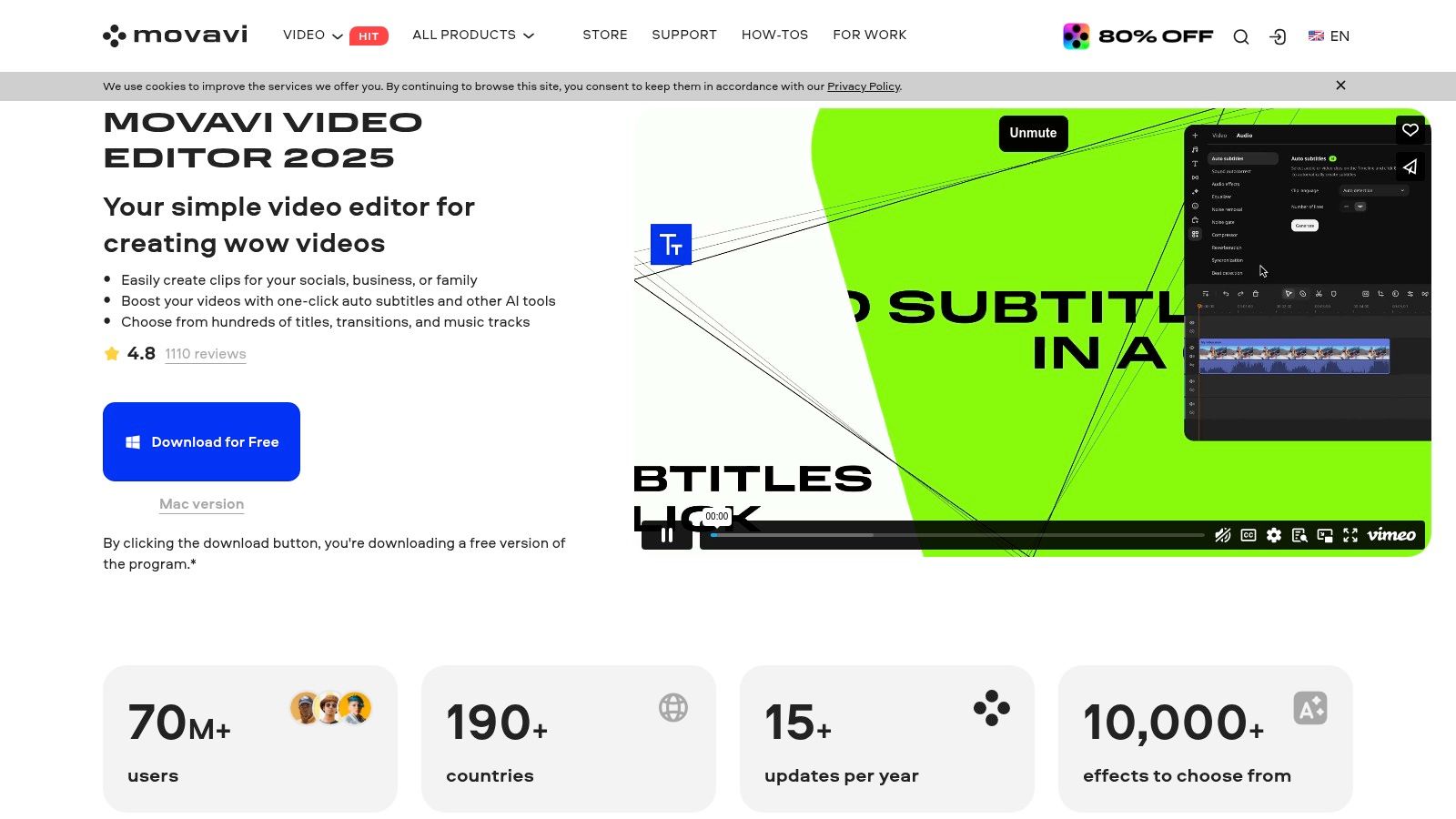
What makes Movavi stand out is its focus on AI-powered, one-click solutions that save significant time. Features like AI background removal and noise removal allow users to achieve polished results without manual adjustments. For example, a vlogger can instantly clean up the wind noise from a video shot outdoors by applying the AI noise removal tool with a single click. A marketer can use the motion tracking feature to attach a price tag graphic that follows a product as it moves across the screen in a demo video. The extensive library of built-in transitions, titles, and effects, with optional effects packs, provides creative assets without needing third-party tools, making it a self-contained solution for straightforward projects.
Key Details & Pricing
- Best For: Beginners, social media creators, and users needing to create simple, polished videos quickly.
- Unique Feature: AI-driven tools like background removal and motion tracking integrated into a very user-friendly interface.
- Pricing: Available as a one-time purchase, typically around £69.95 for a lifetime licence, with frequent discounts and bundle offers.
- Pros: Extremely gentle learning curve ideal for quick projects; affordable one-time payment model.
- Cons: Lacks advanced professional features and team collaboration; limited suitability for complex editing tasks.
Website: https://www.movavi.com/video-editor-plus/
9. Microsoft Clipchamp
Microsoft Clipchamp has emerged as a surprisingly capable and accessible tool, making it a strong contender for the best video creation software for beginners and integrated corporate workflows. Available as a browser-based platform and a native Windows app, it removes the friction of complex installations. Its strength lies in its simplicity, offering an intuitive timeline, drag-and-drop functionality, and a vast library of templates perfect for quick social media posts, educational content, or internal company announcements.
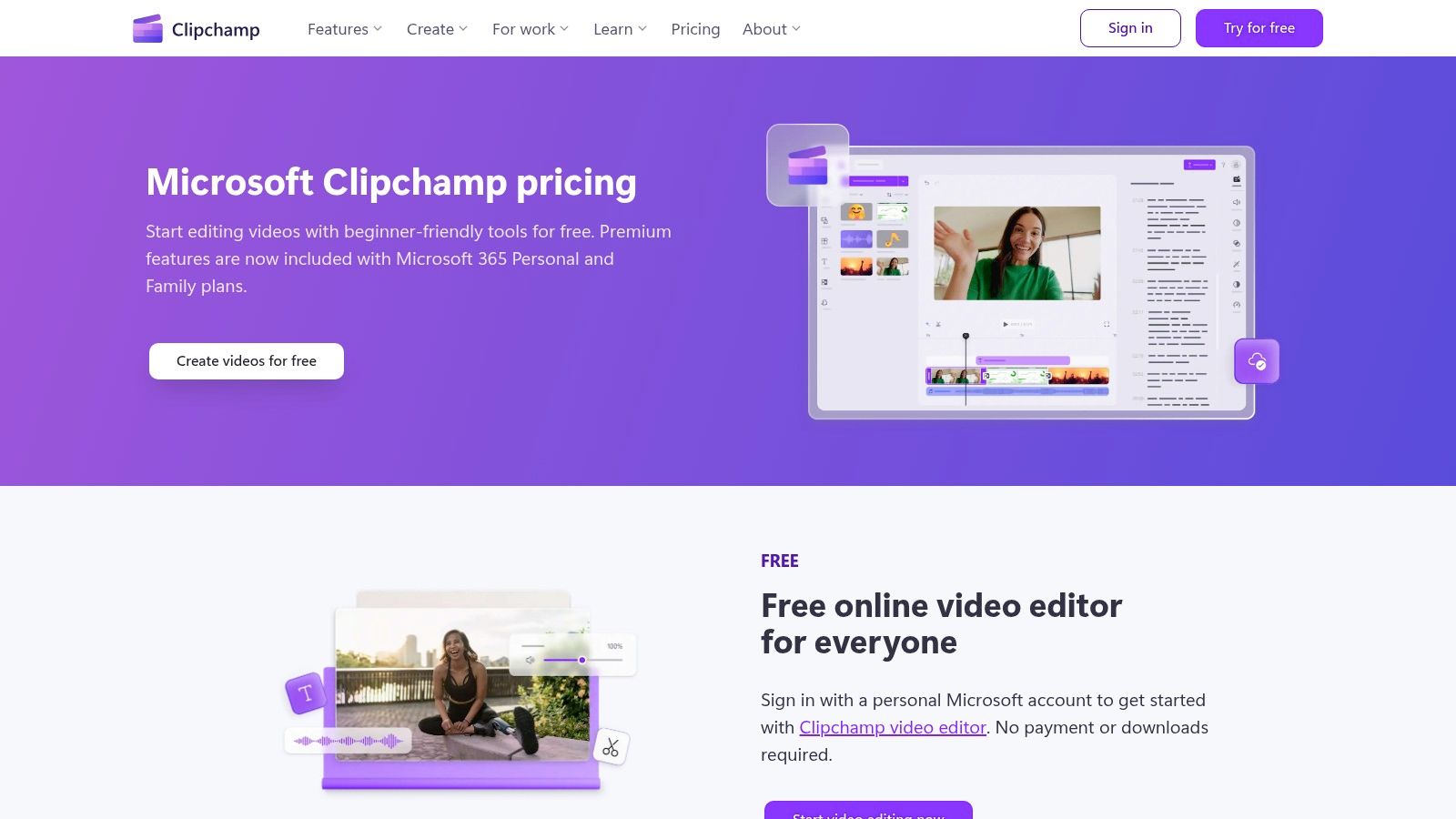
What makes Clipchamp particularly useful is its seamless integration with the Microsoft 365 ecosystem. Users can easily import files from OneDrive and the platform is included with many Microsoft 365 Personal, Family, and business plans, providing premium features like 4K exports and brand kit management without extra cost. A practical use case: an HR department can create a new employee onboarding video using a pre-made template, add company branding from their saved brand kit, and use the text-to-speech feature to generate a professional voiceover, all within an hour. This frictionless workflow makes it ideal for corporate teams already using Microsoft tools.
Key Details & Pricing
- Best For: Corporate communications teams, educators, and social media creators looking for a user-friendly, integrated solution.
- Unique Feature: Deep integration with Microsoft 365, including OneDrive storage and inclusion in various subscription plans.
- Pricing: A robust free plan offers 1080p exports. Premium features are included with Microsoft 365 subscriptions or available as a standalone plan.
- Pros: Extremely low barrier to entry; accessible via browser or Windows app; generous free tier.
- Cons: Lacks advanced editing features and visual effects of professional software; feature availability can be confusing depending on your Microsoft 365 licence.
Website: https://clipchamp.com/en/pricing/
10. Canva
Canva has evolved from a graphic design tool into a surprisingly capable and accessible platform, earning its place as one of the best video creation software options for non-editors. It is purpose-built for speed and consistency, making it ideal for marketing teams, educators, and social media managers who need to produce on-brand video content quickly without a steep learning curve.
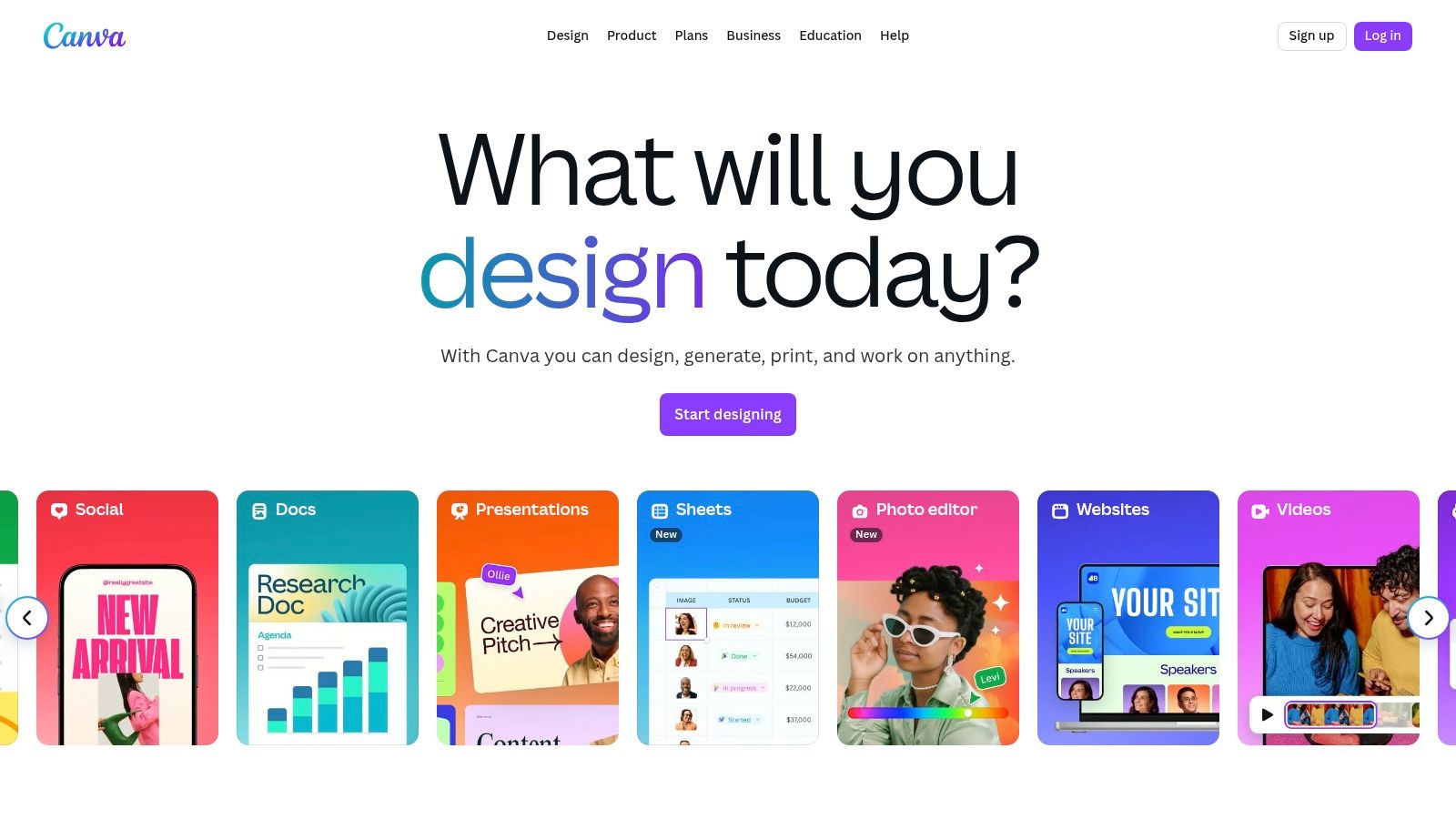
The platform’s strength lies in its all-in-one ecosystem. Here's an actionable workflow: a marketing manager can select a video template for an upcoming sale, apply the company's Brand Kit with one click to ensure all fonts and colours are correct, replace the placeholder footage with their own product shots, and then use the Magic Resize tool to instantly create versions for Instagram Stories (9:16) and YouTube (16:9). The entire process, from creation to scheduling on multiple platforms, happens within Canva, streamlining the workflow immensely.
Key Details & Pricing
- Best For: Marketing teams, small businesses, and creators needing to produce branded social media videos and simple marketing assets quickly.
- Unique Feature: An integrated design ecosystem with Brand Kits, templates, and social media scheduling, streamlining the entire content creation workflow.
- Pricing: Offers a robust free plan. Paid plans like Canva Pro (£109.99/year for one person) and Canva for Teams unlock premium features.
- Pros: Extremely user-friendly with a minimal learning curve; vast library of templates and stock assets; excellent for team collaboration and brand consistency.
- Cons: Limited timeline control and advanced editing features; not suitable for complex or long-form video projects; team pricing can become costly.
Website: https://www.canva.com/
11. CapCut
CapCut has rapidly become the go-to editor for short-form social media content, largely due to its powerful mobile-first design and generous free offering. It provides a surprisingly robust set of tools that are intuitive enough for absolute beginners, making it a standout choice for creating engaging TikToks, Instagram Reels, and YouTube Shorts without a steep learning curve or significant investment.
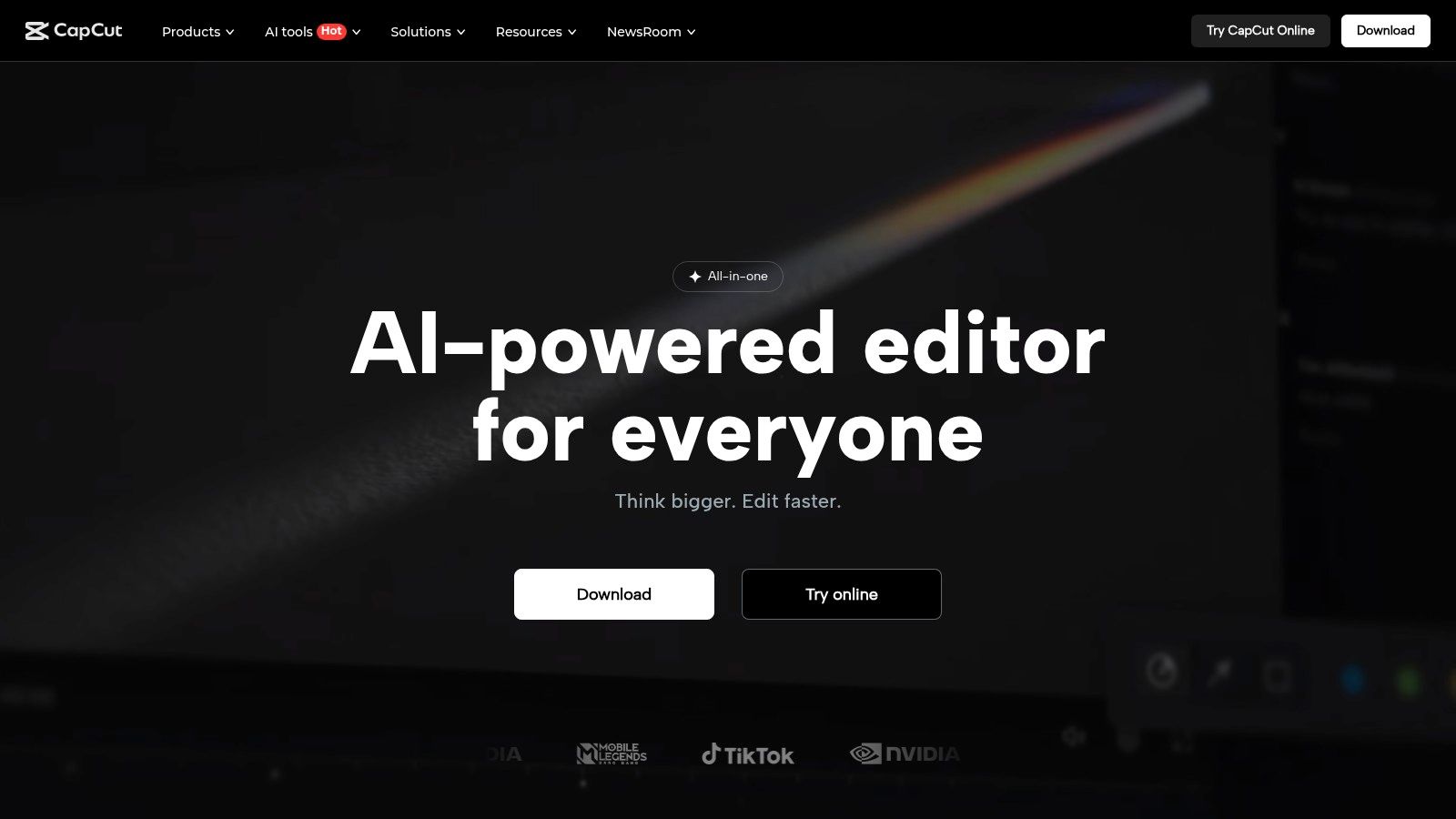
What makes CapCut one of the best video creation software options in its category is the seamless multi-device experience offered with its Pro plan. A creator can start a project on their phone, add detailed effects on the desktop app, and then make final adjustments via the web editor, with all changes synced to the cloud. For example, a content creator can film a "day in the life" vlog on their phone, use the auto-caption feature to transcribe their speech, and then add a trending audio track from the library—all in under ten minutes before posting directly to TikTok. This speed and efficiency are its core strengths.
Key Details & Pricing
- Best For: Social media managers, TikTok/Reels creators, and individuals needing fast, template-driven video editing.
- Unique Feature: Cloud-based project syncing across mobile, desktop, and web platforms for a flexible workflow (Pro feature).
- Pricing: A strong free version is available. CapCut Pro pricing varies by platform and region, but typically starts around £7.99/mo for additional features and cloud storage.
- Pros: Excellent free tier with no watermarks; incredibly user-friendly interface; rich library of templates and effects.
- Cons: Not suitable for complex, long-form video projects; pricing structure can be inconsistent across different platforms.
Website: https://www.capcut.com/
12. Amazon UK — Video Editing Software category
While not a software application itself, Amazon UK's video editing category serves as a crucial resource for creators looking to purchase perpetual licenses or boxed versions of popular software. It provides a centralised marketplace to compare consumer and prosumer tools, from Magix Movie Studio to Corel VideoStudio, often including versions that vendors no longer sell directly on their own sites. This makes it an excellent platform for those who prefer a one-time purchase over a subscription model.
What sets Amazon apart is the ability to read unfiltered user reviews and Q&As, offering practical insights into how the software performs in real-world scenarios. Here's an actionable tip: before buying, search the Q&A section for your specific camera model or computer specs (e.g., "does this work with a Canon R5?") to see if other users have faced compatibility issues. The platform is also a reliable source for physical accessories like capture cards, control surfaces, and green screens, allowing you to bundle your software and hardware purchases. Leveraging Prime for fast delivery and a trusted returns policy provides a layer of security, especially when investing in more expensive software packages.
Key Details & Pricing
- Best For: Individuals and small businesses seeking to buy perpetual or boxed software licenses and compare multiple brands in one place.
- Unique Feature: A centralised marketplace for physical and download licenses with extensive user reviews and a trusted fulfillment process.
- Pricing: Varies widely by product, from budget-friendly consumer software under £50 to professional suites costing several hundred pounds.
- Pros: Convenient site to compare boxed and perpetual licenses; UK fulfillment and trusted return policies through Prime.
- Cons: Product listings may not always be the latest versions; requires caution to verify the authenticity of some third-party sellers.
Website: https://www.amazon.co.uk/s?k=video+editing+software
Top 12 Video Creation Software Comparison
| Product | Core Features / Capabilities | User Experience / Quality ★★★★☆ | Value & Pricing 💰 | Target Audience 👥 | Unique Selling Points ✨ |
|---|---|---|---|---|---|
| 🏆 Seedance | AI-powered multi-shot video generation from text; 1080p cinematic quality | Smooth motion, consistent characters, fast generation | Free access, pricing undisclosed | Creators, marketers, educators, filmmakers | Advanced storytelling AI; diverse visual styles |
| Adobe Premiere Pro | Professional NLE; AI tools; broad codec support | Industry standard, rich plugin ecosystem | Subscription only | Professionals, film, TV, marketing | Deep Adobe CC integration; cross-platform |
| Blackmagic Design — DaVinci Resolve | Editing, color grading, VFX, audio in one suite | High-quality HDR grading; robust free version | Free version + one-time Studio license | Amateurs to pros, colorists, VFX artists | Industry-leading color grading; Fusion VFX |
| Apple Final Cut Pro | Mac-optimized NLE; Magnetic Timeline; companion apps | Fast, smooth performance on Apple devices | One-time purchase | Mac users, professionals | Mac & iPad integration; rich plugin ecosystem |
| CyberLink PowerDirector | 4K editing, AI tools, large template library | User-friendly; frequent updates | Perpetual & subscription options | Beginners to prosumers | Good for value seekers; wide effects/templates |
| VEGAS Pro | Windows-only NLE; VFX & audio tools | Fast timeline editing; flexible licensing | Perpetual & subscription options | Windows users, pro editors | Flexible licensing; strong audio integration |
| Avid Media Composer | Broadcast-grade editing; collaboration tools | Professional workflow; steep learning curve | Subscription tiers | Broadcast, film professionals | MediaCentral collaboration; industry pedigree |
| Movavi Video Editor | Simple editor with AI templates | Easy for quick social videos | One-time purchase + bundles | Social media creators, home users | AI noise removal; gentle learning curve |
| Microsoft Clipchamp | Browser & Windows app; MS 365 integration | Very easy, template-driven | Free tier + premium plans | Corporate, education, casual creators | MS 365 ecosystem integration; low barrier entry |
| Canva | Design + video templates; brand management | Fast, on-brand content | Free + subscription tiers | Marketing teams, educators, creators | All-in-one design & video; team workflows |
| CapCut | Short-form video tools; multi-device editing | Smooth mobile & web editing | Free + Pro subscription | TikTok, short-form creators | Cloud sync; AI captions & effects |
| Amazon UK — Video Editing Software | Marketplace for boxed & download licenses | User reviews; frequent deals | Varies widely | Consumers, prosumers | Wide brand & price range; UK shipping benefits |
From Prompt to Production: Making Your Final Cut
Navigating the vast landscape of video creation software can feel overwhelming, but as we've explored, the perfect tool is rarely a one-size-fits-all solution. The journey from a raw concept to a polished final product is unique to every creator. Your ideal software choice hinges on a careful evaluation of your specific needs, technical skill level, and long-term creative ambitions.
Throughout this guide, we've dissected everything from industry-standard powerhouses like Adobe Premiere Pro and DaVinci Resolve, which offer unparalleled granular control for professional filmmakers, to accessible yet powerful options like CapCut and Microsoft Clipchamp, perfect for social media creators and quick projects. For Mac users, Final Cut Pro provides a beautifully optimised and efficient editing experience, while platforms like Canva have revolutionised how marketing professionals approach video for their campaigns. The key takeaway is that the best video creation software is the one that aligns seamlessly with your workflow, not one that forces you into a box.
Key Factors in Your Final Decision
Before you commit to a subscription or purchase, take a moment to synthesise what we've discussed. Reflect on these critical factors to ensure your choice empowers your creative process:
- Your Primary Use Case: Are you producing a feature-length film, a 30-second social media advert, or an educational tutorial? A tool like Avid Media Composer is built for collaborative, complex cinematic projects, whereas Movavi Video Editor excels at creating engaging content for YouTube quickly and efficiently.
- Skill Level and Learning Curve: Be honest about your current expertise and the time you can dedicate to learning. If you're a beginner, diving into the node-based colour grading of DaVinci Resolve might be frustrating. Starting with a more intuitive interface like CyberLink PowerDirector or Clipchamp could be a more productive entry point.
- Budget and Scalability: Your financial constraints are a major consideration. While DaVinci Resolve offers a remarkably robust free version, the full studio experience comes at a cost. Subscription models from Adobe offer access to an entire creative ecosystem, but a one-time purchase like VEGAS Pro might be more economical in the long run.
- Workflow Integration and Hardware: Consider the entire production pipeline. Does the software integrate well with other tools you use for motion graphics or audio? Crucially, does your computer meet the demanding hardware requirements for smooth 4K or 8K editing in professional-grade software?
Taking Actionable Next Steps
The most practical way forward is to get hands-on. Theory and reviews can only take you so far. Nearly every platform we've mentioned offers a free trial or a feature-rich free version. We strongly advise you to shortlist two or three top contenders based on your needs and dedicate a weekend to a small test project on each.
Try importing the same set of clips, making basic cuts, applying some colour correction, and exporting the final video. This practical test will reveal more about a tool's intuitiveness and performance on your system than any article ever could. The right software should feel like a natural extension of your creative vision, helping you bring your ideas to life with efficiency and inspiration.
Ready to leapfrog the traditional editing timeline and transform your ideas into stunning, cinema-quality videos in minutes? Explore how Seedance is redefining the future of video creation with its advanced AI. Move beyond the timeline and start creating from a simple prompt by visiting Seedance today.
Conclusion: Our Final Recommendation on Best Video Creation Software
After reviewing all available options and strategies, our verdict is clear: the best approach to best video creation software in 2025 combines AI-powered tools like Veo 3 with proven content strategies.
We recommend:
- Start with free tools to test and learn
- Focus on quality and consistency over volume
- Use AI to accelerate production, not replace creative direction
Bottom line: Best Video Creation Software is more accessible than ever in 2025. The tools and strategies in this guide are tested and proven — start applying them today for immediate results.
Ready to create your own AI video?
Turn ideas, text prompts, and images into polished videos with Seedance. If this article helped, the fastest next step is to try the product.
Free credits on signup. Plans from $28/month.
Related Articles
More posts in the same locale you may want to read next.

Seedance App Preview Video Generator 2026: Create App Store and Product Launch Clips
Use Seedance to turn app screenshots, feature copy, and launch goals into App Store previews, Google Play promo videos, and product launch clips.
Read article
How to Make a Talking AI Avatar You Can Reuse
Make a talking AI avatar with Seedance: design one consistent character, give it a voice, and make it speak in a talking photo or a full Seedance 2.5 scene, episode after episode.
Read article
Best AI Video-to-Video Models in 2026
The best AI video-to-video models in 2026 for editing footage you already shot: Higgsfield Genjutsu, Seedance 2.x, Runway Aleph, Luma Modify and Kling Omni compared.
Read article