
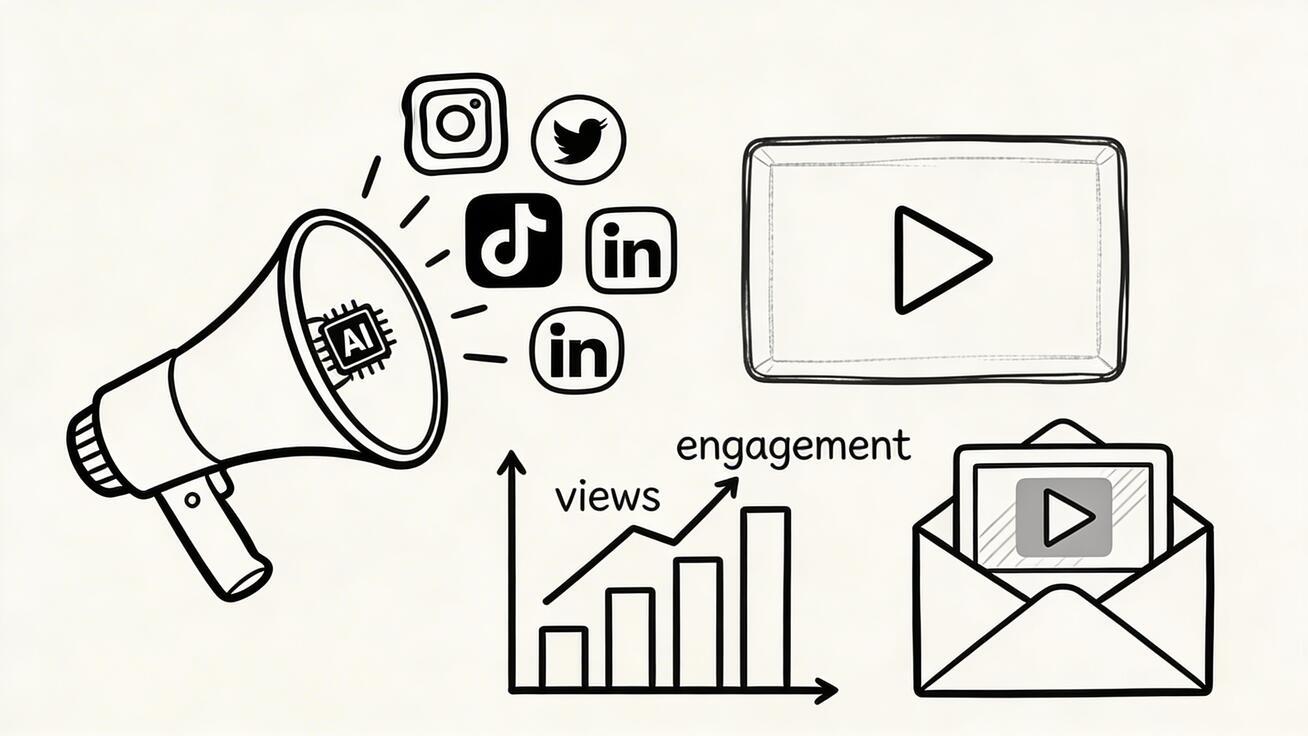
Marketing teams need more video than ever. They need launch videos, paid social creatives, landing-page motion, product explainers, email assets, retargeting hooks, customer stories, and creative variants for different audiences. Traditional production can still deliver high-end work, but it is too slow and expensive for the full volume that modern growth teams require.
Quick Answer: AI video generation with Seedance lets you create stunning, professional-quality videos from text prompts or images in just minutes — no editing experience required.
That is why AI video generators have become core marketing tools in 2026.
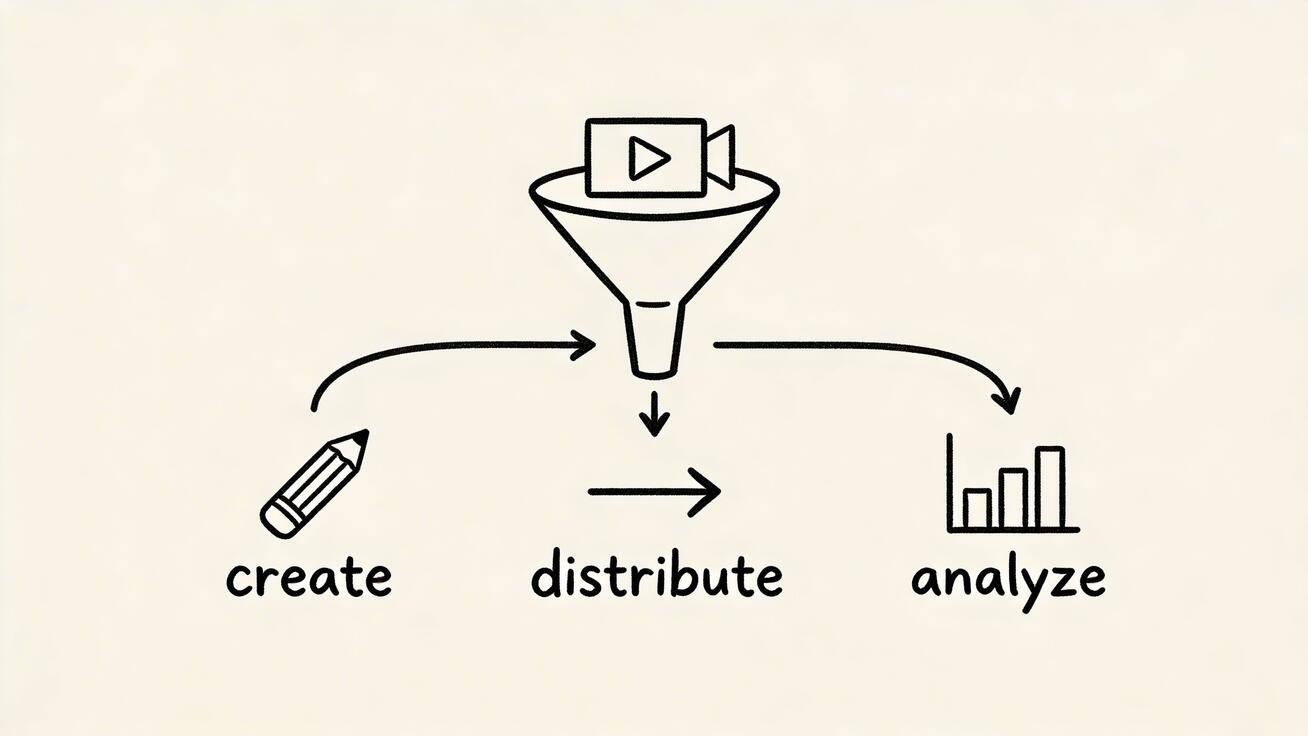
The promise is not just "make video faster." The real benefit is that AI allows marketers to move from one-off production to a scalable video system. Instead of treating every asset like a separate project, teams can create prompts, visual references, templates, and variants that turn video into a repeatable growth channel.
This guide explains how to use an AI video generator for marketing across social ads, email, landing pages, and broader campaign operations.
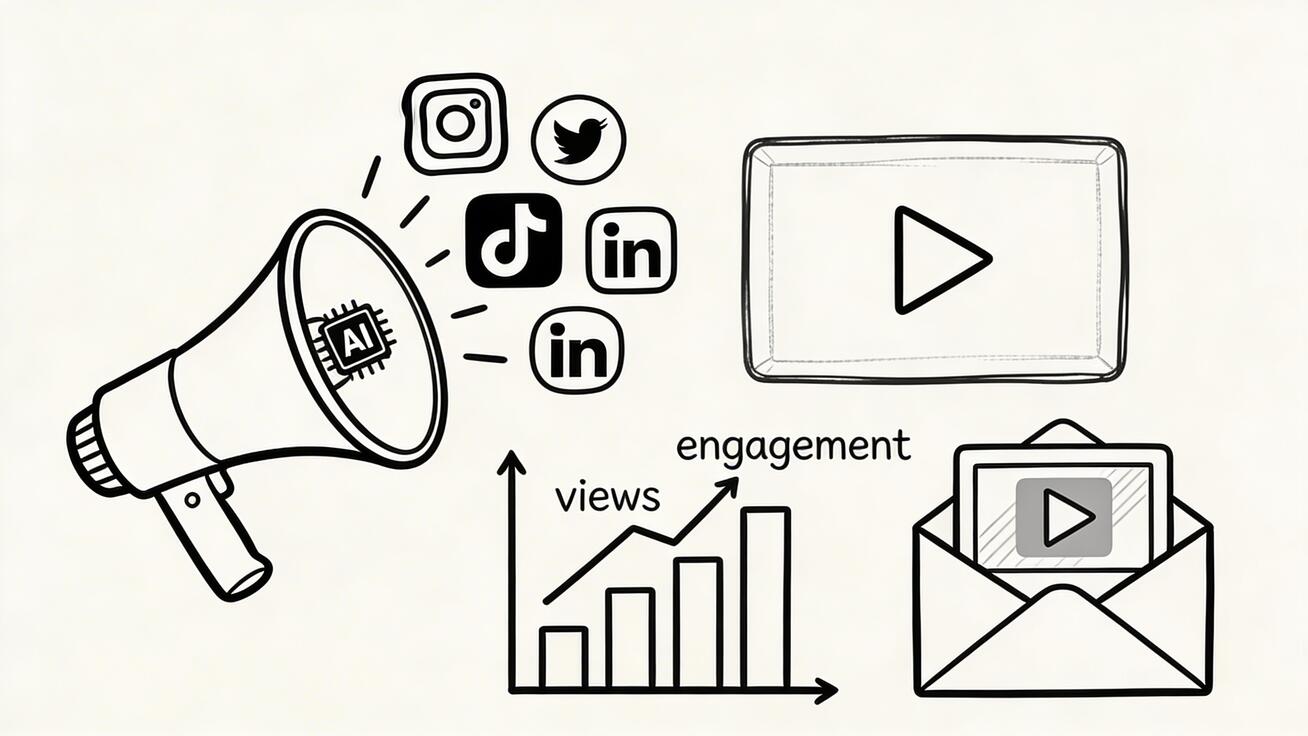
Why marketers are adopting AI video now
Marketing has a volume problem.
One brand campaign might require:
- 6 to 12 paid ad variants
- 3 aspect ratios
- A landing-page hero video
- Email embeds or teasers
- Organic social clips
- Product-focused demo edits
- Retargeting creative refreshes
The old workflow cannot support that output efficiently. AI can.
With the right workflow, marketers can:
- Generate concepts faster
- Test more hooks and angles
- Create localized or audience-specific variants
- Turn still assets into motion
- Reduce dependency on slow production cycles
- Keep campaign creative fresh for longer
This matters because performance decays. Ads fatigue. Landing pages get stale. Product messaging evolves. Video is effective, but only if teams can actually keep producing it.
What an AI video generator does for marketing
At a practical level, an AI video generator helps marketers turn prompts, images, brand assets, and product visuals into publishable motion content.
That content can support:
- Top-of-funnel acquisition
- Mid-funnel education
- Bottom-funnel conversion
- Retention and re-engagement
The best platforms are not just prompt tools. They support a marketing workflow that combines text-to-video, image-to-video, and finishing layers such as video effects so teams can move from concept to channel-specific asset without rebuilding from zero each time.
The main marketing use cases
1. Social ads
Social ad creative is one of the strongest use cases for AI video because it rewards testing volume. Marketers rarely win by finding one perfect ad and running it forever. They win by launching many variants, identifying patterns, and iterating quickly.
AI helps social teams create:
- Different hooks for the same offer
- New visual treatments of the same message
- Vertical and square format variants
- Different scenes for different audience segments
- Faster refreshes when performance drops
For example, a brand selling a productivity app might test:
- Problem-first ads
- Transformation ads
- Product demo ads
- Social proof ads
- Founder-led concept ads
AI makes it realistic to build all of those without a separate production cycle for each.
2. Email marketing
Email teams often underuse video because traditional production is too heavy relative to email volume. AI changes that equation.
Useful email video formats include:
- Launch teasers
- Feature spotlight clips
- Personalized campaign visuals
- Event invites
- Win-back campaign assets
- Customer education sequences
The key is brevity. Email video should create curiosity and momentum, not overload the subscriber. A short animated product story or motion teaser can improve engagement when it aligns with the email goal.
3. Landing pages
Landing pages perform better when the visual experience helps the visitor understand the offer faster. Static hero images can work, but motion often communicates transformation more effectively.
AI-generated landing-page video can support:
- Product value explanation
- Use-case visualization
- Before-and-after framing
- Emotional brand storytelling
- Feature walkthroughs
The winning approach is usually not a long autoplay film. It is a concise visual loop or short sequence that reinforces the headline and CTA.
4. Organic content
Organic social teams need velocity and variety. AI video supports:
- Trend adaptation
- Thought-leadership visuals
- Educational clips
- Product storytelling
- Repurposed campaign content
This works especially well when teams create modular assets that can be remixed into short-form content across channels.
How to build a marketing video workflow with AI
Step 1: Start with the campaign angle
Do not begin with a tool. Begin with the marketing angle.
Ask:
- What is the offer?
- Who is the audience?
- What pain point matters most?
- What outcome do we want to emphasize?
- What action should the viewer take?
AI is powerful, but it performs best when guided by a real marketing brief.
Step 2: Match the angle to a creative format
Different angles need different visual structures.
Examples:
- Problem-aware audience: lead with pain or friction
- Solution-aware audience: show the product quickly
- Warm audience: highlight proof or differentiation
- Retargeting audience: focus on objection handling or urgency
When marketers skip this step, they create attractive video that does not match audience intent.
Step 3: Decide the asset source
Choose whether the video should be built from text prompts, existing visuals, or both.
Use text-to-video for:
- Concept-driven ads
- Emotional storytelling
- Metaphorical scenes
- Quick variant generation
Use image-to-video for:
- Product stills
- Screenshots
- Campaign photography
- Brand key art
- Ecommerce product images
Hybrid workflows are often best because they combine imagination with accuracy.
Step 4: Create a modular shot library
This is the shift from random generation to systematic marketing production.
Build reusable shots for:
- Opening hooks
- Product reveals
- Benefit callouts
Frequently Asked Questions
Q: What makes Seedance different from other AI video tools? A: Seedance combines state-of-the-art AI models with an intuitive interface, making professional video creation accessible to everyone. Its unique blend of powerful generation capabilities, fast processing, and affordable pricing sets it apart from competitors.
Q: How good is the video quality from Seedance? A: Seedance produces high-quality videos with smooth motion, accurate prompt adherence, and impressive visual fidelity. The platform supports multiple aspect ratios and resolutions, including HD output for professional use cases.
Q: Is Seedance suitable for professional video creators? A: Absolutely. Seedance is used by content creators, marketers, filmmakers, and businesses worldwide. Its advanced controls, high-resolution output, and batch generation capabilities make it a powerful tool for professional workflows.
- Lifestyle scenes
- Testimonial moments
- End cards
Once you have those pieces, you can assemble new campaign assets much faster.
Step 5: Produce variants intentionally
Marketers should not generate variants at random. Each variation should test a hypothesis.
You might vary:
- The opening line
- The audience pain point
- The offer framing
- The visual style
- The CTA
- The first three seconds
That is a much stronger testing framework than creating five nearly identical videos.
Best practices for social ads
Front-load the hook
The first seconds matter most. AI makes it easy to create multiple openings, so use that flexibility aggressively.
Strong hook categories include:
- A painful question
- A surprising contrast
- A fast transformation
- A bold promise
- A visually unusual motion pattern
Keep the product visible
Some AI-generated ads look impressive but could belong to any brand. That is a marketing failure. The viewer should understand what is being sold and why it matters.
Build for refresh
Winning ads decay. Use AI workflows to refresh creative before performance collapses. Swap the hook, update the visual setting, or reframe the promise while keeping the core offer constant.
Best practices for email video
Align the video with one clear email goal
An email video should support a specific action:
- Click to learn more
- Try a feature
- Register for an event
- Return to the product
If the video tries to do everything, it will do none of it well.
Favor clarity over complexity
Subscribers scan. Keep visuals direct and copy concise. Use motion to sharpen the message, not to create artistic detours.
Repurpose campaign assets
One of the smartest uses of AI is adapting existing campaign visuals into lighter email-specific clips instead of producing every email asset from scratch.
Best practices for landing pages
Match the headline
The landing-page video should amplify the headline, not compete with it. If the headline promises speed, show fast transformation. If it promises simplicity, show clean motion and a clear product path.
Optimize for silent viewing
Many landing-page visitors will not listen to audio. The visual sequence must communicate the idea without sound.
Keep the loop intentional
A short loop that explains the product clearly can outperform a longer cinematic video that distracts from the CTA.
How AI video improves marketing economics
Marketers should think in terms of effective cost per useful asset, not just software subscription price.
An AI tool creates value when it reduces:
- Production turnaround time
- Agency dependency
- Creative bottlenecks
- Cost of testing new concepts
- Cost of refreshing underperforming ads
Even if the tool has a monthly cost, it can still be highly efficient if it increases creative throughput and shortens the feedback loop between idea and result.
Common mistakes teams make
Mistake 1: Using AI video without a testing strategy
More output is not inherently better. It becomes better when each asset serves a clear hypothesis or funnel role.
Mistake 2: Prioritizing style over offer clarity
The video should support conversion. Pretty but vague creative usually underperforms.
Mistake 3: Treating every channel the same
Social ads, email, and landing pages each need different pacing, framing, and intent.
Mistake 4: Ignoring brand consistency
Fast generation does not remove the need for a recognizable visual system. Color, tone, motion style, and messaging still need rules.
Mistake 5: Forgetting post-generation refinement
AI output often improves when lightly refined with overlays, transitions, framing fixes, or video effects that support clarity and polish.
Metrics to track when using AI video in marketing
AI video should be judged like any other marketing asset: by business impact, not by how futuristic it looks.
Useful metrics include:
- Hook rate or early-view retention
- Click-through rate
- Landing-page conversion rate
- Cost per click or cost per acquisition
- Email click rate
- Time on page
- Creative fatigue rate
These metrics help teams decide whether a new video variant is actually better or merely different. One of the biggest advantages of AI is faster creative iteration, but that only matters if the team has a measurement loop. Without one, AI just increases the amount of content in circulation without improving results.
It is also useful to compare asset families, not just individual videos. For example, you might learn that product-demo openings outperform lifestyle openings for one audience, while problem-first hooks outperform feature-led hooks for another. AI makes it easier to produce those variants quickly, and measurement tells you which direction deserves more investment.
A sample campaign workflow
Imagine you are launching a new AI-powered design feature.
Your marketing workflow could look like this:
- Create three campaign angles: speed, quality, and ease of use.
- Generate multiple concept intros with text-to-video.
- Animate real product screenshots with image-to-video.
- Combine those scenes into ad variants, a landing-page hero loop, and a short email teaser.
- Add concise overlays for claims and proof points.
- Launch tests and watch which hooks hold attention and drive clicks.
- Refresh the weakest assets quickly without rebuilding the entire campaign.
That is the strategic value of AI video in marketing. It shortens the distance between insight and execution.
How to keep brand consistency while moving fast
Speed only helps if the output still feels like your brand.
The easiest way to maintain consistency is to define a few fixed rules before large-scale generation:
- Preferred color palette
- Motion style
- Typography treatment
- Tone of on-screen copy
- Product framing rules
- Approved CTA language
This gives marketers a consistent system while still leaving room for experimentation. In practice, the best teams create brand-safe prompt patterns and reusable end cards so every new asset starts from a stable foundation. That reduces review friction and makes AI video feel like an extension of the brand instead of an isolated experiment.
What the best marketing teams do differently
The strongest teams do not treat AI as a magic button. They treat it like a creative system.
They:
- Maintain prompt libraries
- Reuse shot structures
- Keep channel-specific templates
- Tie asset creation to campaign hypotheses
- Review output based on performance goals, not novelty
That discipline is what turns AI video from a toy into a serious marketing capability.
Final thoughts
An AI video generator is now one of the most practical tools in the modern marketing stack. It helps teams produce more assets, test more ideas, and keep messaging visually fresh across channels that demand constant motion content.
The real opportunity is not just speed. It is adaptability.
With the right workflow, marketers can combine text-to-video for concept development, image-to-video for product and brand accuracy, and selective video effects for polish and consistency. That creates a flexible video engine for social ads, email campaigns, landing pages, and broader growth programs.
In 2026, video is no longer a scarce asset reserved for big launches. With AI, it becomes an operating capability. The teams that win will be the ones that turn that capability into a disciplined system for testing, learning, and shipping faster than everyone else.
Ready to try it yourself?
Put the steps from this guide into practice with Seedance and turn prompts or images into polished videos in minutes.
Free credits on signup. Plans from $20/month.
Related Articles
More posts in the same locale you may want to read next.

Seedance App Preview Video Generator 2026: Create App Store and Product Launch Clips
Use Seedance to turn app screenshots, feature copy, and launch goals into App Store previews, Google Play promo videos, and product launch clips.
Read article
MiniMax H3 Plastic Skin Fix for Video Ads: A Realism Workflow
Fix plastic-looking skin in MiniMax H3 video ads with better references, natural lighting, controlled prompts, motion review, and a clear regenerate-or-finish checklist.
Read article
VEED Auto Subtitles Free: A Practical Guide to Captions You Can Publish
Use VEED auto subtitles on a free plan, correct caption timing and style, understand watermark and SRT limits, and prepare a caption-ready video with Seedance.
Read article