
Pairing video and text is one of the smartest moves you can make to get your message across and keep your audience hooked. With today's AI tools, turning your written ideas into polished, engaging videos is easier than ever. It's about blending striking visuals with the right words to tell a story that genuinely connects. This isn't just for big-budget studios anymore; it’s a tool for all of us.
Quick Answer: Video And Text — Seedance provides a comprehensive solution with cutting-edge AI video generation technology, making it easy for creators at every level to produce professional-quality content quickly and efficiently.
Why Combining AI Video and Text Is a Game Changer
In a world overflowing with content, simply getting—and keeping—someone's attention is half the battle. When you combine AI-generated video with sharp, well-placed text, you create something that’s not just beautiful to look at but also incredibly easy to digest. You're essentially giving your words a dynamic stage to perform on.
This guide provides actionable insights for turning your text into professional-quality videos using Seedance. We’ll cover why this strategy works, then jump into the practical steps for crafting compelling content from scratch.
The Power of Visual Storytelling
Let's face it: people love video. In the UK alone, over 90% of internet users are watching online videos every single week. What’s more, a massive 96% of people turn to explainer videos when they want to learn about a product or service. The numbers don't lie—audiences prefer to be shown, not just told.
When you convert your text to video, you're meeting this preference head-on. Practical Example: Instead of publishing a long blog post about a new software feature, create a 30-second video. Use text overlays to highlight the three key benefits while the video shows the feature in action. This turns a passive reading experience into an active, engaging one.
The real magic happens when the visuals and text support each other. The video pulls the viewer in, and the text overlays clarify points, reinforce the main message, and keep the story moving.
This one-two punch makes even complex ideas easy to grasp and marketing messages far more memorable. Let’s break down exactly why this combination is so effective.
Why Combining Text and Video Works
The table below summarises the key benefits you get when you integrate text overlays, subtitles, and narration with your video content, along with actionable examples you can use today.
| Benefit | Impact on Audience | Practical Example |
|---|---|---|
| Increased Engagement | Grabs and holds attention in a busy social media feed where sound is often off. | Create a silent Instagram Reel for a new recipe. Use bold, animated text overlays to list ingredients and show each step, making it easy to follow without audio. |
| Improved Comprehension | Reinforces key information, making complex topics easier to understand and remember. | For a financial services video, use text callouts to display key data points like "25% Year-Over-Year Growth" while the narrator discusses market trends. |
| Greater Accessibility | Makes content accessible to viewers who are deaf, hard of hearing, or in noisy environments. | Actionable Tip: Always generate and add accurate subtitles to your corporate announcement videos so employees can watch them on a loud train commute or in a quiet office. |
| Boosted SEO | Search engines can crawl the text in subtitles and descriptions, improving your video's discoverability. | When uploading a YouTube tutorial, paste the full video transcript into the description box. This helps YouTube's algorithm understand your content and rank it for relevant keywords. |
Ultimately, a well-balanced video with text ensures your message lands exactly as you intended, no matter how or where your audience is watching.
To get a better feel for what's possible and see how different platforms stack up, it's worth checking out some of the leading text-to-video AI tools available today. Our aim here is to give you the skills to create videos that don’t just look great but actually hit your communication goals.
Crafting Prompts That Tell a Compelling Story
This is where your creative vision really starts to come alive. Turning a simple line of text into a multi-shot video isn’t about giving the AI a basic instruction; it’s about thinking like a director. You need to use your words to paint a detailed picture, guiding the AI towards the exact visuals you have in mind. We call this prompt engineering, and it’s the secret to getting the most out of Seedance.
A great prompt doesn’t just say "a person drinking coffee." It builds an entire world. It needs to define the who, what, where, and even the how of your scene. The more descriptive you are, the more control you have over what appears on screen.
From Words to Worlds: Setting the Scene
Your first job is to establish the environment. Don't just settle for "in an office." Is it a slick, minimalist startup with glass walls and bright, natural light? Or is it a cosy, book-lined study with a moody, warm glow? Every detail you add gives the scene another layer of depth.
Actionable Insight: Start your prompt with the environment and mood. Words like "serene," "chaotic," "futuristic," or "nostalgic" are incredibly powerful. They’ll influence everything from the colour palette to the props in the frame. This is a crucial step for combining video and text, because the visual mood has to sync up with your message.
The real art here is to be descriptive without being restrictive. Give the AI enough detail to grasp your vision, but leave it some space to get creative. Think of it as a collaboration, not just a command.
Practical Example: For a travel agency promo, instead of "a beach," try this prompt: "A serene, secluded tropical beach at sunrise, calm turquoise water gently lapping on white sand, soft golden light filtering through palm trees." That simple description immediately sets a peaceful, luxurious tone.
Directing the Action and the Camera
Once your scene is set, it's time to direct the action. This is where you bring in your characters and tell them what to do. Instead of a vague "a woman smiling," get specific: "A woman in her late 20s with curly brown hair, wearing a linen shirt, smiles softly as she pours coffee into a ceramic mug."
You can also take control of the camera to make your shots feel more dynamic. Adding a few simple cinematic terms tells the AI exactly how you want the audience to see the scene.
- Pan left/right: Moves the camera horizontally across the scene.
- Tilt up/down: Points the camera vertically.
- Dolly zoom: A classic dramatic effect where the background seems to shift.
- Close-up: Focuses tightly on a face or a key detail.
- Wide shot: Shows the whole character or the entire environment.
Practical Example: To create a dynamic product reveal, use this prompt: "Close-up shot, slow pan right across a new sleek black smartphone on a dark surface, dramatic studio lighting highlighting its metallic edges." This tells Seedance precisely what to focus on and how to film it, giving you a much more professional and compelling shot.
If you’re keen to see just how far you can push these ideas, you can explore more of Seedance's text-to-video features to get a feel for what’s possible. By weaving together scene, character, and camera direction, you stop making simple clips and start telling a real story.
Building Narratives with Multi-Shot Storyflows
<iframe width="100%" style="aspect-ratio: 16 / 9;" src="https://www.youtube.com/embed/qgMRNygxzZU" frameborder="0" allow="autoplay; encrypted-media" allowfullscreen></iframe>
A single, isolated clip is a moment. A sequence of shots? That’s where the story begins. If you really want to create compelling content that marries video and text, you need to move beyond one-off generations. That’s exactly what the storyflow feature in Seedance is built for—it lets you chain individual prompts together to build a complete, engaging narrative.
Suddenly, you're not just a prompter; you're a director. Instead of thinking about a single cool visual, you're planning how each shot will logically and emotionally connect to the next. The aim is to create a narrative arc, even if it’s just a few seconds long. You can guide your viewer from a hook, through the main point, and right to a memorable conclusion.
This mindset shift means you’ll start writing prompts differently. You’re not just chasing a beautiful image; you’re crafting a scene that serves a bigger story.
Structuring Your Storyflow
One of the most reliable ways to organise a narrative is the classic three-act structure. It’s a simple but powerful framework that works wonders for tutorials, product demos, or short ads. Actionable Tip: For any short ad, structure your storyflow into three clear parts: Problem, Solution, and Outcome. This simple framework is highly effective for storytelling.
Practical Example: Let's map out a promo video for a new meditation app using this structure.
- Shot 1 (The Problem):
Wide shot of a frustrated person in a busy, noisy office, rubbing their temples, chaotic background, harsh fluorescent lighting. - Shot 2 (The Solution):
Close-up on a smartphone screen showing the calm, minimalist interface of a meditation app, a finger gently taps the 'Begin Session' button. - Shot 3 (The Outcome):
Medium shot of the same person, now sitting in a quiet park with eyes closed, a serene smile on their face, soft natural sunlight.
See what we did there? We established a relatable problem, introduced the app as the hero, and showed the positive result. By linking these prompts in a storyflow, Seedance will stitch them into a seamless video that tells a complete mini-story. The message lands with so much more impact than a single, random clip ever could.

From my experience, the secret to a great multi-shot video is planning these three elements for every scene before you even think about hitting ‘generate’.
Pacing and Transitions
The content of each shot is important, but the rhythm and flow between them are what truly bring a video to life. You have to think about how one scene gives way to the next. Do you need a sharp, energetic cut? Or maybe a slow, deliberate fade to create a more thoughtful mood?
A great storyflow isn't just about what you show; it's about the rhythm of how you show it. Varying your shot types—mixing wide shots with close-ups, for example—keeps the viewer engaged and directs their attention exactly where you want it.
Actionable Insight: To create a sense of momentum in a product demo, use quick cuts between a wide shot showing the overall product and a close-up shot highlighting a specific feature. This visual variety keeps the viewer's eyes moving and maintains their interest. Visual consistency across shots is what makes your final video and text combo feel polished, professional, and intentional.
Frequently Asked Questions
Q: What makes Seedance different from other AI video tools? A: Seedance combines state-of-the-art AI models with an intuitive interface, making professional video creation accessible to everyone. Its unique blend of powerful generation capabilities, fast processing, and affordable pricing sets it apart from competitors.
Q: How good is the video quality from Seedance? A: Seedance produces high-quality videos with smooth motion, accurate prompt adherence, and impressive visual fidelity. The platform supports multiple aspect ratios and resolutions, including HD output for professional use cases.
Q: Is Seedance suitable for professional video creators? A: Absolutely. Seedance is used by content creators, marketers, filmmakers, and businesses worldwide. Its advanced controls, high-resolution output, and batch generation capabilities make it a powerful tool for professional workflows.
Making Your Message Stick with Text Overlays
The AI visuals you've generated are the hook, but it's the text you layer on top that really drives the story home. Think of text overlays not as an add-on, but as a vital part of the experience. They bring clarity, context, and punch to your content. When done well, the right blend of video and text is what makes your message truly resonate.
The trick is to treat your text as a core element of the visual design. It should work in harmony with the action on screen, not fight against it. This means being deliberate about what you say, how it looks, and where you place it.
Getting the Words and Style Right
Before you even think about dropping a text box onto your video, ask yourself: what’s its job? Is it there to pop a key statistic, spell out a call to action, or just provide captions? Your answer will shape every decision that follows.
Actionable Tip: For maximum readability on mobile screens, use a clean, sans-serif font like Montserrat, ensure high contrast (e.g., white text with a soft black outline), and place it in the lower-third of the screen to avoid obscuring the main action.
- Pick a Clean Font: Stick with simple, sans-serif fonts. Think Arial, Helvetica, or Montserrat. They’re clean, legible at any size, and won’t steal the show from your visuals.
- Go for High Contrast: Your text needs to stand out against the video playing behind it. A classic, almost foolproof choice is white text with a soft black drop-shadow or a thin outline. It works over nearly any background.
- Mind Your Placement: Keep text in the lower third of the frame. This is a broadcast standard for a good reason—it keeps the main visual area clear and feels natural to the viewer.
The best text overlays are short and sharp. Treat them like headlines, not paragraphs. A quick, impactful phrase is always better than a long sentence people won't have time to read.
Practical Example: Instead of an overlay that says, "Our new product has been shown to increase productivity by over 50% in recent studies," just use "+50% Productivity". It’s direct, memorable, and lets the visuals carry the rest of the weight. For a deeper dive into this, check out this great guide on Adding Text to Video.
Subtitles Aren't Optional Anymore
Beyond stylish titles, subtitles are now a must-have. A massive number of people watch social media videos with the sound off. This trend is only growing, especially here in the UK. Ofcom reports that UK viewers now spend an average of 39 minutes per day on YouTube alone, marking a 13% increase from the previous year, and much of that viewing happens on the go in public places.
Actionable Insight: By adding subtitles, you make your video and text content inclusive for everyone, including viewers who are deaf or hard of hearing. It also guarantees your message gets across, even when the audio is muted. After creating your video in a tool like Seedance, you can easily export it and add subtitles using a separate video editor, ensuring your story connects with the largest possible audience.
Achieving a Consistent Visual Style
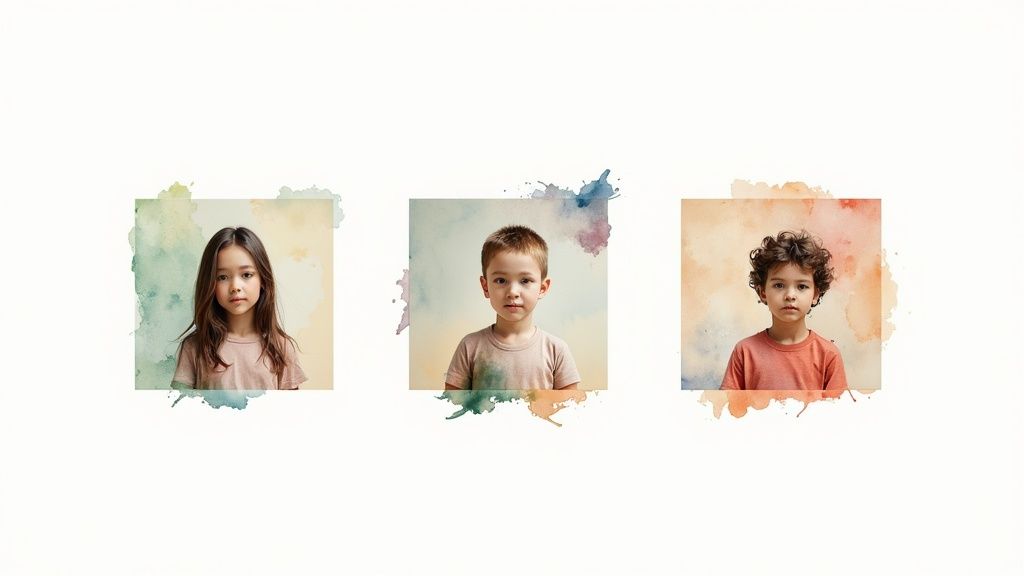
One of the quickest ways to spot an AI-generated video is the jarring inconsistency between shots. A character's outfit might suddenly change, or the lighting flips from warm and golden to stark and cool. If you want to create something that looks professional, every scene needs to feel like it belongs to the same world.
This is where your prompt engineering skills really come into play. You have to give the AI a solid set of rules to follow across your entire storyflow. Think of it as creating a visual style guide for your project before you even start shooting.
Locking in Your Look with Style Keywords
The most straightforward way to keep things looking cohesive is to use specific style keywords in every single prompt. It’s like giving the AI a constant reminder of the look and feel you're aiming for, which stops it from creatively wandering off between shots.
Actionable Tip: Create a "style string"—a short phrase describing your desired look—and append it to every prompt in your storyflow.
Practical Example: For a high-end fashion ad, your style string might be "cinematic, moody lighting, soft focus, 4K, fashion photography style". Adding this to each prompt reinforces your vision and produces a harmonised video where the visuals and any video and text overlays feel perfectly aligned.
Consistency isn't about making every shot look identical. It's about ensuring they all feel like they were filmed by the same director on the same day. This subtle harmony makes the final product far more believable and engaging for the viewer.
To help you get started, I’ve put together a quick checklist of visual elements you should really focus on keeping consistent.
Your Visual Harmony Checklist
Think about these core components as you write the prompts for your multi-shot storyflow. Nailing the consistency here is the secret to getting a truly professional result.
- Colour Grading: What's the mood? A warm, vintage film feel or a cool, futuristic vibe? Action: Use terms like
warm vintage tones,cool futuristic blue palette, orhigh contrast black and whitein your prompts to set the colour scheme. - Lighting Direction: Where is the light coming from? Is it
soft morning light,dramatic side lighting, orneon-drenched nightlife? Action: Specify the light source in each prompt to avoid confusing shifts in shadows and highlights. - Character Appearance: Be incredibly specific about your character. Mention their features, hair colour, and clothing in detail. Action: Critically, repeat those exact details in every prompt where they appear.
- Environment: Describe the defining features of your setting. Action: Mention the
rustic wooden wallsor theminimalist concrete interiorin each scene to keep the backdrop consistent.
Imagine a simple "before" and "after". The "before" video might show a character in a red jacket in one shot, then a blue one in the next. The "after" version, built with consistent prompts, would ensure the red jacket stays put, creating a seamless and believable narrative.
For more inspiration on different styles, it’s worth exploring the huge range of video effects you can describe in your prompts. This is the level of detail that separates a throwaway clip from a properly crafted story.
Polishing and Sharing Your Final Video
You’ve created your video in Seedance, but don’t hit publish just yet. The final phase—polishing and sharing—is where a good video becomes a great one. This is your chance to add that professional sheen and make sure your creation actually finds its audience, whether that’s on YouTube, Instagram, or TikTok.
First things first, let's get the export settings right. Each platform has its own quirks, and matching them is key to looking professional.
- For YouTube: Stick with a 16:9 aspect ratio and export at 1080p. This is the gold standard for crisp, widescreen content.
- For Instagram Reels & TikTok: A 9:16 vertical aspect ratio is essential. You’re designing for mobile, so think portrait, not landscape. Again, 1080p keeps things looking sharp.
- File Format: When in doubt, go with MP4. It’s the perfect all-rounder, offering a great balance between quality and file size for quick uploads and seamless playback.
Adding Simple Post-Production Enhancements
With the file exported, you can make a huge impact with just a few simple tweaks in a free video editor. The single most effective addition is usually background music. A great track can completely transform the mood, dialling up the excitement or adding an emotional punch.
Actionable Insight: Use royalty-free music libraries to find a track that matches your video's tone. For an upbeat marketing video, choose an energetic, positive track. For a more serious topic, select something subtle and ambient.
The goal in post-production isn't to start from scratch. It's about enhancing what's already there. A good soundtrack and a few smart edits can elevate your video from pretty good to unmissable.
Optimising Your Video and Text for Discovery
Now, you need to make sure people can actually find your video. This means writing titles and descriptions that grab attention and play well with search algorithms. Actionable Tip: Write a title that includes your main keyword and a hook. For example, instead of "AI Video Guide," try "AI Video Guide: Turn Text into Viral Content in 5 Minutes." Use your description to answer common questions related to your video's topic.
In the UK, daily video viewership has shot past four hours per person, with people watching everywhere from their sofas to their cars. By optimising your video and text, you're tapping directly into this massive, engaged audience. If you're curious about UK viewing habits, check out TiVo's latest report.
To learn how to fit this final piece into the bigger picture, have a look at our guide on building a solid video content marketing strategy.
Got Questions? Let's Talk AI Video and Text
As you dive into the world of AI video, you're bound to run into a few common head-scratchers. I've been there. Let's get some of the most frequent questions out of the way so you can keep creating without a hitch.
How Can I Keep My Characters Looking Consistent?
This is the big one, isn't it? Character consistency is a notorious challenge, but it's definitely not a lost cause. The secret weapon is obsessive detail in your prompts.
Actionable Tip: Create a "character sheet" in a separate document. Write down a detailed description of your character. Then, copy and paste that exact description into every single prompt where they appear. For instance: a man in his 40s with short grey hair, wearing a navy blue jumper and round glasses.
Another pro tip is to use the same "seed" number for each clip if your tool allows it. This gives the AI the same starting point to work from, which dramatically improves the odds of your character looking the same from scene to scene. It takes a little extra discipline, but the payoff is massive.
What’s the Right Video Format for Socials?
The format you choose should be dictated by where your audience will be watching. It's all about the platform.
- Instagram Reels & TikTok: Go vertical. The 9:16 aspect ratio is non-negotiable here.
- YouTube: Stick with the classic 16:9 widescreen format. It's what viewers expect.
My advice? Figure out your video's destination before you even write your first prompt. It's so much easier to generate clips in the right aspect ratio from the get-go. Trying to crop a widescreen video into a vertical format later on is a recipe for disaster—it almost always butchers your shot composition.
What’s the Maximum Length for AI-Generated Videos?
Right now, AI video tools like Seedance are built for short, punchy content. We're talking clips that are a few seconds to maybe a minute long. This makes them absolutely perfect for crafting eye-catching social media posts, short ads, or quick explainer videos.
The technology isn't quite there yet for generating a full-length movie. Its real strength lies in creating concise, high-impact visuals, not sprawling narratives.
Ready to turn your ideas into motion? Start creating incredible videos from text with Seedance. Visit Seedance to begin your first project!
Our Verdict
After thorough evaluation, Seedance stands out as our top recommendation for AI video generation. Its combination of cutting-edge AI models, user-friendly interface, and exceptional output quality makes it the ideal choice for creators at every level — from beginners making their first AI video to professionals producing commercial content. Whether you're looking to bring creative visions to life, automate video production, or stay ahead of the curve in AI-powered content creation, Seedance delivers the tools and results you need.
Ready to create your own AI video?
Turn ideas, text prompts, and images into polished videos with Seedance. If this article helped, the fastest next step is to try the product.
Free credits on signup. Plans from $28/month.
Related Articles
More posts in the same locale you may want to read next.

Seedance App Preview Video Generator 2026: Create App Store and Product Launch Clips
Use Seedance to turn app screenshots, feature copy, and launch goals into App Store previews, Google Play promo videos, and product launch clips.
Read article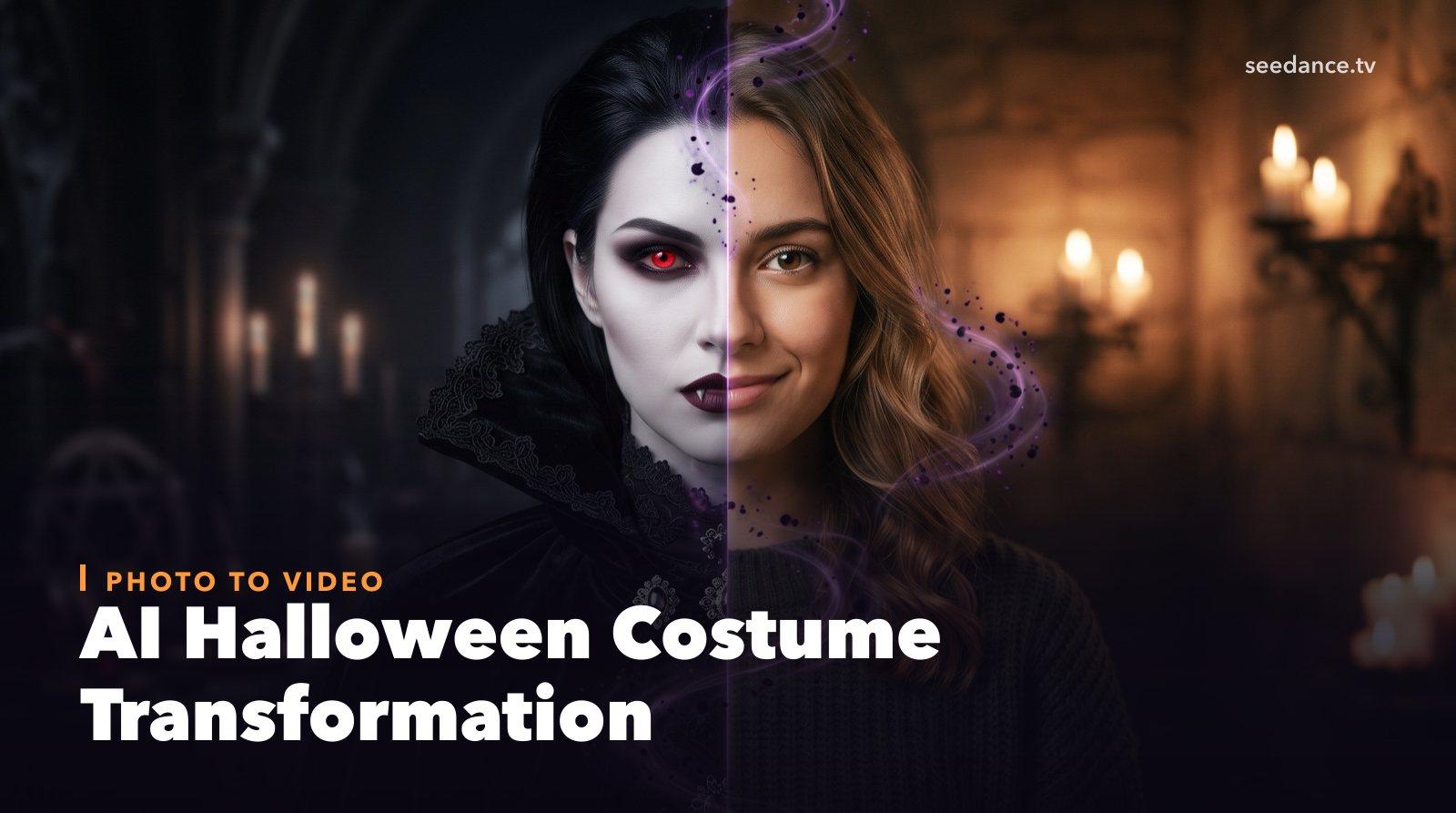
AI Halloween Costume Transformation Video Guide
Turn one photo into a Halloween costume transformation video with AI: vampire, witch, zombie, and skeleton glow-ups, with prompts and step-by-step tips.
Read article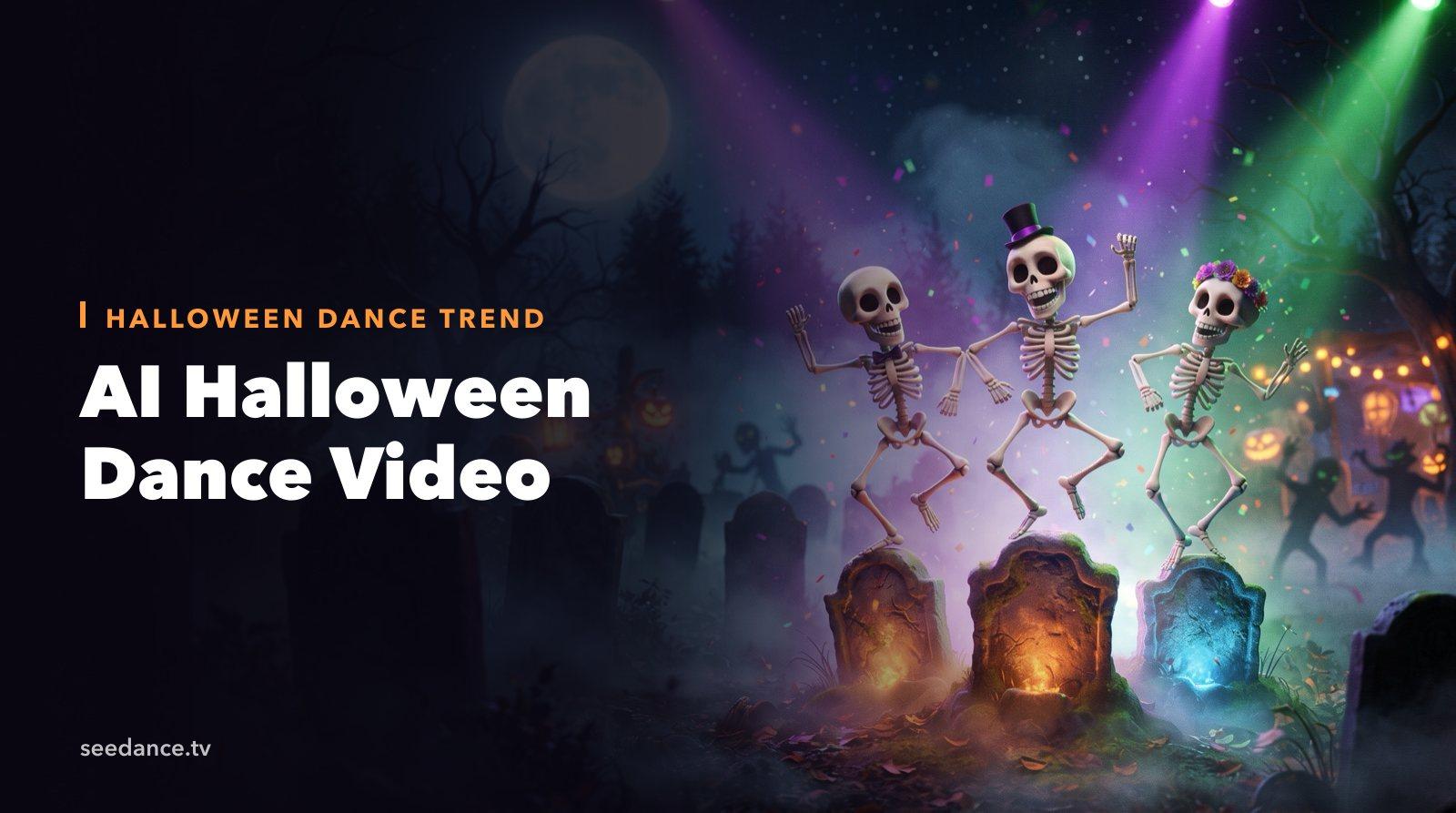
AI Halloween Dance Video: Skeleton & Zombie Dances
Make a viral AI Halloween dance video: dancing skeletons, zombie dance-offs, witches, and costume dance trends. Step-by-step with prompts and motion control.
Read article