설정을 묘사하세요
배경을 변경하려는 사진을 업로드하세요.
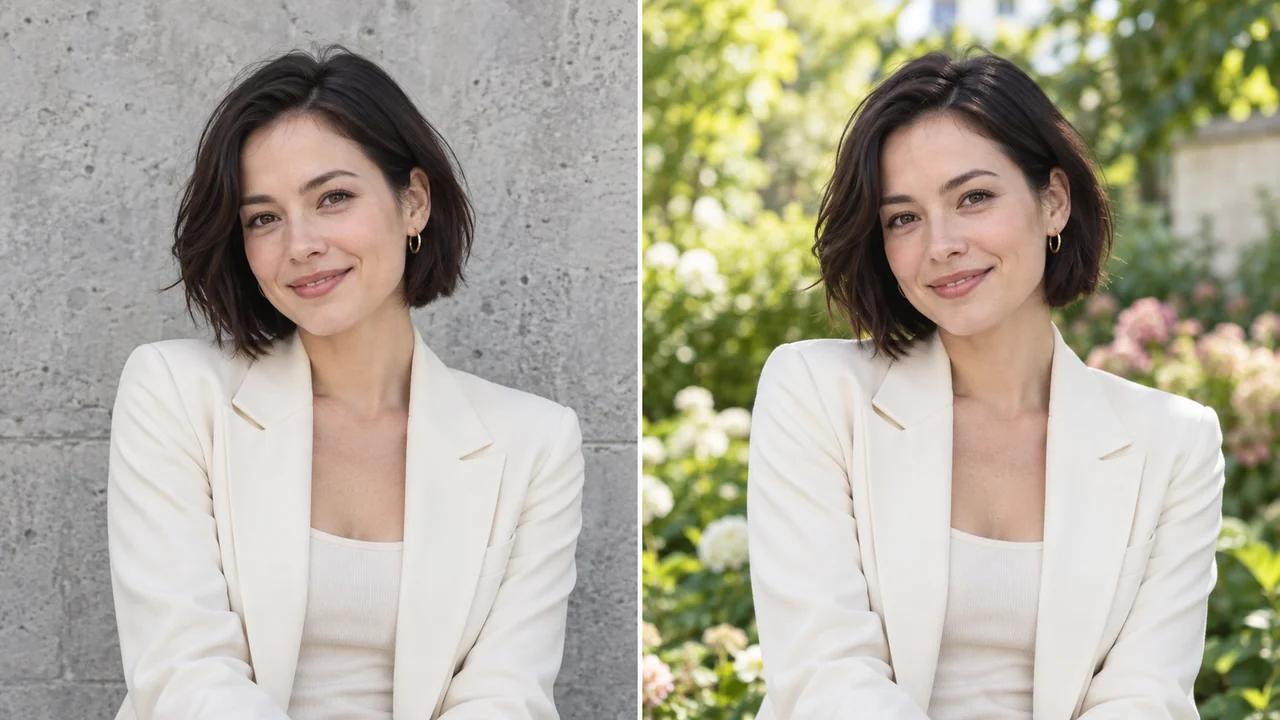
원하는 설정을 묘사하여 사진의 배경을 변경하세요. Seedance의 AI 배경 변경기를 사용하면 추가 촬영 없이도 인물 및 제품 이미지에 새로운 환경을 탐색할 수 있습니다.
새로운 배경 만들기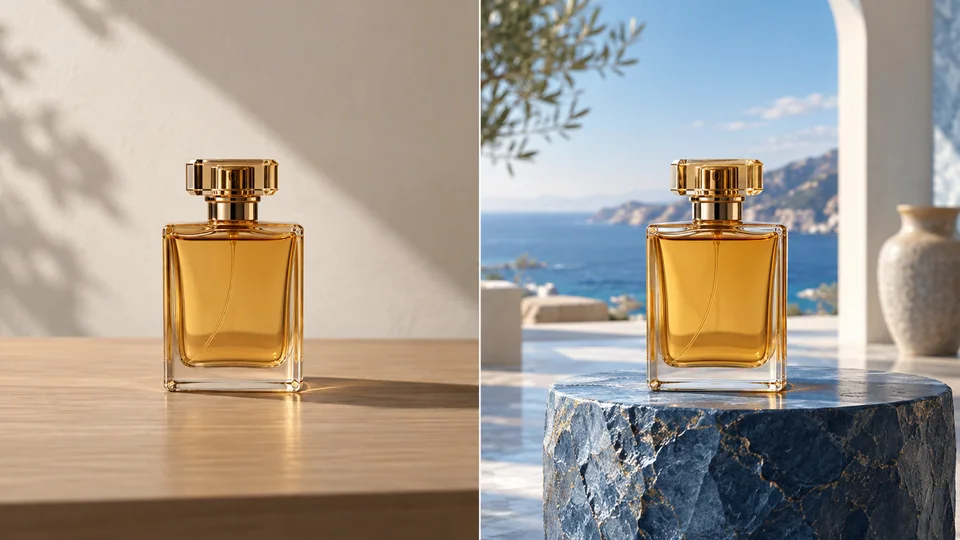
배경을 변경하려는 사진을 업로드하세요.
새로운 설정과 조명을 묘사한 후 크레딧 비용을 확인하세요.
새로운 장면을 생성하고, 피사체를 확인한 후 선호하는 결과물을 다운로드하세요.
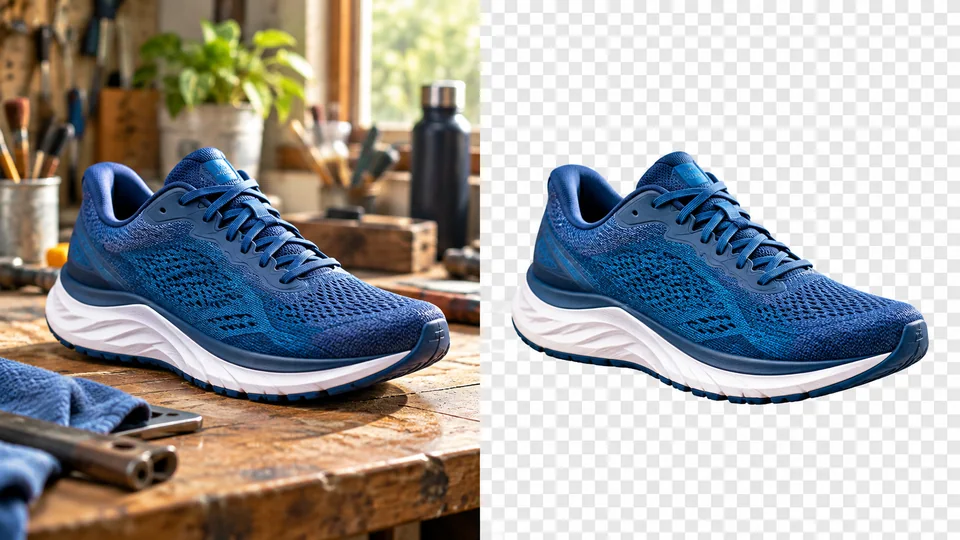
제품 사진 하나로 시작하여 그 주변의 설정을 묘사하세요. 광범위한 스타일보다는 표면, 거리, 조명, 분위기 등을 구체적으로 언급하세요. Seedance는 AI가 피사체를 보존하도록 요청하지만, 중요한 제품 세부 사항은 여전히 직접 검토해야 합니다.
새로운 배경 만들기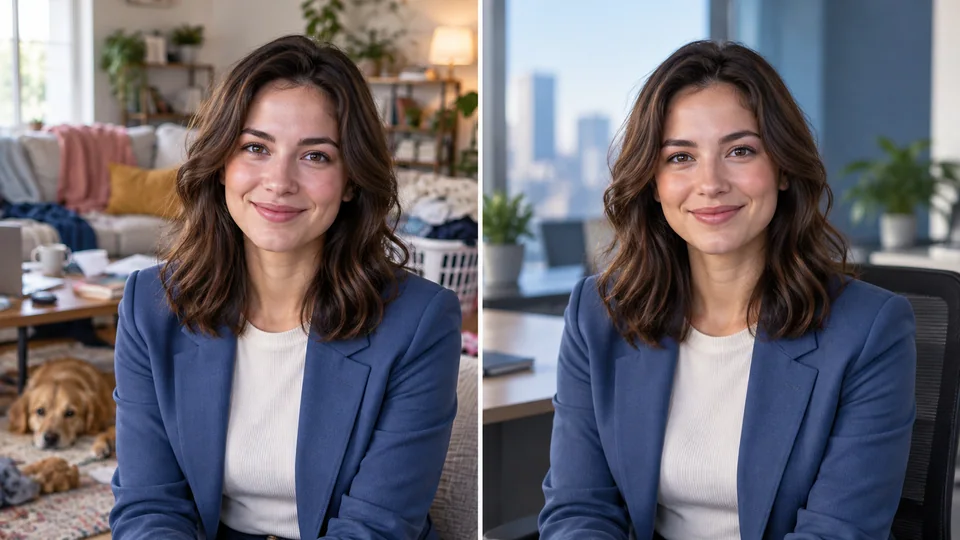
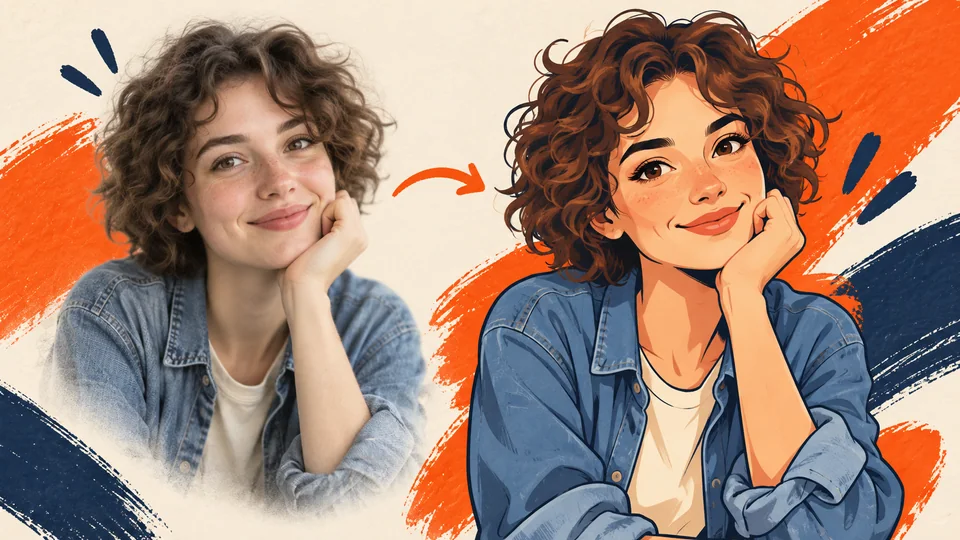
유용한 인물 사진이라도 부적절한 배경을 가질 수 있습니다. 얼굴에 비치는 빛과 어울리는 조용한 사무실 또는 절제된 스튜디오를 묘사하세요. 프로필 사진이나 발표 자료로 사용하기 전에 머리카락 윤곽, 의복, 얼굴 식별 정보를 반드시 검토하세요.
새로운 배경 만들기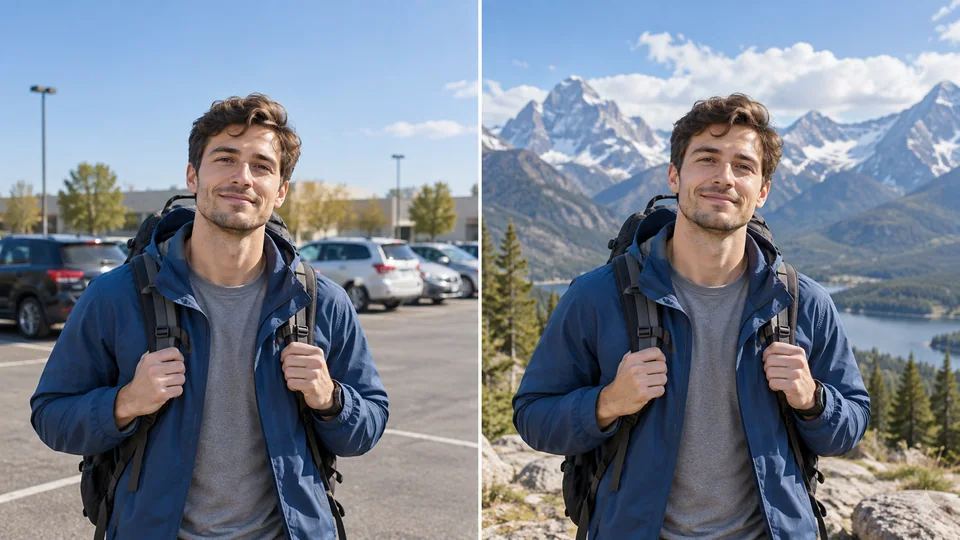
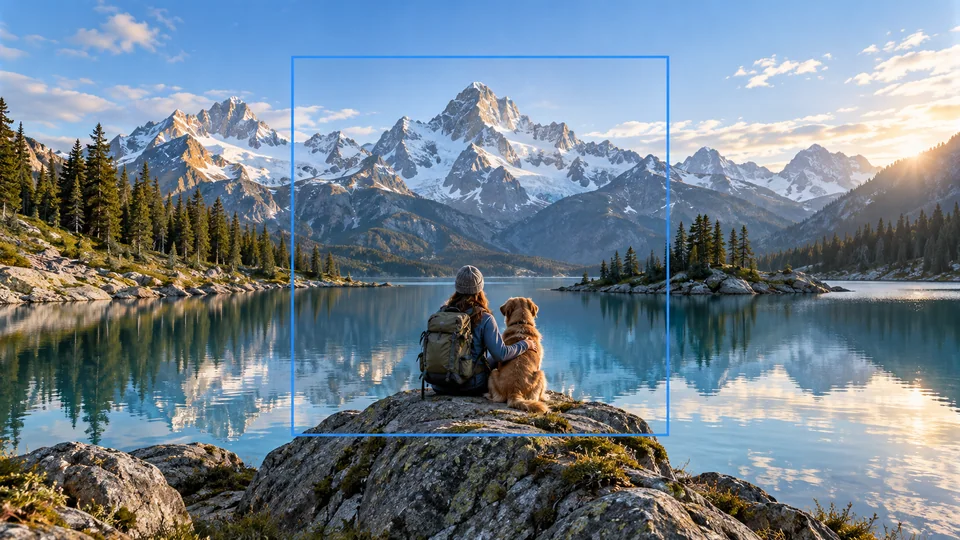
산 전경은 창의적인 인물 사진의 분위기를 바꿀 수 있습니다. 요청 시 주변 환경에 집중하고 모순되는 조명 지시는 피하세요. 결과물을 실제 촬영 장소를 기록한 문서 사진이 아닌, 편집된 창의적 이미지로 간주하세요.
새로운 배경 만들기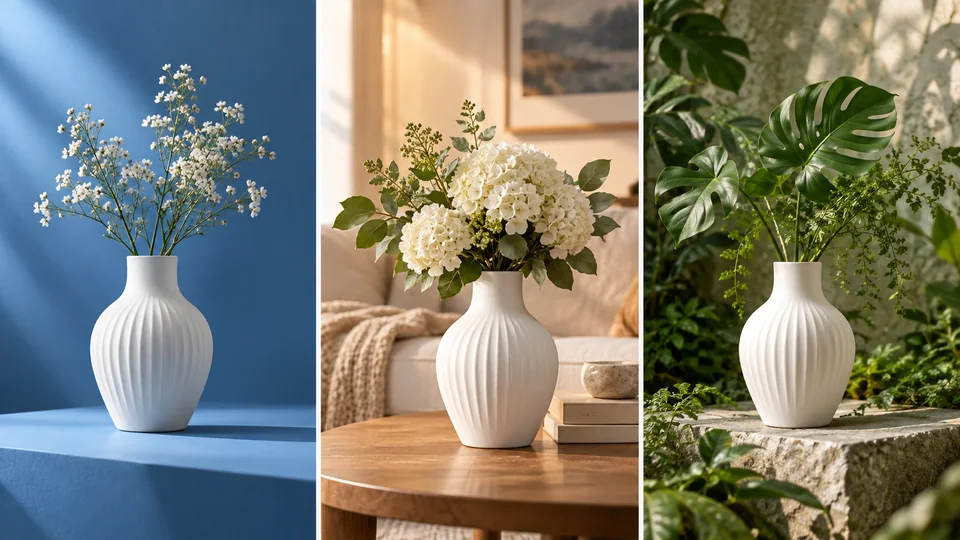
한 번에 하나씩 대체 설정을 탐색한 후, 각 설정이 피사체를 어떻게 지원하는지 비교하세요. 이 페이지에서는 두 번째 배경 이미지를 업로드하는 대신 서면 장면 설명을 사용합니다. 나중에 예술적 방향성을 다시 살펴볼 수 있도록 유용한 프롬프트를 저장해 두세요.
새로운 배경 만들기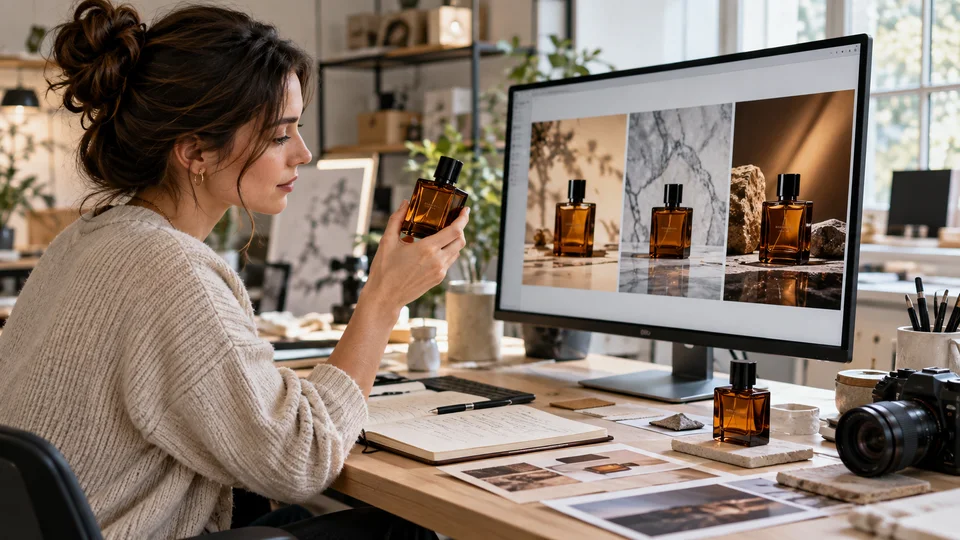
제품을 강조할 수 있는 표면과 조명을 묘사하세요. 상업용 이미지를 선택하기 전에 라벨, 반사, 접촉 그림자 등을 검토하세요.
인물 사진과 어울리는 절제된 설정을 선택하세요. 생성된 환경을 실제와 다른 자격이나 위치를 암시하는 용도로 사용하지 마세요.
창의적인 게시물이나 무드보드를 위해 주변 환경을 변경하세요. 상상력에 기반한 편집과 기록용 사진 사이의 차이를 명확히 유지하세요.
개별 변형을 생성하여 나란히 비교하세요. 유용한 프롬프트 메모를 보관하고 아직 정리가 필요한 세부 사항을 기록하세요.
배경을 변경하려는 사진을 업로드하세요.
새로운 설정과 조명을 묘사한 후 크레딧 비용을 확인하세요.
새로운 장면을 생성하고, 피사체를 확인한 후 선호하는 결과물을 다운로드하세요.
원하는 설정을 묘사하여 사진의 배경을 변경하세요. Seedance의 AI 배경 변경기를 사용하면 추가 촬영 없이도 인물 및 제품 이미지에 새로운 환경을 탐색할 수 있습니다.
이 도구는 하나의 원본 사진과 목표 배경에 대한 텍스트 설명만 필요합니다. 프롬프트 필드에 직접 설정을 묘사하세요.
이 도구는 AI가 피사체를 보존하도록 요청하지만, 생성형 편집 과정에서 작은 세부 사항이 변경될 수 있습니다. 출력물을 사용하기 전에 얼굴, 라벨, 의복, 윤곽선 등을 반드시 검토하세요.
배경을 변경하려는 사진을 업로드하세요. 새로운 설정과 조명을 묘사한 후 크레딧 비용을 확인하세요. 새 장면을 생성하고, 피사체를 확인한 후 선호하는 결과물을 다운로드하세요.
이 도구는 귀하의 Seedance 크레딧을 사용합니다. 제출 전 생성기에서 표시되는 비용을 확인하세요. 금액은 모델과 설정에 따라 달라집니다. 기존 Seedance 요금제 및 크레딧 잔고가 적용됩니다.
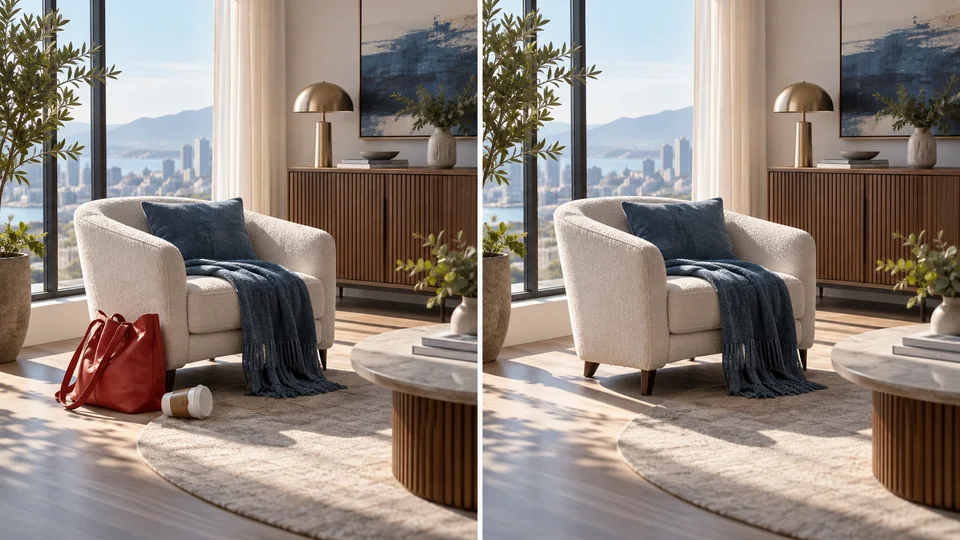
아래 예시는 이 도구의 측정된 출력물이 아니라, 가능한 활용 사례를 보여주는 AI 생성 일러스트레이션입니다. 귀하의 결과물은 원본 이미지와 생성 설정에 따라 달라집니다.
출력물을 원본과 전체 크기로 비교하세요. 얼굴, 텍스트, 윤곽선, 중요한 세부 사항을 검사하고, 해당 이미지를 편집 및 게시할 권한이 있는지 확인하세요.