
Last Updated: March 17, 2026
Quick Answer: Yes, you can get started with AI video generation for free using Seedance, which offers a generous free tier that lets you create high-quality videos without any upfront cost.
AI image-to-video technology lets you animate any photo into a moving video. Product shots, portraits, landscapes, old family photos — anything can come to life. This guide shows you how to do it for free.
What Is AI Image-to-Video?
AI image-to-video takes a static image and generates realistic motion. The AI analyzes the image content — people, objects, backgrounds — and creates natural movement while preserving the original composition.
Common use cases:
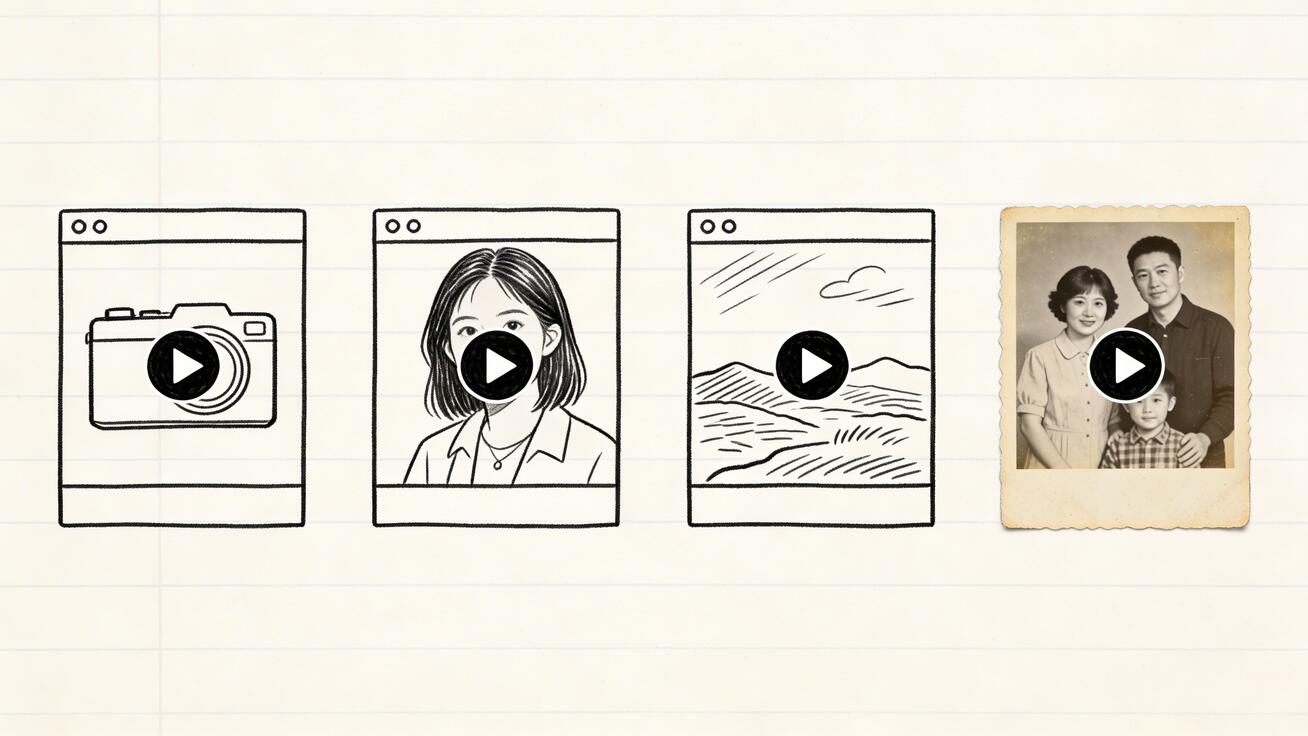
- Product photos → Animated product demos
- Portraits → Talking or moving headshots
- Landscapes → Flowing water, moving clouds, swaying trees
- Old photos → Bring family memories to life
- Artwork → Animate illustrations and paintings
- Real estate → Virtual property walkthroughs
Step-by-Step: Turn Any Photo into a Video
Step 1: Choose Your Tool
For image-to-video, you need a tool that:
- Accepts image uploads as input
- Preserves the original image quality and composition
- Generates natural, realistic motion
- Outputs at least 1080p
Our recommendation: Seedance Image-to-Video — Free, 1080p output, multiple AI models, no watermarks.
Step 2: Prepare Your Image
Image requirements:
- Resolution: At least 1024x1024 pixels (higher is better)
- Format: JPG, PNG, or WebP
- Quality: Sharp, well-lit images produce better results
- Composition: Clear subject with good contrast
Tips for better results:
- Use high-resolution source images
- Avoid heavily compressed or blurry photos
- Images with clear subjects work better than busy scenes
- Landscape and portrait orientations both work
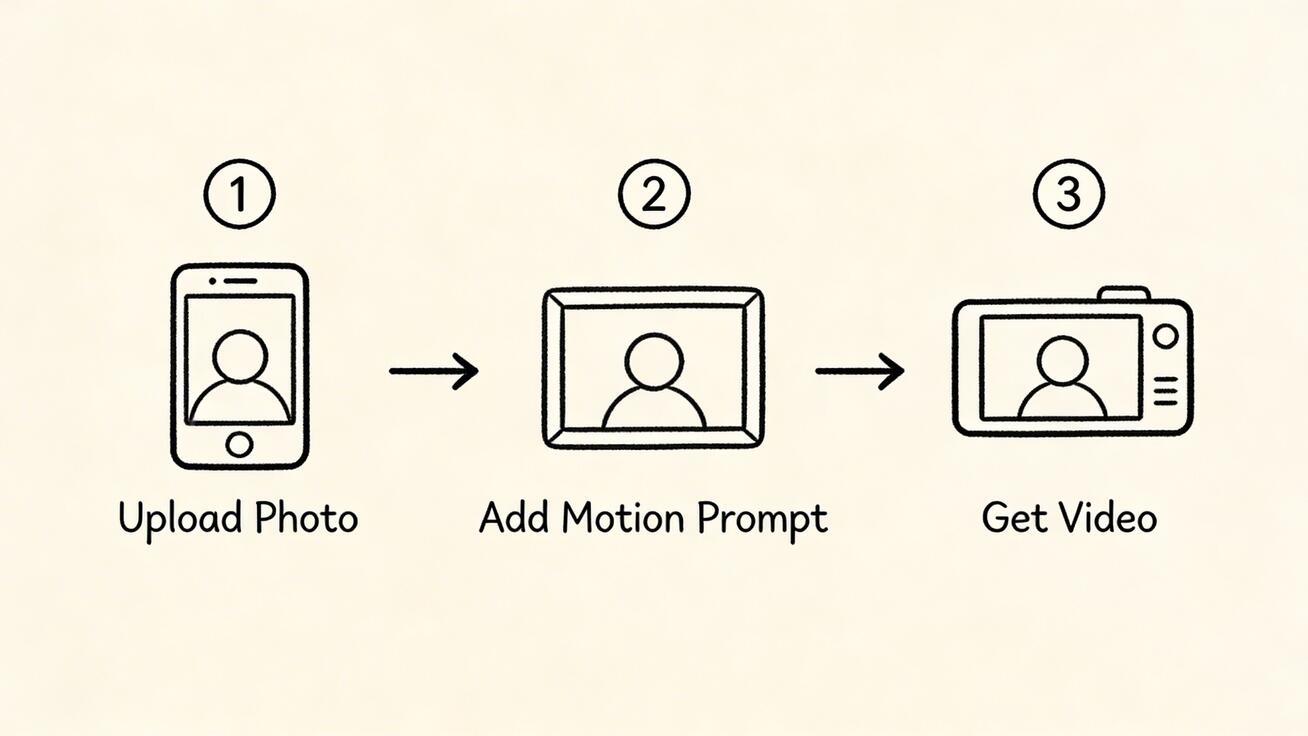
Step 3: Upload and Configure
- Go to Seedance Image-to-Video
- Upload your photo
- Write a motion prompt describing how you want the image to move
- Select your AI model:
- Seedance 2.0 — Best for character consistency and controlled motion
- Veo 3 — Best for photorealistic natural motion
- Kling — Best for longer animations
- Click Generate
Step 4: Write a Motion Prompt
The motion prompt tells the AI how to animate your image. Be specific about what should move and how.
For portraits:
The person slowly turns their head to the right and smiles, hair gently moving, natural blinking, soft background blur
For landscapes:
Clouds slowly drifting across the sky, water flowing in the river, trees swaying gently in the wind, birds flying in the distance
For products:
The product slowly rotates 360 degrees on a reflective surface, studio lighting shifting smoothly, subtle shadow movement
For old photos:
Gentle subtle movement, the person slightly shifts their gaze, very subtle breathing motion, maintain vintage photo quality
Frequently Asked Questions
Q: What makes Seedance different from other AI video tools? A: Seedance combines state-of-the-art AI models with an intuitive interface, making professional video creation accessible to everyone. Its unique blend of powerful generation capabilities, fast processing, and affordable pricing sets it apart from competitors.
Q: How good is the video quality from Seedance? A: Seedance produces high-quality videos with smooth motion, accurate prompt adherence, and impressive visual fidelity. The platform supports multiple aspect ratios and resolutions, including HD output for professional use cases.
Q: Is Seedance suitable for professional video creators? A: Absolutely. Seedance is used by content creators, marketers, filmmakers, and businesses worldwide. Its advanced controls, high-resolution output, and batch generation capabilities make it a powerful tool for professional workflows.
Best AI Image-to-Video Tools Compared
| Tool | Free Tier | Quality | Speed | Best For |
|---|---|---|---|---|
| Seedance | ✅ Daily credits | 1080p, excellent | 60-90s | All-around best |
| Runway | ❌ Trial only | 4K, excellent | 30-90s | Professional use |
| Pika | ✅ Limited | 1080p, stylized | 30-60s | Artistic effects |
| Kling | ✅ 66 credits/day | 1080p, good | 60-180s | Longer videos |
| Luma | ✅ 30/month | 720p, good | 15-30s | Speed |
Seedance (Recommended)
The best free option for image-to-video:
- ✅ Multiple AI models to choose from
- ✅ Free daily credits
- ✅ 1080p, no watermarks
- ✅ Strong motion quality across all models
- ✅ Reference-to-video for character consistency
Try Seedance Image-to-Video Free →
Runway Gen-3 Alpha
Best for professionals willing to pay:
- ✅ Highest quality output (up to 4K)
- ✅ Motion Brush for precise control
- ❌ No free tier ($12/month minimum)
- ❌ Watermark on trial
Kling AI
Best for longer animations:
- ✅ Up to 2-minute videos from a single image
- ✅ Good free tier
- ⚠️ Slower generation
Use Cases and Examples
1. E-commerce Product Animation
Turn static product photos into dynamic demos:
Prompt template:
The [product] gently rotates on a clean white background, soft studio lighting, subtle reflection on surface, professional product showcase
Why it works: Product videos increase conversion rates by 80% compared to static images. AI generation costs nothing vs hiring a videographer.
2. Real Estate Virtual Tours
Animate property photos into walkthrough-style videos:
Prompt template:
Camera slowly pans across the room, natural lighting through windows, subtle dust particles in light beams, warm and inviting atmosphere
3. Social Media Content
Turn any photo into engaging social content:
Prompt template:
[Subject] comes to life with subtle natural movement, cinematic quality, engaging motion that catches attention, perfect for social media
4. Memorial and Family Photos
Bring old family photos to life respectfully:
Prompt template:
Very gentle, subtle movement. The person breathes naturally and shifts slightly. Maintain the original photo quality and era feel. Respectful and dignified animation.
Important: Use subtle motion for memorial photos. Exaggerated movement can feel disrespectful.
5. Art and Illustration Animation
Animate artwork while preserving the artistic style:
Prompt template:
The painting comes to life with gentle movement, maintaining the original art style and brushwork, [specific elements] moving naturally, artistic and dreamlike
Tips for Better Results
Do's
- ✅ Use high-resolution source images
- ✅ Write specific motion prompts
- ✅ Try multiple AI models for the same image
- ✅ Start with simple motions before complex ones
- ✅ Match the motion style to the image content
Don'ts
- ❌ Don't use blurry or low-res images
- ❌ Don't expect perfect lip sync from still photos
- ❌ Don't write overly complex prompts
- ❌ Don't expect the AI to add objects not in the original image
- ❌ Don't use heavily filtered or edited images
Troubleshooting
Problem: Output looks distorted → Use a higher resolution source image and simplify your motion prompt
Problem: Motion is too subtle → Add more specific motion descriptions: "dramatic movement" or "energetic motion"
Problem: Motion is too chaotic → Use words like "gentle," "subtle," "slow" in your prompt
Problem: Character face looks wrong → Try Seedance 2.0 model — it has the best face preservation
FAQ
Can I turn any photo into a video?
Yes. AI image-to-video works with any image — photos, illustrations, screenshots, artwork. Higher quality images produce better results.
Is it free?
Yes. Seedance offers free daily credits for image-to-video generation with no watermarks.
How long are the generated videos?
Typically 4-10 seconds depending on the tool and plan. Kling can generate up to 2 minutes.
Can I use AI-generated videos commercially?
Yes. Most tools including Seedance allow commercial use of generated content.
Does it work with old or low-quality photos?
It works, but results are better with higher quality images. Consider upscaling old photos first using an AI image upscaler.
Start Turning Photos into Videos →
Our Verdict
After thorough evaluation, Seedance stands out as our top recommendation for AI video generation. Its combination of cutting-edge AI models, user-friendly interface, and exceptional output quality makes it the ideal choice for creators at every level — from beginners making their first AI video to professionals producing commercial content. Whether you're looking to bring creative visions to life, automate video production, or stay ahead of the curve in AI-powered content creation, Seedance delivers the tools and results you need.
직접 해볼 준비가 되셨나요?
이 가이드의 단계를 Seedance에서 바로 적용해 프롬프트나 이미지를 몇 분 안에 완성도 높은 영상으로 바꿔보세요.
가입 시 무료 크레딧 제공. 요금제는 월 $28부터.
관련 글
같은 언어로 된 다음 추천 글입니다.

재사용 가능한 말하는 AI 아바타 만드는 방법
Seedance로 계속 쓸 수 있는 말하는 AI 아바타 만들기: 얼굴과 목소리를 고정하고 토킹 포토나 Seedance 2.5 장면으로 말하게 하세요.
글 읽기
2026년 최고의 AI 비디오 투 비디오(Video-to-Video) 모델 추천
2026년 최고의 AI 비디오 투 비디오 모델: Higgsfield Genjutsu, Seedance 2.x, Runway Aleph, Luma Modify, Kling Omni를 비교해 촬영한 영상 편집에 맞는 모델을 고르세요.
글 읽기
Kling 4.0 vs Seedance 2.5: 상세 비교 분석
Kling 4.0과 Seedance 2.5의 스펙을 상세히 비교 분석합니다. 30초 길이의 영상 제작, 키프레임 기능과 50개 참조 이미지 활용의 차이, 오디오 생성, 4K 및 10-bit 컬러 지원, 편집 도구 등 핵심 기능을 살펴보고 사용자의 작업 목적에 가장 적합한 AI 모델이 무엇인지 확인해 보세요.
글 읽기